
Top Free Audio Recording Software: Simplified and Reliable

Summary
Learn how to improve audio quality in movie recordings by using professional recording software for Windows and Mac computers. Discover the advantages and disadvantages of different options for quick decision-making.


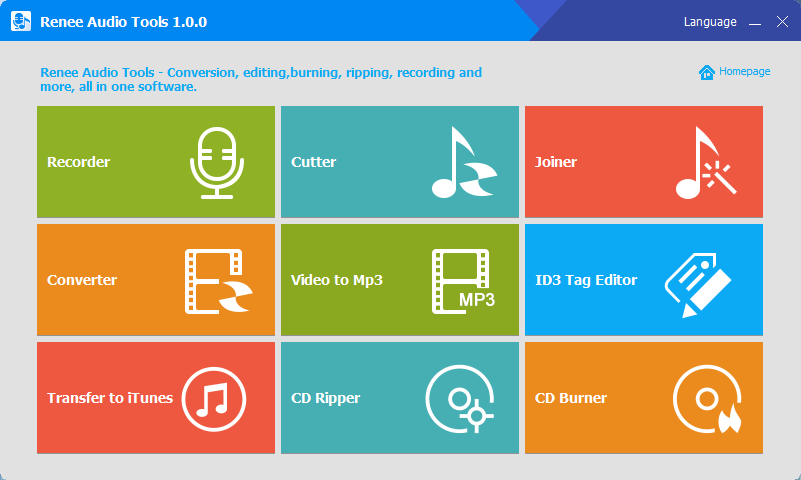

CutterArbitrarily cut and clip audios in MP3, ACC, FLAC and APE formats. Many effects, such as fade in/out, speed adjustment, music mixing and volume adjustment, are available.
ConverterConvert music files between all audio formats, including MP3, M4A, ACC, OGG, AAC, FLAC and the others. It can also convert the video format into MP3.
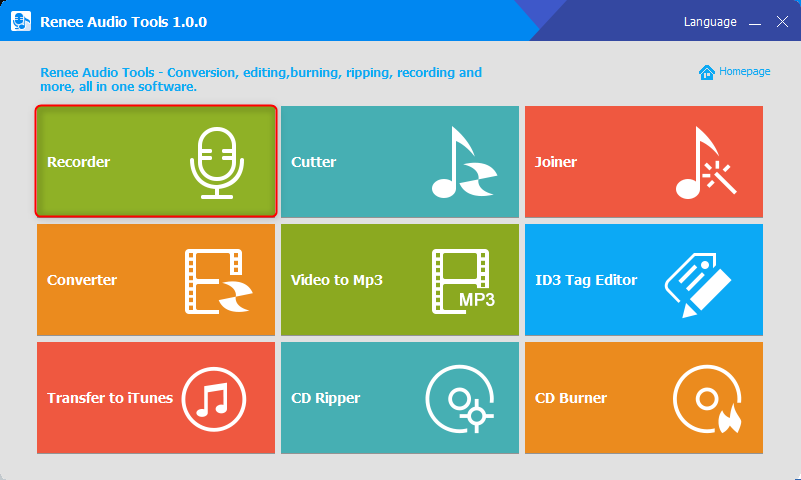
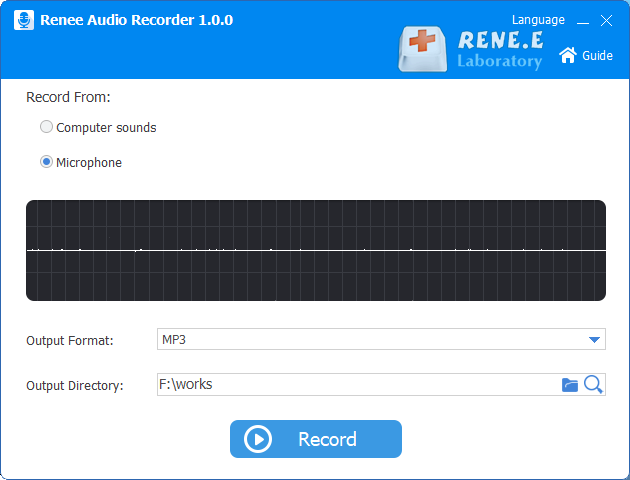
RecorderRecord computer sounds from streaming media and microphone at the same time and output into multiple audio formats.
JoinerMerge music files into one regardless the original file formats. The output format and quality can be set, too.
CD BurnerBurn multiple music files into CD, DVD and also make APE or BIN image file.
Compatible with: Windows 11 / 10 / 8.1 / 8 / 7 / Vista / XP (32bit/64bit)
CutterArbitrarily cut and clip audios in diffrent formats. Many effects, such as fade in/out, speed adjustment, music mixing, are available.
ConverterConvert music files between all audio formats, including MP3, M4A, ACC, OGG, AAC, FLAC and the others. It can also convert the video format into MP3.
RecorderRecord computer sounds from streaming media and microphone at the same time and output into multiple audio formats.
- 100% free.
- Audio recording is easy to operate and suitable for different users.
- Support to record the sound of streaming media and export it as common audio formats.
- Full-featured audio editing features including cutting, merging, converting, and more.
- Supports to extract audio from CD and burn audio CD.
- Supports converting various video files into audio files.
shortcoming:Only Windows OS is supported.
Audacity is a free and open source audio recording software that supports cross-platform use. It can record sound from your computer, including microphone and streaming audio. Audacity is loved by audiophiles and podcasters for its user-friendly interface and functionality. Its main features include audio recording and editing, including multi-track recording capabilities.
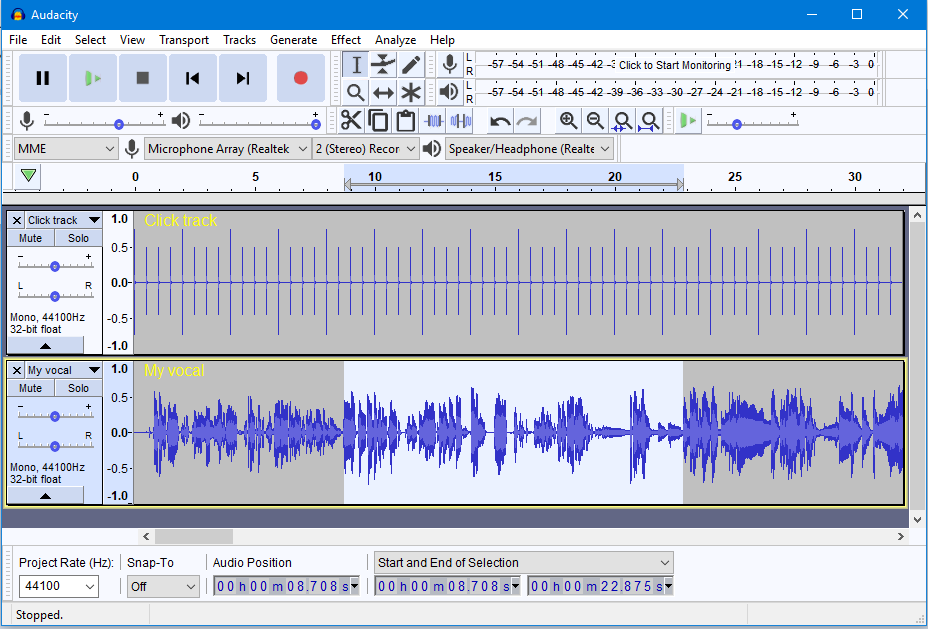
- Excellent audio recording.
- Provides a variety of audio effects.
- Completely free and an open source audio recording tool.
- It is suitable for all types of operating systems such as Windows, macOS, GNU/Linux, etc.
- The noise reduction tool performed well.
shortcoming:
- Messy operation interface, functional interface is not as simple as Renee Audio Tools.
- Compared with other software, it takes a long time to wait when importing large files.
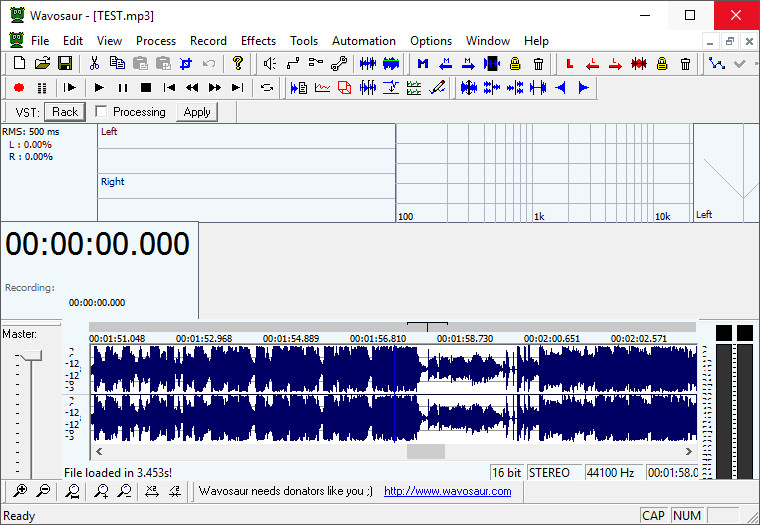
- Audio recording is easy to operate.
- It can process and convert audio files in batches.
- Audio editing is also possible after audio recording.
- It takes up less storage space and can be used without installation.
- Support ASIO and it can load VST plug-ins.
shortcoming:
- Only Windows OS is supported.
- Outdated interface, average user experience.
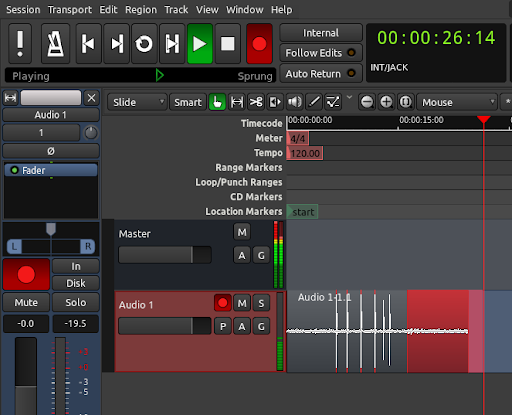
- Download and use for free.
- The simple interface can help users quickly record any audio track.
- Record high-quality audio tracks.
- Powerful editing functions.
- Available on GNU/Linux, Mac, and Windows operating systems.
shortcoming:It takes up too much memory space.
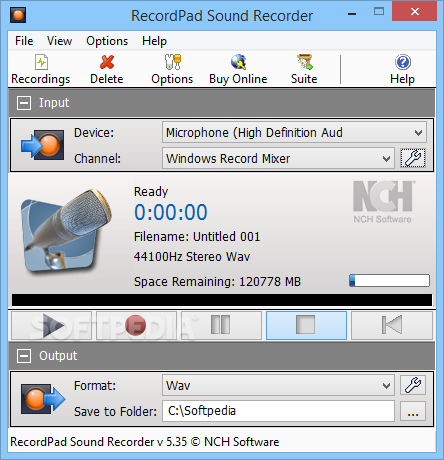
- Simple user interface and recording operation.
- Support hotkey control while recording audio.
- It can burn files directly to CD/DVD while recording.
- Allows users to share audio via mail or FTP server.
shortcoming:
- Functionality is limited and audio editing is not supported.
- In terms of output format, there are only three audio formats to choose from.
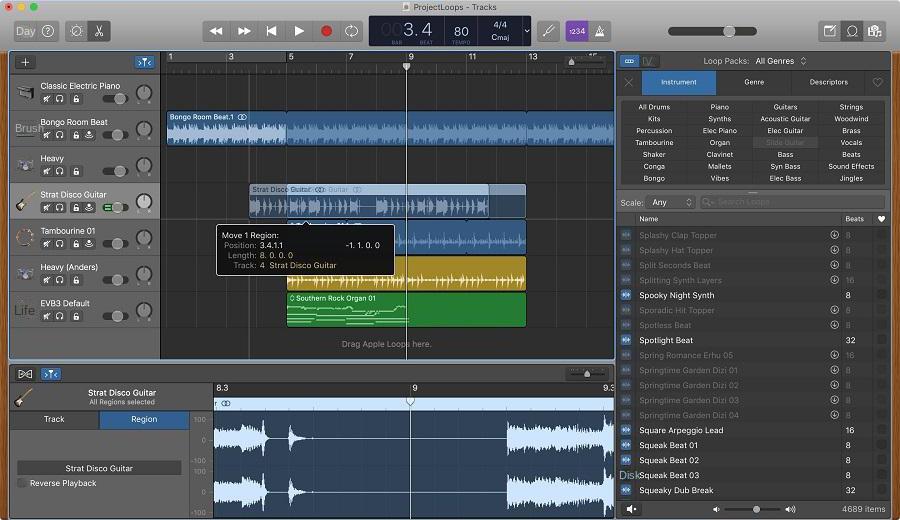
- Intuitive user interface.
- The recording operation is simple.
- High-quality virtual instruments.
shortcoming:
- The software is developed by Apple, so it is only compatible with iOS and macOS.
- Editing functions for various audio parameters are limited.
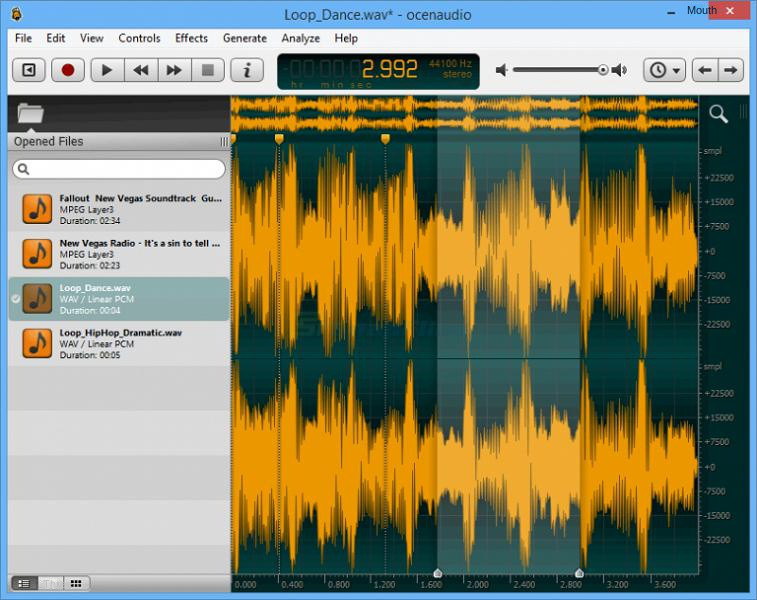
- The program's sound spectrum is relatively advanced.
- The user interface is very simple and easy to operate.
- Compatible with Mac, Windows and Linux operating systems.
shortcoming:
- The program cannot load files directly from a disc.
- Not open source recording software.
Ctrl + R) to start and stop recording.
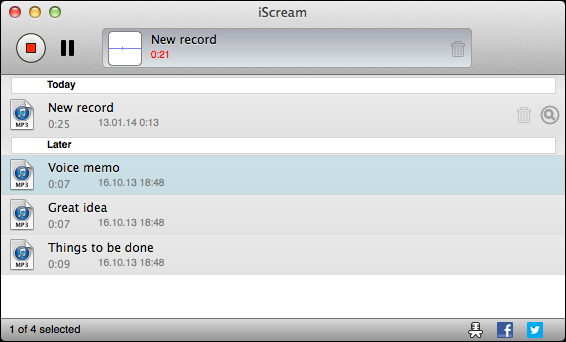
- Simple operation, one-key recording.
- Hotkey support for quick control of the recording process.
- High-quality audio recording.
shortcoming:
- Audio editing functions are not supported.
- Recording files can only be saved in three audio formats: MP3, AAC, and WAV.
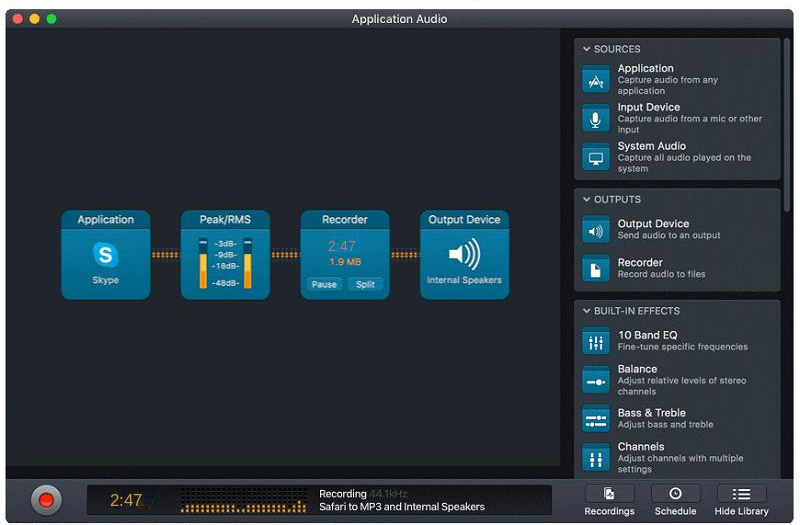
- Supports to automatically stop recording.
- Allow users to listen to the audio when recording real-time sound.
- Support recording and saving as mainstream audio formats.
- The user interface is simple and easy to operate.
shortcoming:Only macOS is supported.
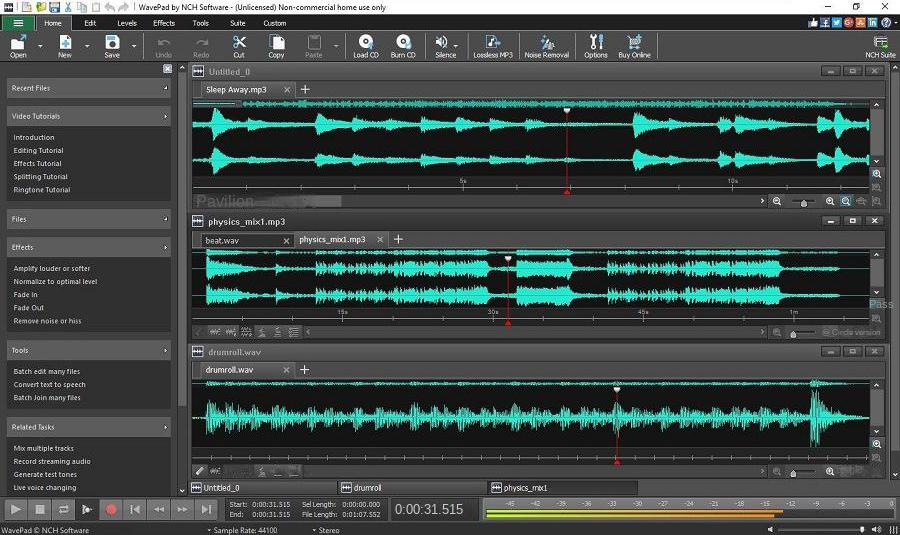
- Offers free download.
- Supports batch processing of audio files.
- Friendly user interface and the recording operation is simple.
- WavePad supports almost all audio formats.
- When recording audio, you can control the audio track by amplifying, normalizing, or equalizing.
- It is compatible with all major operating systems including Windows, maxOS, Andriod, and iOS.
- The free version of WavePad supports all the basic features and is suitable for beginners.
shortcoming:
- The free version of the software has limited features and advanced features are only available in the paid version.
- Distortion may sometimes appear after performing audio noise reduction.
- The paid version of WavePad is also quite expensive.
Relate Links :
Record Audio on Windows 10 with Ease!
09-11-2026
Amanda J. Brook : Discover the best recording software for Windows 10 and learn how to record seamlessly. Find out which software...
Record Online Streaming Audio: Expert Tips & Tricks

08-11-2026
John Weaver : Master local audio saving and techniques of record streaming audio with our comprehensive guide on streaming media.
Best Audio Recording Tool for Laptop

08-11-2026
Jennifer Thatcher : Explore user-friendly recording tools to record audio on laptops. Discover our top recommendations in this detailed guide.


User Comments
Leave a Comment