
How to Convert M4A to MP3?

Summary
M4A is the file extension of MPEG-4 standard audios. But, M4A has been indicated as both of video and audio since Apple used “.m4a” in iTunes and iPod. In this essay, we will talk about how to convert M4A to MP3.

CutterArbitrarily cut and clip audios in MP3, ACC, FLAC and APE formats. Many effects, such as fade in/out, speed adjustment, music mixing and volume adjustment, are available.
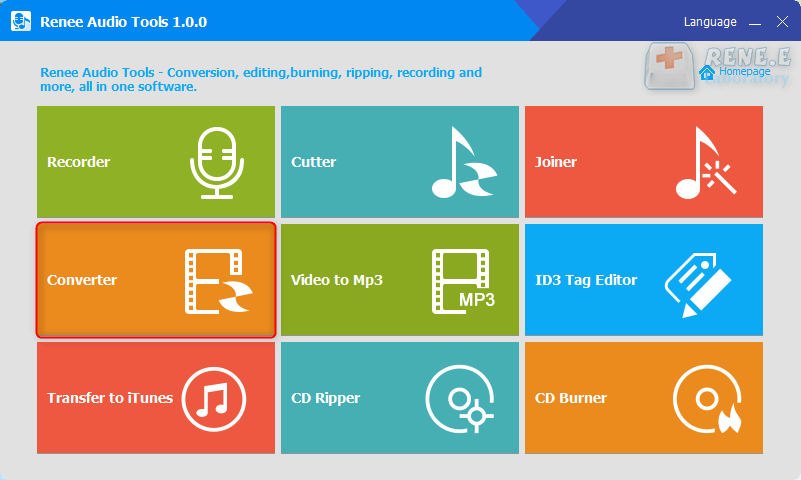
ConverterConvert music files between all audio formats, including MP3, M4A, ACC, OGG, AAC, FLAC and the others. It can also convert the video format into MP3.
RecorderRecord computer sounds from streaming media and microphone at the same time and output into multiple audio formats.
JoinerMerge music files into one regardless the original file formats. The output format and quality can be set, too.
CD BurnerBurn multiple music files into CD, DVD and also make APE or BIN image file.
Compatible with: Windows 11 / 10 / 8.1 / 8 / 7 / Vista / XP (32bit/64bit)
CutterArbitrarily cut and clip audios in diffrent formats. Many effects, such as fade in/out, speed adjustment, music mixing, are available.
ConverterConvert music files between all audio formats, including MP3, M4A, ACC, OGG, AAC, FLAC and the others. It can also convert the video format into MP3.
RecorderRecord computer sounds from streaming media and microphone at the same time and output into multiple audio formats.
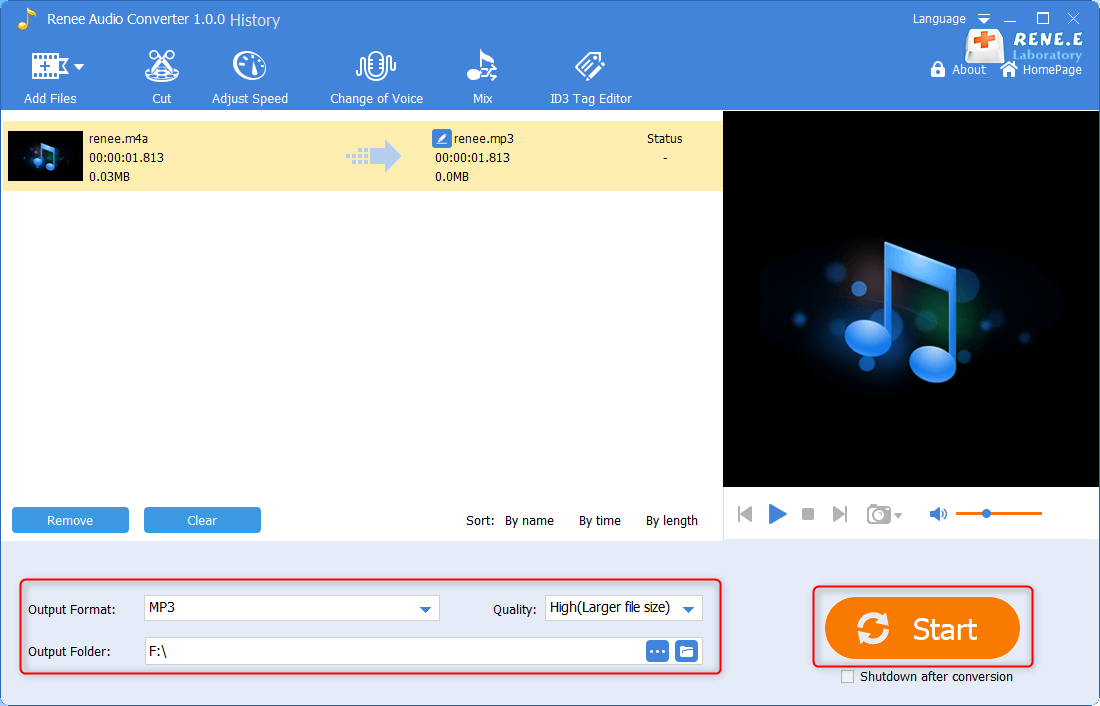
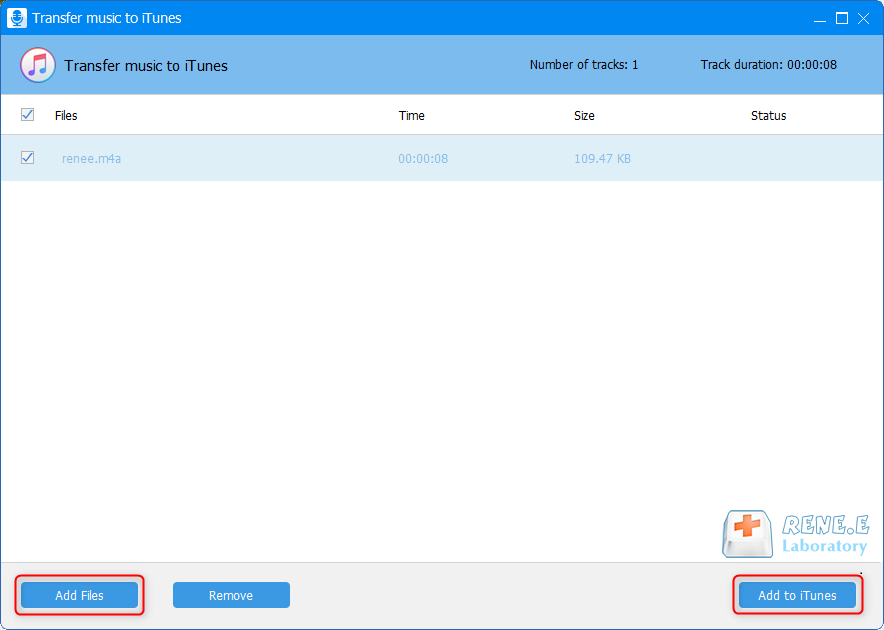
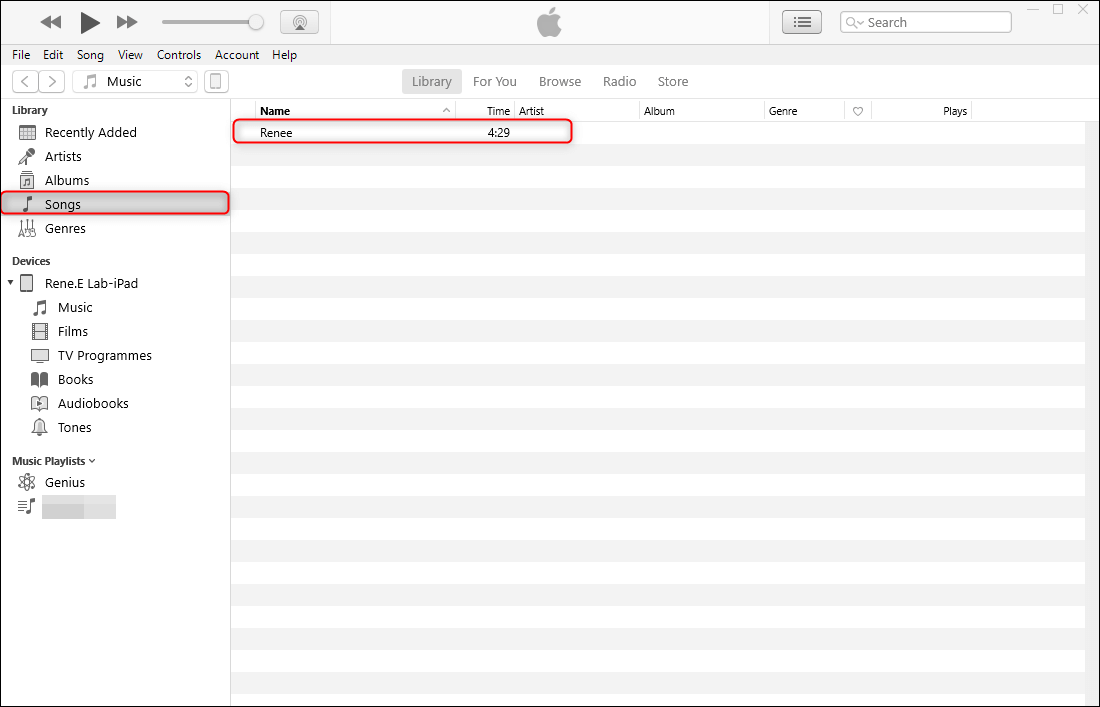
If you are an Android user, you can connect the phone to the computer and then input the MP3 file into the device.
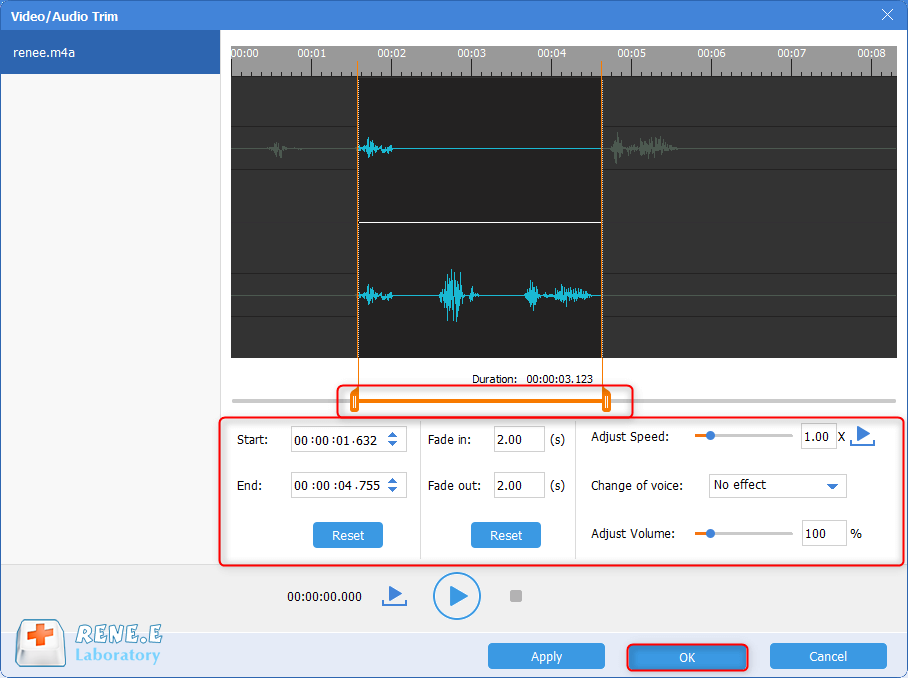
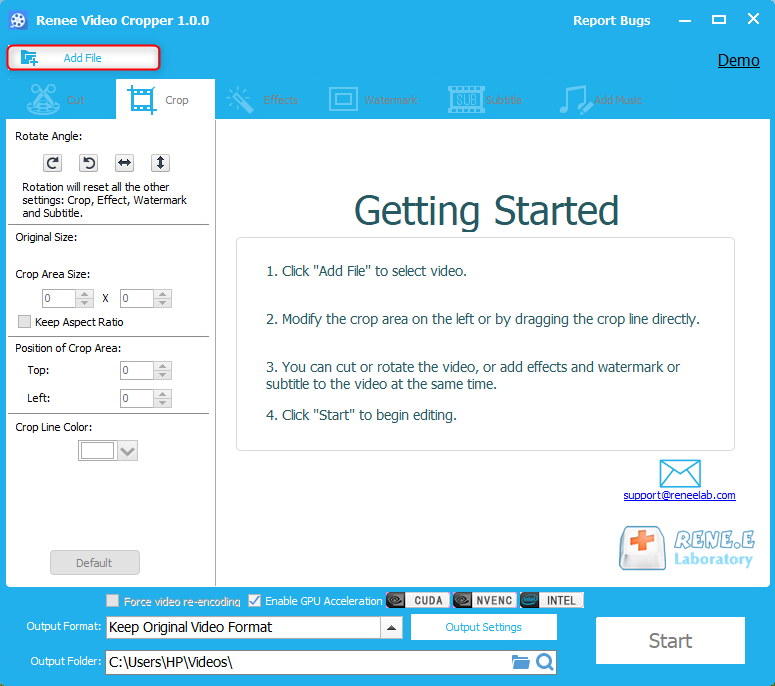
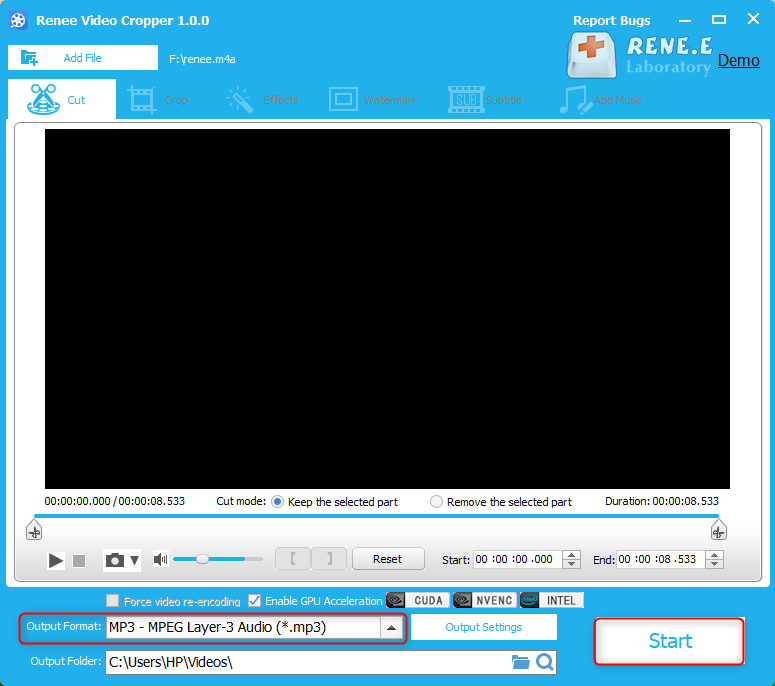
Unlike the traditional video editing software, Renee Video Editor will detect the selected audio and video files and take lossless conversion as priority. In addition, it is very friendly to beginners.
CutterArbitrarily cut and clip audios in MP3, ACC, FLAC and APE formats. Many effects, such as fade in/out, speed adjustment, music mixing and volume adjustment, are available.
ConverterConvert music files between all audio formats, including MP3, M4A, ACC, OGG, AAC, FLAC and the others. It can also convert the video format into MP3.
RecorderRecord computer sounds from streaming media and microphone at the same time and output into multiple audio formats.
JoinerMerge music files into one regardless the original file formats. The output format and quality can be set, too.
CD BurnerBurn multiple music files into CD, DVD and also make APE or BIN image file.
Compatible with: Windows 11 / 10 / 8.1 / 8 / 7 / Vista / XP (32bit/64bit)
CutterArbitrarily cut and clip audios in diffrent formats. Many effects, such as fade in/out, speed adjustment, music mixing, are available.
ConverterConvert music files between all audio formats, including MP3, M4A, ACC, OGG, AAC, FLAC and the others. It can also convert the video format into MP3.
RecorderRecord computer sounds from streaming media and microphone at the same time and output into multiple audio formats.
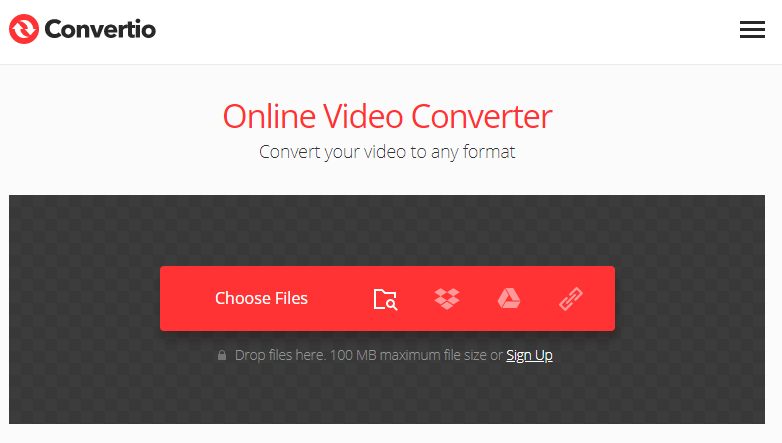
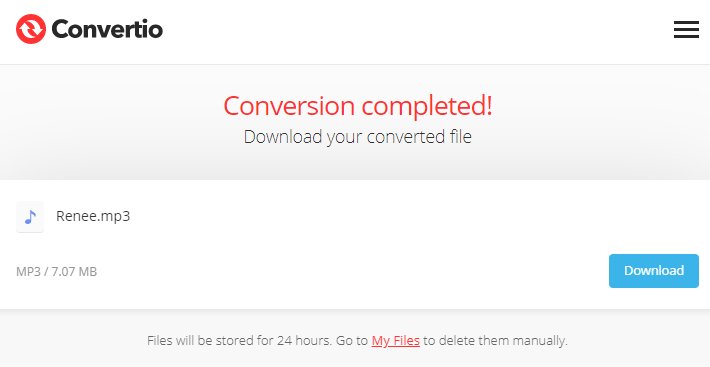
| Name | Renee Audio Tools | Renee Video Editor | iTunes | Convertio |
|---|---|---|---|---|
| Friendly to beginners | √ | √ | × | × |
| Secure | √ | √ | × | × |
| Fast speed | √ | √ | × | × |
| Network | √ | √ | × | × |
| Various formats | √ | √ | × | × |
| Easy | √ | √ | × | √ |
| Professional | √ | √ | × | × |
a. It doesn’t need network when you are using the software on PC. That can protect your files from being stolen.
b. It is not affected by the network. You can quickly complete your tasks within the software.
c. It can convert all of the audio and video formats used in our daily.
2. If you merely edit the audio files, we suggest using Renee Audio Tools because:
a. This audio editing software is more professional than the video editor when you edit audios.
b. The software is powerful, clear and easy to use.
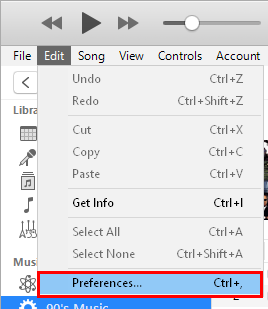
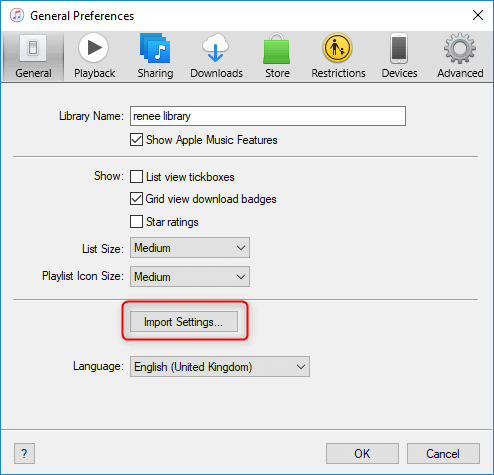
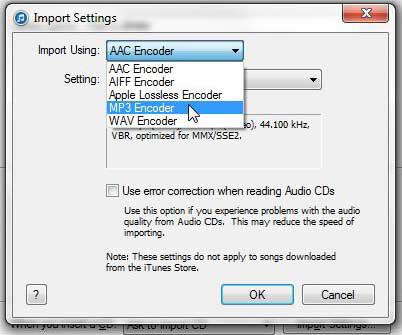
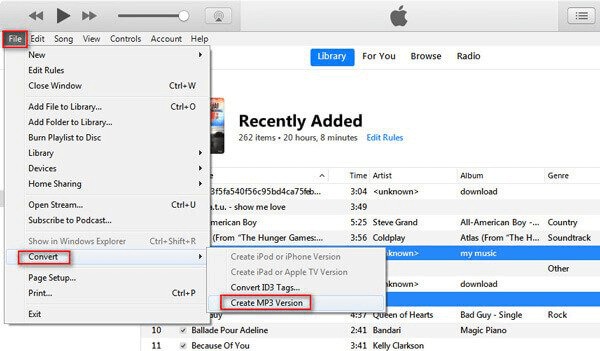
3. We don’t suggest you convert audio formats with iTunes because:
a. It is not user-friendly enough for Window and new Mac users.
b. It takes a long time to update iTunes.
c. iTunes can only convert audio files to WAV, MP3, AAC, AIFF and Apple Lossless.
4. We don’t suggest using online converter because:
a. Using online converter depends on network. That easily affects the processing speed and the file security.
b. Most of online converters support few formats.
Now, “.m4a” is available in those MPEG-4 supported software. M4A is encoded with advanced audio coding (AAC). But Apple Lossless and MP3 can also be encoded in the M4A container.
With advantage of the human ear’s insensitivity to high-frequency sound signals, time waveform signals are converted into frequency signals, and they can be divided into multiple frequencies. Then, different compression rates are used for different frequencies. That can ensure that the signal is not distorted.
In this way, people cannot hear the high-frequency sounds, merely low-frequency sounds left. Besides, according to the MPEG specification, AAC shall be the successor of MP3.
Relate Links :
How To Effortless Convert Audacity to MP3?

08-11-2026
John Weaver : Learn how to convert Audacity to MP3 format with these effective methods. Achieve compatibility and save storage space...
Convert WMA to MP3 on Mac: Easy and Efficient Steps

08-11-2026
Ashley S. Miller : Learn how to convert WMA to MP3 on Mac easily. Follow these steps to convert your audio files...
Convert M4A to MP3 on Mac - Easy Guide
08-11-2026
Jennifer Thatcher : Learn how to convert M4A to MP3 on Mac. This article provides a method for converting audio formats,...


User Comments
Leave a Comment