
Convert MP3 to OGG: Easy and Efficient Methods

Summary
Learn the differences between MP3 and OGG audio formats, and effortlessly convert mp3 to ogg with our step-by-step guide.



- In pursuit of smaller file sizes
OGG files will be smaller than MP3 for the same audio fidelity. In other words, OGG provides better sound quality at the same file size and equivalent sound quality at a smaller file size.
- want better audio quality
Compared to MP3 with the same file size, OGG will sound better.
- Device Compatibility Issues
MP3 can be opened directly on most devices, but there may be a compatibility problem of “the format is not supported” in some devices, so it can be converted to other audio formats.

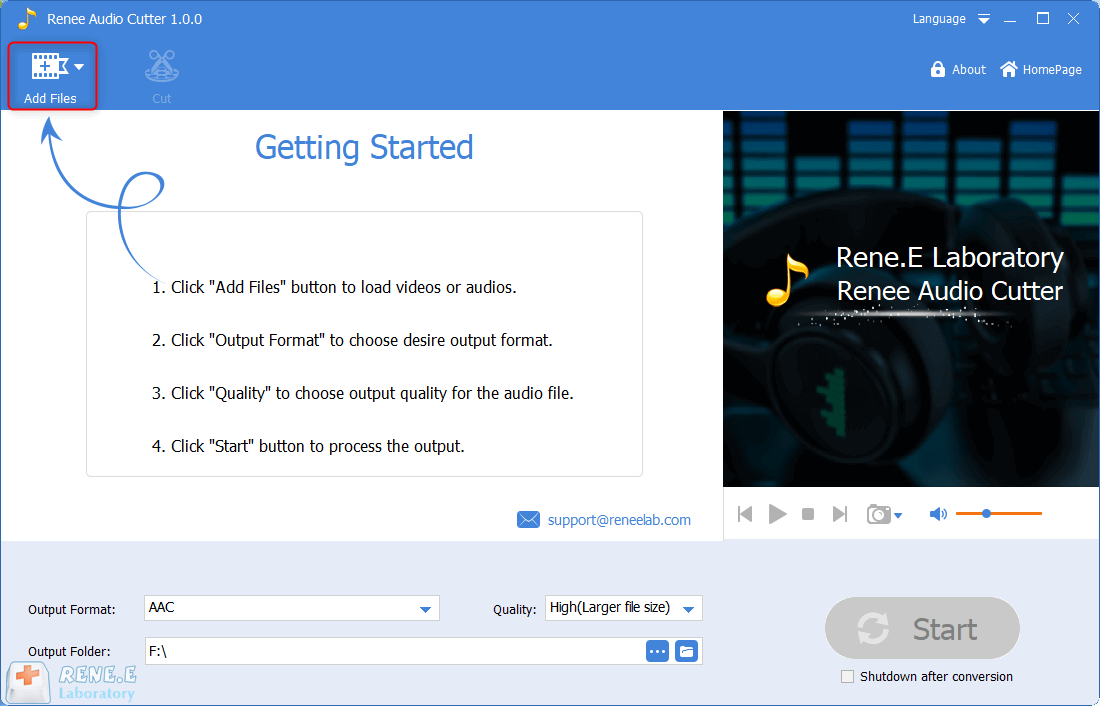
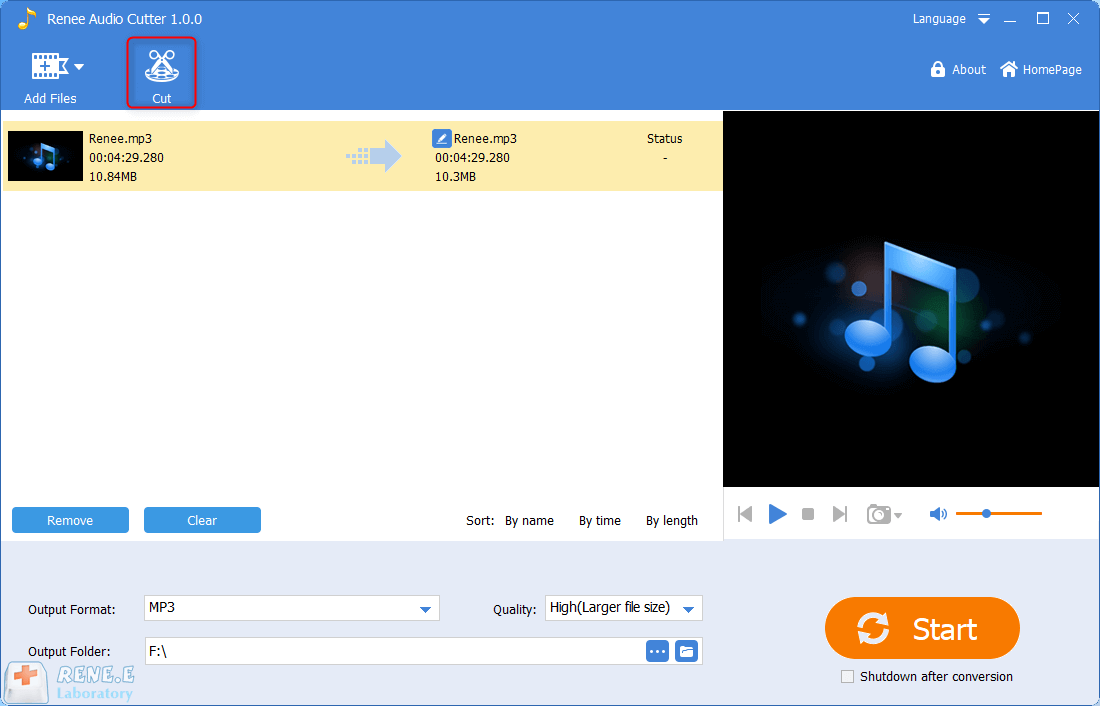
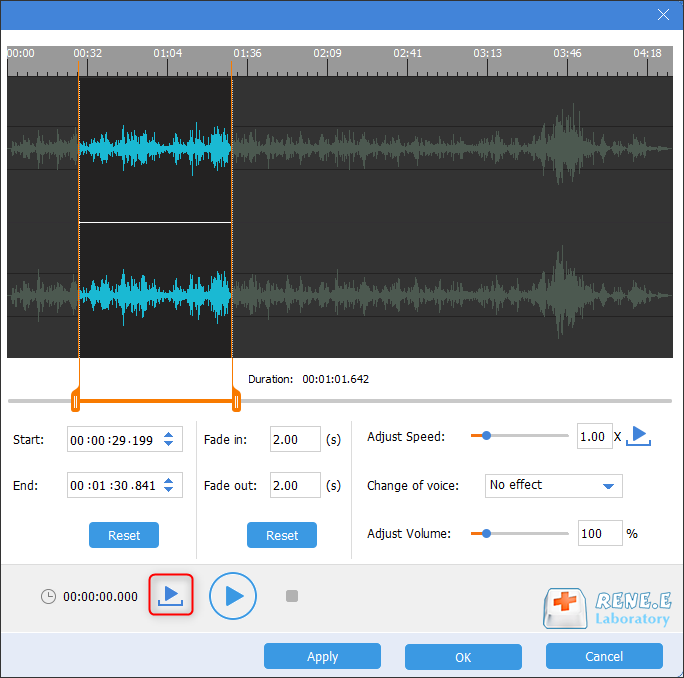
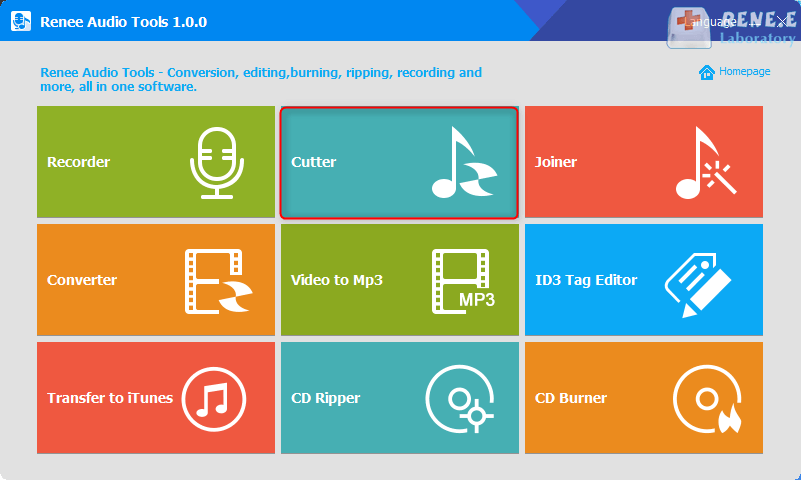
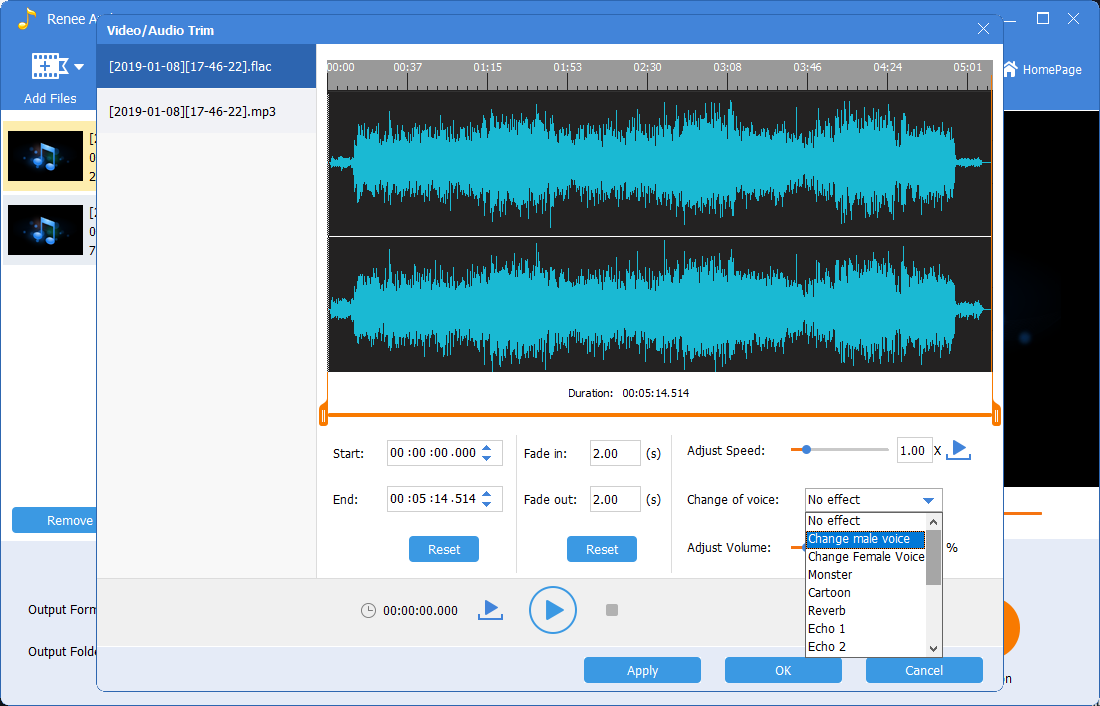
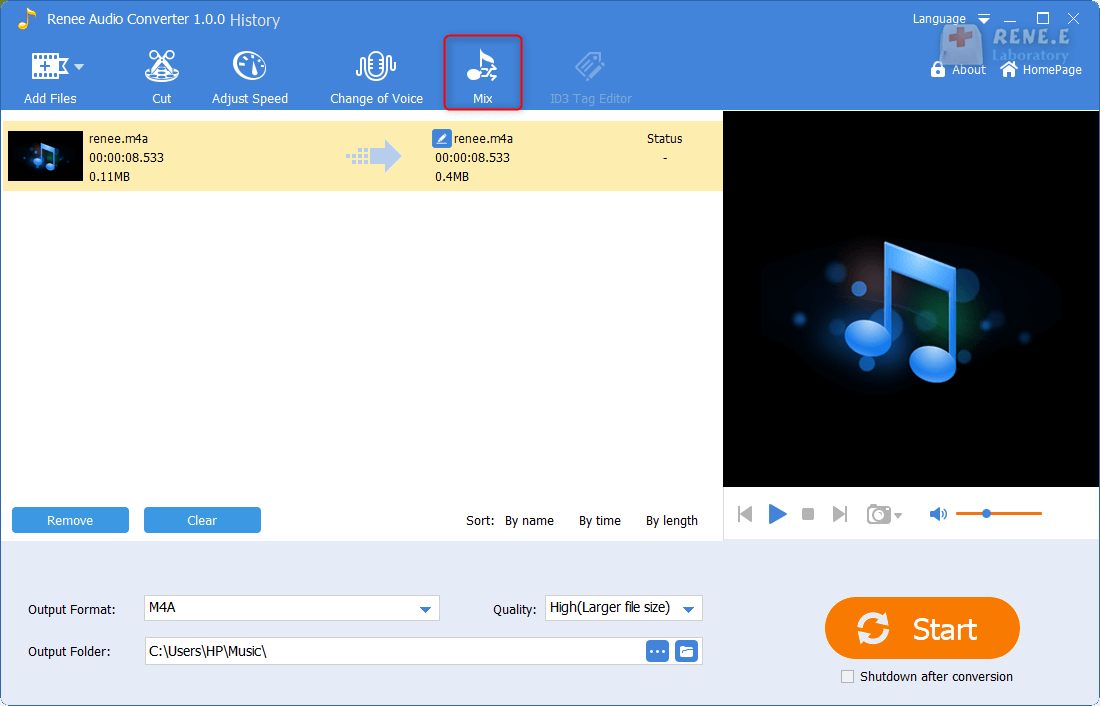
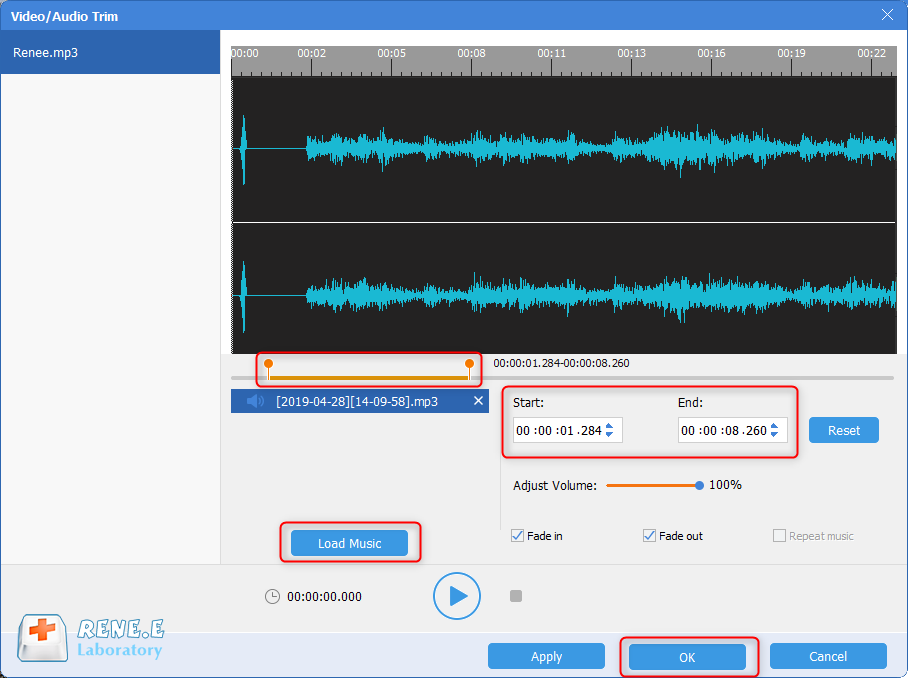
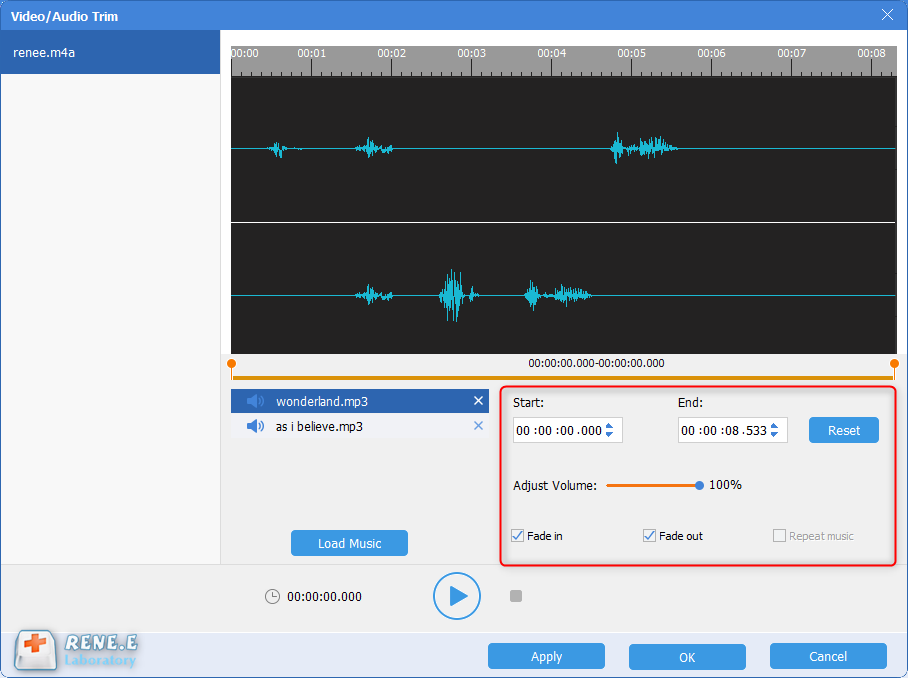
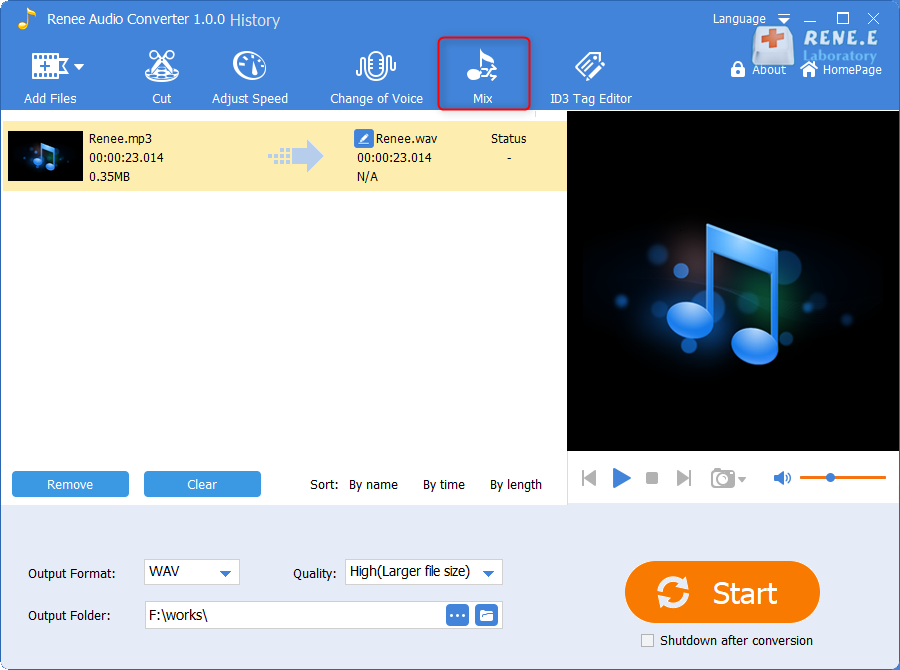
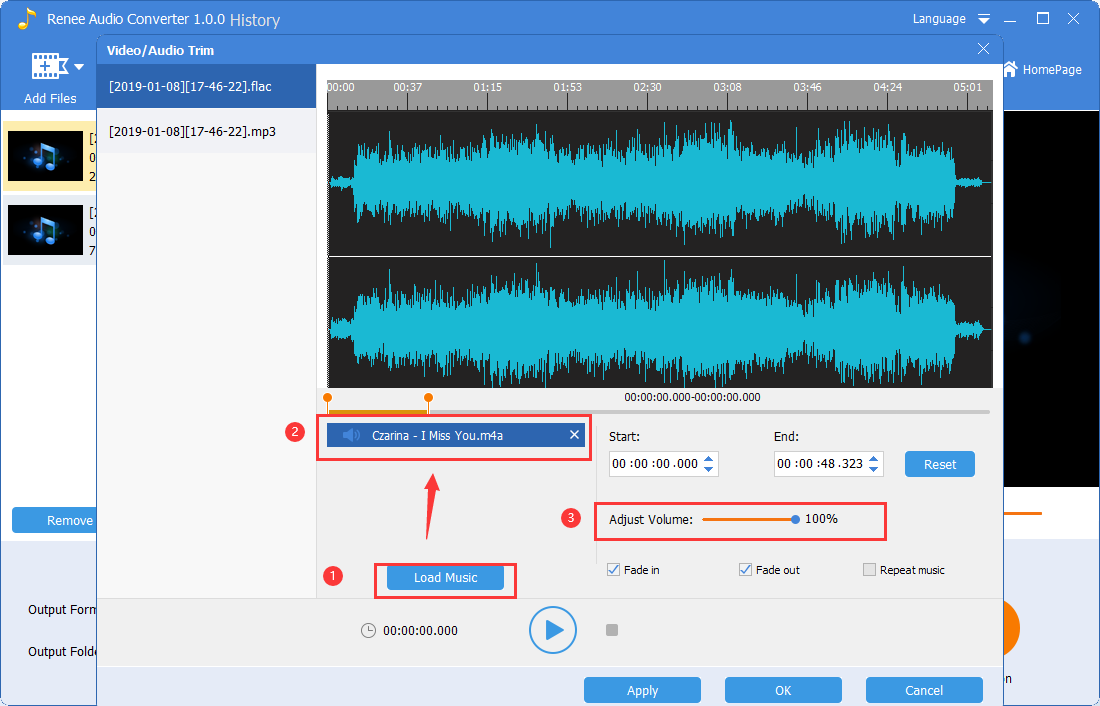
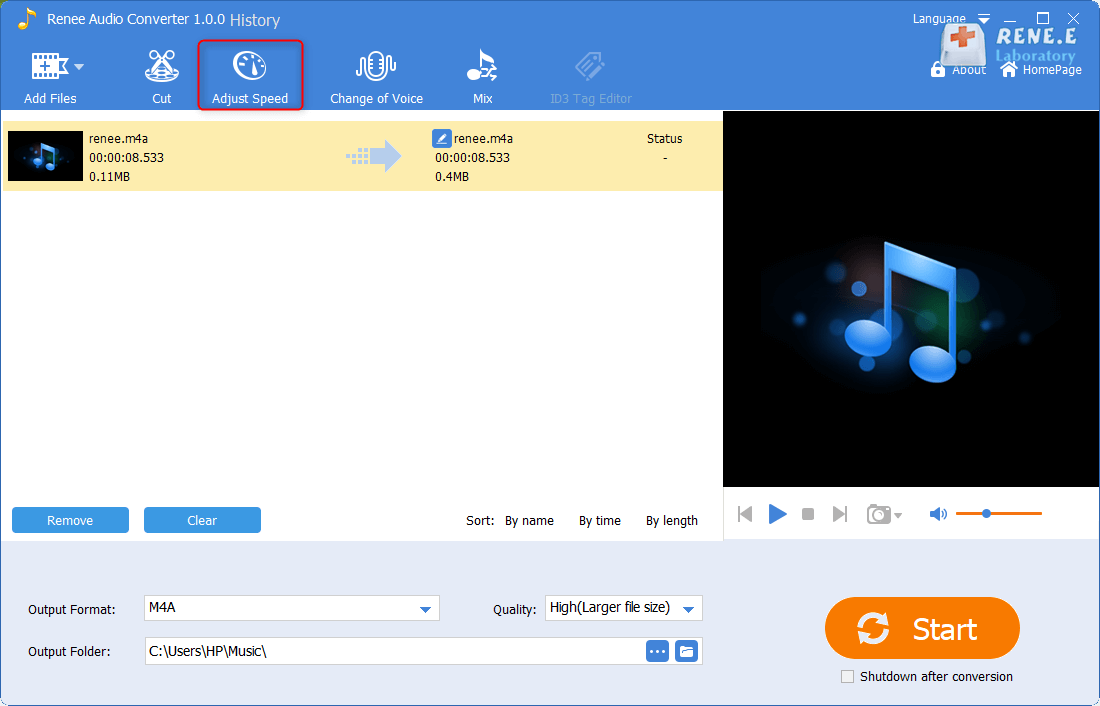
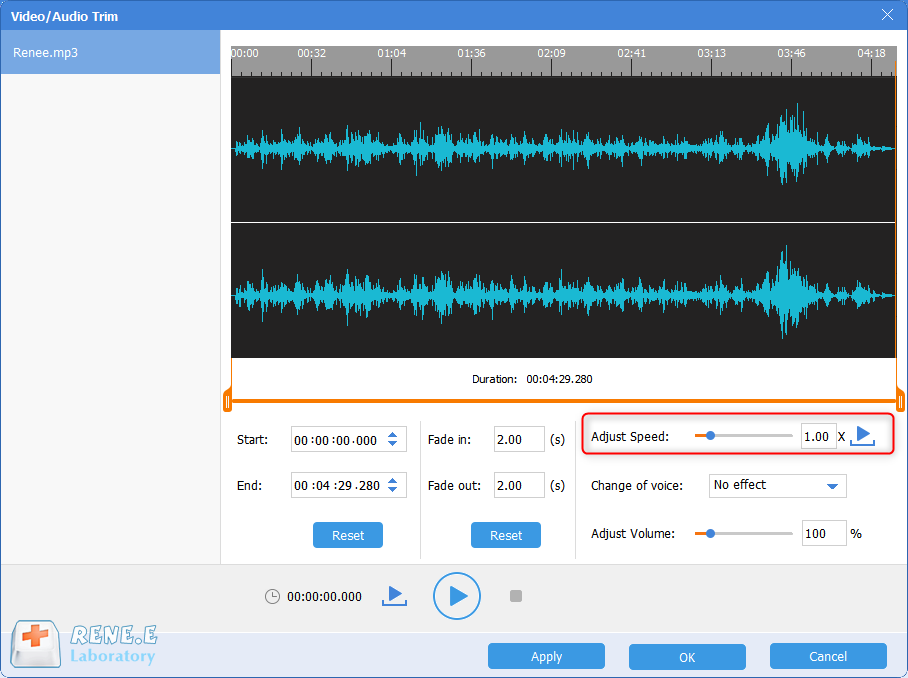
CutterArbitrarily cut and clip audios in MP3, ACC, FLAC and APE formats. Many effects, such as fade in/out, speed adjustment, music mixing and volume adjustment, are available.
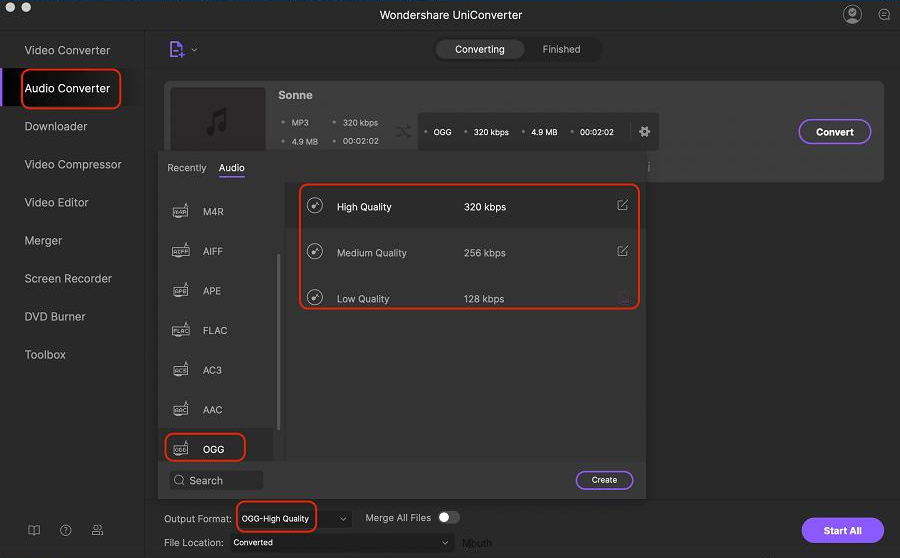
ConverterConvert music files between all audio formats, including MP3, M4A, ACC, OGG, AAC, FLAC and the others. It can also convert the video format into MP3.
RecorderRecord computer sounds from streaming media and microphone at the same time and output into multiple audio formats.
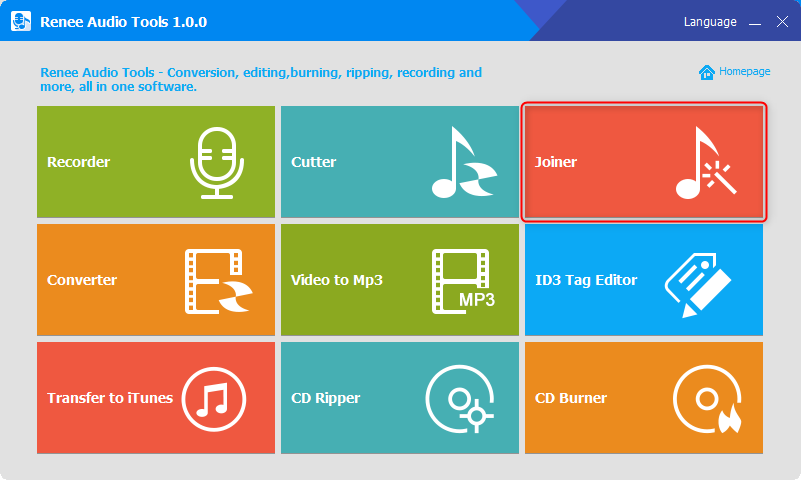
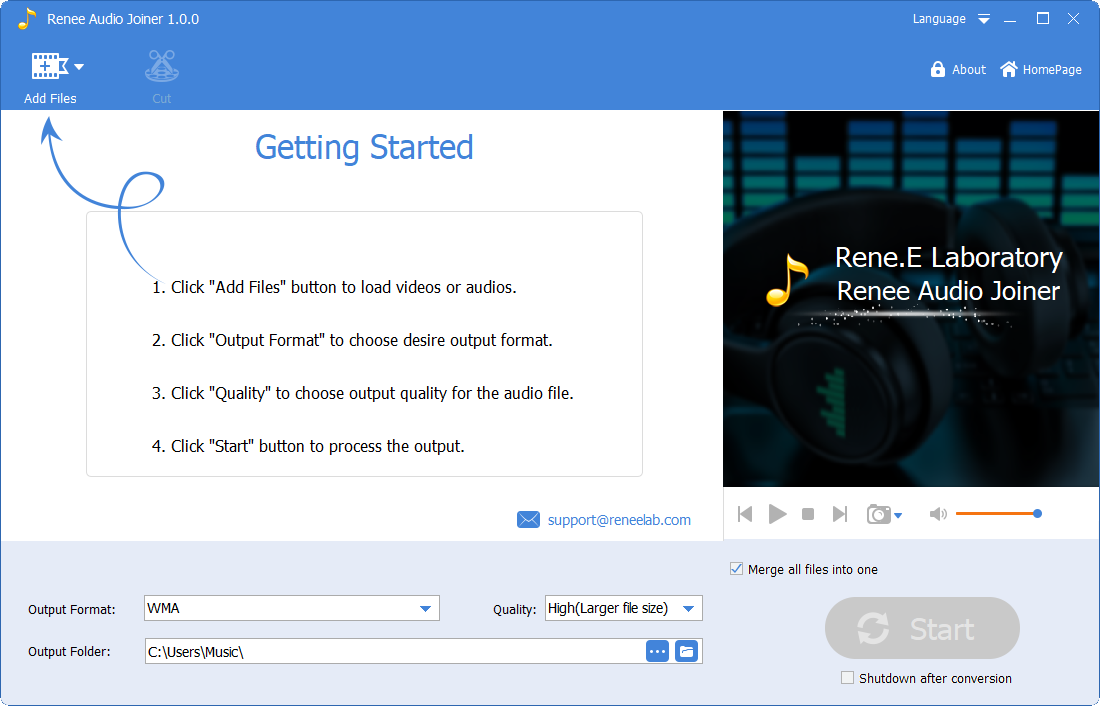
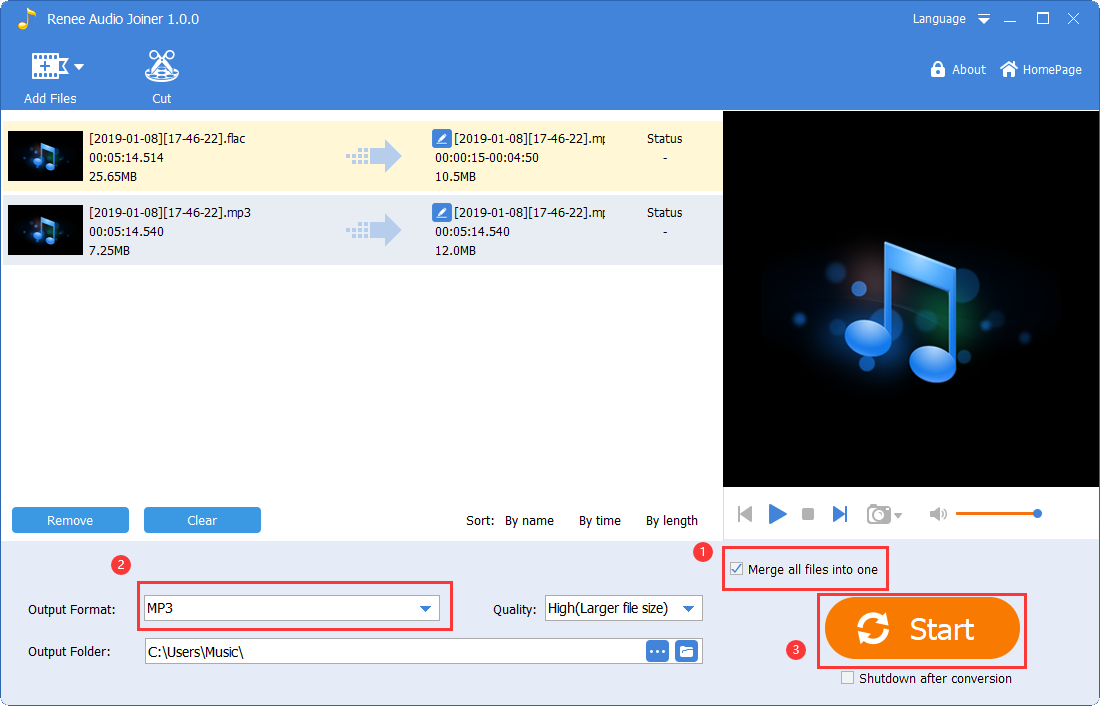
JoinerMerge music files into one regardless the original file formats. The output format and quality can be set, too.
CD BurnerBurn multiple music files into CD, DVD and also make APE or BIN image file.
Compatible with: Windows 11 / 10 / 8.1 / 8 / 7 / Vista / XP (32bit/64bit)
CutterArbitrarily cut and clip audios in diffrent formats. Many effects, such as fade in/out, speed adjustment, music mixing, are available.
ConverterConvert music files between all audio formats, including MP3, M4A, ACC, OGG, AAC, FLAC and the others. It can also convert the video format into MP3.
RecorderRecord computer sounds from streaming media and microphone at the same time and output into multiple audio formats.
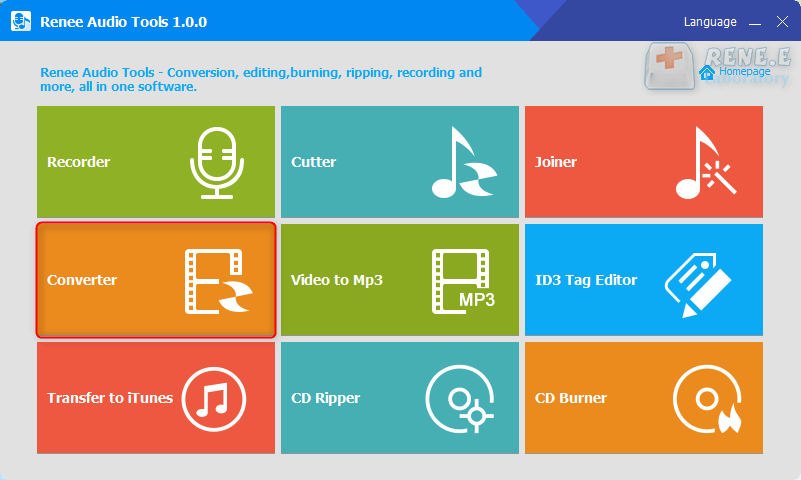
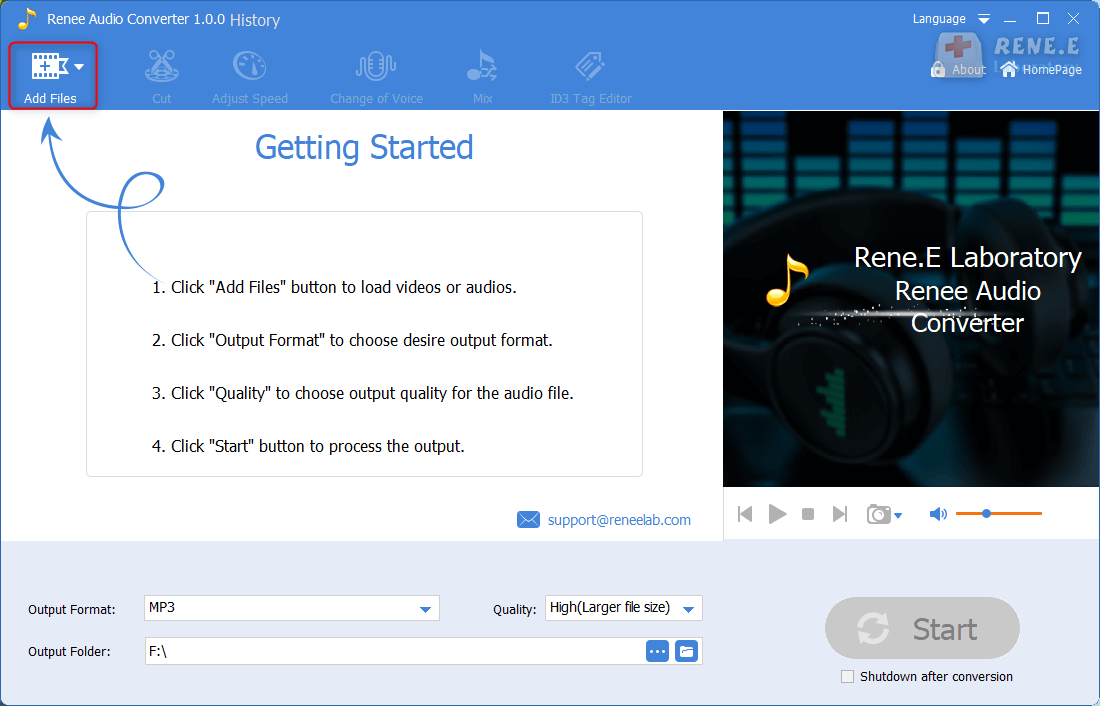
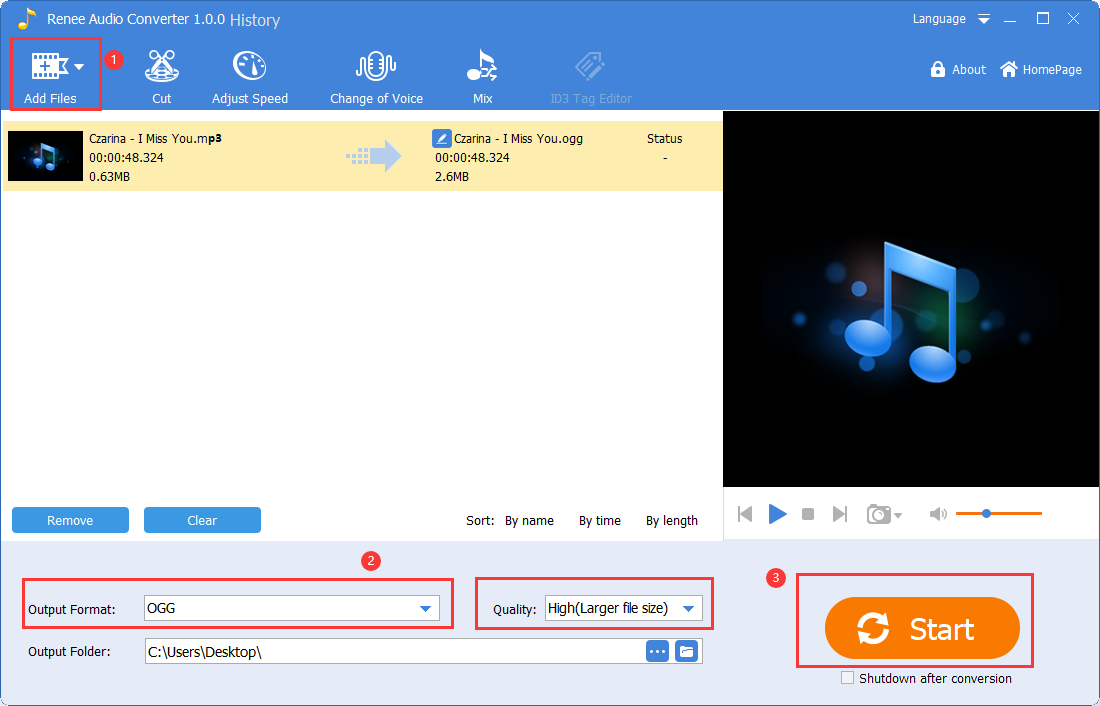
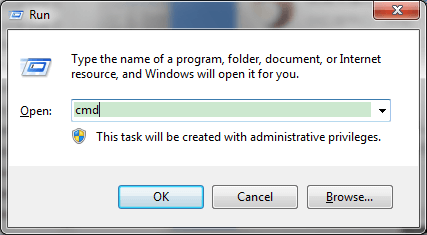
cmd into the textbox and click OK to launch the Command Prompt.
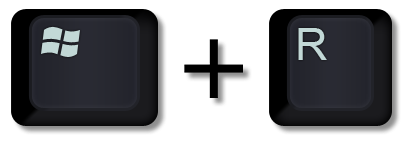
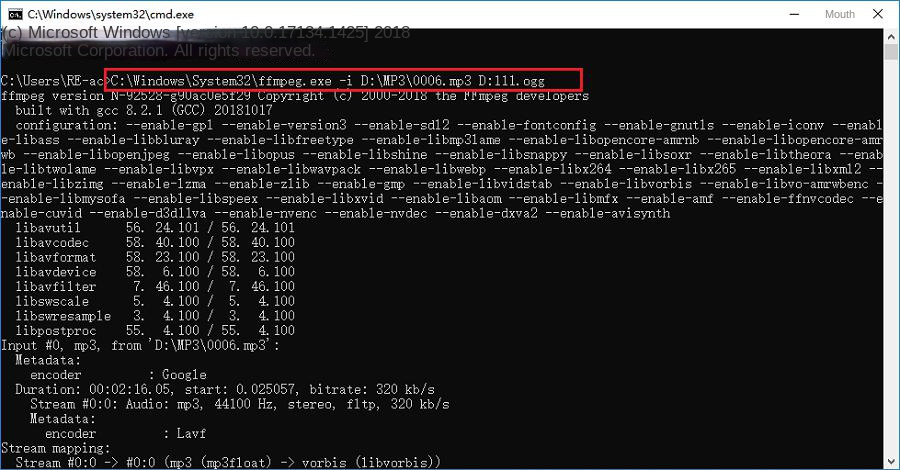
(C:WindowsSystem32ffmpeg.exe –i D:MP3006.mp3 D:111.ogg) in the command prompt window, Press Enter to run, and successfully convert MP3 to OGG audio format.
1. Merge audio
2. Cut audio
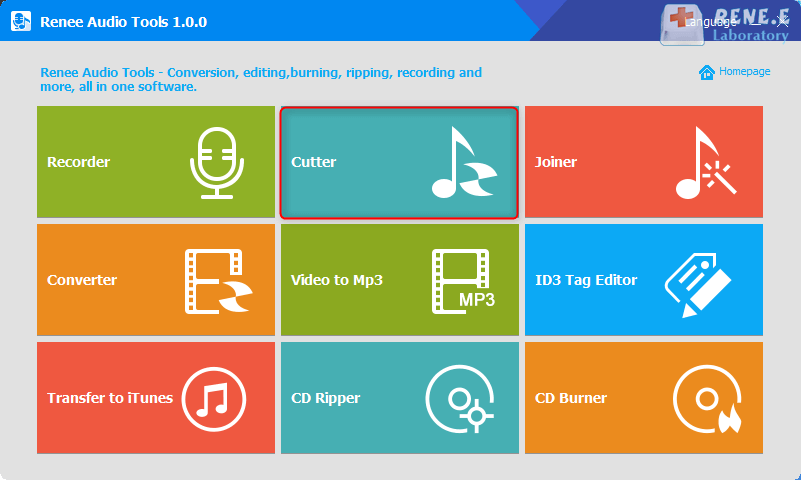
3. Add audio effects
4. Audio mixing
5. Equalize the sound
6. Audio speed adjustment
Relate Links :
Top Recommendations for Best Music Players

08-11-2026
Amanda J. Brook : Discover our expertly best music players for all platforms and enhance your audio with superior conversion and editing...


User Comments
Leave a Comment