
How to Convert PowerPoint to MP4 Video?

Summary
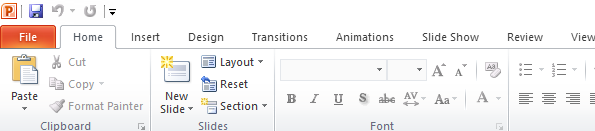
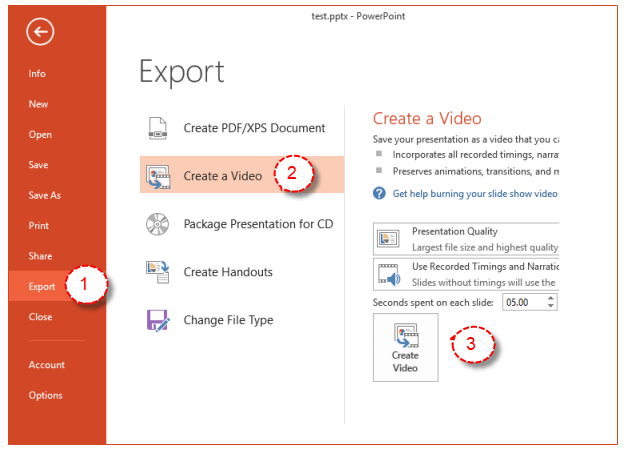
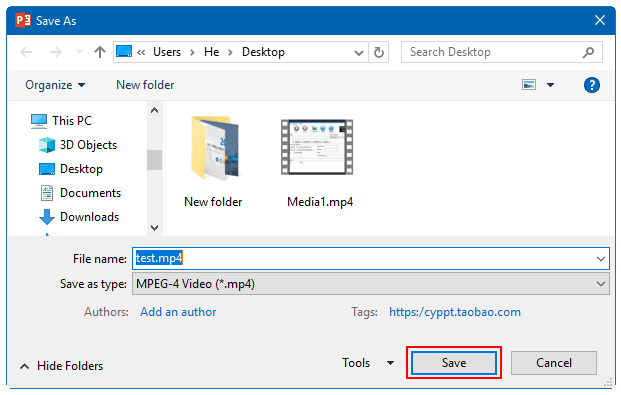
PPT is always used for presentation. But in some situations, some people want to convert PowerPoint to MP4 video. Do you know how to do? We will tell you in this essay.


Easy to Use Just a few clicks to finsh the audio record.
Voice to Text Converts voice to text with multiple language support.
Multiple Output Formats Outputs recorded audios into WAV, AIFF, MP3, AAC and FLAC and more.
Audio Player Instantly play back recordings after capture.
Auto Recording Automatically record at scheduled times or when specific programs launch.
Easy to Use Just a few clicks to finsh the audio record.
Voice to Text Converts voice to text with multiple language support.
Multiple Output Formats Outputs recorded audios into WAV, AIFF, MP3, AAC and FLAC and more.
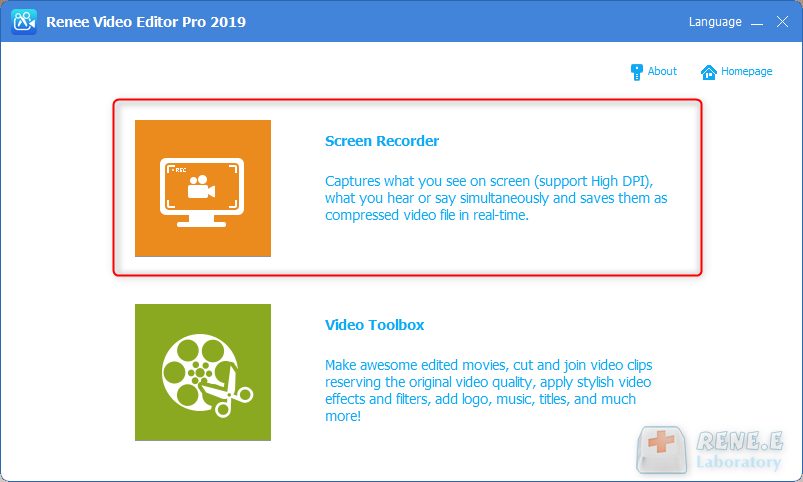
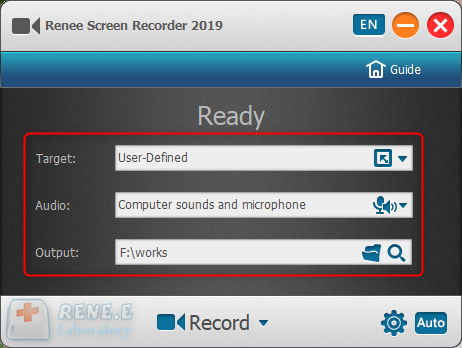
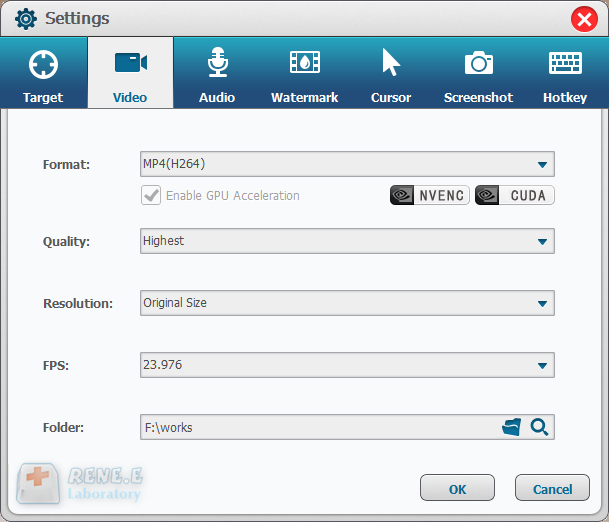
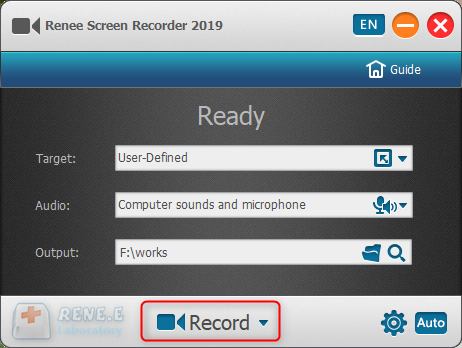
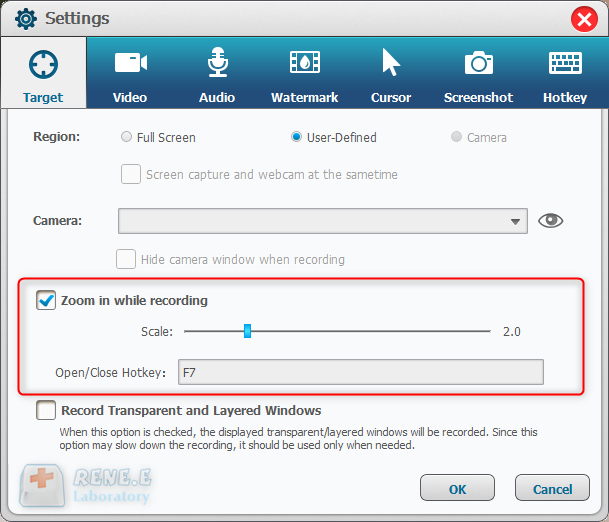
In this function, users can zoom in the record area around the mouse, enlarging 1.5x to 4x scale in proportion. It is used to emphasize the key point during desktop record. The default hotkey is F7.
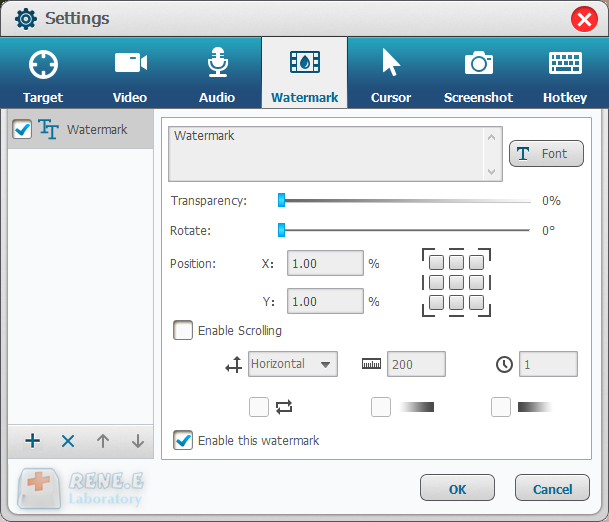
Users can add text and image to the records. Besides, transparency, rotation, position and animation can be adjusted for the watermark.
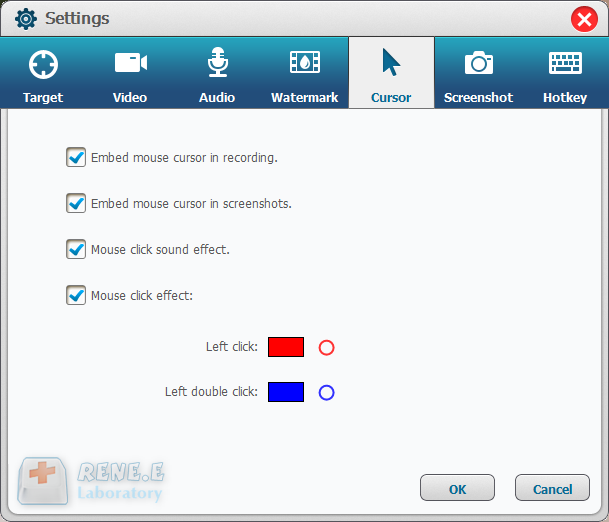
This is a useful function to monitor the mouse movement during desktop record. It provides different cursor effects and automatically generates the effects of single and double clicks. That can facilitate teaching videos and the other explanation videos.
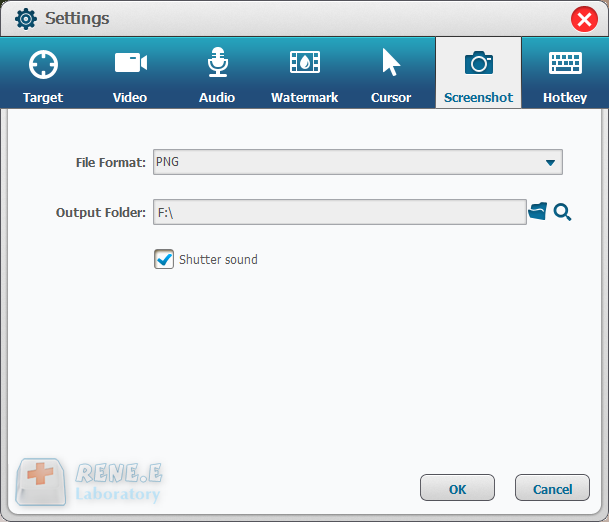
Renee Video Editor supports to screenshot at any time even if you don’t have the PC desktop recorded. The default hotkey is CTRL+ALT+F4. The output format of the screenshots can be set.
Relate Links :

09-11-2026
Jennifer Thatcher : MIDI is incompatible with lots of software and devices and we usually need to convert MIDI to the...
How to Convert YouTube Music to 320KBPS MP3
09-11-2026
Jennifer Thatcher : YouTube is an international website where users can share their videos and view others videos. How to convert...
MP3 Converter: How to Convert Dailymotion to MP3
09-11-2026
Jennifer Thatcher : Dailymotion is a video sharing platform, with tons of amazing videos uploading to it. If you want to...


User Comments
Leave a Comment