
How to Extract Sounds from Video

Summary
Videos are everywhere in our life, like mini videos and movies. Simply speaking, video is the combination of images and sounds. Some people prefer to extract sounds from a video. However, many users don’t know how to do so. In this essay, we will talk about how to extract sounds from a video.
Part 1: About Extracting Sounds from Video
Part 2: How to Extract Sounds from MP4 Video
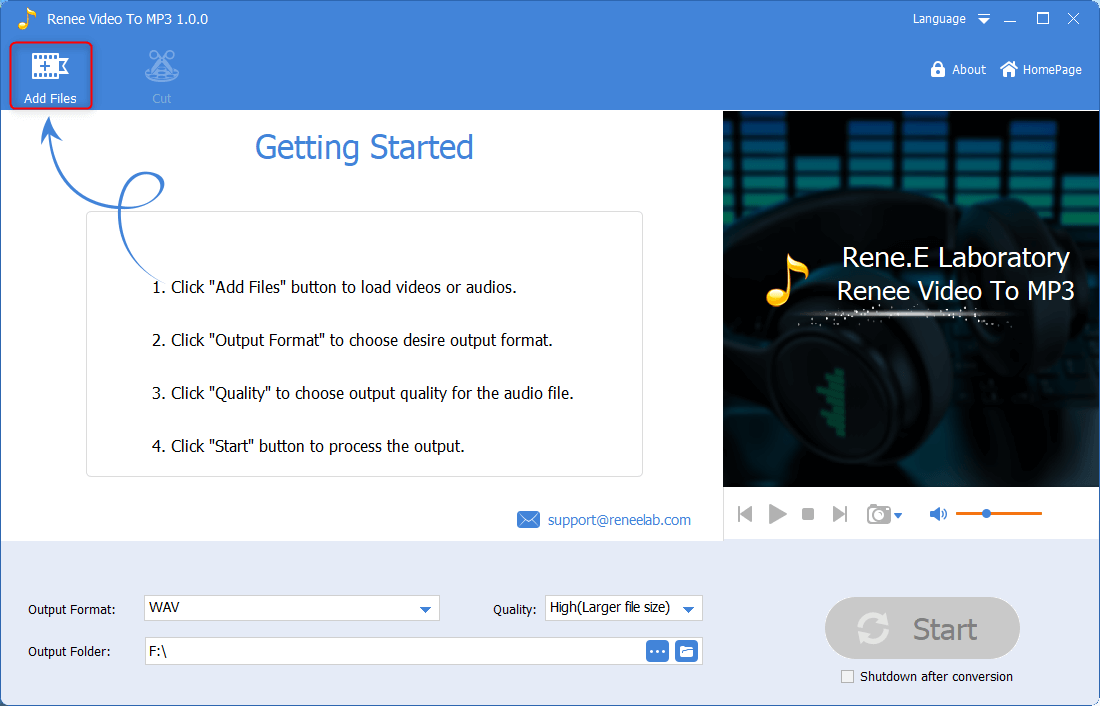
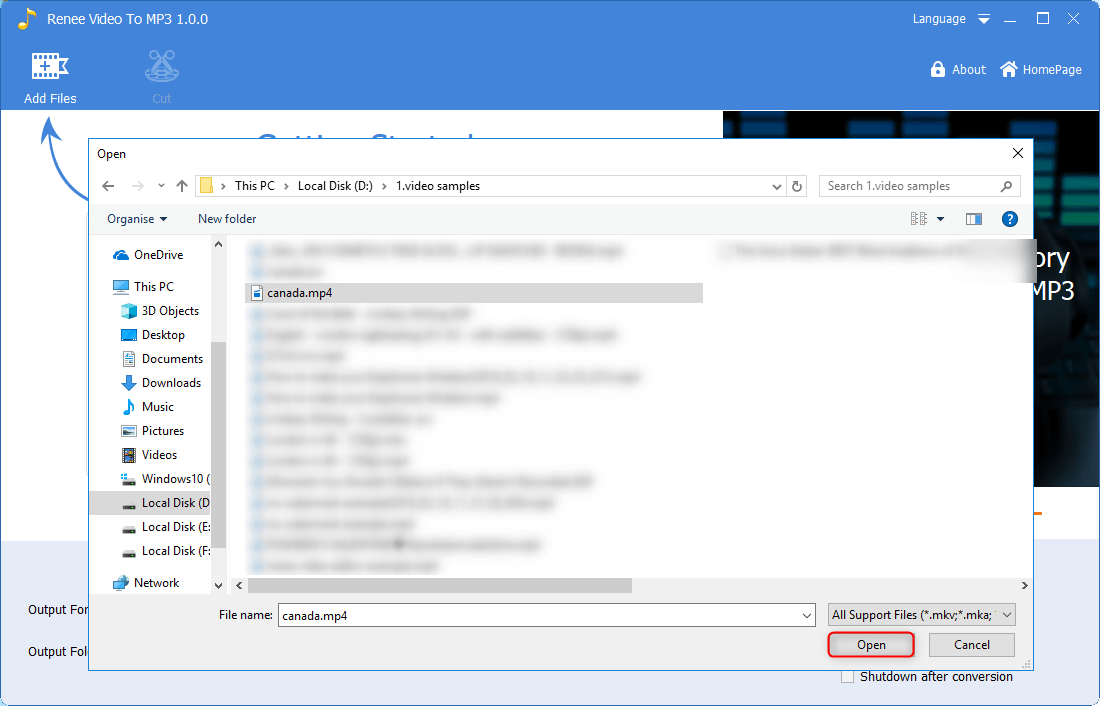
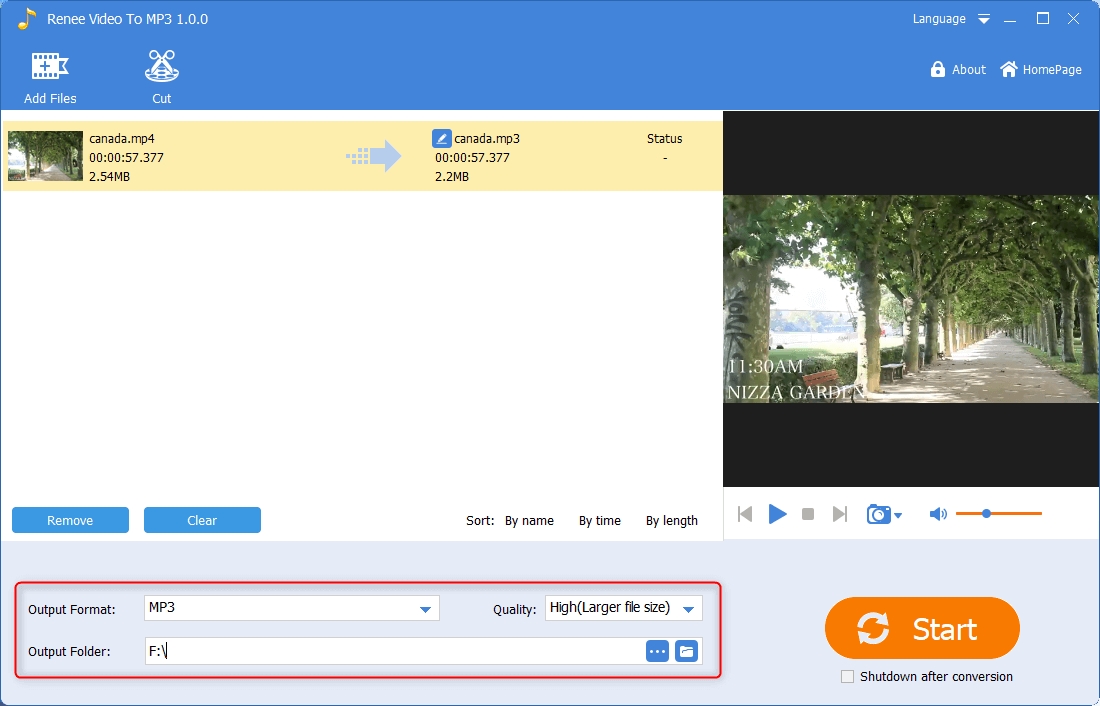
1. Convert Video to Audio
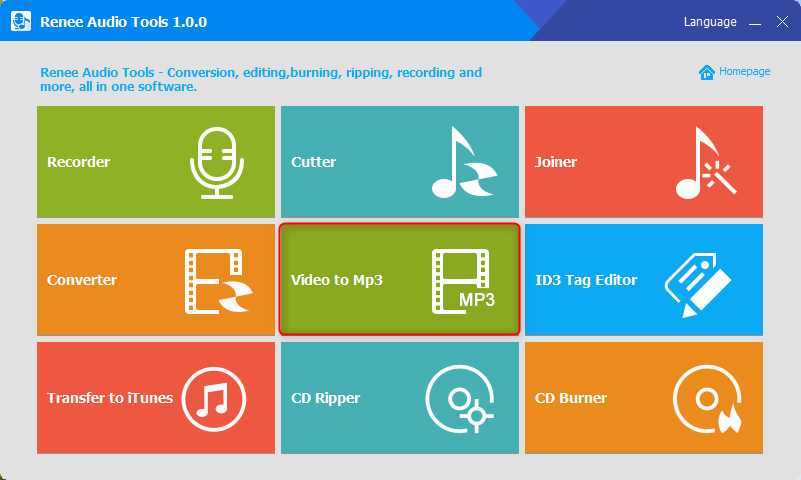
Renee Audio Tools

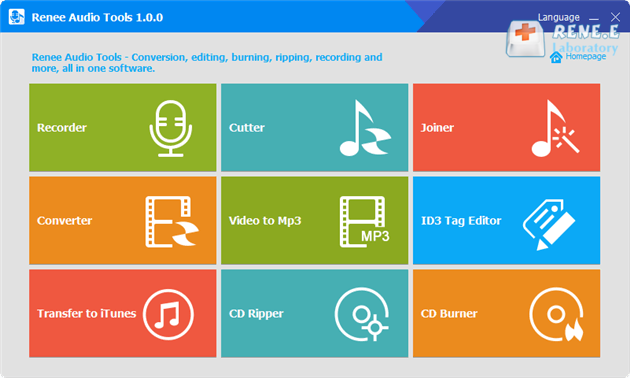
CutterArbitrarily cut and clip audios in MP3, ACC, FLAC and APE formats. Many effects, such as fade in/out, speed adjustment, music mixing and volume adjustment, are available.
ConverterConvert music files between all audio formats, including MP3, M4A, ACC, OGG, AAC, FLAC and the others. It can also convert the video format into MP3.
RecorderRecord computer sounds from streaming media and microphone at the same time and output into multiple audio formats.
JoinerMerge music files into one regardless the original file formats. The output format and quality can be set, too.
CD BurnerBurn multiple music files into CD, DVD and also make APE or BIN image file.
Compatible with: Windows 11 / 10 / 8.1 / 8 / 7 / Vista / XP (32bit/64bit)
CutterArbitrarily cut and clip audios in diffrent formats. Many effects, such as fade in/out, speed adjustment, music mixing, are available.
ConverterConvert music files between all audio formats, including MP3, M4A, ACC, OGG, AAC, FLAC and the others. It can also convert the video format into MP3.
RecorderRecord computer sounds from streaming media and microphone at the same time and output into multiple audio formats.

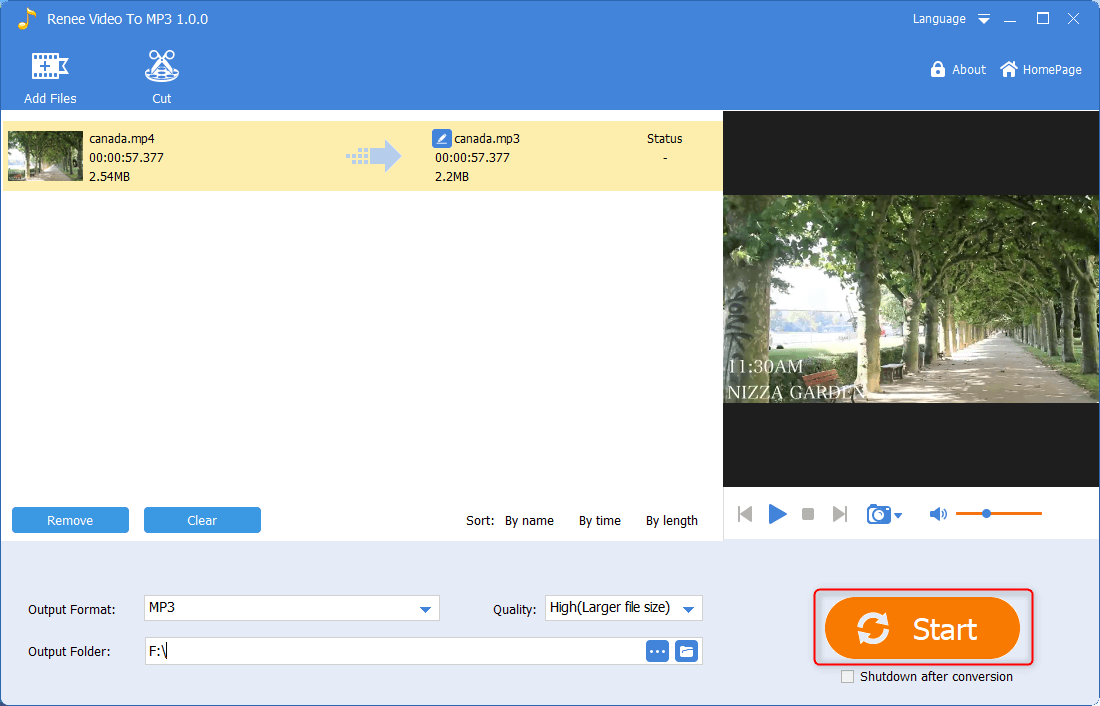
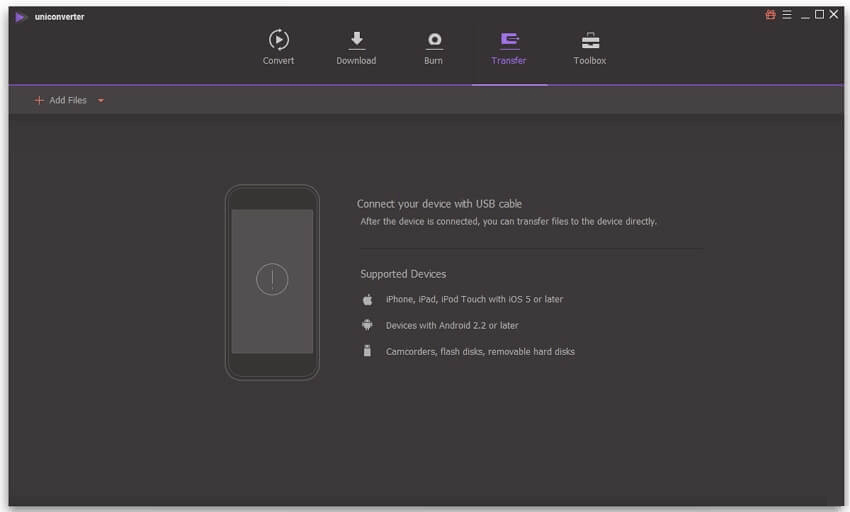
UniConverter
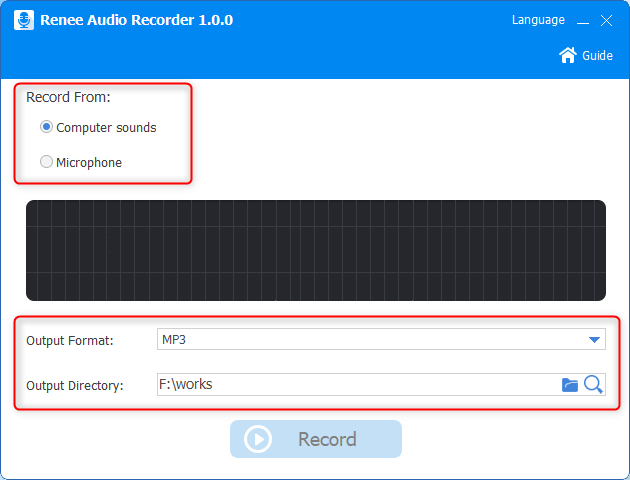
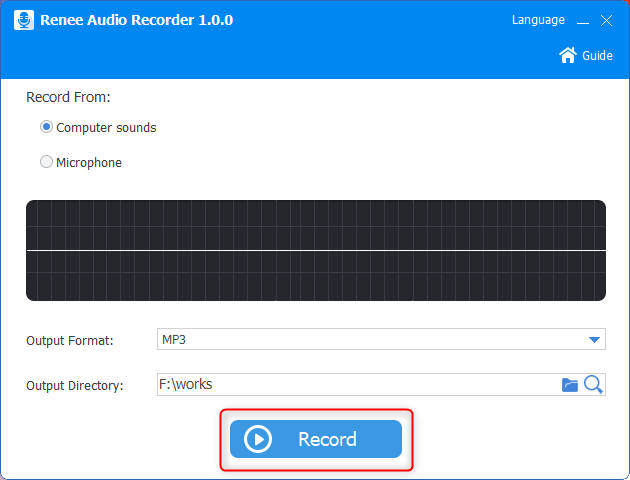
2. Record Sounds from Video
Renee Audio Tools
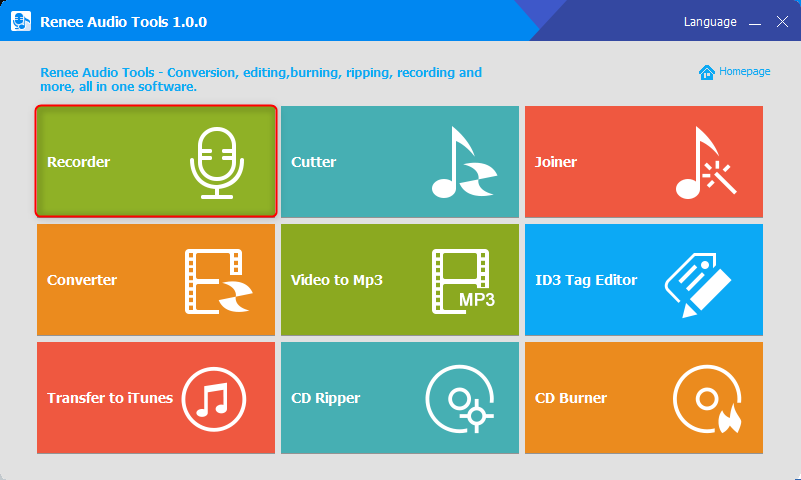
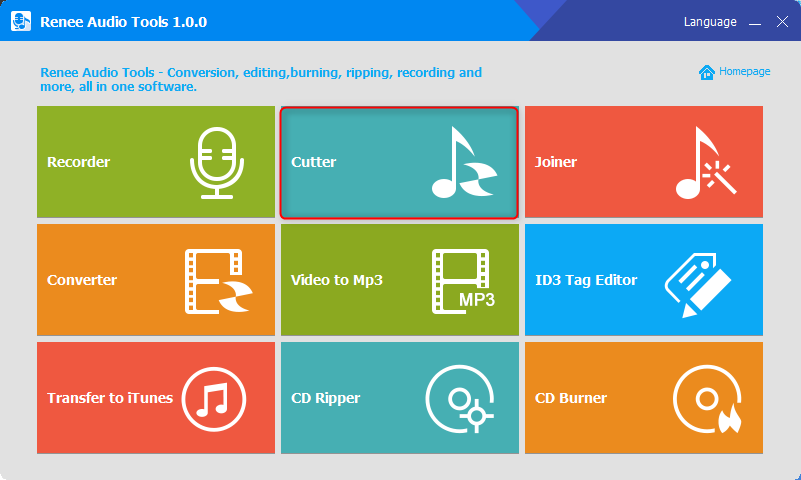
CutterArbitrarily cut and clip audios in MP3, ACC, FLAC and APE formats. Many effects, such as fade in/out, speed adjustment, music mixing and volume adjustment, are available.
ConverterConvert music files between all audio formats, including MP3, M4A, ACC, OGG, AAC, FLAC and the others. It can also convert the video format into MP3.
RecorderRecord computer sounds from streaming media and microphone at the same time and output into multiple audio formats.
JoinerMerge music files into one regardless the original file formats. The output format and quality can be set, too.
CD BurnerBurn multiple music files into CD, DVD and also make APE or BIN image file.
Compatible with: Windows 11 / 10 / 8.1 / 8 / 7 / Vista / XP (32bit/64bit)
CutterArbitrarily cut and clip audios in diffrent formats. Many effects, such as fade in/out, speed adjustment, music mixing, are available.
ConverterConvert music files between all audio formats, including MP3, M4A, ACC, OGG, AAC, FLAC and the others. It can also convert the video format into MP3.
RecorderRecord computer sounds from streaming media and microphone at the same time and output into multiple audio formats.
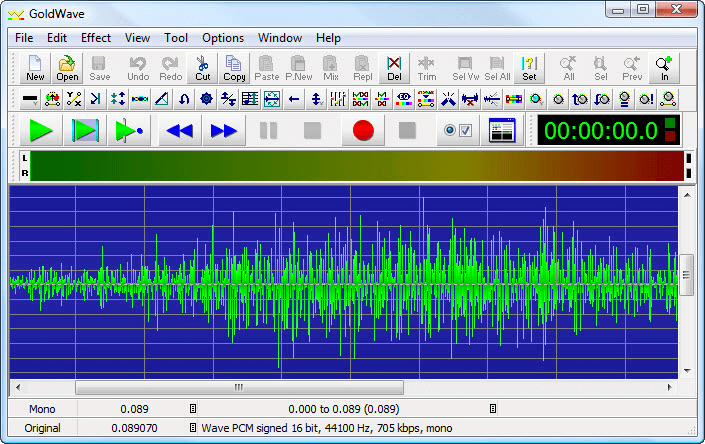
GoldWave
Part 3: What is the Better Method of Extracting Sound from Video
Part 4: Post Processing of the Extracted Sounds
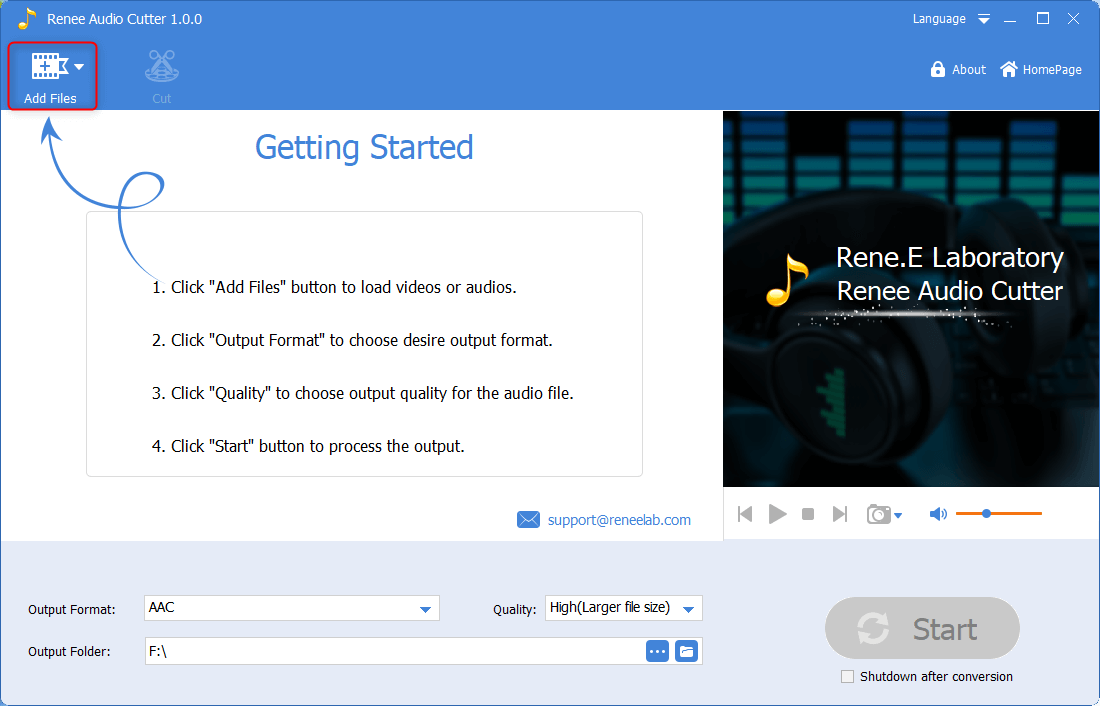
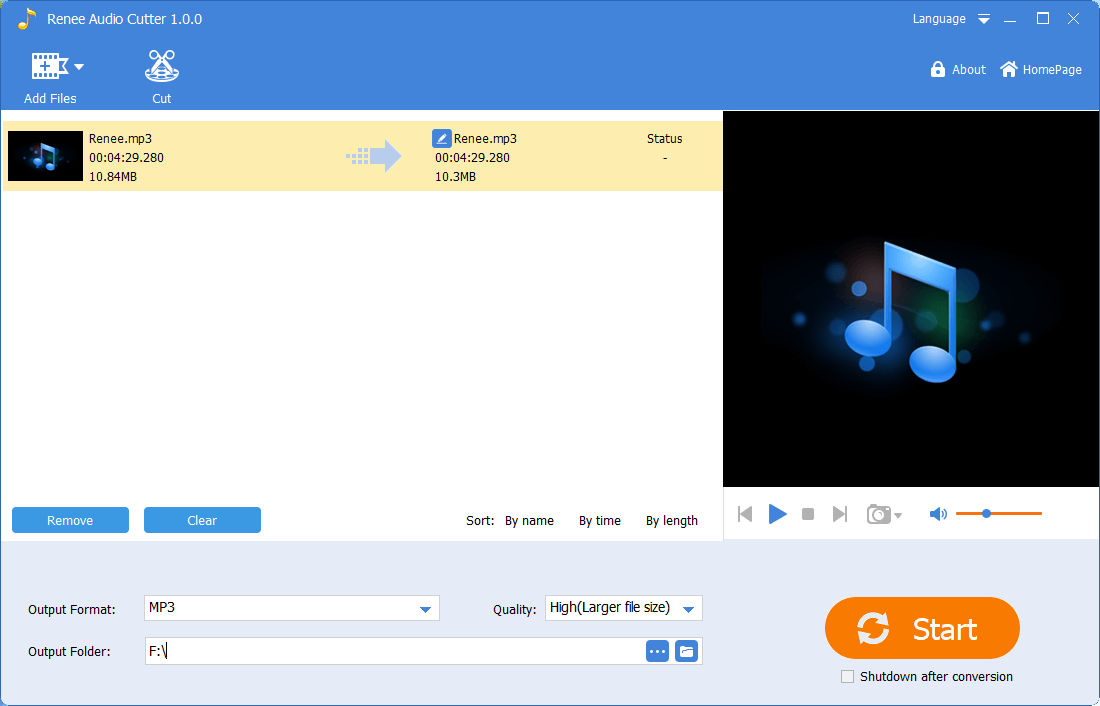
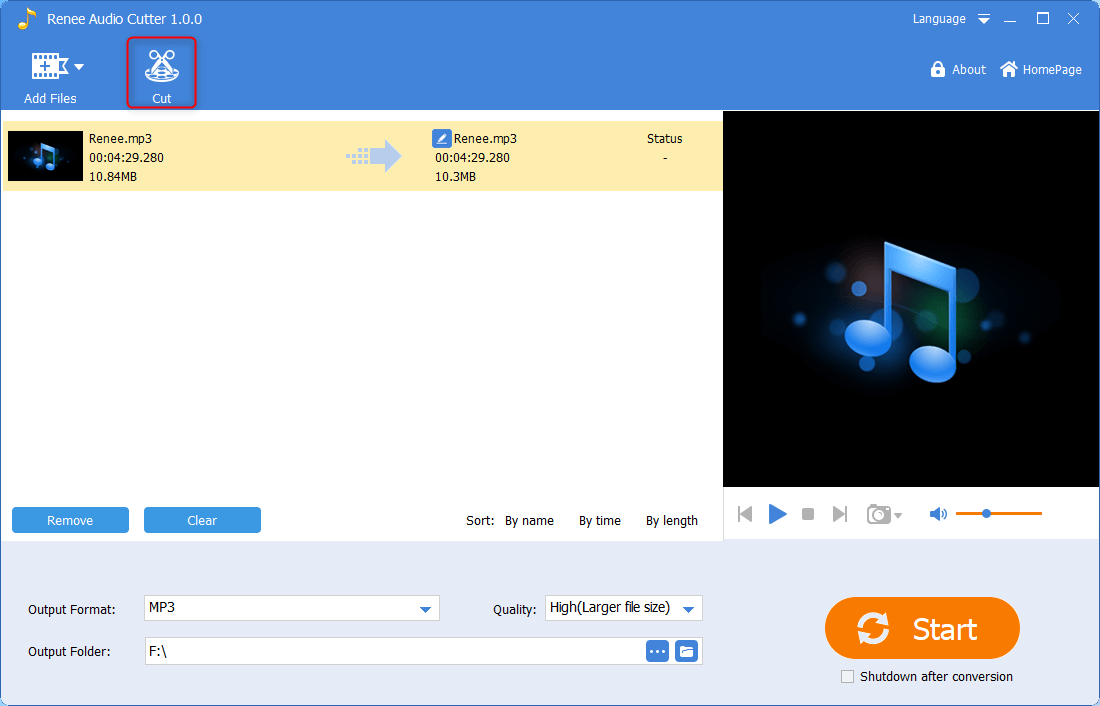
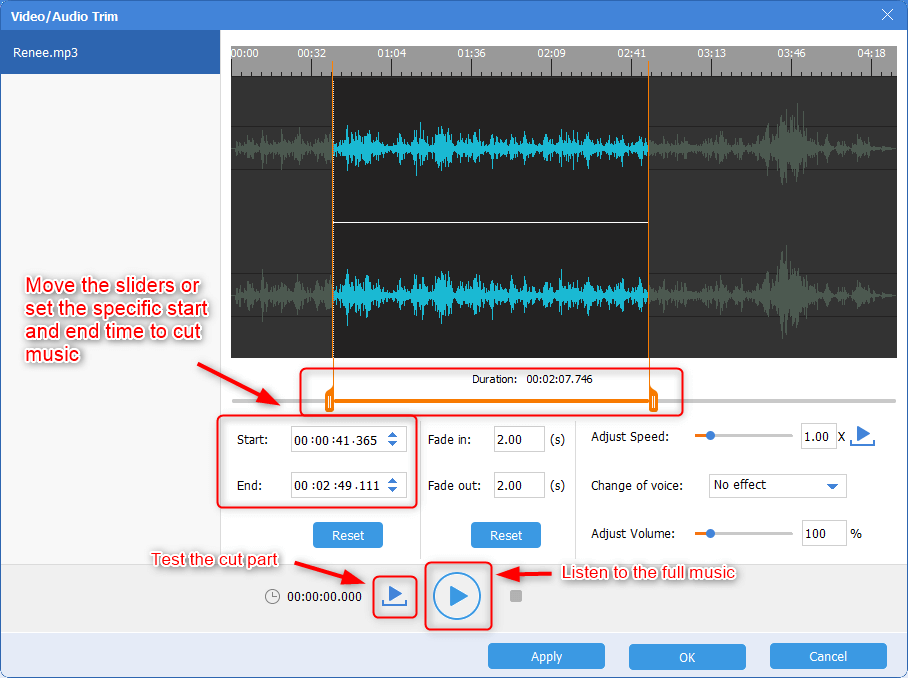
1. Cut
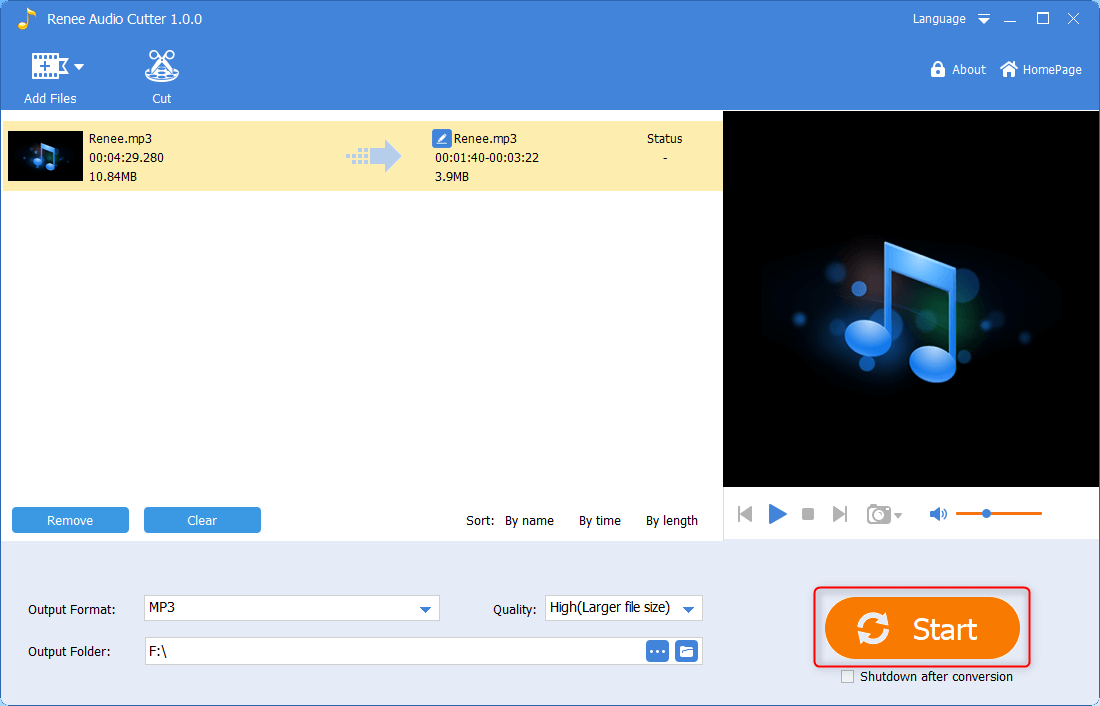
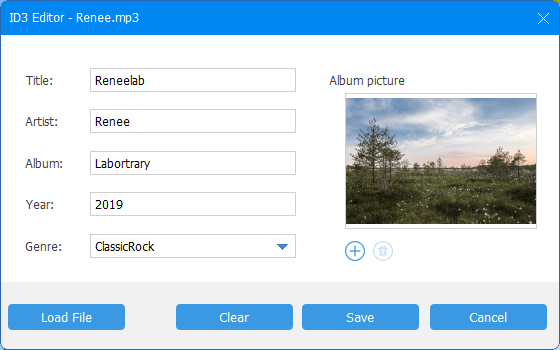
2. Add Information
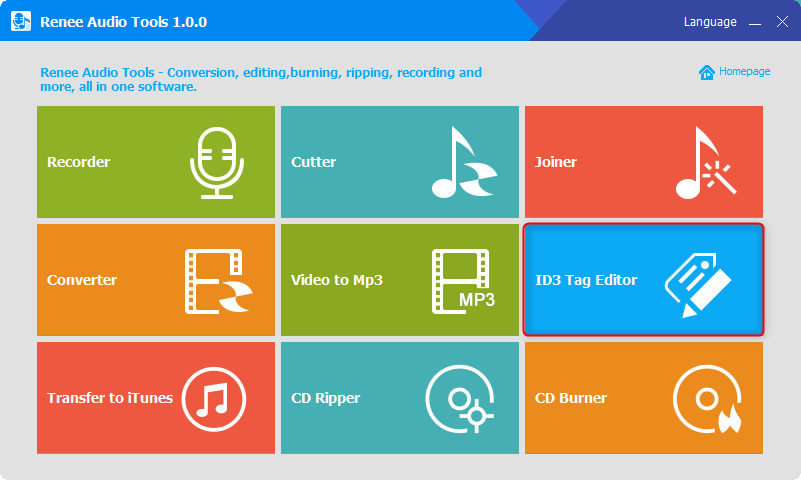
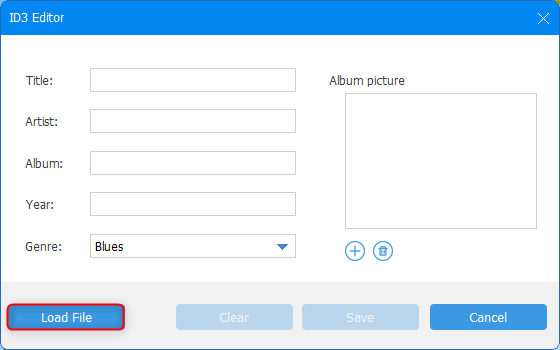
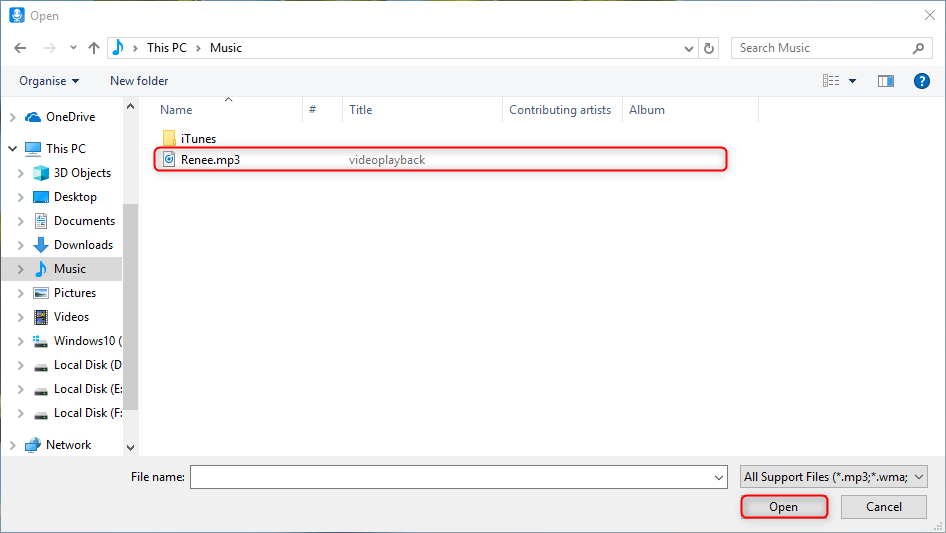
Part 5: What is the Better Output Format?
1. MP3

2. WAV

Relate Links :
Convert YouTube Video or Music to MP2 - Easy Steps

08-11-2026
Amanda J. Brook : Learn how to easily convert YouTube videos and music to MP2 format and edit MP2 files. Discover different...
Extract Audio from MKV Files: Easy Steps
08-11-2026
Jennifer Thatcher : Learn how to extract audio from MKV video files in a few simple steps. Improve audio quality by...
How to Download YouTube Video As MP3 Audio

08-11-2026
Ashley S. Miller : YouTube offers a platform to watch and share video. However, what if we just want to get the...


User Comments
Leave a Comment