
How to Convert M2TS to MP4 – The Ultimate Guide

Summary
Learn how to convert m2ts to mp4 losslessly using our detailed method and video conversion software for seamless results.
Table of contents
1. Introduction to M2TS format
2. Use Renee Video Editor software to convert M2TS format to MP4 format
- 1. What is Renee Video Editor software?
- 2. How to use Renee Video Editor software to convert M2TS format to MP4 format?
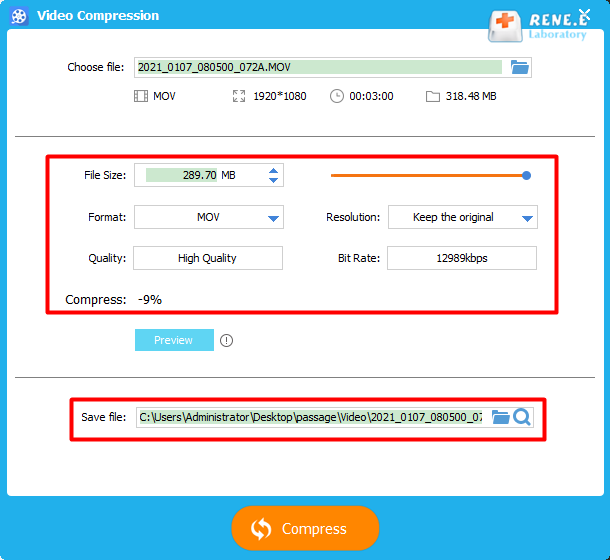
3. What should I do if the video file is too large and the transmission time is too long?


Separate videos with different parametersUsers can separate videos into equal clips by time, size and self-set parameter.
Cut Videos & AudiosUsers are free to cut videos and audios clips by setting start and end time.
Multiple Edit ToolsMerge, crop, rotate, cut and transform video easily. Change and add background music, subtitles and watermark to video.
Format ConversionSupport to convert videos and audios into different formats.
Separate videosSeparate videos into equal clips by time, size and self-set parameter.
Cut Videos & AudiosCut videos and audios clips by setting start and end time.
Format ConversionConvert videos and audios into different formats.
Step 1: Download and install Renee Video Editor.
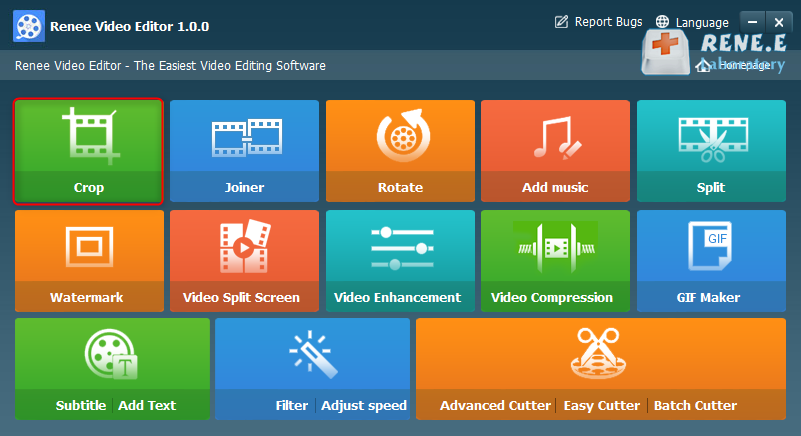
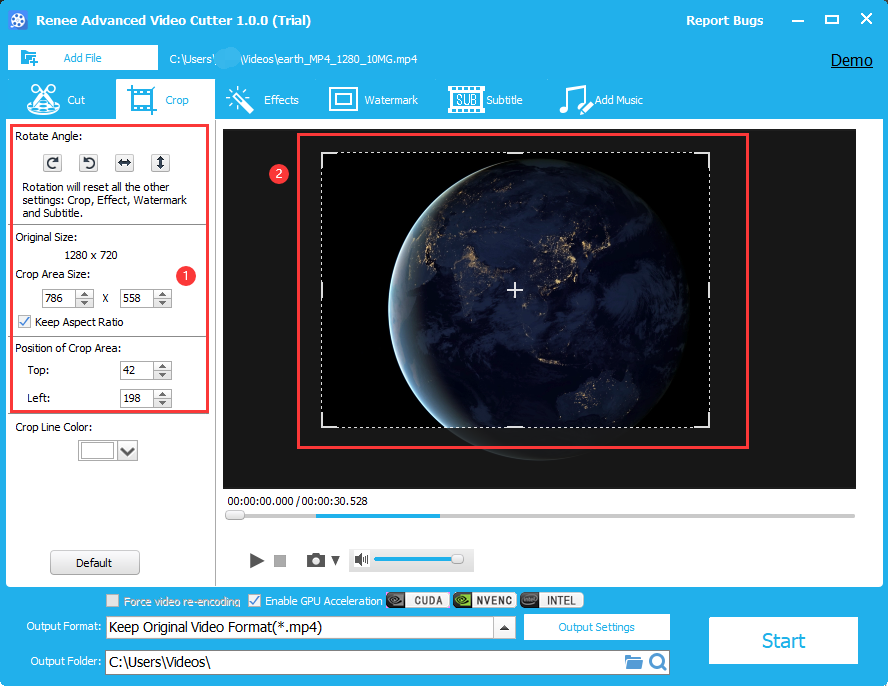
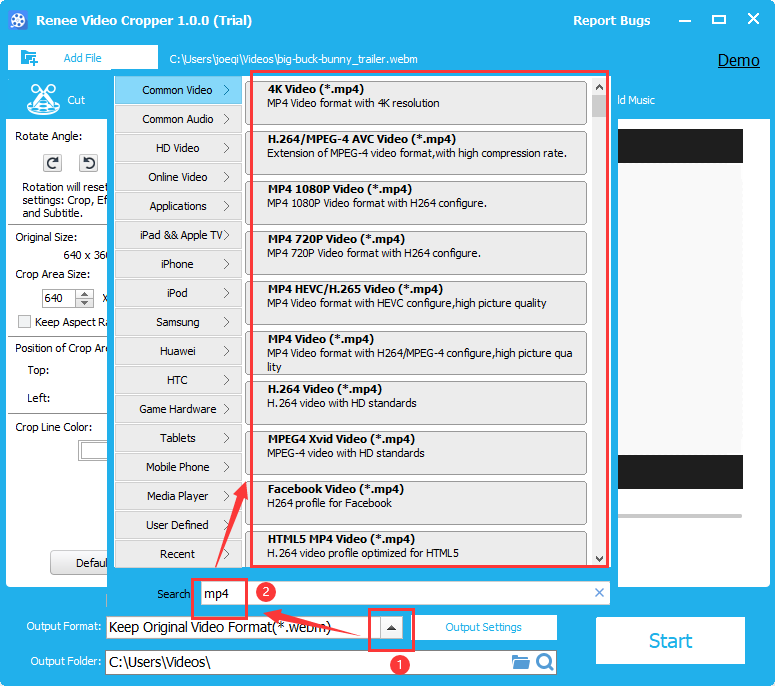
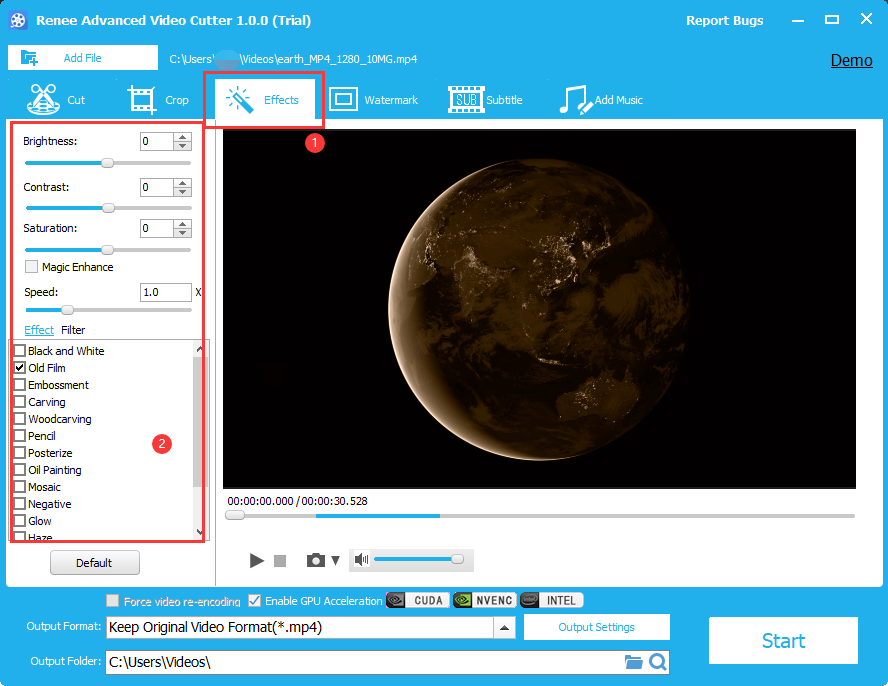
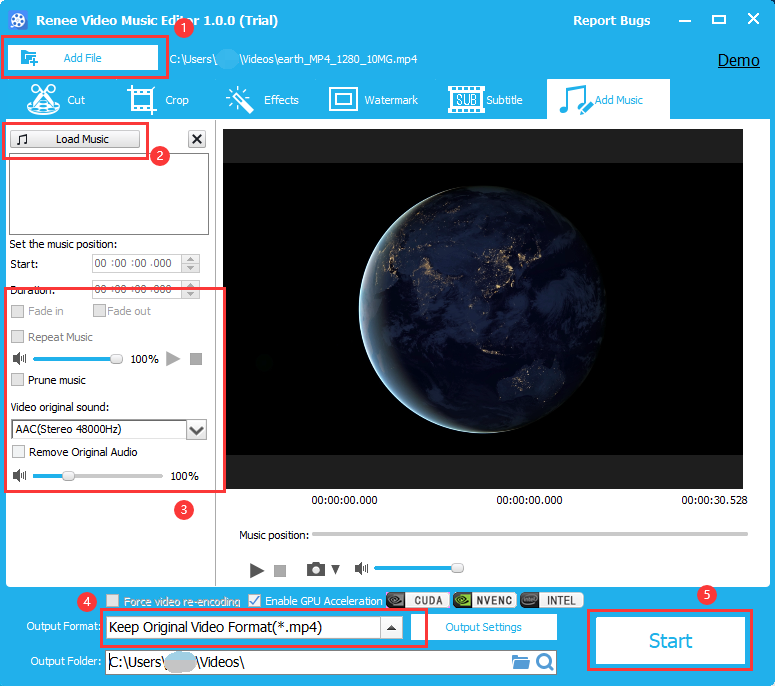
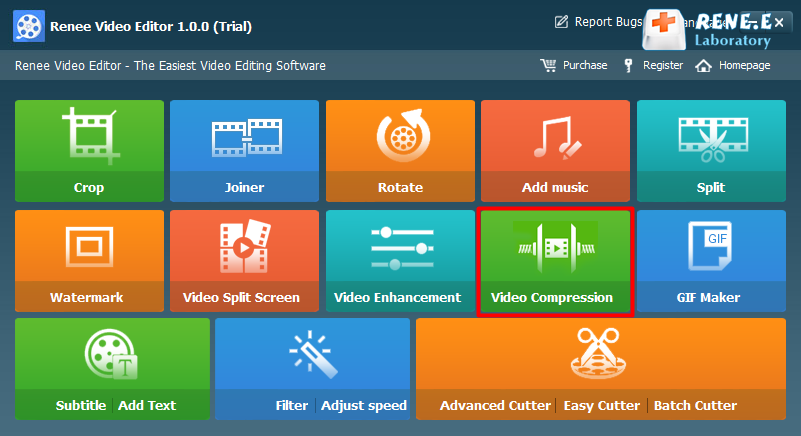
In addition to format conversion, there are other functions in video editing, which can quickly adjust and edit videos.
Relate Links :
Convert AVI to MP4 Online: The Ultimate Solution
09-11-2026
Amanda J. Brook : Explore the process of converting AVI files to MP4 format online for enhanced storage efficiency and broader compatibility....
Convert MP4 to AVI: The Ultimate Guide for MP4 Video Conversion
09-11-2026
Amanda J. Brook : Learn how to convert MP4 to AVI format for compatibility with DVD players and devices. Discover reliable MP4...
Convert WAV Files to MP4: The Ultimate Guide
09-11-2026
Amanda J. Brook : Learn how to convert WAV files to MP4 format for easier transmission and use. Solve issues like failed...


User Comments
Leave a Comment