
How to Add Music from iTunes to iPad?

Summary
Many people enjoy listening to music and watching videos with their iPads. Do you know how to add music and videos from iTunes to iPad? Let’s read this eassy and get the answer.
Part 1: How to Add Videos from iTunes to iPad
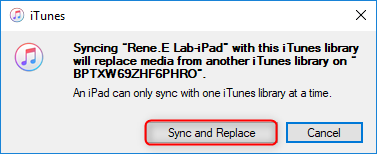
1. Add Videos from iTunes to iPad
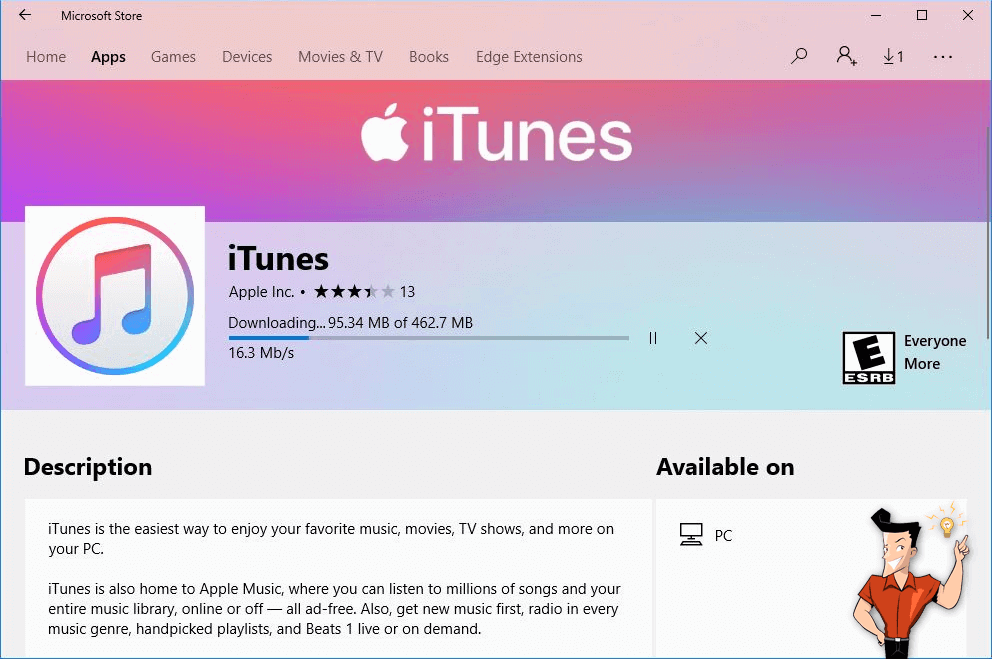
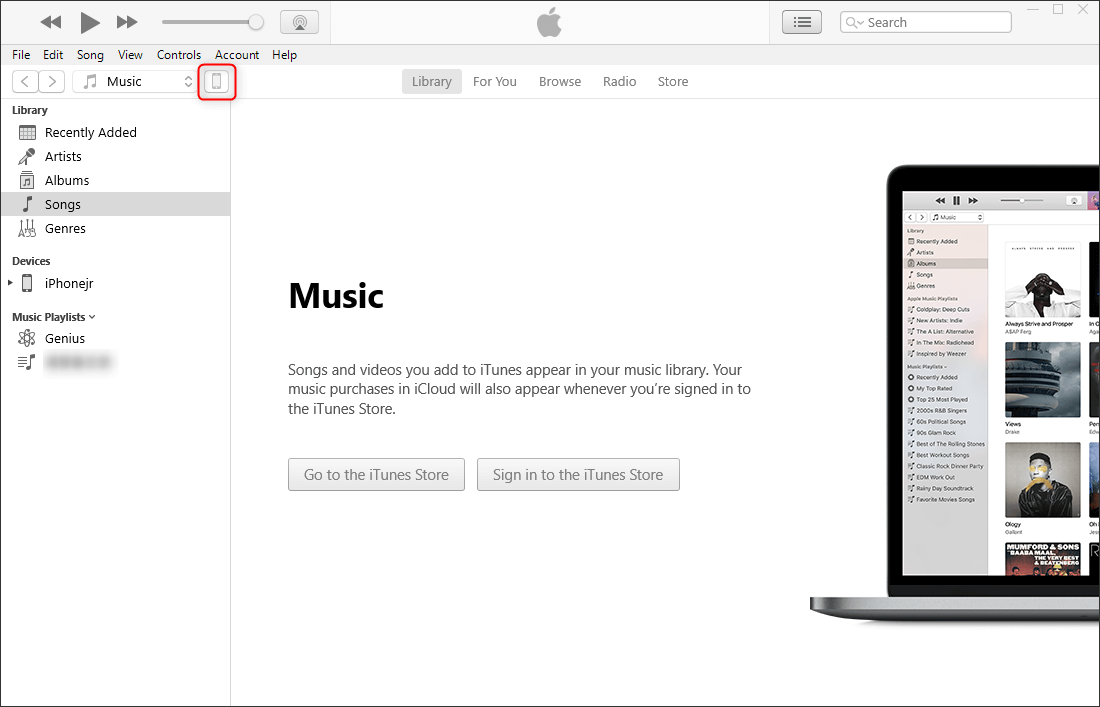
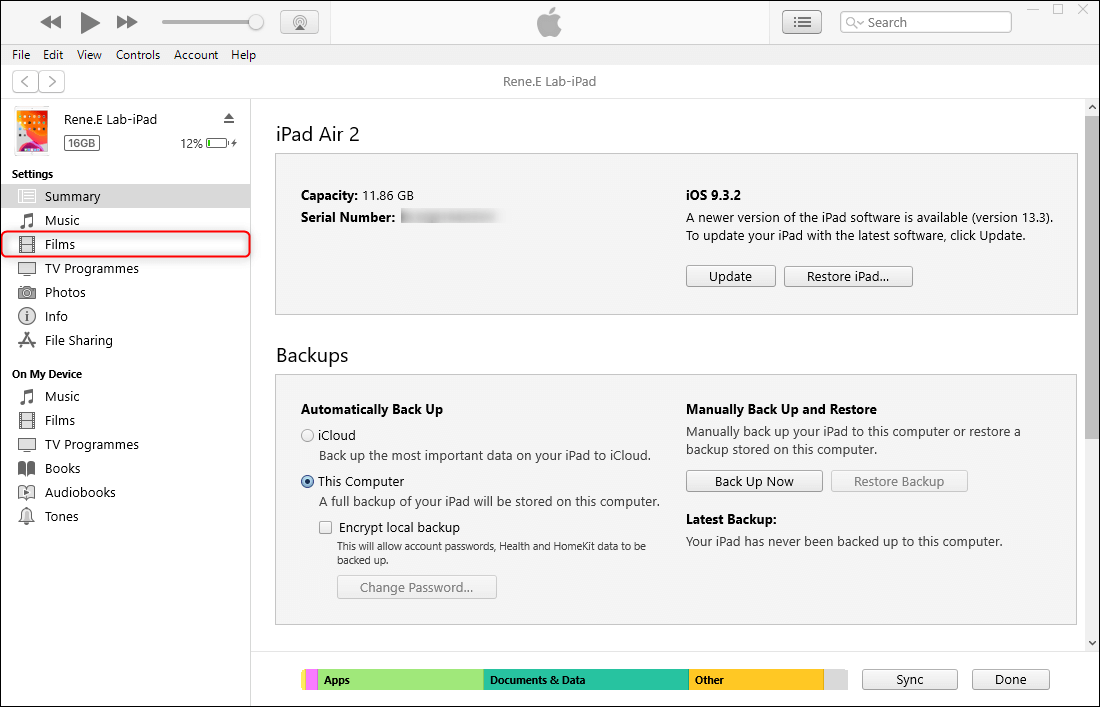
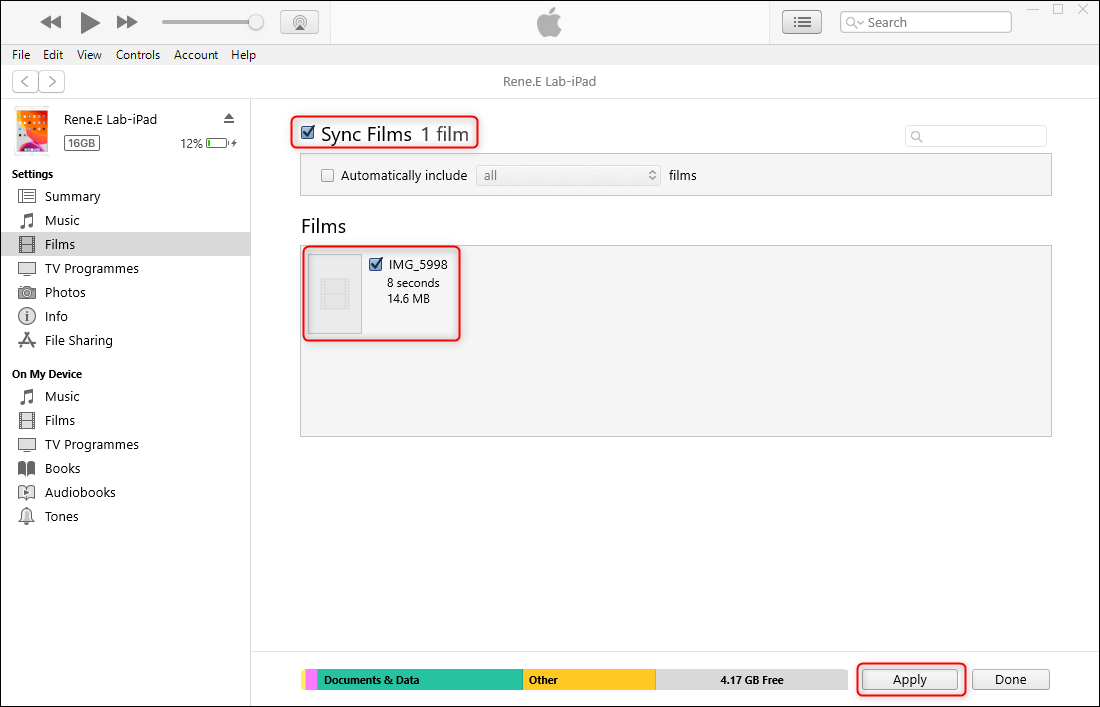
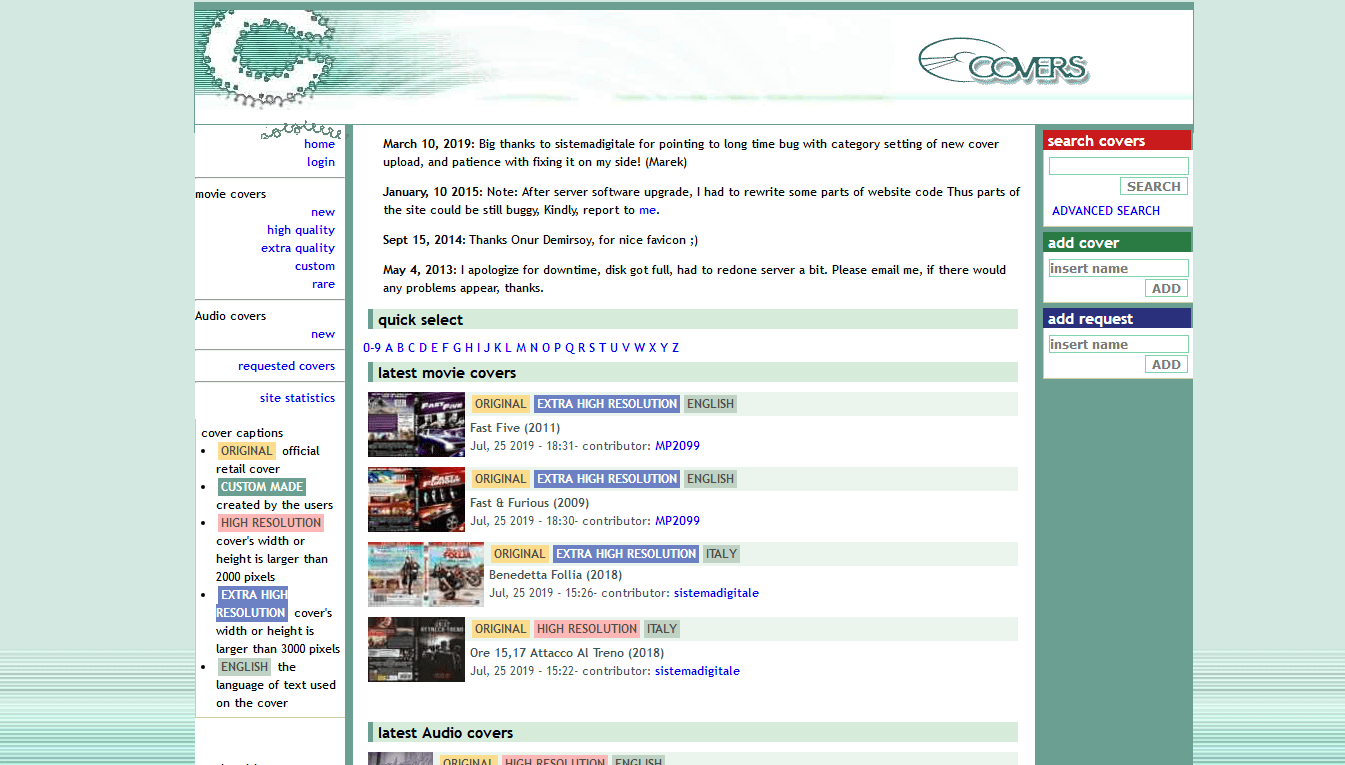
2. Subtitle Websites
COVERS
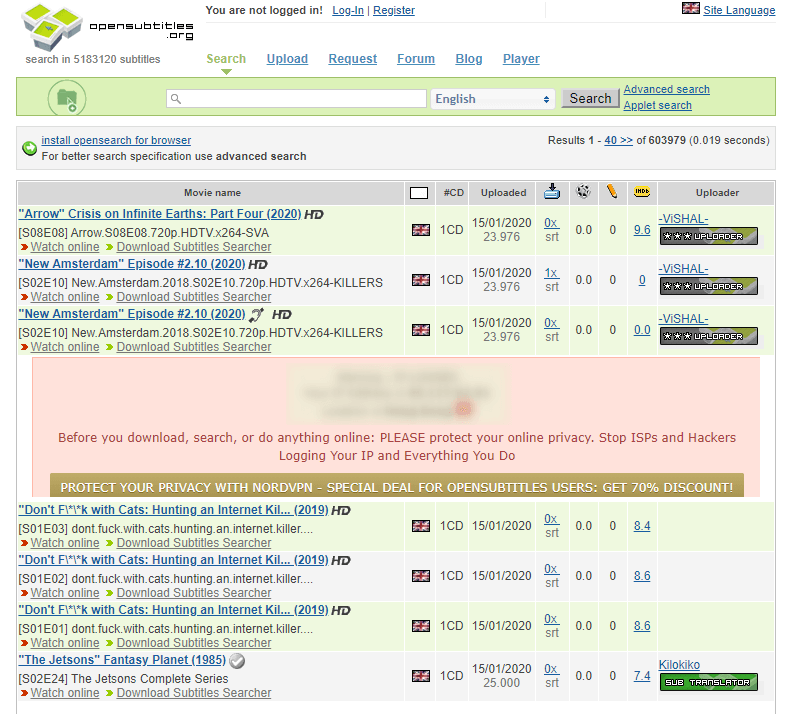
OpenSubtitles
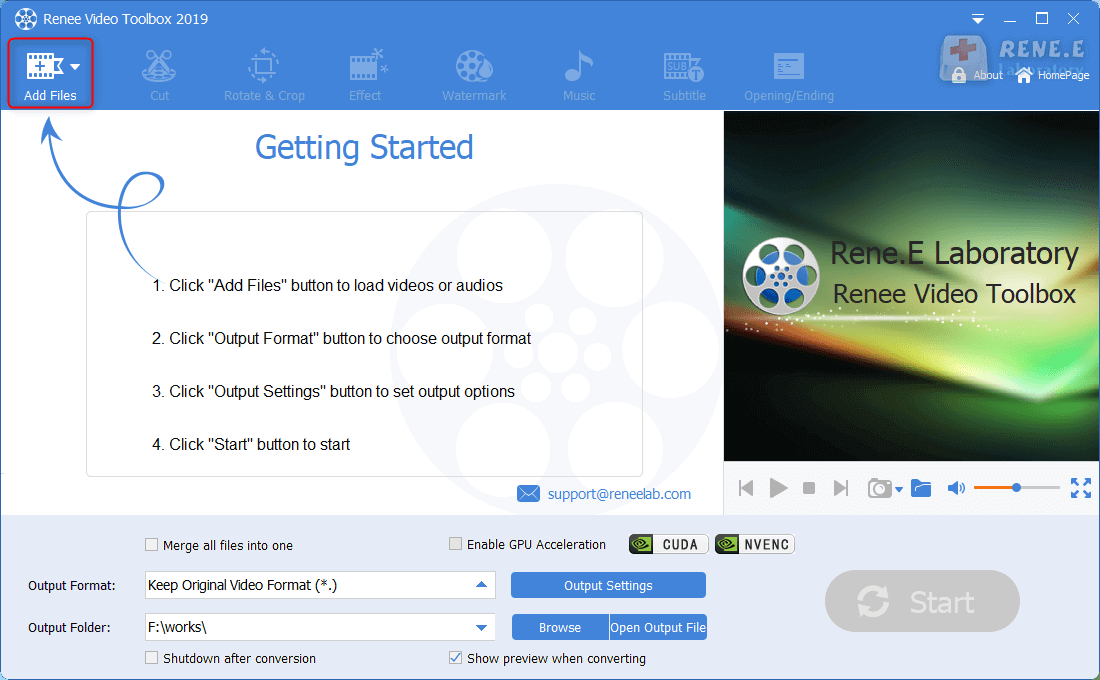
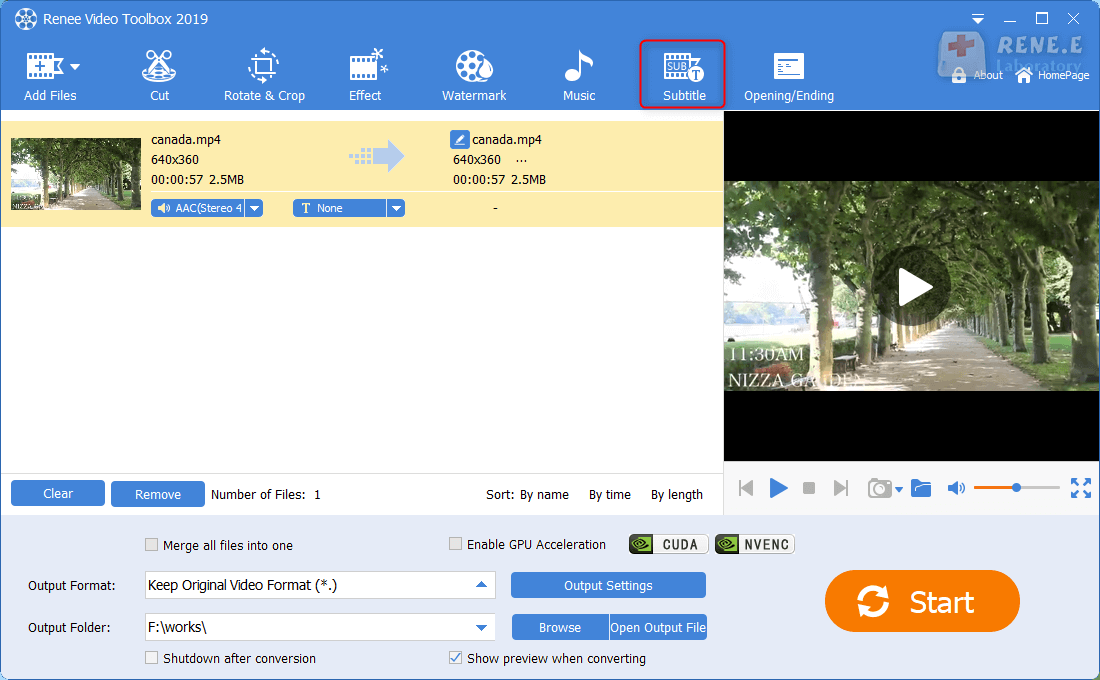
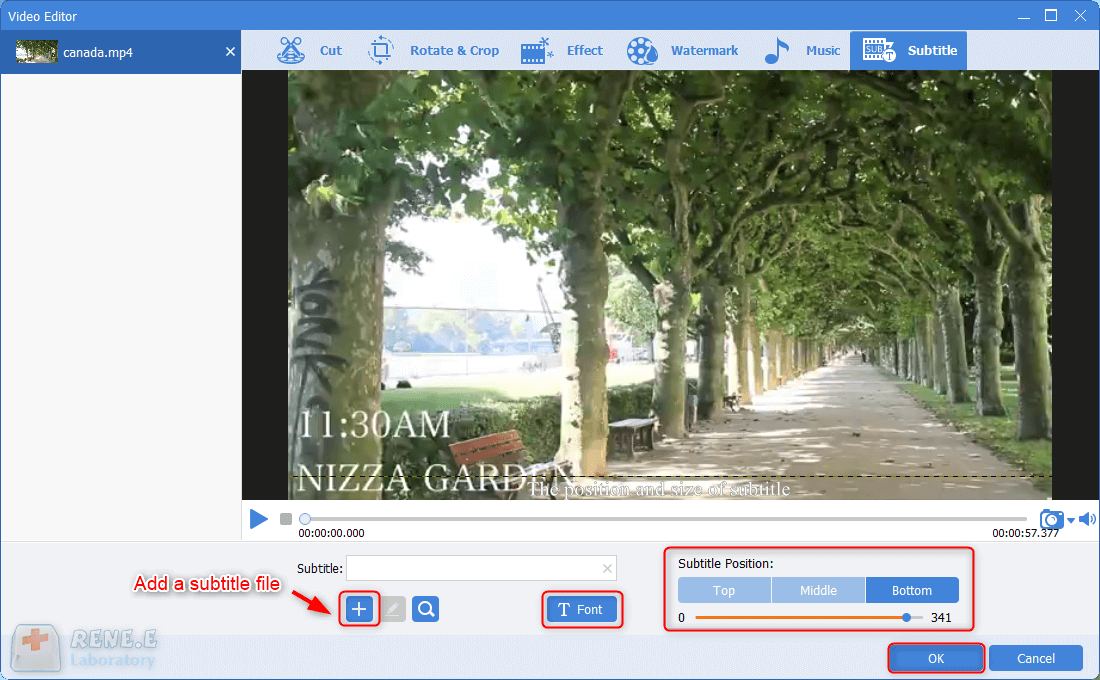
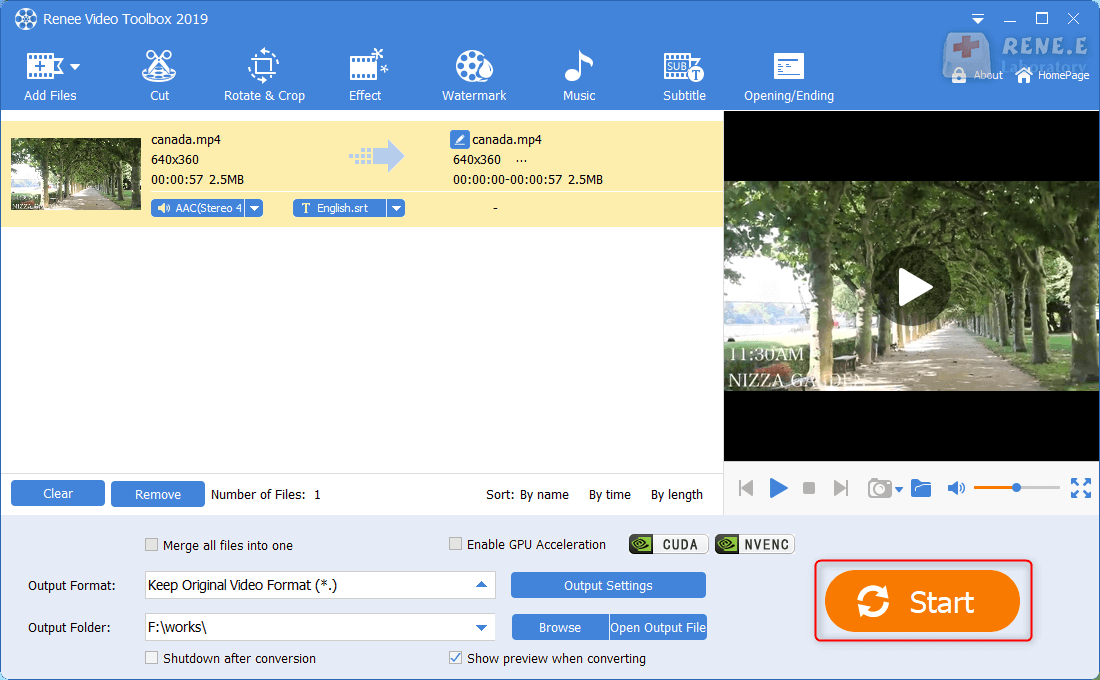
3. Add Subtitles for Video

CutterArbitrarily cut and clip audios in MP3, ACC, FLAC and APE formats. Many effects, such as fade in/out, speed adjustment, music mixing and volume adjustment, are available.
ConverterConvert music files between all audio formats, including MP3, M4A, ACC, OGG, AAC, FLAC and the others. It can also convert the video format into MP3.
RecorderRecord computer sounds from streaming media and microphone at the same time and output into multiple audio formats.
JoinerMerge music files into one regardless the original file formats. The output format and quality can be set, too.
CD BurnerBurn multiple music files into CD, DVD and also make APE or BIN image file.
Compatible with: Windows 11 / 10 / 8.1 / 8 / 7 / Vista / XP (32bit/64bit)
CutterArbitrarily cut and clip audios in diffrent formats. Many effects, such as fade in/out, speed adjustment, music mixing, are available.
ConverterConvert music files between all audio formats, including MP3, M4A, ACC, OGG, AAC, FLAC and the others. It can also convert the video format into MP3.
RecorderRecord computer sounds from streaming media and microphone at the same time and output into multiple audio formats.
Part 2: How to Add Music from iTunes to iPad
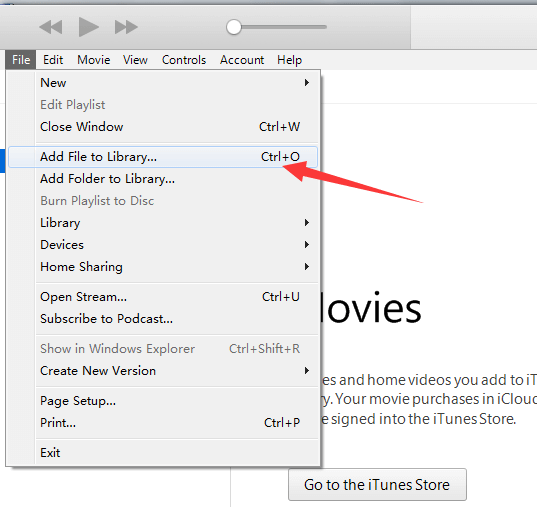
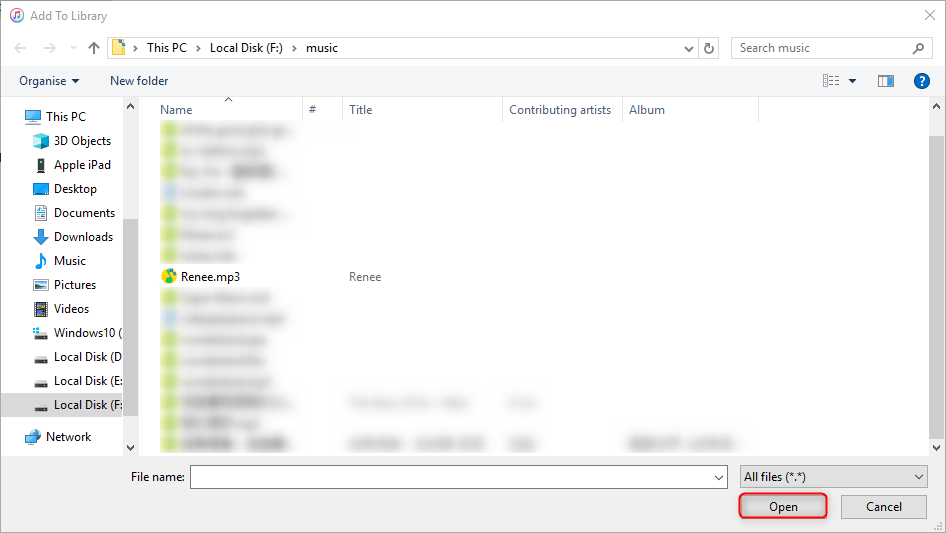
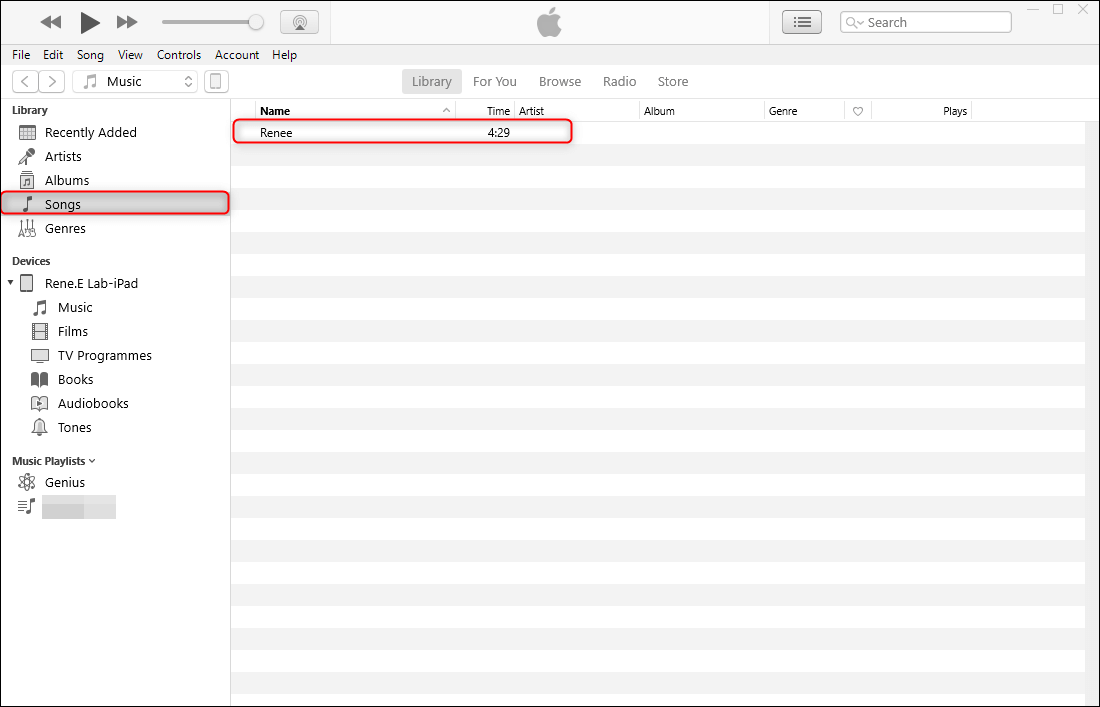
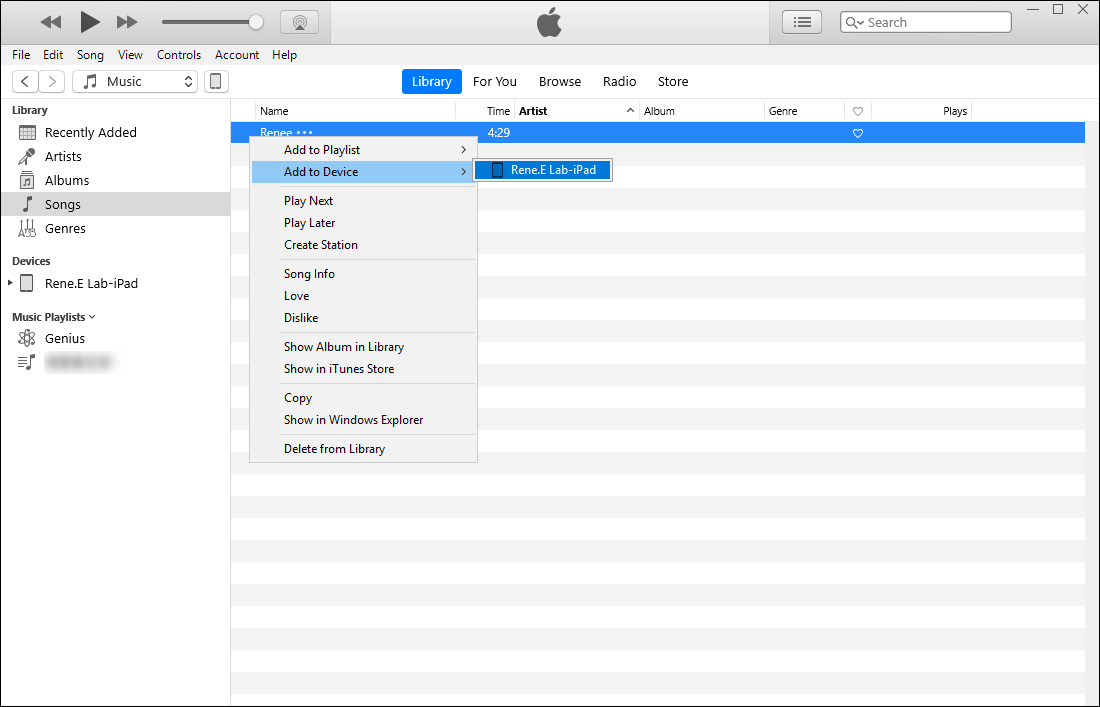
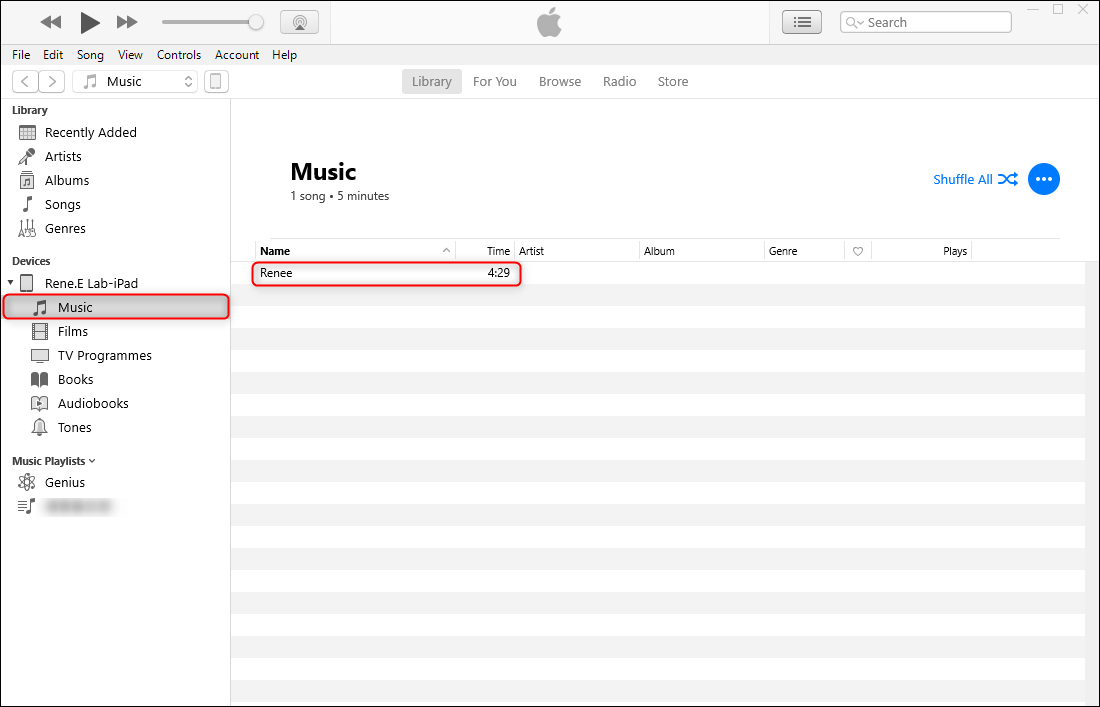
1. Transfer from iTunes to iPad
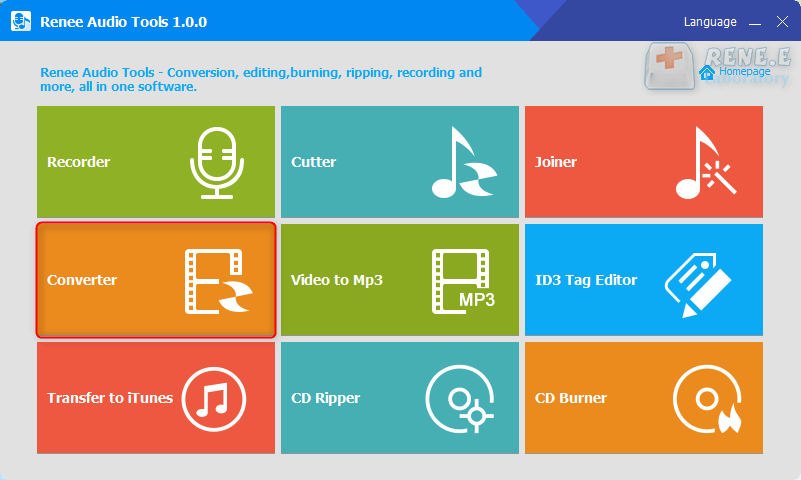
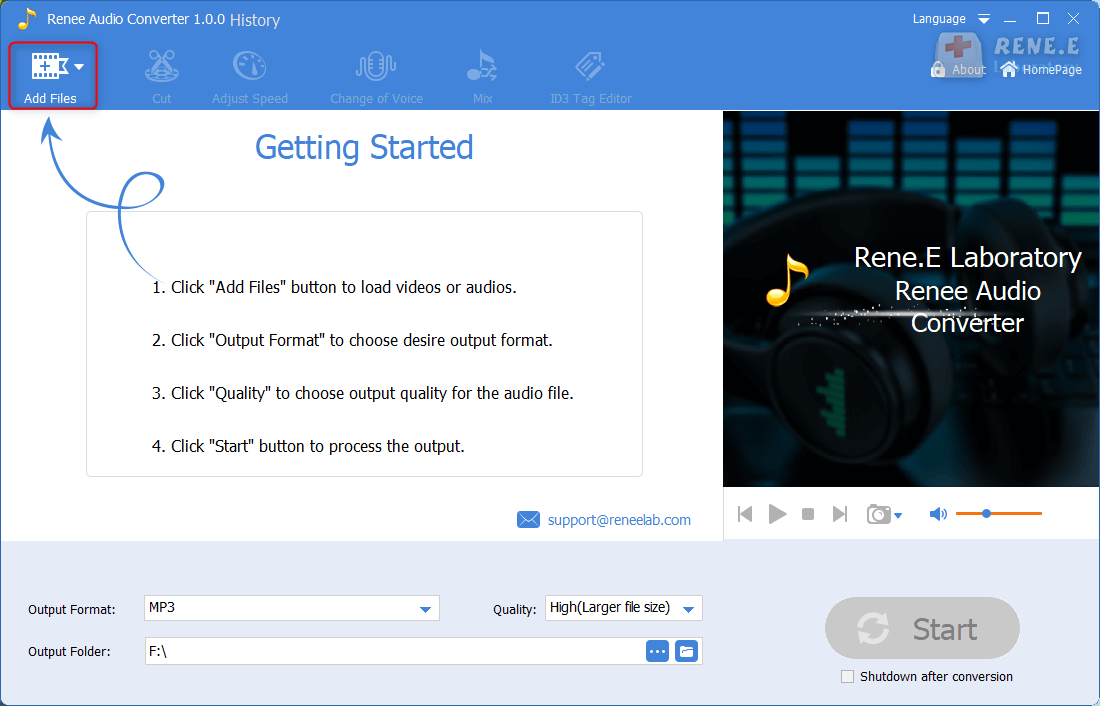
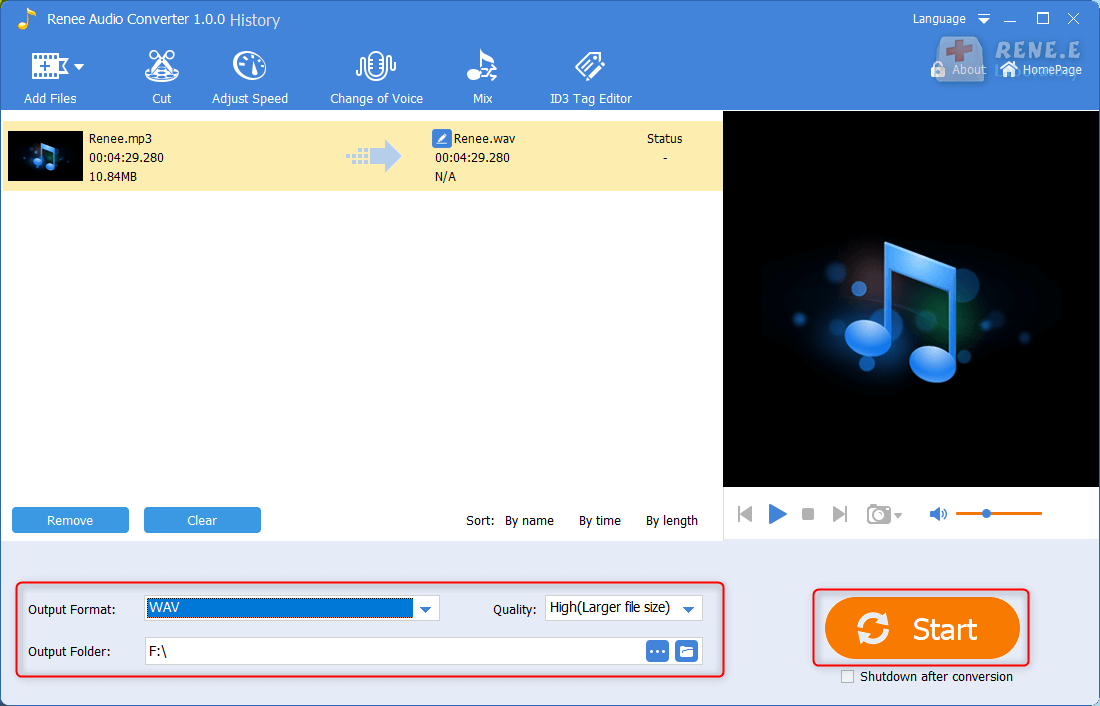
2. Convert Format with Renee Audio Tools
CutterArbitrarily cut and clip audios in MP3, ACC, FLAC and APE formats. Many effects, such as fade in/out, speed adjustment, music mixing and volume adjustment, are available.
ConverterConvert music files between all audio formats, including MP3, M4A, ACC, OGG, AAC, FLAC and the others. It can also convert the video format into MP3.
RecorderRecord computer sounds from streaming media and microphone at the same time and output into multiple audio formats.
JoinerMerge music files into one regardless the original file formats. The output format and quality can be set, too.
CD BurnerBurn multiple music files into CD, DVD and also make APE or BIN image file.
Compatible with: Windows 11 / 10 / 8.1 / 8 / 7 / Vista / XP (32bit/64bit)
CutterArbitrarily cut and clip audios in diffrent formats. Many effects, such as fade in/out, speed adjustment, music mixing, are available.
ConverterConvert music files between all audio formats, including MP3, M4A, ACC, OGG, AAC, FLAC and the others. It can also convert the video format into MP3.
RecorderRecord computer sounds from streaming media and microphone at the same time and output into multiple audio formats.
Part 3: Get High-quality Video and Music Websites
1. High-quality Video Websites
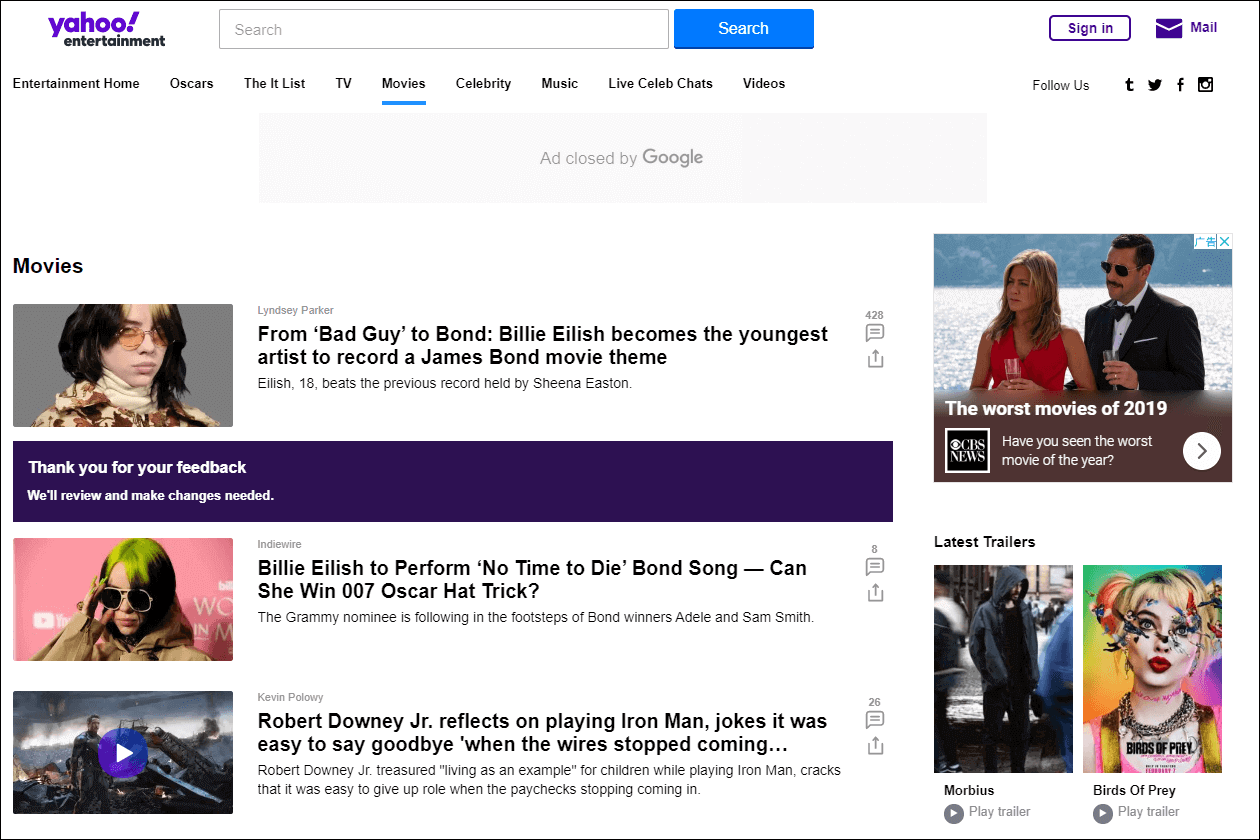
Yahoo Movies
Vimeo

2. High-quality Music Websites
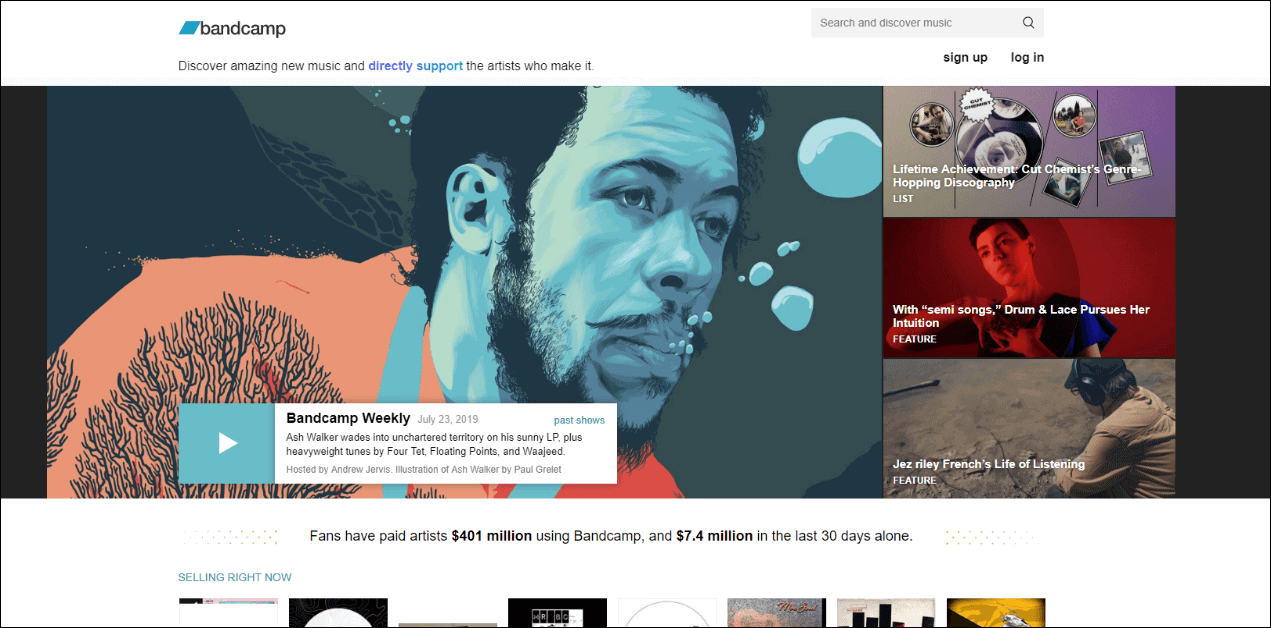
Bandcamp
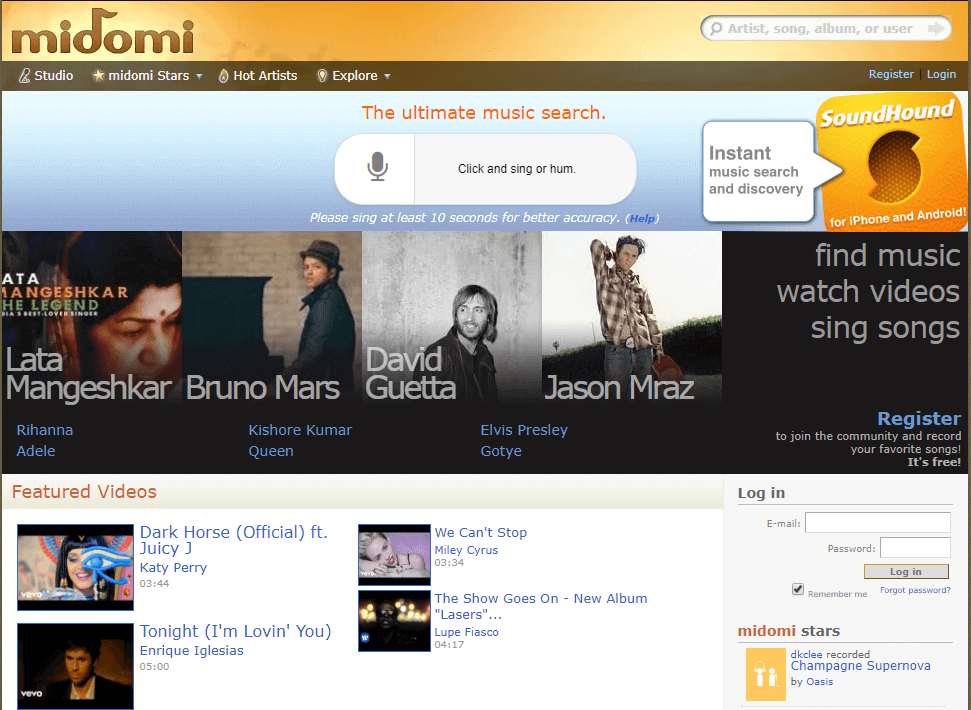
Midomi
Relate Links :
How to Transfer Photos from PC to iPad?
08-11-2026
Jennifer Thatcher : It is not easy to transfer files and photos from iPad to the other devices due to the...
How to Put Music on iPad/iPod Touch for Free?

08-11-2026
Amanda J. Brook : In our daily life, we usually get music resources from the websites and the streaming media players. How...
How to Sync Music&Playlist from iTunes to iPhone/iPad?
08-11-2026
Amanda J. Brook : When we find the lovely songs in PC, how can we transfer them to iPhone/iPad? In this essay,...


User Comments
Leave a Comment