
Record Audio from Computer Windows 7: Easy Steps to Capture Audio

Summary
Discover two practical and efficient Windows 7 recording tools to effortlessly record audio from computer windows 7, including music and voice calls. Achieve your sound recording needs effortlessly.



CutterArbitrarily cut and clip audios in MP3, ACC, FLAC and APE formats. Many effects, such as fade in/out, speed adjustment, music mixing and volume adjustment, are available.
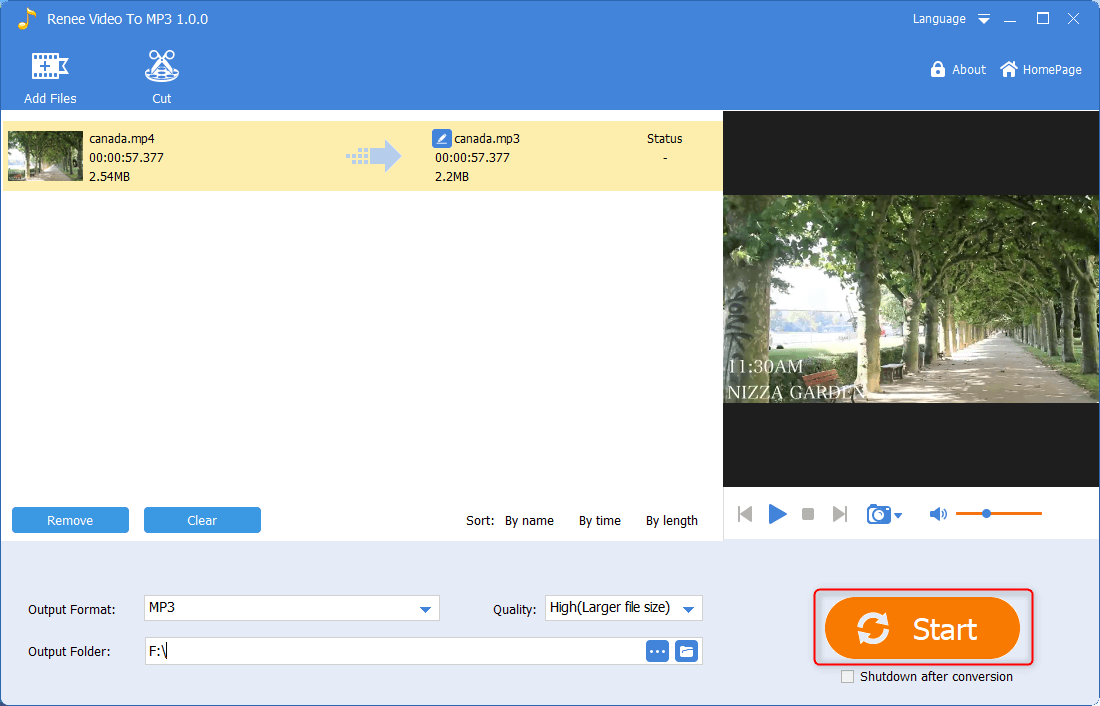
ConverterConvert music files between all audio formats, including MP3, M4A, ACC, OGG, AAC, FLAC and the others. It can also convert the video format into MP3.
RecorderRecord computer sounds from streaming media and microphone at the same time and output into multiple audio formats.
JoinerMerge music files into one regardless the original file formats. The output format and quality can be set, too.
CD BurnerBurn multiple music files into CD, DVD and also make APE or BIN image file.
Compatible with: Windows 11 / 10 / 8.1 / 8 / 7 / Vista / XP (32bit/64bit)
CutterArbitrarily cut and clip audios in diffrent formats. Many effects, such as fade in/out, speed adjustment, music mixing, are available.
ConverterConvert music files between all audio formats, including MP3, M4A, ACC, OGG, AAC, FLAC and the others. It can also convert the video format into MP3.
RecorderRecord computer sounds from streaming media and microphone at the same time and output into multiple audio formats.
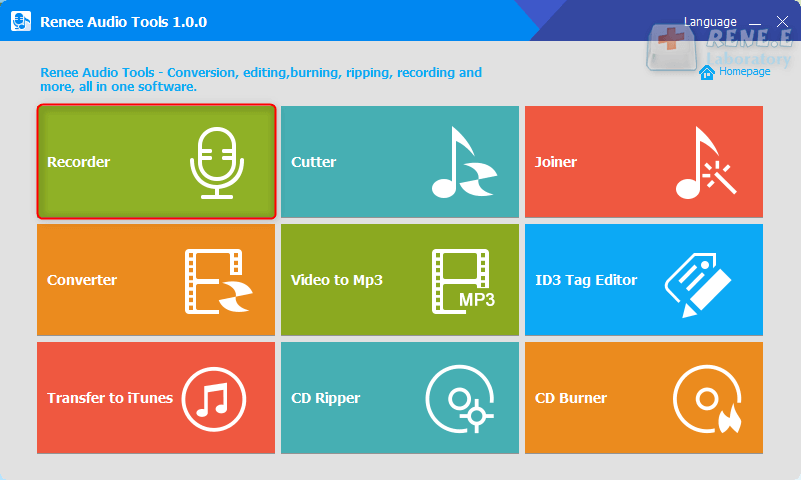
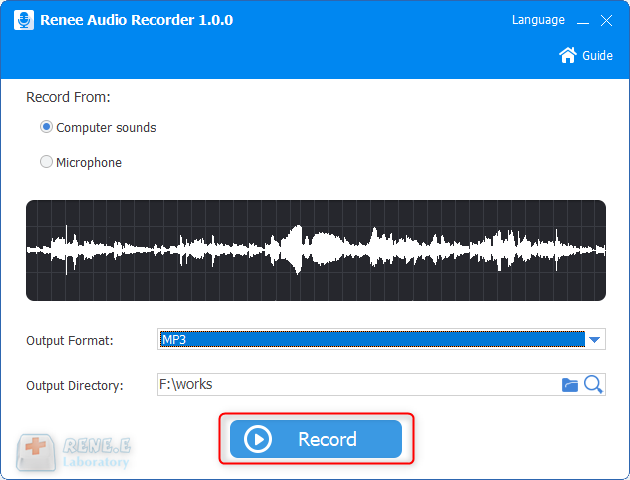
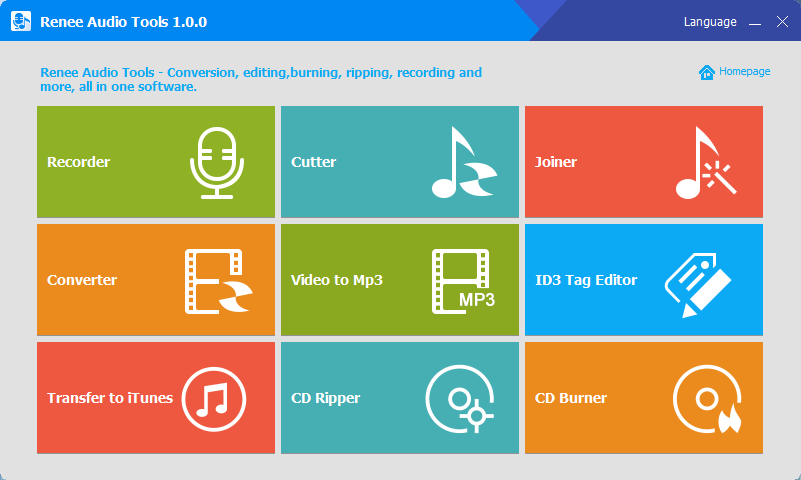
Recorder: Support recording computer sound and microphone sound.
Cutter: Support cutting audio clips, adjusting audio playback speed, adjusting sound beam and volume, etc.
Joiner: Merge multiple audio files into one complete file.
Converter: It can realize the conversion between various audio file formats, and also provides functional modules such as cutting, adjusting speed, changing voice, mixing, and ID3 editor.
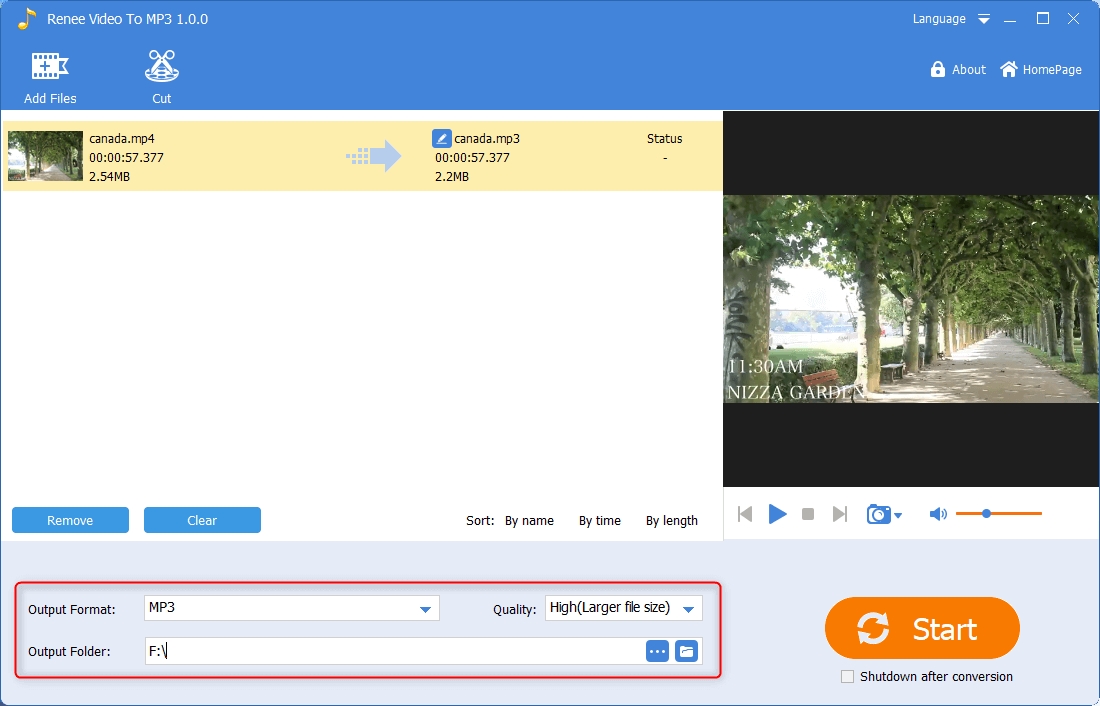
Video to MP3: Convert video to audio formats such as MP3, WAV, AAC, M4A, etc.
ID3 Tag Editor: Edit the detailed information of audio files, such as song name, artist, album, year, genre, etc.
Transfer to iTunes: Add audio files to iTunes.
CD Ripper: Extract the audio files from the CD and save them to your computer.
CD Burner: Burn audio files from your computer to CD.
Relate Links :
Top Free Audio Recording Software: Simplified and Reliable

08-11-2026
Amanda J. Brook : Learn how to improve audio quality in movie recordings by using professional recording software for Windows and Mac...


User Comments
Leave a Comment