
Best Free Video Format Converter for Mac

Summary
Discover the top Mac-compatible video format conversion software. Our editor has handpicked the best options to assist you in choosing the right one.

WMV, AVI, MP4, M4A, MOV, MKV, and more. It facilitates effortless conversion between formats and allows users to save files for a variety of devices. Boasting an extensive suite of editing tools, it empowers users to merge videos, batch edit, crop, add subtitles, watermarks, special effects, and background music. Furthermore, the software is capable of converting videos to GIFs and supports picture-in-picture effects for concurrent multi-video playback.

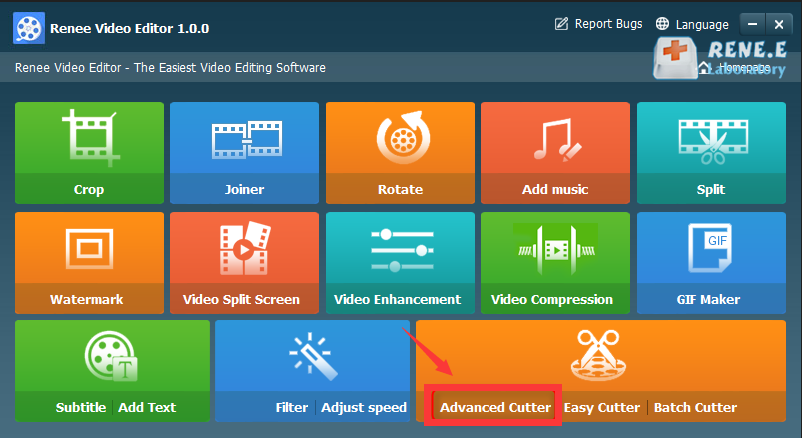
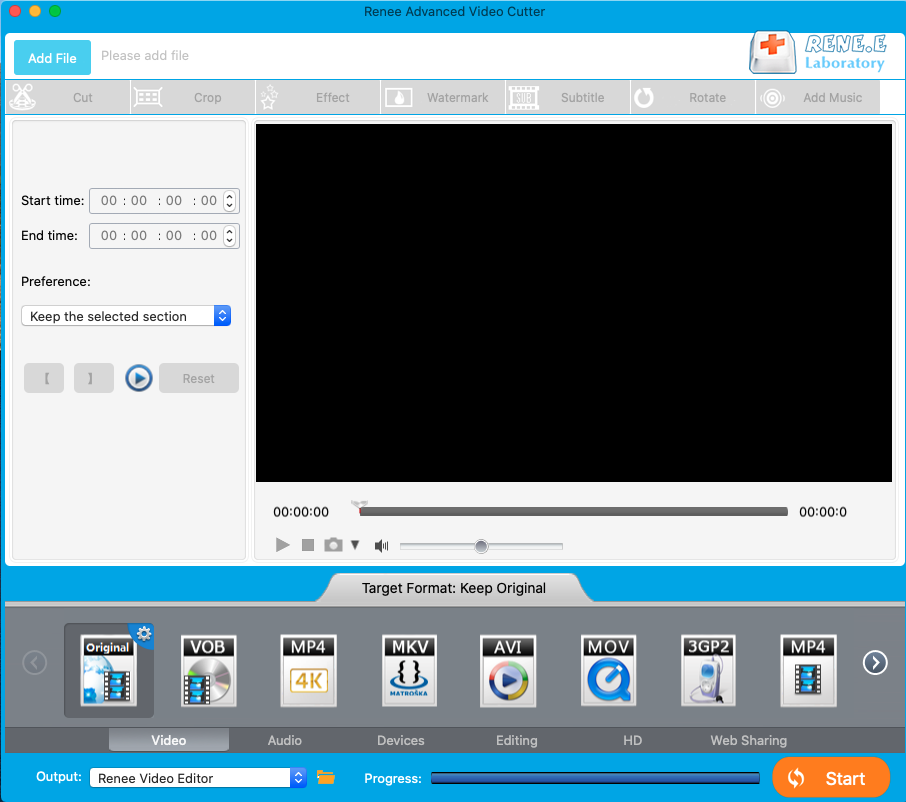
Separate videos with different parametersUsers can separate videos into equal clips by time, size and self-set parameter.
Cut Videos & AudiosUsers are free to cut videos and audios clips by setting start and end time.
Multiple Edit ToolsMerge, crop, rotate, cut and transform video easily. Change and add background music, subtitles and watermark to video.
Format ConversionSupport to convert videos and audios into different formats.
Separate videosSeparate videos into equal clips by time, size and self-set parameter.
Cut Videos & AudiosCut videos and audios clips by setting start and end time.
Format ConversionConvert videos and audios into different formats.
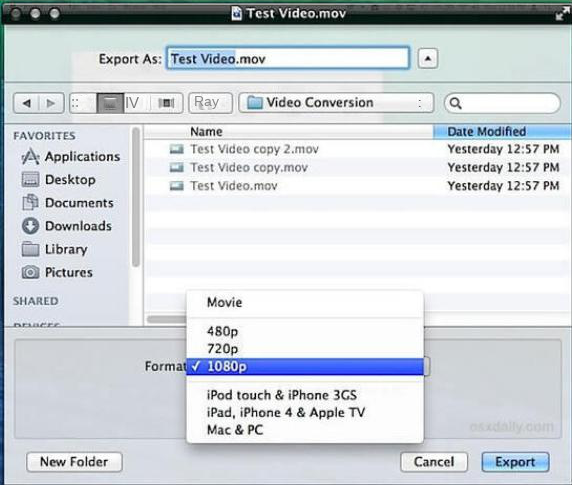
- The software is pre-installed on the Mac and can be used without downloading the software.
- The interface is simple and easy to use.
- Multiple video resolutions are supported.
shortcoming:Does not have the function of batch processing files.
MKV, M2TS, AVCHD, AVI, MP4, WMV, MOV, FLV, and provides compatibility with various devices such as iPhone, iPad mini, iPad Air, Surface Pro, and PS4.
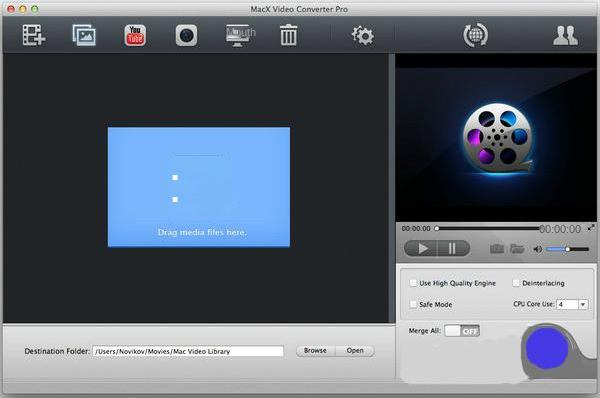
- The supported output formats are very wide.
- It runs very fast when used.
shortcoming:The program is not very stable, and crashes occasionally.
MXF, AVI, MKV, MP4, MOV, M2TS, M4V, AAC, AC3, and more, thus ensuring seamless video and audio format conversion.
Separate videos with different parametersUsers can separate videos into equal clips by time, size and self-set parameter.
Cut Videos & AudiosUsers are free to cut videos and audios clips by setting start and end time.
Multiple Edit ToolsMerge, crop, rotate, cut and transform video easily. Change and add background music, subtitles and watermark to video.
Format ConversionSupport to convert videos and audios into different formats.
Separate videosSeparate videos into equal clips by time, size and self-set parameter.
Cut Videos & AudiosCut videos and audios clips by setting start and end time.
Format ConversionConvert videos and audios into different formats.
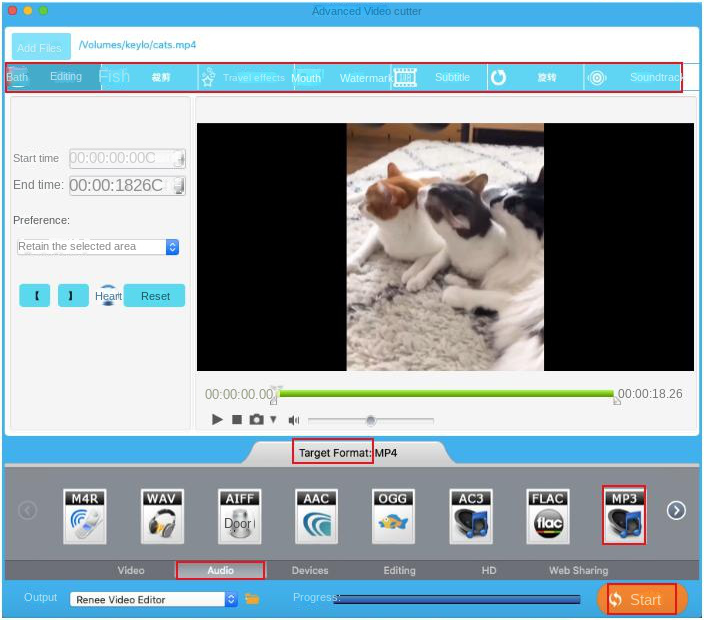
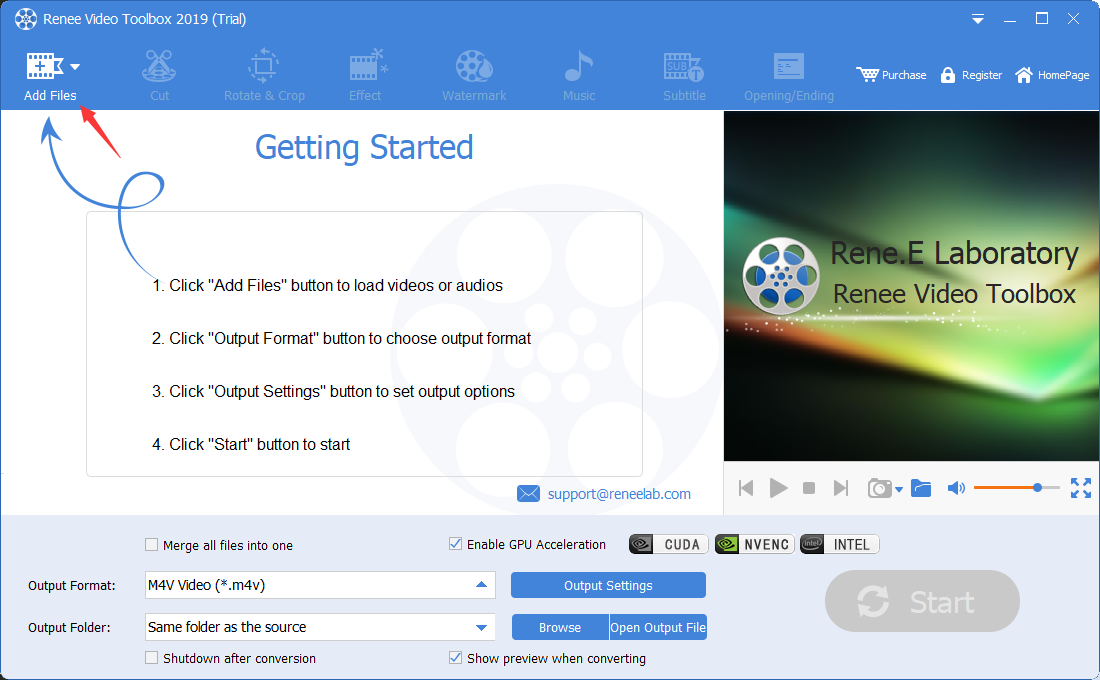
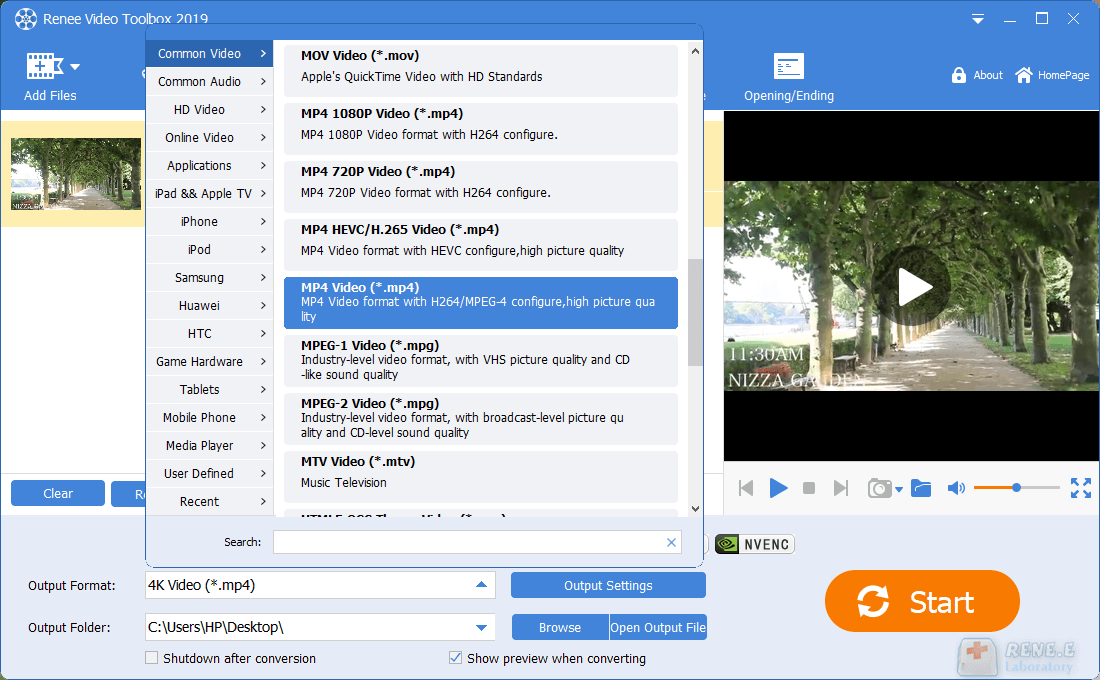
Next, navigate to the “output format” section to select your desired video format. Afterwards, choose where you’d like to save the converted video by setting the “Output Folder”.
Finally, click on “Start” to initiate the conversion process. Your video will be processed and exported to your specified location quickly and easily.
Relate Links :
Easily Convert MOV to MP4 with our MOV Converter
09-11-2026
Amanda J. Brook : Discover the best MOV to MP4 converters for seamless file compatibility on all devices. Learn how to convert...
Top Four M4A Converters: Streamline Your Audio Conversion
09-11-2026
Amanda J. Brook : Explore four m4a converter for seamless, high-quality audio file conversion and optimal playback on iOS devices including iPhone...
Ultimate Guide: Convert YouTube Video to GIF Easily

09-11-2026
John Weaver : Learn how to convert YouTube videos to GIF easily with a range of tools including online converters and...


User Comments
Leave a Comment