
How to Add SRT Subtitles to MP4 Video

Summary
All of us are familiar with video subtitles. In variety shows, films, TV dramas and documentaries, subtitles make these videos more understandable. Simply, subtitle is divided into two type, image and text subtitle. What’s different between these two types? What’s SRT subtitle? How to add the SRT subtitles to a MP4 video? All in this essay.
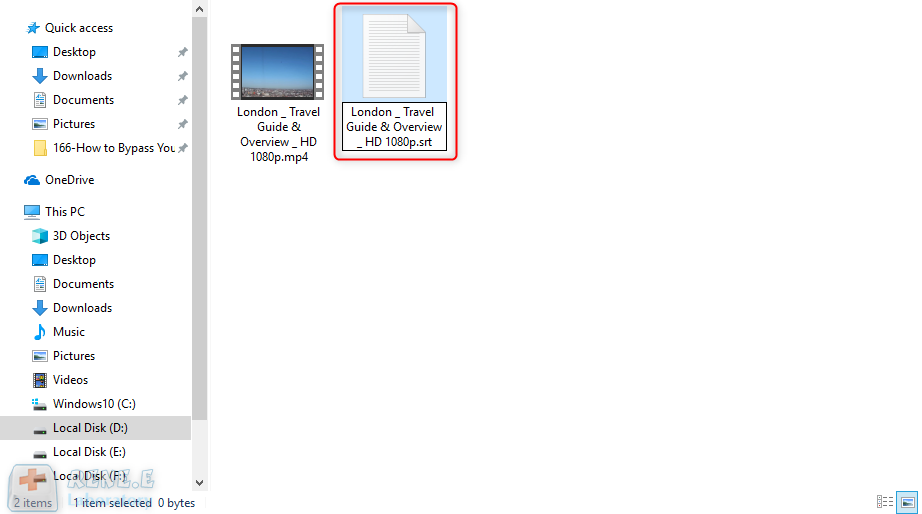
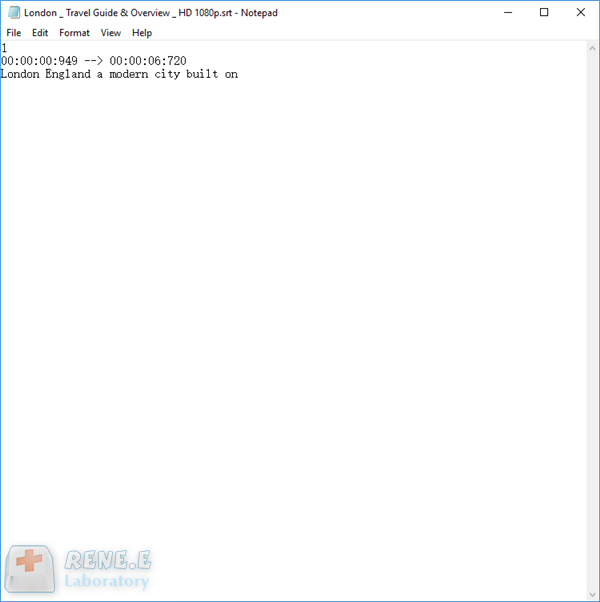
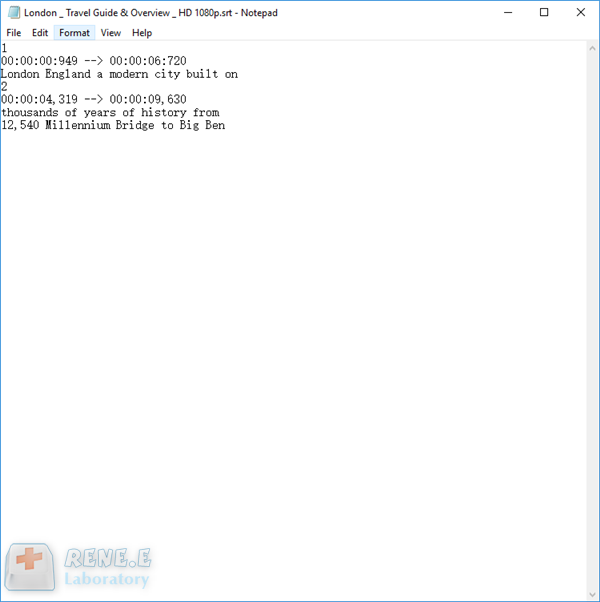
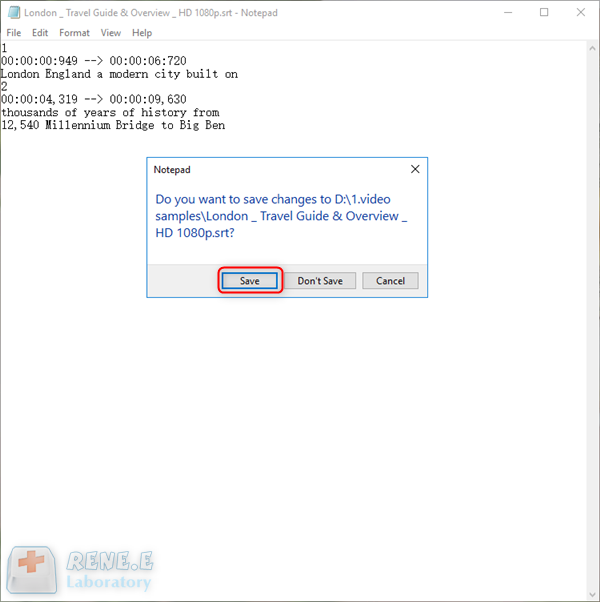
● Comma and full stop are not necessary, or alternative with spaces. Question mark can be reserved.
● Use Marks, such as “-”, to distinguish dialogue and explanation.
● A subtitle should be displayed in a line better but bilingual subtitles should be on two lines.

Screen RecordingRecord screen and webcam in Windows computer.
Cut Videos & AudiosUsers are free to cut videos and audios clips with setting start and end time.
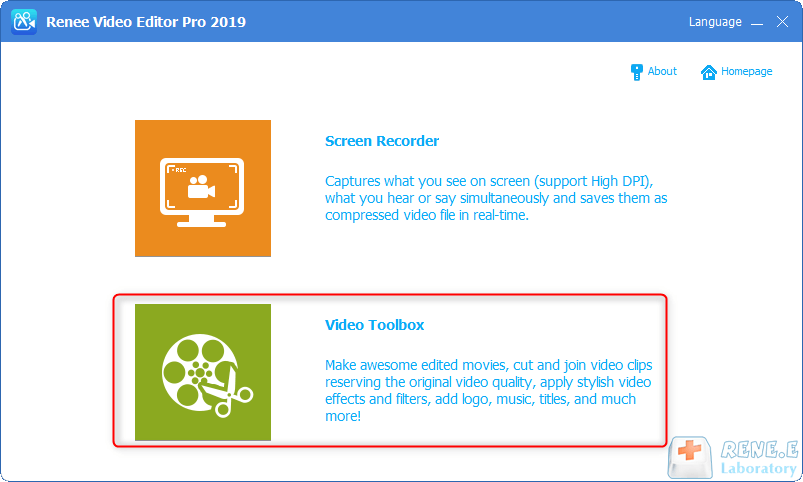
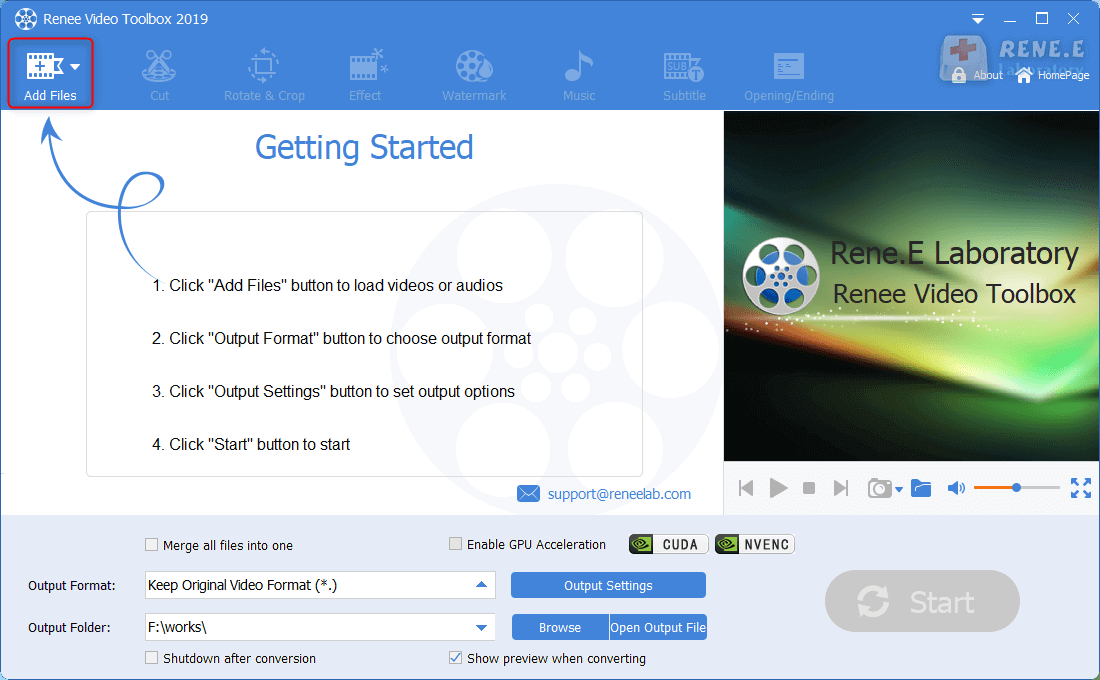
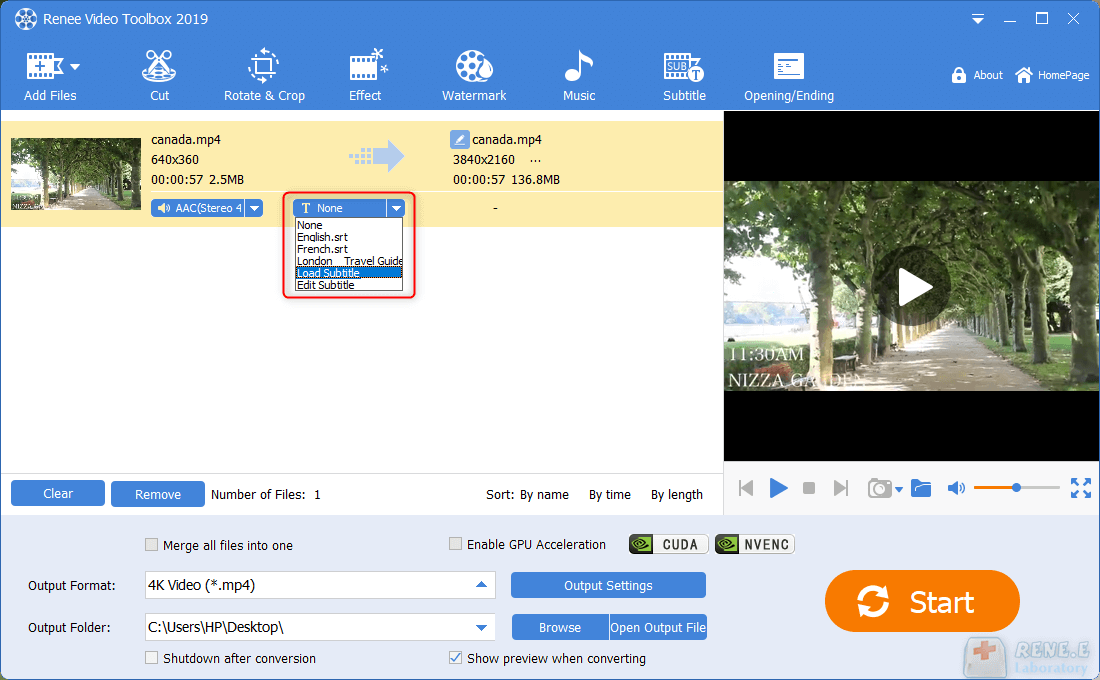
Multiple Edit ToolsMerge, crop, rotate, cut and transform video easily. Change and add background music, subtitles and remove watermark from video.
Format ConversionSupport to convert videos and audios into different formats.
Screen Recording Record screen and webcam in Windows computer.
Multiple Edit ToolsCut Videos & Audios Users are free to cut videos and audios clips with setting start and end time.
Multiple Edit ToolsMerge, crop, rotate, cut and transform video easily. Change and add background music, subtitles and remove watermark from video.
Format ConversionSupport to convert videos and audios into different formats.
Relate Links :
[Recommended Software] Effortlessly Add Subtitles to Your Videos

09-11-2026
Ashley S. Miller : Learn how to add subtitles to videos for clearer understanding with these quick and easy software options. Enhance...
How to Add Filters into Video?

09-11-2026
Jennifer Thatcher : Video filter is an important element in video. A beautiful video filter can improve the video quality. When...
How to Add Watermark to Video?
09-11-2026
Ashley S. Miller : The video watermark is a kind of symbol. It can avoid the video being copied illegally. If you...


User Comments
Leave a Comment