
Free & Easy: Top Online Video Editor

Summary
Discover a range of efficient online video editors and offline software for editing videos effortlessly. Learn essential video editing techniques in this comprehensive article.


Screen RecordingRecord screen and webcam in Windows computer.
Cut Videos & AudiosUsers are free to cut videos and audios clips with setting start and end time.
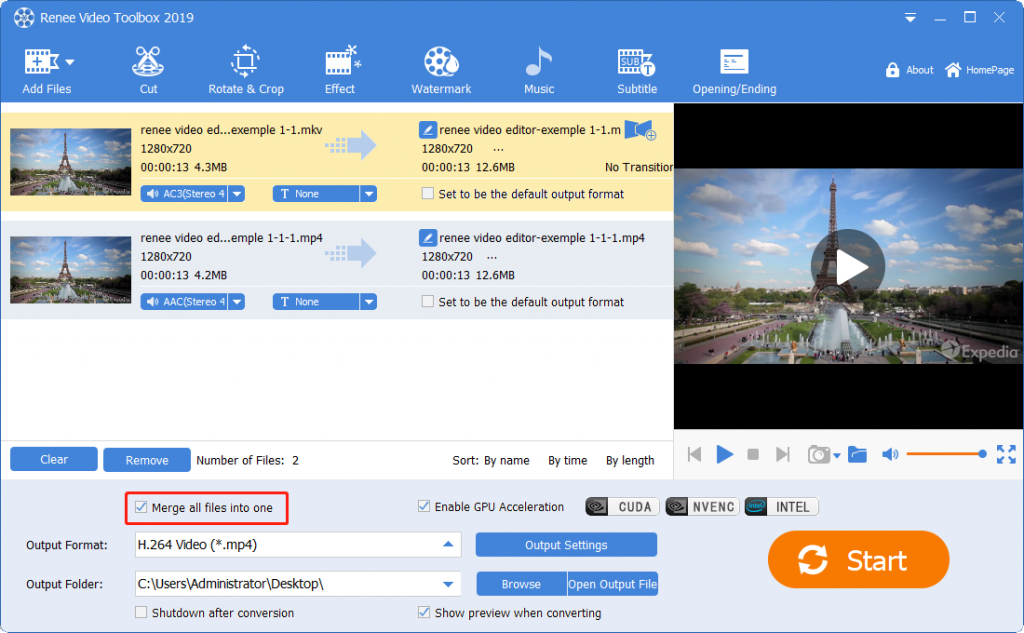
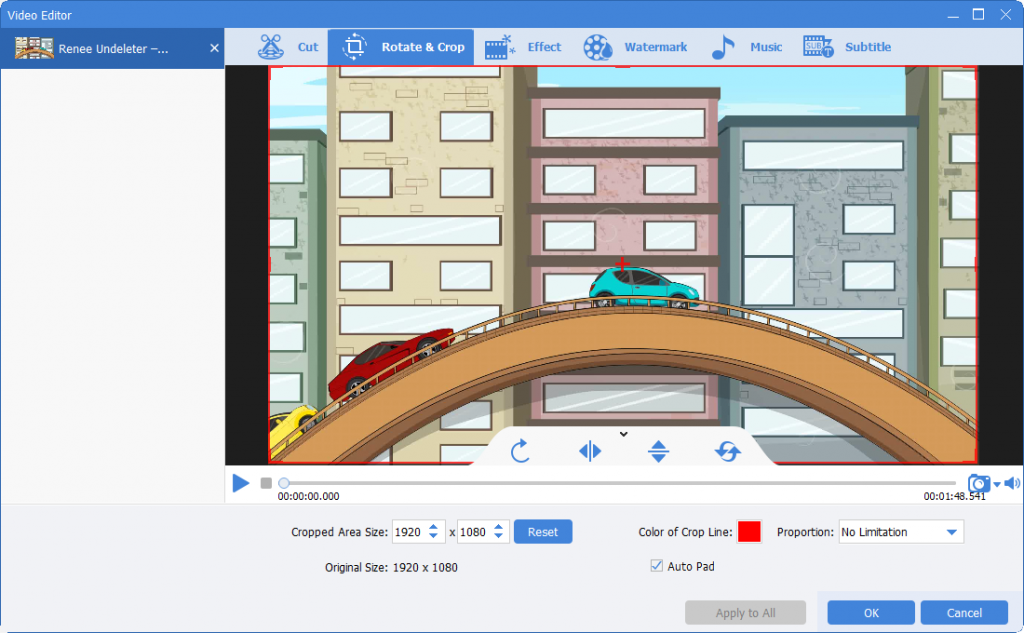
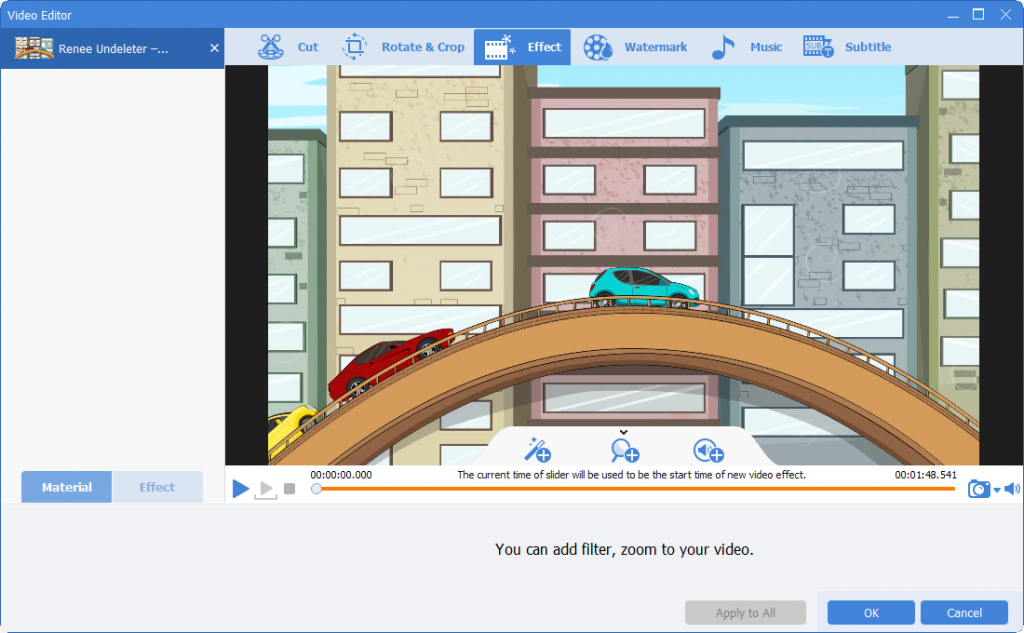
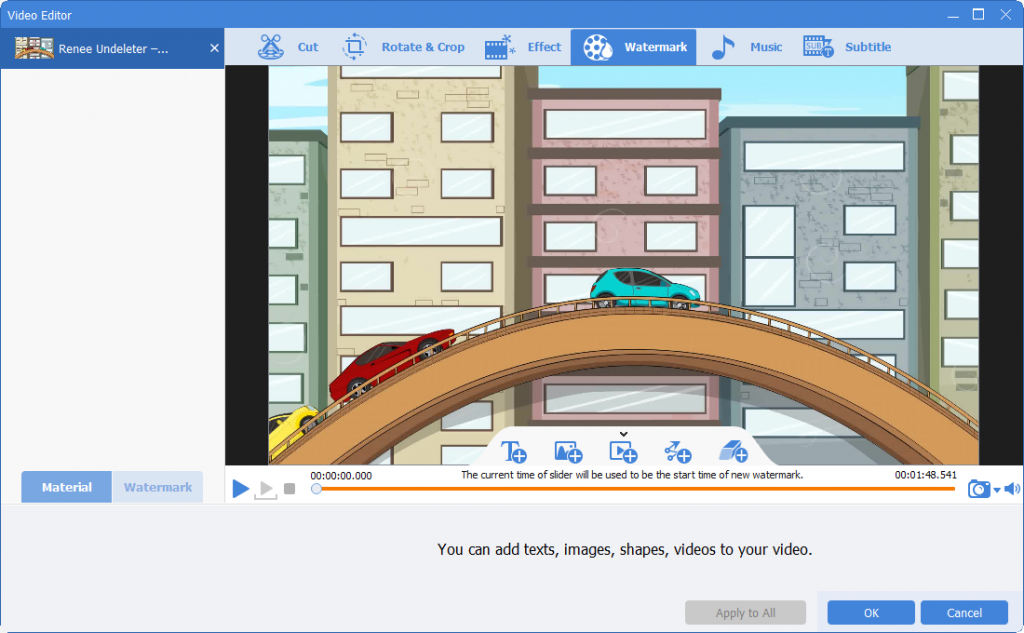
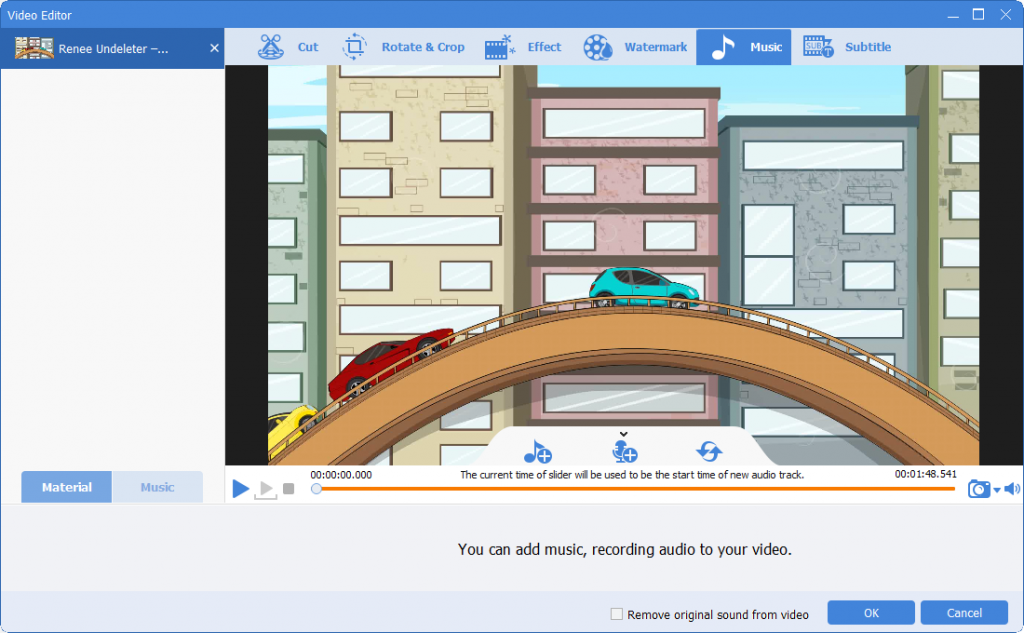
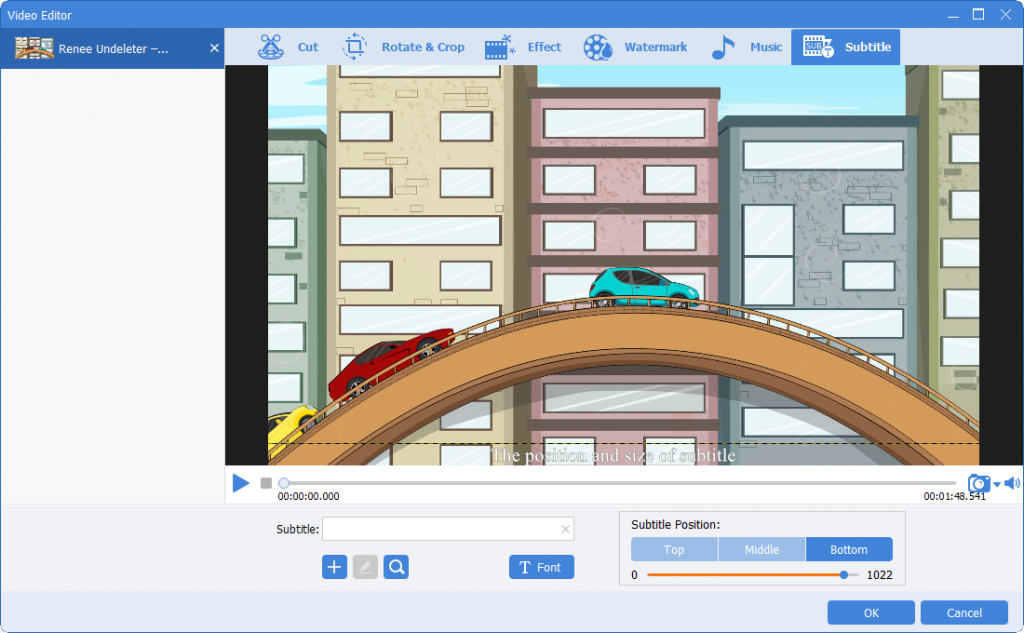
Multiple Edit ToolsMerge, crop, rotate, cut and transform video easily. Change and add background music, subtitles and remove watermark from video.
Format ConversionSupport to convert videos and audios into different formats.
Screen Recording Record screen and webcam in Windows computer.
Multiple Edit ToolsCut Videos & Audios Users are free to cut videos and audios clips with setting start and end time.
Multiple Edit ToolsMerge, crop, rotate, cut and transform video easily. Change and add background music, subtitles and remove watermark from video.
Format ConversionSupport to convert videos and audios into different formats.
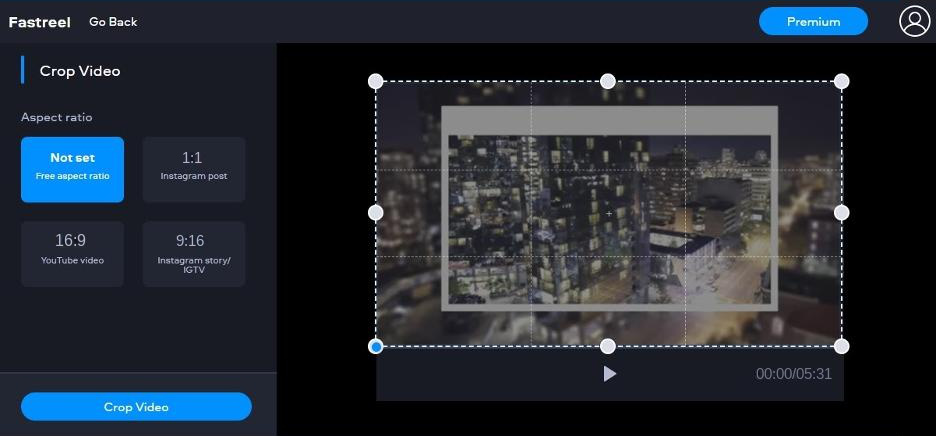
- Video editing features are relatively complete, including basic and advanced editing tools.
- Intuitive operation interface, and It's easy to use.
- Create videos quickly using ready-made templates.
- Supports MP4, MOV, MKV, AVI, and WMV video formats, as well as JPEG, PNG, and GIF image formats.
shortcoming:
- Videos exported by the free version are watermarked.
- Videos can be uploaded to YouTube, but only for videos edited with templates.
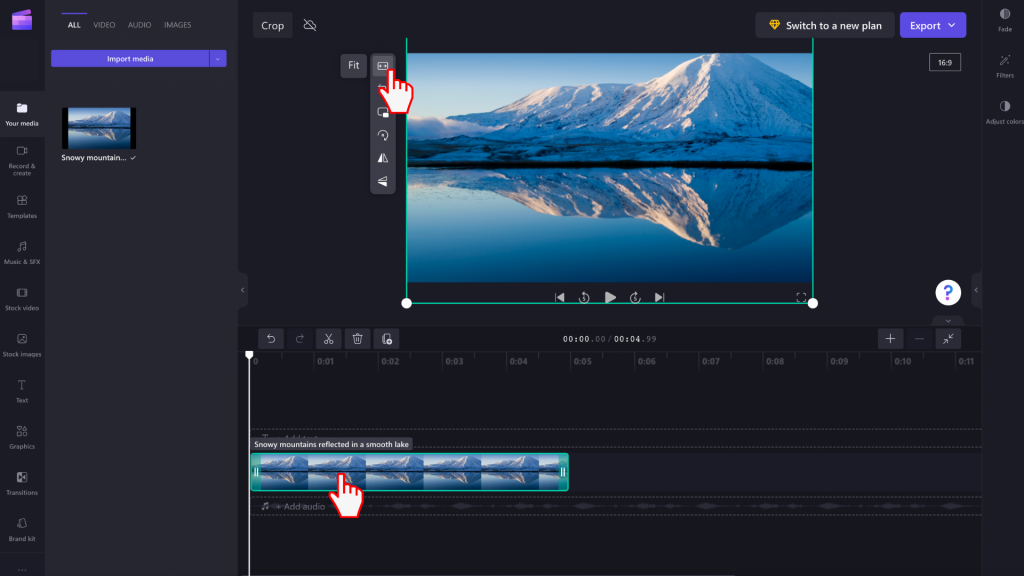
- The video is output without a watermark.
- Simple and easy to use.
- Available for free.
- The videos can be edited via the browser without installing software.
shortcoming:
- The free version of this software only generates videos in 480P SD resolution. Any higher resolutions are not accessible.
- Lacks advanced editing options.
- Exporting video clips in 4K is not currently supported due to limited export capabilities.
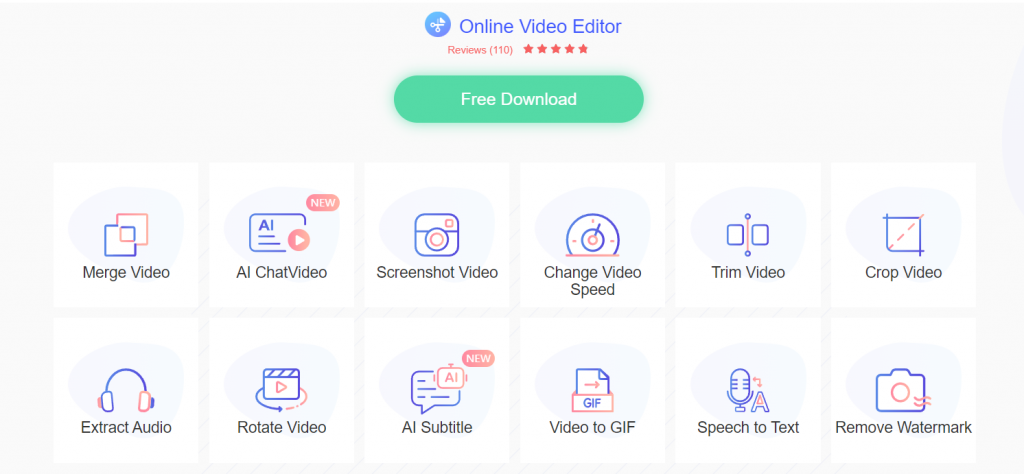
- Provides comprehensive video editing tools, such as video to GIF, audio extraction, video screenshots, etc.
- Simple and friendly user interface.
- Support almost all video formats.
shortcoming:
- The speed of video upload and download is influenced by the speed of the network connection, which can sometimes result in a significantly slower process.
- If you want more advanced editing features, this is not the best option.
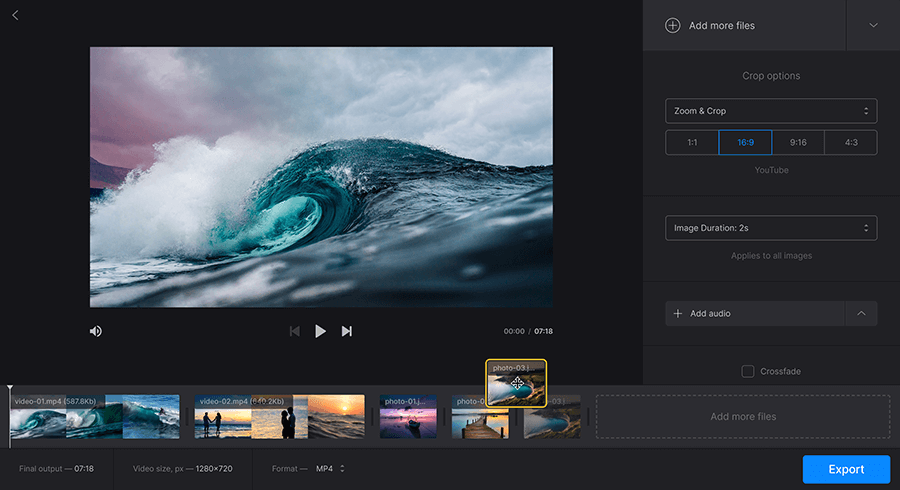
- Easy-to-use interface.
- Editing and exporting videos does not require an account registration.
- Supports the editing of all popular video, picture, and audio formats.
- Works with any device, such as a Mac, Windows computer, iPhone, or Android phone.
- easy to use.
shortcoming:
- You can only add video files smaller than 500MB for free.
- There is no one-time purchase option, only monthly or yearly.
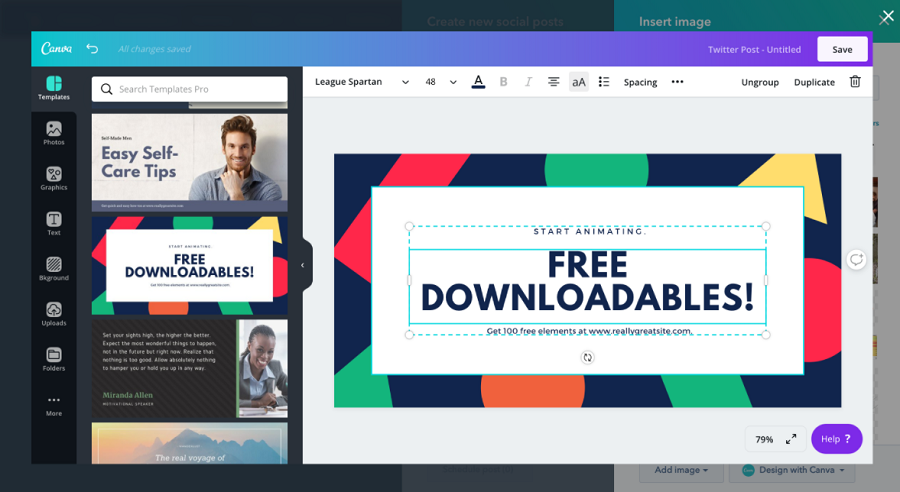
- Very simple and easy to use.
- Downloaded videos will not have a watermark.
- Videos can be shared directly on Facebook, Twitter or Instagram.
- Provide a variety of practical video templates and high-quality music library.
shortcoming:
- Before saving a video, you need to register or log in to your account first.
- Video templates are available for a limited time with a 30-day free trial.
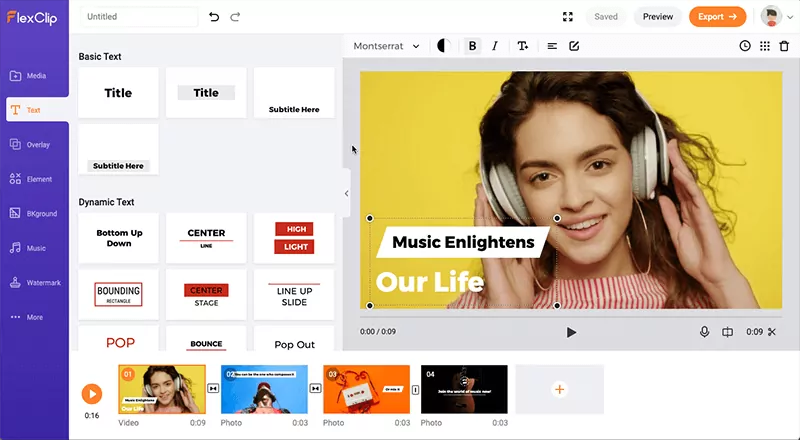
- Simple and easy-to-use interface.
- A variety of video templates are provided, and the efficiency of video production can be greatly improved.
- A library of royalty-free video and music footage is available.
- Access the website from any computer or mobile device.
- Powerful editing tools can meet different editing needs.
shortcoming:
- The video resolution exported is limited to 480p.
- Adding text functionality needs improvement.
- The free version is available with a limited number of templates.
- Videos in the free version are limited to a maximum length of one minute.
- The video produced by the complimentary version will contain a watermark belonging to FlexClip.
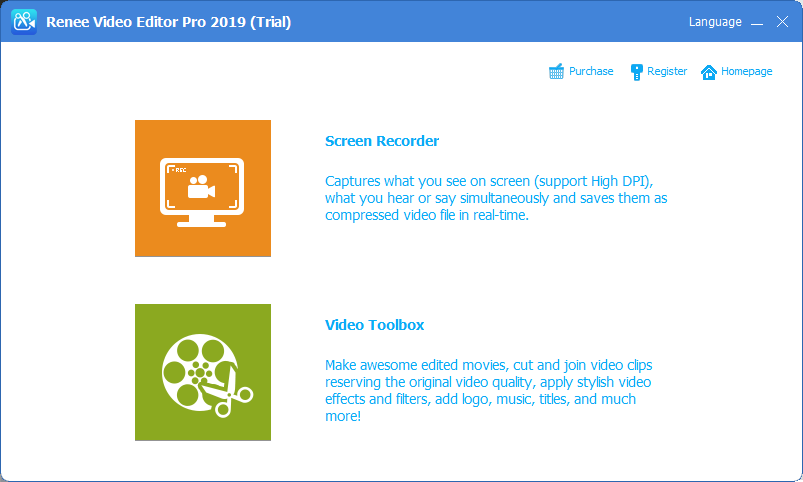
Screen RecordingRecord screen and webcam in Windows computer.
Cut Videos & AudiosUsers are free to cut videos and audios clips with setting start and end time.
Multiple Edit ToolsMerge, crop, rotate, cut and transform video easily. Change and add background music, subtitles and remove watermark from video.
Format ConversionSupport to convert videos and audios into different formats.
Screen Recording Record screen and webcam in Windows computer.
Multiple Edit ToolsCut Videos & Audios Users are free to cut videos and audios clips with setting start and end time.
Multiple Edit ToolsMerge, crop, rotate, cut and transform video easily. Change and add background music, subtitles and remove watermark from video.
Format ConversionSupport to convert videos and audios into different formats.
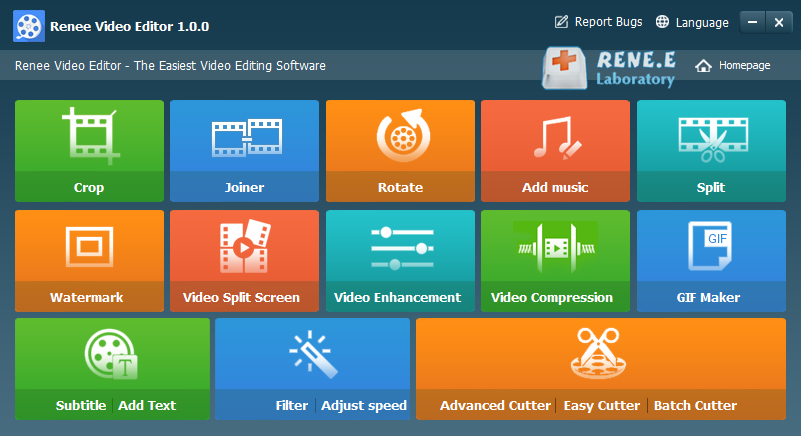
Screen RecordingRecord screen and webcam in Windows computer.
Cut Videos & AudiosUsers are free to cut videos and audios clips with setting start and end time.
Multiple Edit ToolsMerge, crop, rotate, cut and transform video easily. Change and add background music, subtitles and remove watermark from video.
Format ConversionSupport to convert videos and audios into different formats.
Screen Recording Record screen and webcam in Windows computer.
Multiple Edit ToolsCut Videos & Audios Users are free to cut videos and audios clips with setting start and end time.
Multiple Edit ToolsMerge, crop, rotate, cut and transform video easily. Change and add background music, subtitles and remove watermark from video.
Format ConversionSupport to convert videos and audios into different formats.
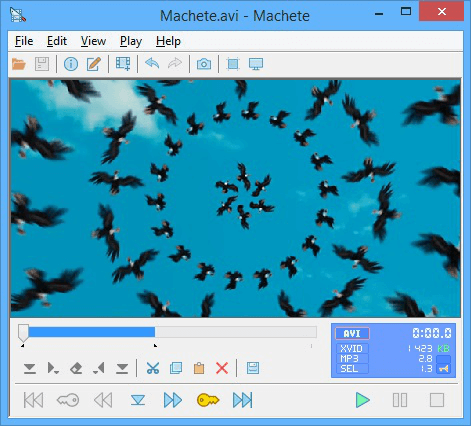
Screen RecordingRecord screen and webcam in Windows computer.
Cut Videos & AudiosUsers are free to cut videos and audios clips with setting start and end time.
Multiple Edit ToolsMerge, crop, rotate, cut and transform video easily. Change and add background music, subtitles and remove watermark from video.
Format ConversionSupport to convert videos and audios into different formats.
Screen Recording Record screen and webcam in Windows computer.
Multiple Edit ToolsCut Videos & Audios Users are free to cut videos and audios clips with setting start and end time.
Multiple Edit ToolsMerge, crop, rotate, cut and transform video easily. Change and add background music, subtitles and remove watermark from video.
Format ConversionSupport to convert videos and audios into different formats.
Relate Links :
Mastering Video Editing in 2024: Top 5 MP4 Editors

09-11-2026
Amanda J. Brook : Entdecken Sie einen vielseitigen und benutzerfreundlichen MP4-Videobearbeiter, der ideal für all Ihre Bearbeitungsbedürfnisse ist. Wir haben für Sie...
Best Video Editors for Beginners & Professionals
09-11-2026
Amanda J. Brook : Many video editors are on the shelf in the application market. We can select one of them according...
How to Use the Best Free Video Editor to Make a Vlog?
09-11-2026
Amanda J. Brook : Now, many apps offering short videos are becoming more and more popular. Vlog, a kind of short videos,...


User Comments
Leave a Comment