
How To Clone Yourself In a Video?

Summary
Master how to clone yourself video with video editing software: synthesize backgrounds and seamlessly combine multiple characters into a single scene.
Table of contents


Separate videos with different parametersUsers can separate videos into equal clips by time, size and self-set parameter.
Cut Videos & AudiosUsers are free to cut videos and audios clips by setting start and end time.
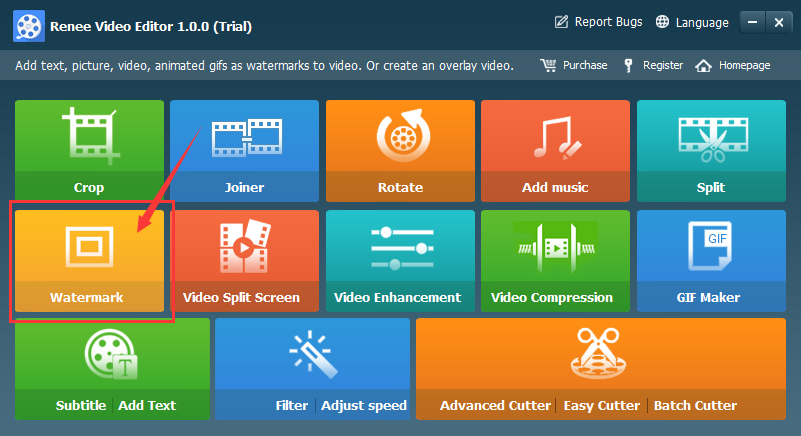
Multiple Edit ToolsMerge, crop, rotate, cut and transform video easily. Change and add background music, subtitles and watermark to video.
Format ConversionSupport to convert videos and audios into different formats.
Separate videosSeparate videos into equal clips by time, size and self-set parameter.
Cut Videos & AudiosCut videos and audios clips by setting start and end time.
Format ConversionConvert videos and audios into different formats.
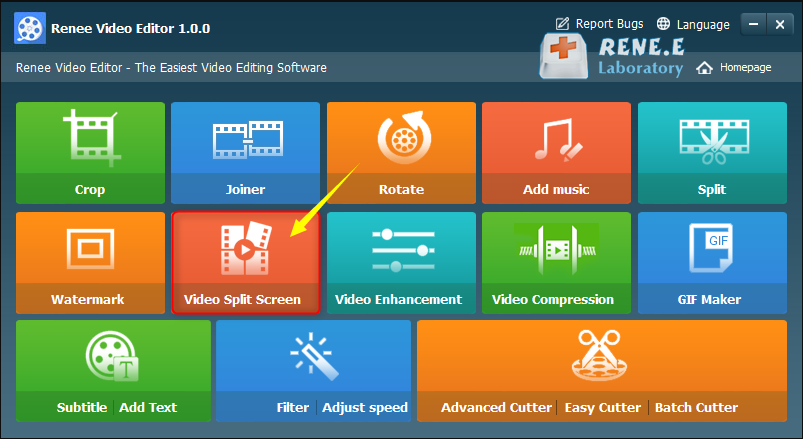
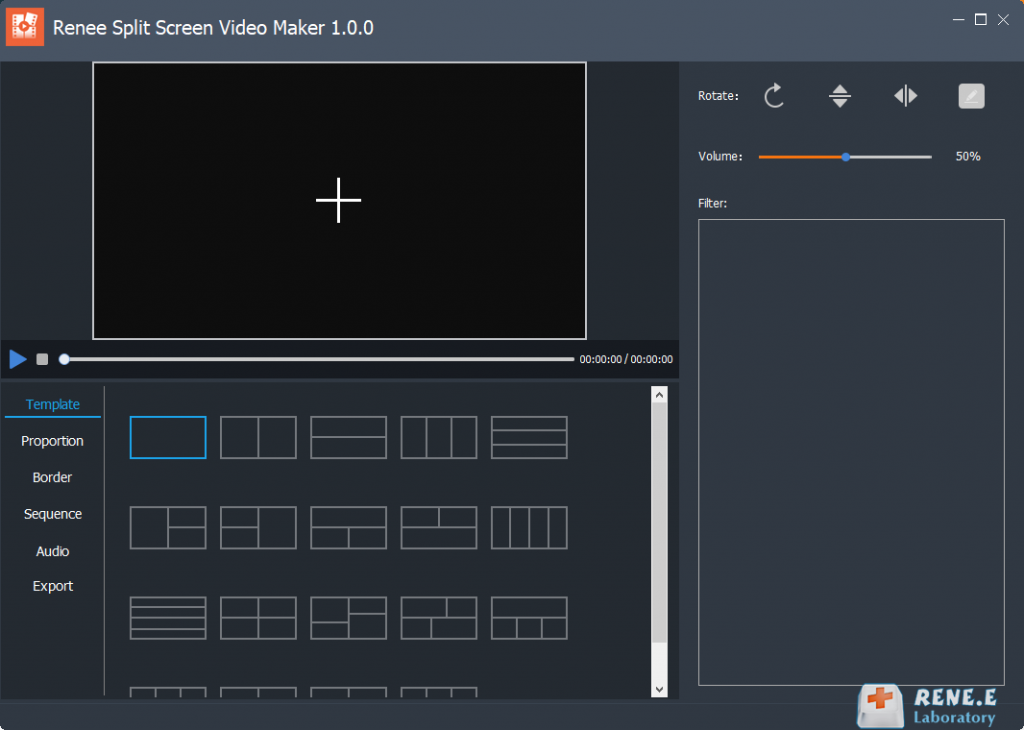
- Template: Supports splicing and combining 2-5 video screens.
- Proportion: Includes 16:9, 9:16, 4:3, and 1:1.
- Border: Set border width and color, including white, red, gray, yellow, green, blue, etc.
- Sequence: Choose between simultaneous or sequential playback.
- Audio: Add background music to split-screen videos.
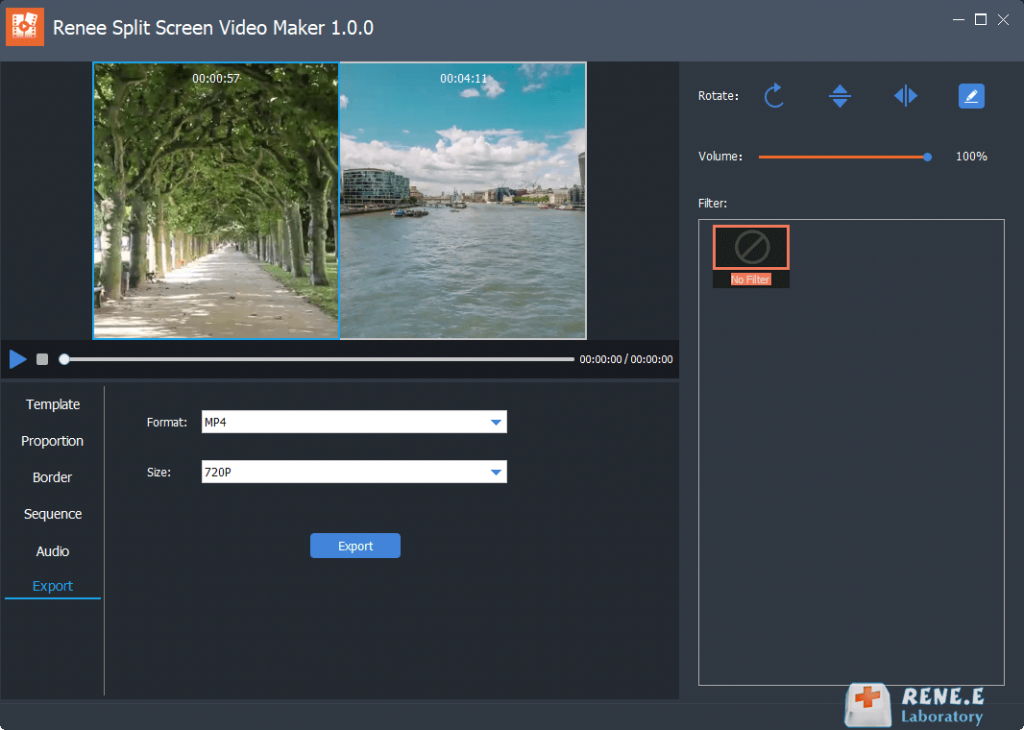
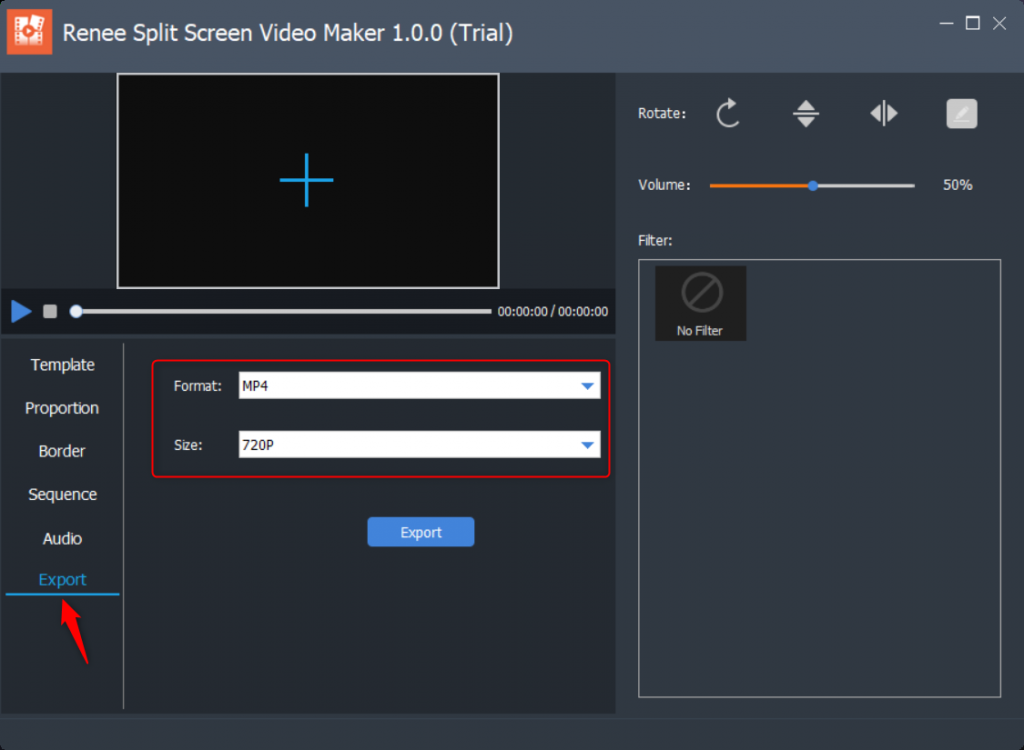
- Export: Set format and resolution. Formats: MP4, AVI. Resolutions: 360P, 720P, 1080P.
Relate Links :
How to Cut Videos with Windows Movie Maker

09-11-2026
Amanda J. Brook : Windows Movie Maker is a video editor released in Windows Vista and the latter versions. It is easy...


User Comments
Leave a Comment