
Convert FLV to MP4 on MAC: Step-by-Step Guide

Summary
Learn how to convert FLV to MP4 on MAC with simple and practical methods. Increase your video compatibility and enjoy easy conversion even as a beginner.
Table of contents


Separate videos with different parametersUsers can separate videos into equal clips by time, size and self-set parameter.
Cut Videos & AudiosUsers are free to cut videos and audios clips by setting start and end time.
Multiple Edit ToolsMerge, crop, rotate, cut and transform video easily. Change and add background music, subtitles and watermark to video.
Format ConversionSupport to convert videos and audios into different formats.
Separate videosSeparate videos into equal clips by time, size and self-set parameter.
Cut Videos & AudiosCut videos and audios clips by setting start and end time.
Format ConversionConvert videos and audios into different formats.
Separate videos with different parametersUsers can separate videos into equal clips by time, size and self-set parameter.
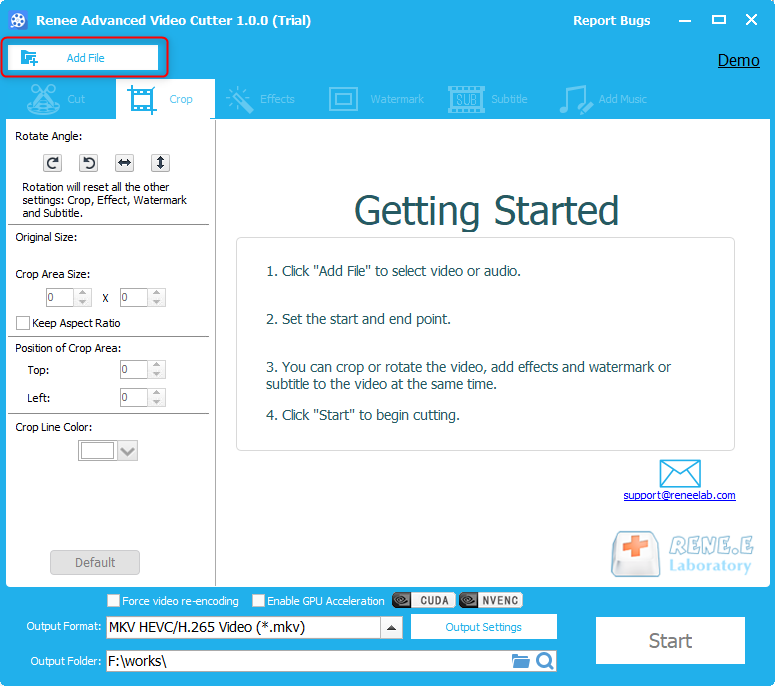
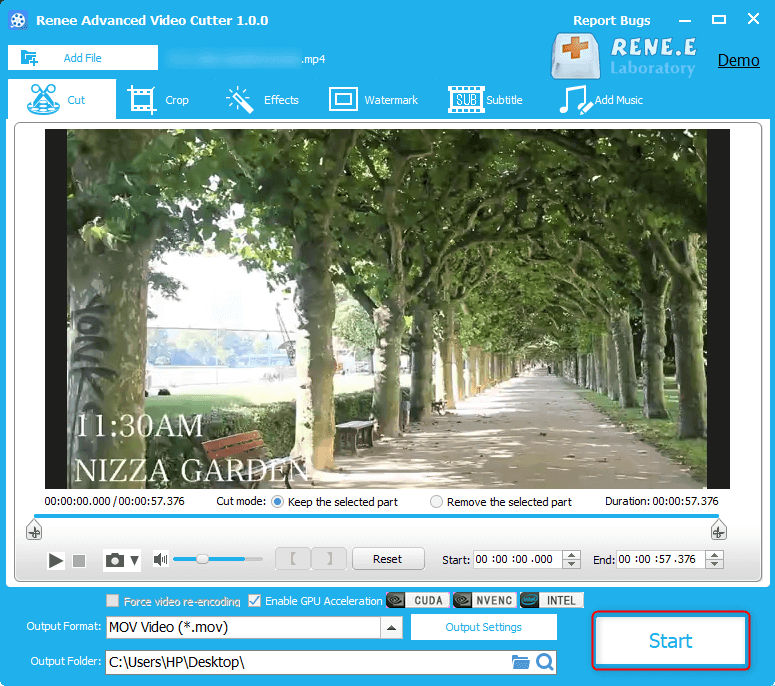
Cut Videos & AudiosUsers are free to cut videos and audios clips by setting start and end time.
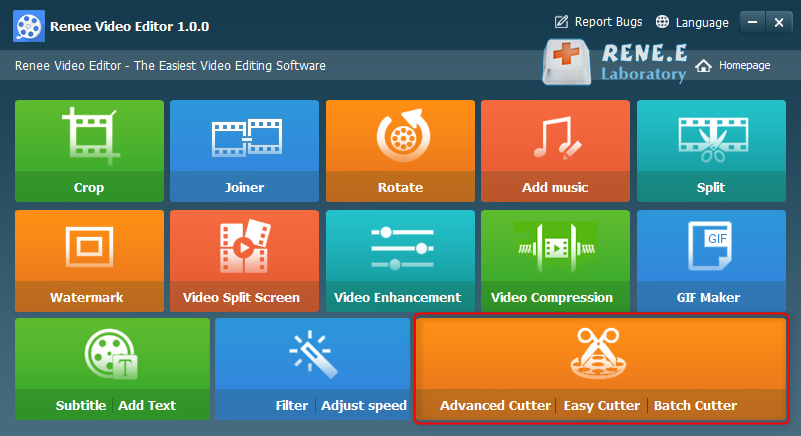
Multiple Edit ToolsMerge, crop, rotate, cut and transform video easily. Change and add background music, subtitles and watermark to video.
Format ConversionSupport to convert videos and audios into different formats.
Separate videosSeparate videos into equal clips by time, size and self-set parameter.
Cut Videos & AudiosCut videos and audios clips by setting start and end time.
Format ConversionConvert videos and audios into different formats.
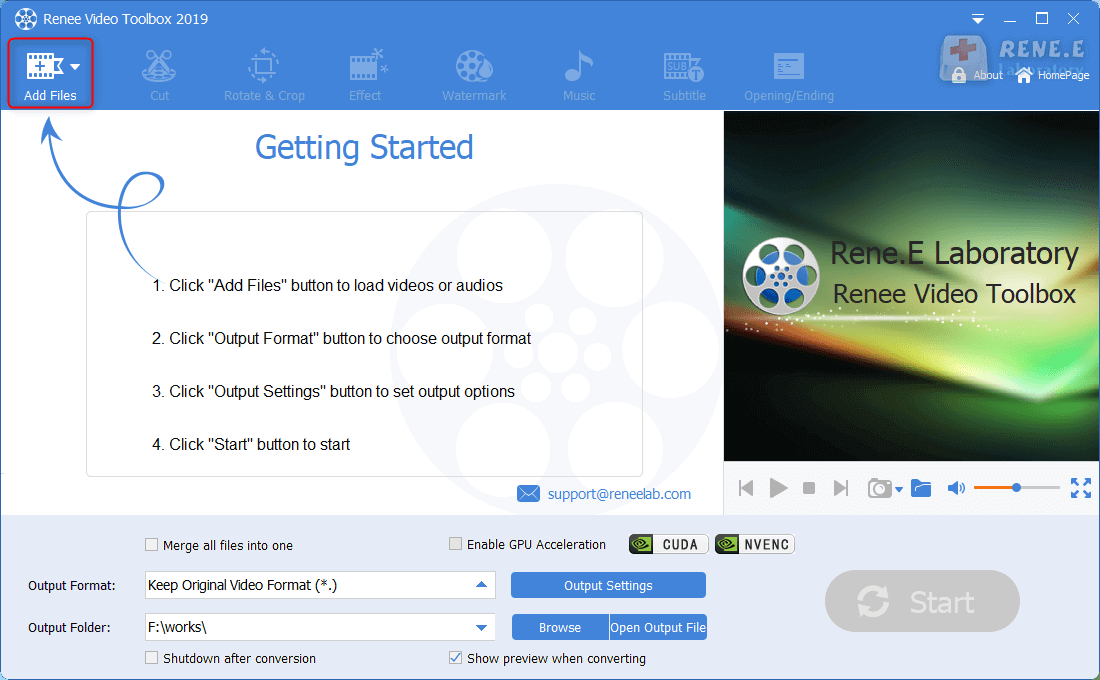
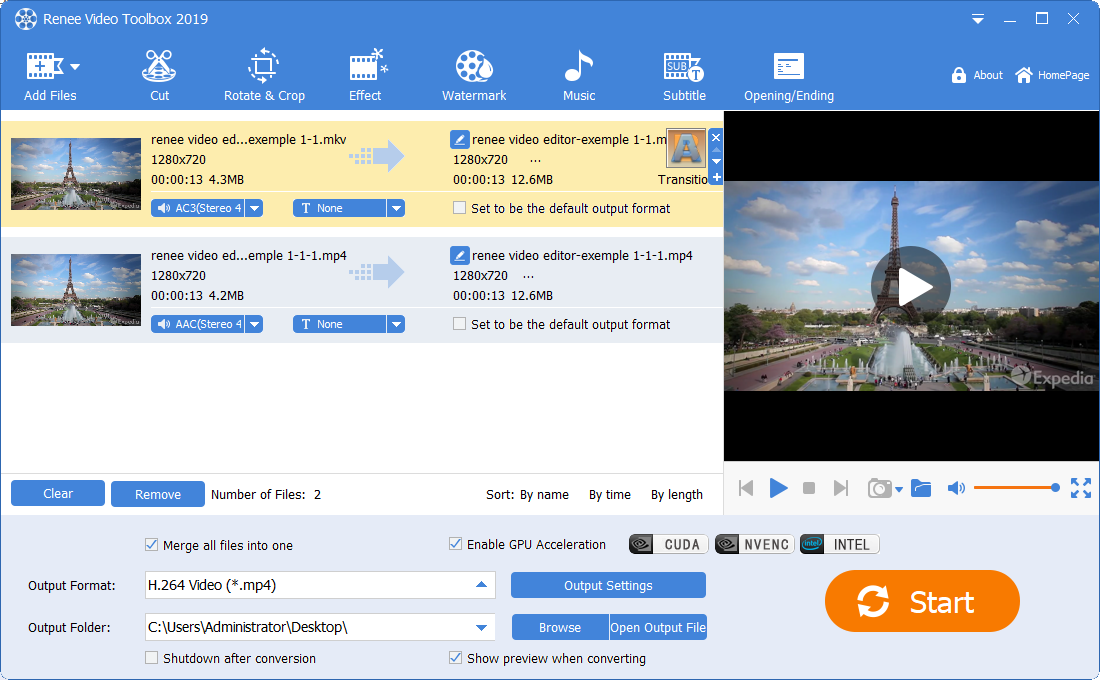
cut: Trim video clips; adjust playback speed.
Rotate and crop: Rotate the video 90/180/270 degrees clockwise, flip the video horizontally or vertically; crop the size of the video screen.
special effects: Add filter effects, zoom effects or volume effects to your video.
watermark: Add text, pictures, video or graphic watermarks to video files; you can also remove watermarks from videos.
music: You can import audio files into the video, or directly record the sound of the computer or microphone and import it into the video; it can also remove the original audio of the video.
subtitle: Import or create subtitles into the movie, and customize the position, font and size of subtitles.
Opening/Ending: You can add pictures or videos as titles or trailers, set the duration and transition effects of titles and trailers, add text to titles and trailers, and support adjusting the color and font size of text, etc.
Relate Links :
How to Increase Video Volume: Step-by-Step Tutorial

09-11-2026
Amanda J. Brook : Elevate your video's audio quality with simple, beginner-friendly techniques. Uncover the optimal method to amplify your video's sound...
Convert M4V to AVI: A Step-by-Step Tutorial
09-11-2026
Amanda J. Brook : Learn how to convert M4V format to AVI for seamless compatibility with Windows systems. Discover two efficient methods...
How To Create Stunning Split Screen Videos with DaVinci Resolve: A Step-by-Step Guide

09-11-2026
John Weaver : Learn how to create stunning split-screen videos using DaVinci Resolve, a renowned professional video editing software. Master video/audio...


User Comments
Leave a Comment