
Recommended Film Recorders

Summary
We use the professional film recorders to record films and avoid repeatedly paying for some films. In this essay, we will recommend some film recorders and help you select a suitable one.
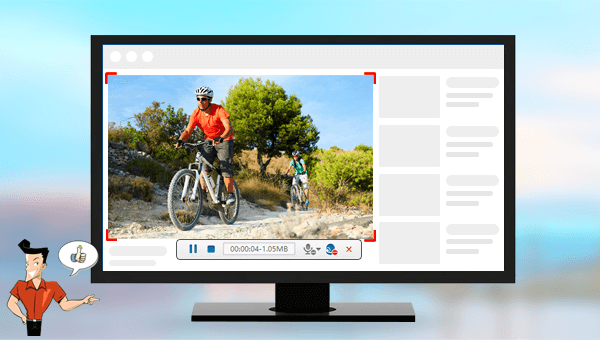

Screen RecordingRecord screen and webcam in Windows computer.
Cut Videos & AudiosUsers are free to cut videos and audios clips with setting start and end time.
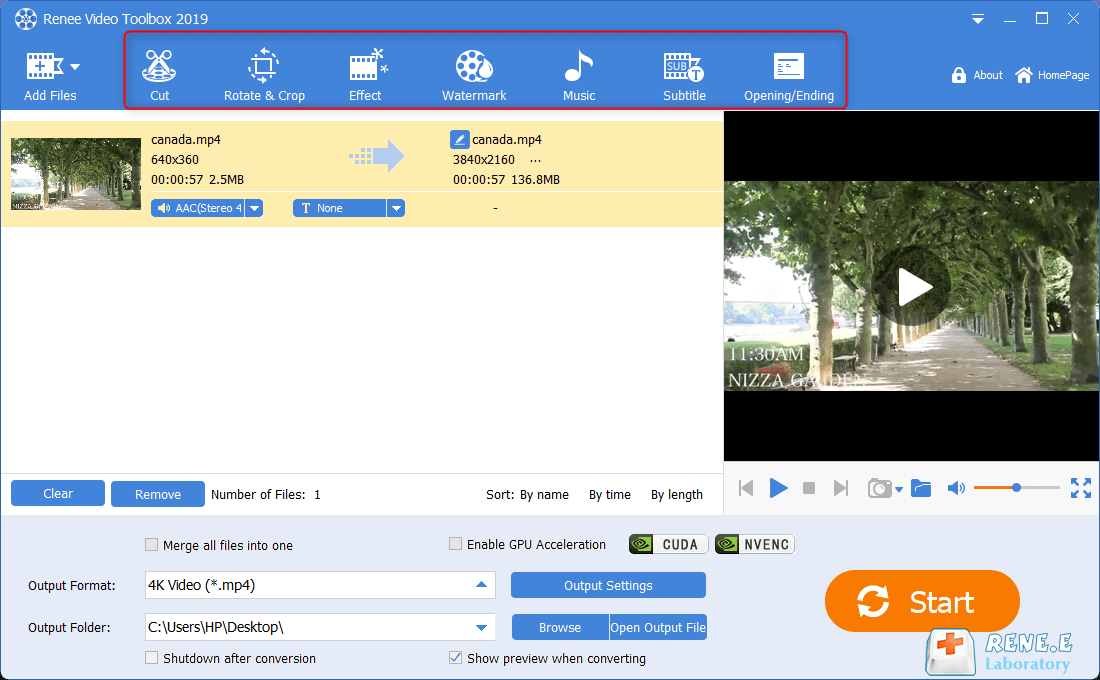
Multiple Edit ToolsMerge, crop, rotate, cut and transform video easily. Change and add background music, subtitles and remove watermark from video.
Format ConversionSupport to convert videos and audios into different formats.
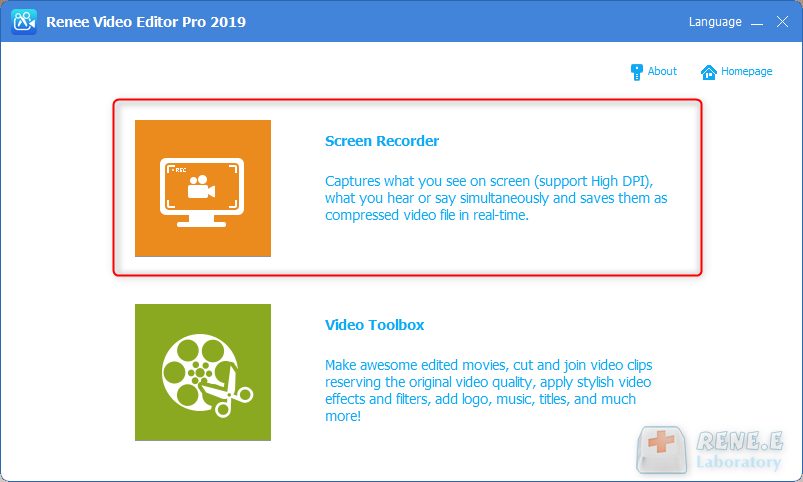
Screen Recording Record screen and webcam in Windows computer.
Multiple Edit ToolsCut Videos & Audios Users are free to cut videos and audios clips with setting start and end time.
Multiple Edit ToolsMerge, crop, rotate, cut and transform video easily. Change and add background music, subtitles and remove watermark from video.
Format ConversionSupport to convert videos and audios into different formats.
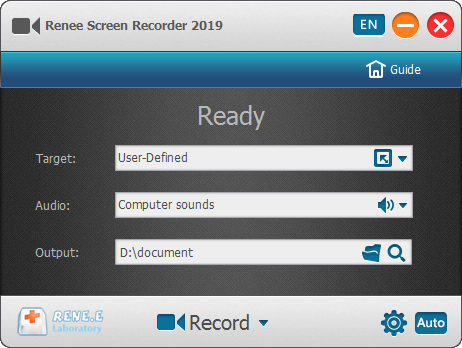
Target: User can select to record whole screen or define the area you want to record.
Audio: Refers to the source of sound like microphone, computer or both.
Output: Location to save the record.
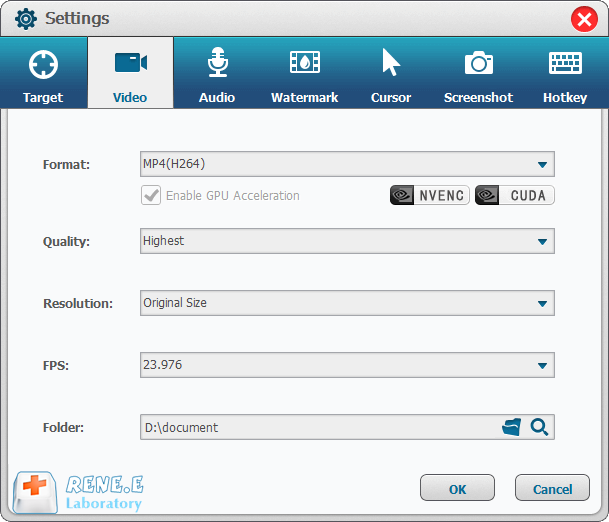
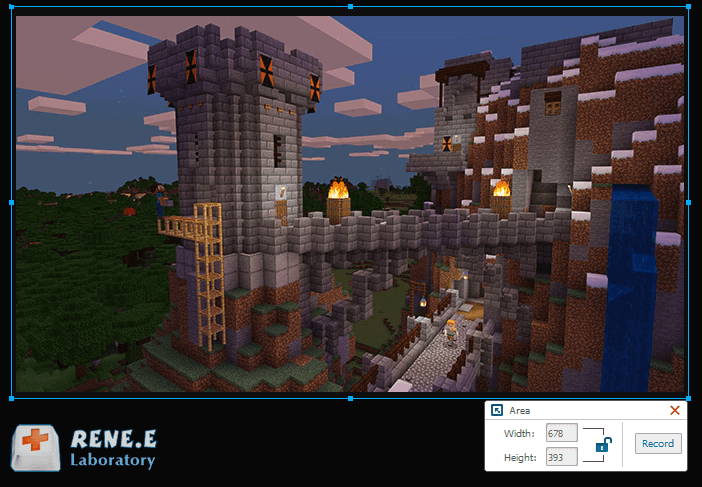

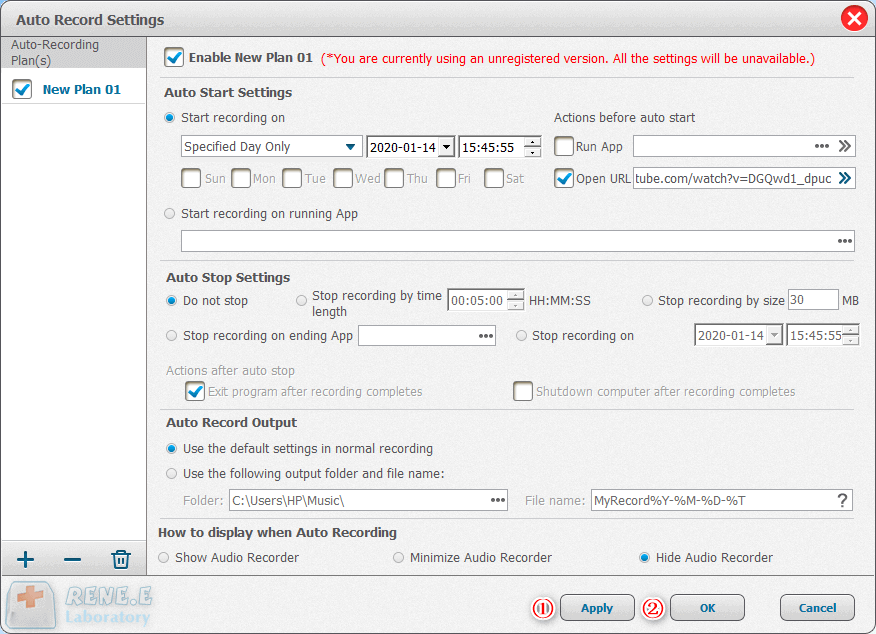
After recording the video well, we can return to the main interface and get into [Video Toolbox]. Then, we can use the functions to edit the video.
Relate Links :
Recommended Video Maker Software: Create Stunning Videos for Free

09-11-2026
Amanda J. Brook : Entdecken Sie kostenlose Videoproduktionssoftware mit umfassenden Funktionen und bequemer Bedienung. Erforschen Sie unsere Top-Auswahl für die Erstellung hochwertiger...
[Recommended Software] Effortlessly Add Subtitles to Your Videos
09-11-2026
Ashley S. Miller : Learn how to add subtitles to videos for clearer understanding with these quick and easy software options. Enhance...
Recommended Video Cropping Software for Quick & Easy in 2024

09-11-2026
Jennifer Thatcher : Having trouble fitting your video into a particular frame size? Look no further. This article guides you through...


User Comments
Leave a Comment