
Flip Videos Online: The Ultimate Guide

Summary
Learn how to flip videos online quickly for improved picture quality by utilizing professional video editing tools available on the internet.
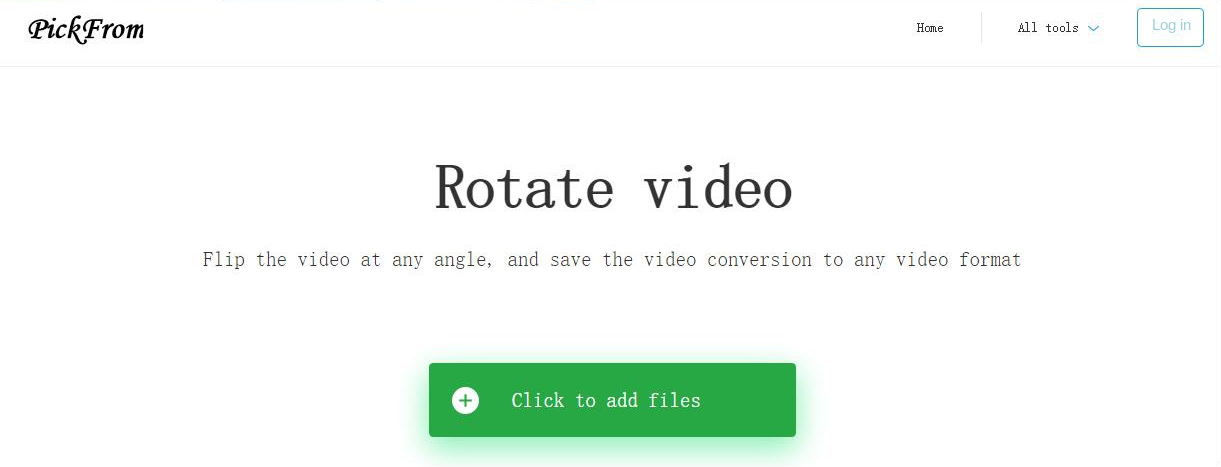
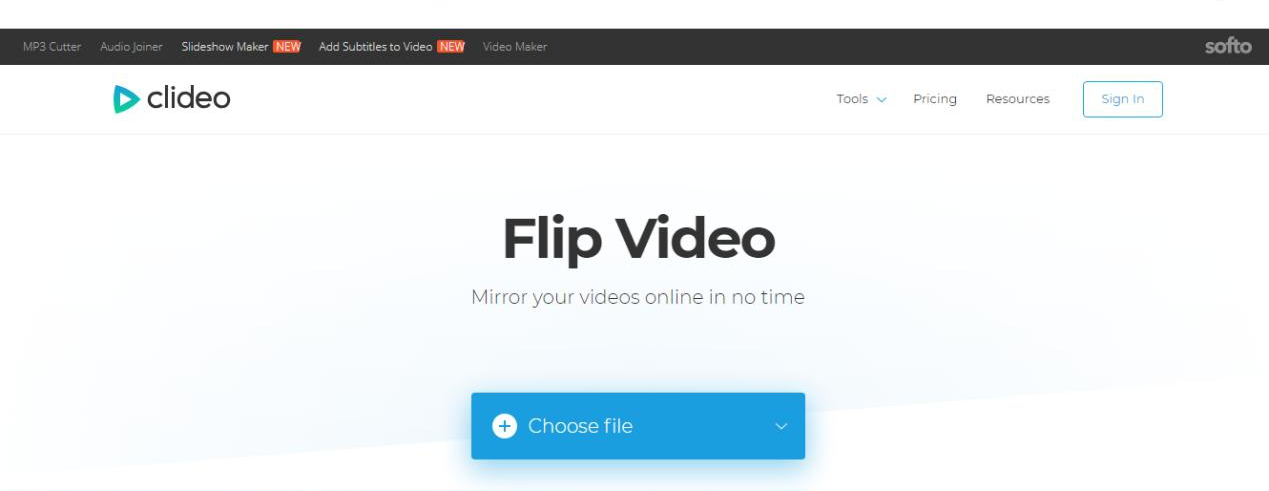
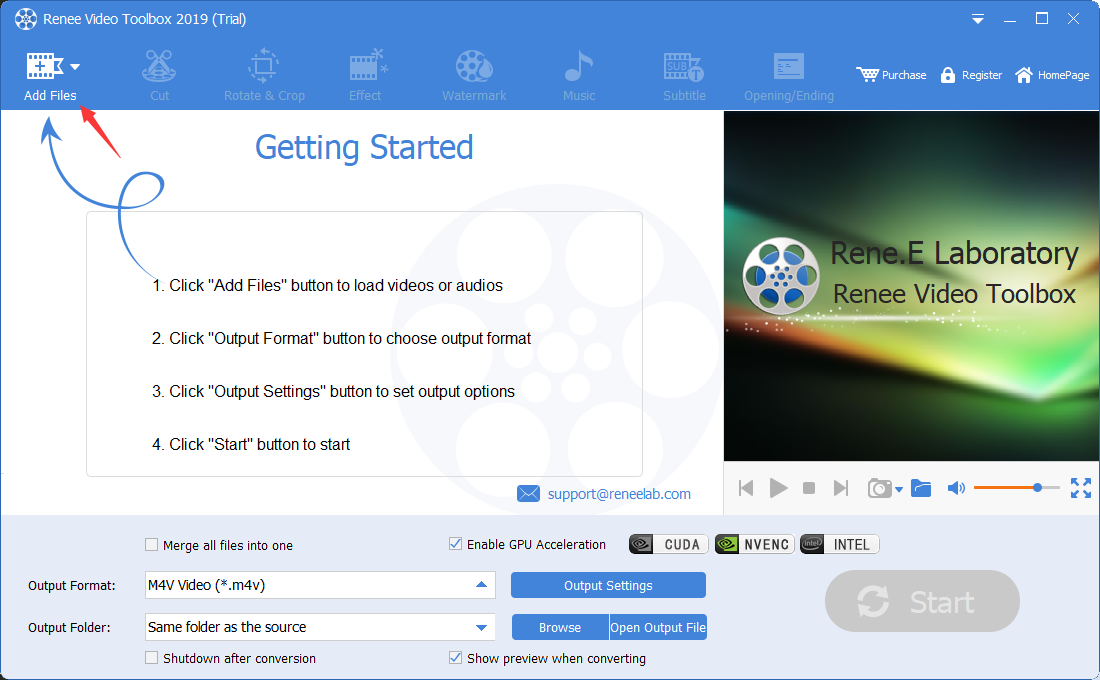
We have just learned how to flip a video with the help of an online video editing tool. Although this method is simple, it has some disadvantages, such as a great dependence on the network, and the video flip may fail if the network environment is unstable; There are great security risks in uploading files to web servers; in addition, most online video editing tools have restrictions on the size of uploaded files. If you want to avoid the above disadvantages, you can use a more stable and safer local video editing software for video flipping. Below we will recommend you a very compact and practical video editing tool——Renee Video Editor Pro . Let’s take a look together. The function of this software and the steps of video flipping.
MXF, AVI, MKV, MP4, MOV, M2TS, M4V, AAC, AC3 and other formats, and supports free conversion between video and audio formats.

Screen RecordingRecord screen and webcam in Windows computer.
Cut Videos & AudiosUsers are free to cut videos and audios clips with setting start and end time.
Multiple Edit ToolsMerge, crop, rotate, cut and transform video easily. Change and add background music, subtitles and remove watermark from video.
Format ConversionSupport to convert videos and audios into different formats.
Screen Recording Record screen and webcam in Windows computer.
Multiple Edit ToolsCut Videos & Audios Users are free to cut videos and audios clips with setting start and end time.
Multiple Edit ToolsMerge, crop, rotate, cut and transform video easily. Change and add background music, subtitles and remove watermark from video.
Format ConversionSupport to convert videos and audios into different formats.
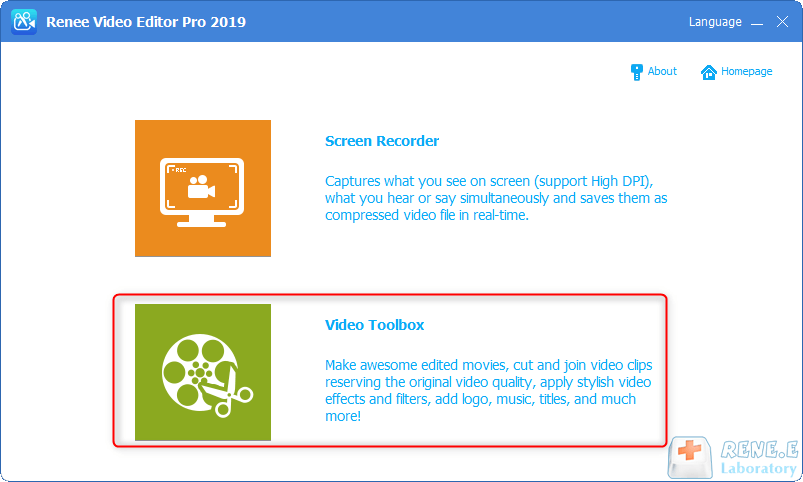
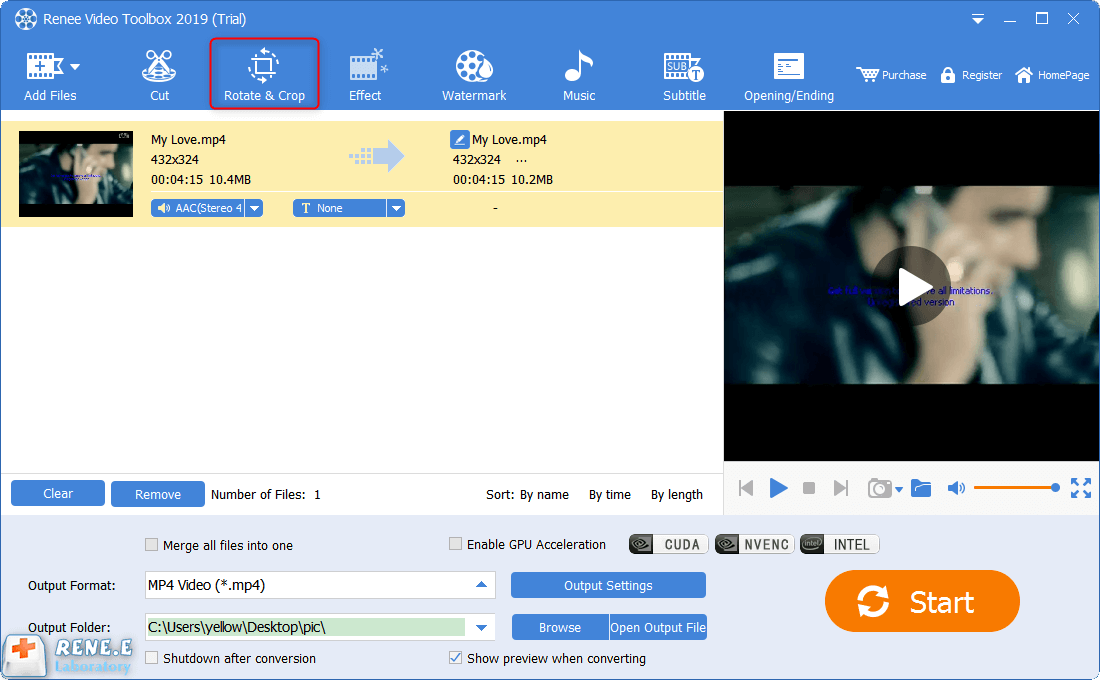
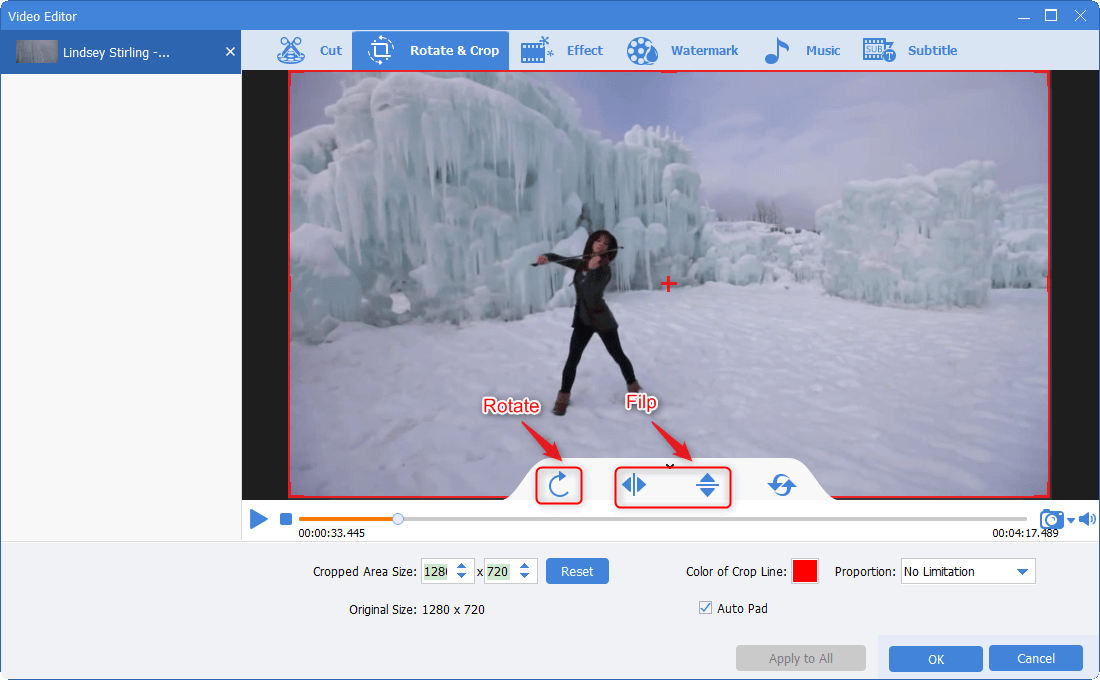
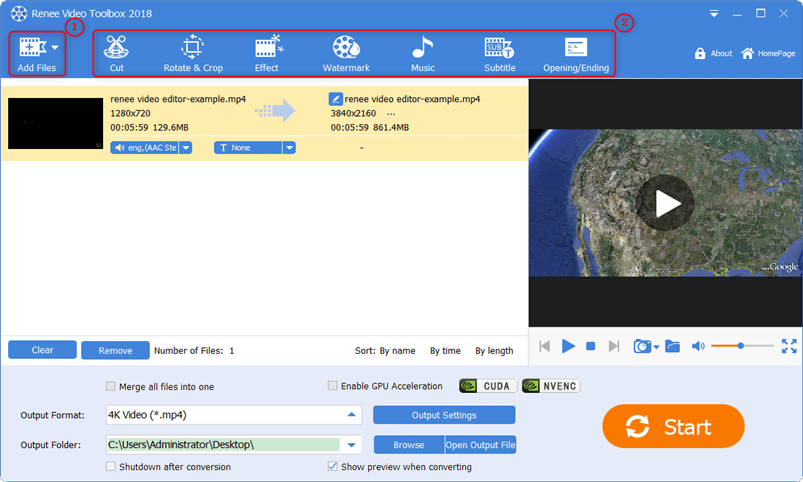
In addition, you can also perform a series of editing operations on the added video files through other editing functions provided in the top menu bar, such as (cutting), (special effects), (watermark), (music), (subtitles) , (Title/End) and so on.
Relate Links :
Rotate Videos Online: The Ultimate Guide
09-11-2026
Amanda J. Brook : Learn how to rotate videos using online video editing tools, overcoming limitations in the shooting process and ensuring...

