
How to Record Minecraft with Game Capture Software?

Summary
When playing Minecraft, we may record the process and share to the other people. How can we record Minecraft with game capture software? Answer this question in this essay.


Screen RecordingRecord screen and webcam in Windows computer.
Cut Videos & AudiosUsers are free to cut videos and audios clips with setting start and end time.
Multiple Edit ToolsMerge, crop, rotate, cut and transform video easily. Change and add background music, subtitles and remove watermark from video.
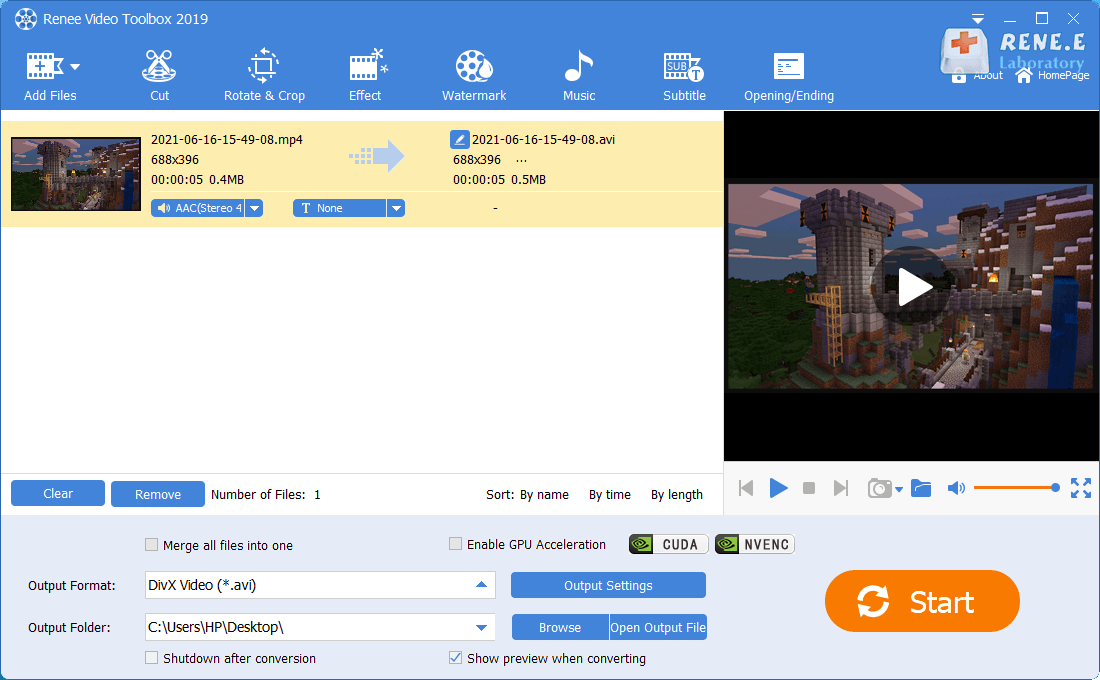
Format ConversionSupport to convert videos and audios into different formats.
Screen Recording Record screen and webcam in Windows computer.
Multiple Edit ToolsCut Videos & Audios Users are free to cut videos and audios clips with setting start and end time.
Multiple Edit ToolsMerge, crop, rotate, cut and transform video easily. Change and add background music, subtitles and remove watermark from video.
Format ConversionSupport to convert videos and audios into different formats.
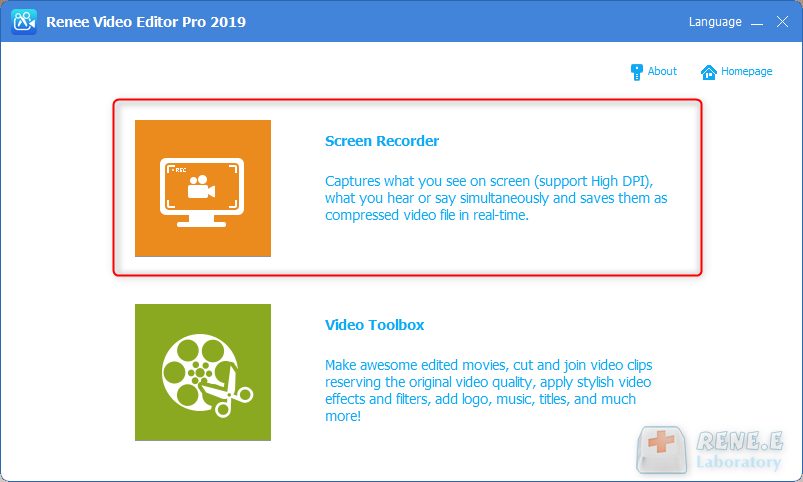
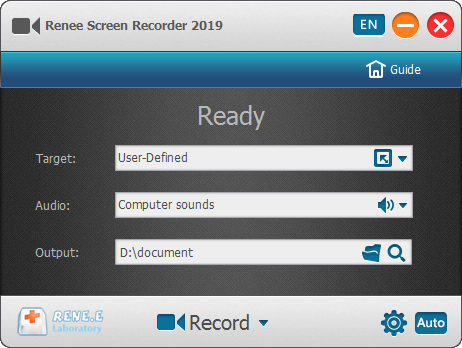
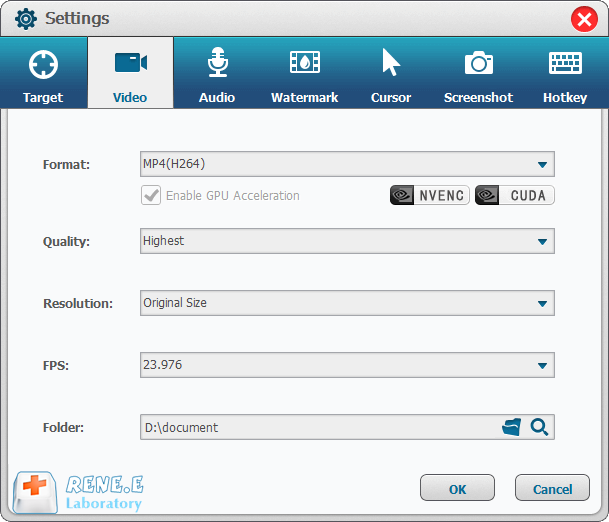
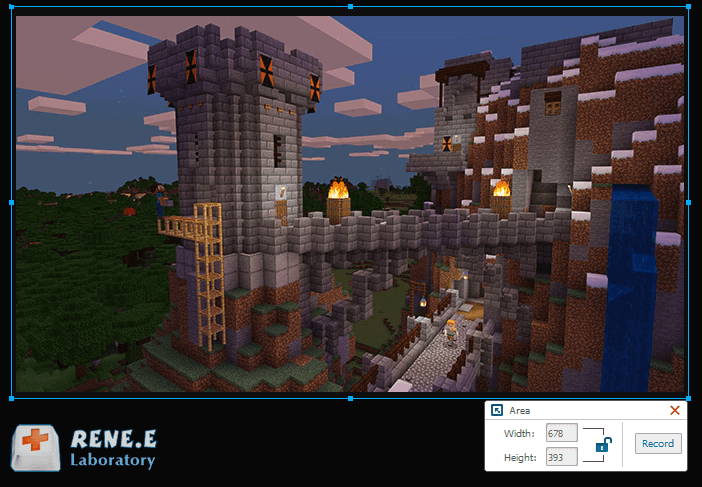
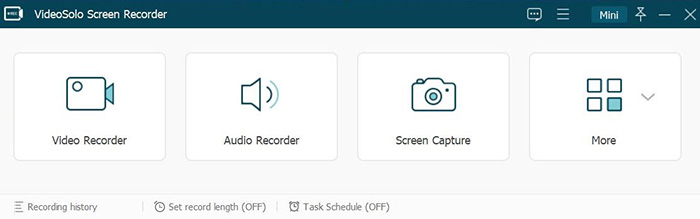
Target: Support to record the full and user-defined screen.
Audio: Collect the sounds from the computer and the microphone.
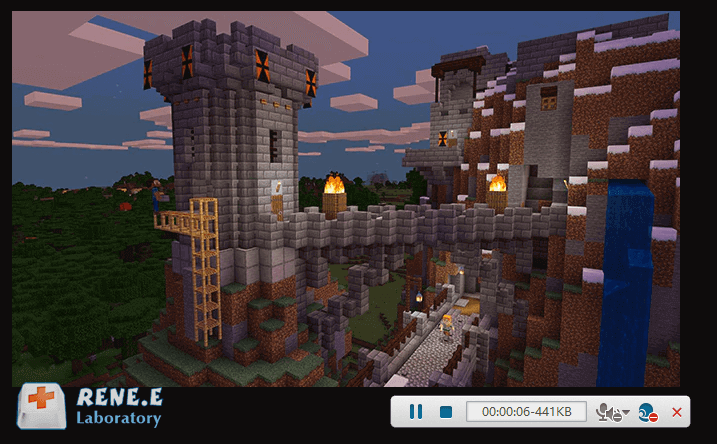
Output: Select a folder to save the recorded video.
Relate Links :
Effortlessly Convert 3GP/3GPP Video to MP3 - Expert Guide

09-11-2026
John Weaver : Unlock the simple steps to transform your 3GP files into MP3s and free up valuable storage on your...
Convert MOV to MPEG: Easy Steps for Format Conversion
09-11-2026
Amanda J. Brook : Seamlessly convert MOV to MPEG with professional tools ensuring zero content quality loss. Explore our top-notch conversion tools...
How to Start YouTube Video at Certain Time?
09-11-2026
John Weaver : YouTube includes a number of video resources. We can watch, upload and talk about videos in this website....


User Comments
Leave a Comment