
Tips to Get Best OBS Settings for Live Streaming and Screen Record

Summary
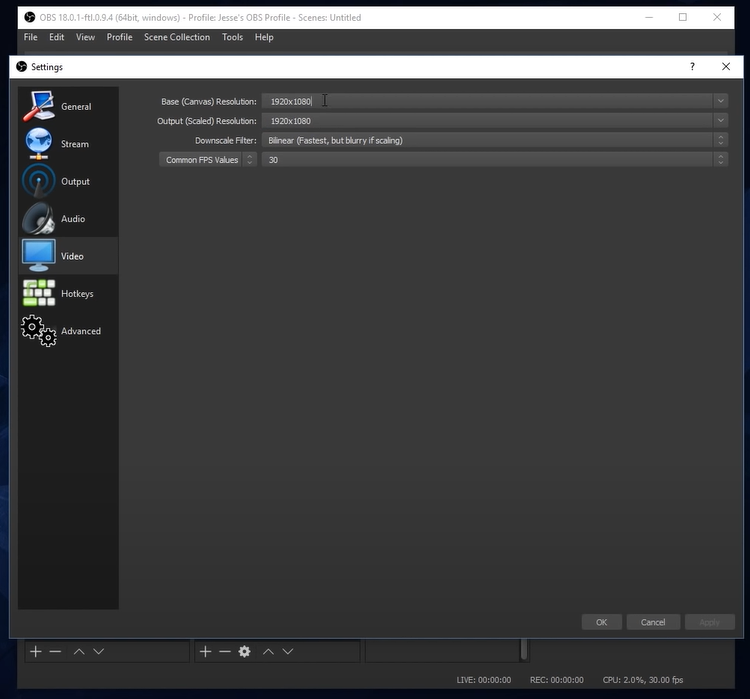
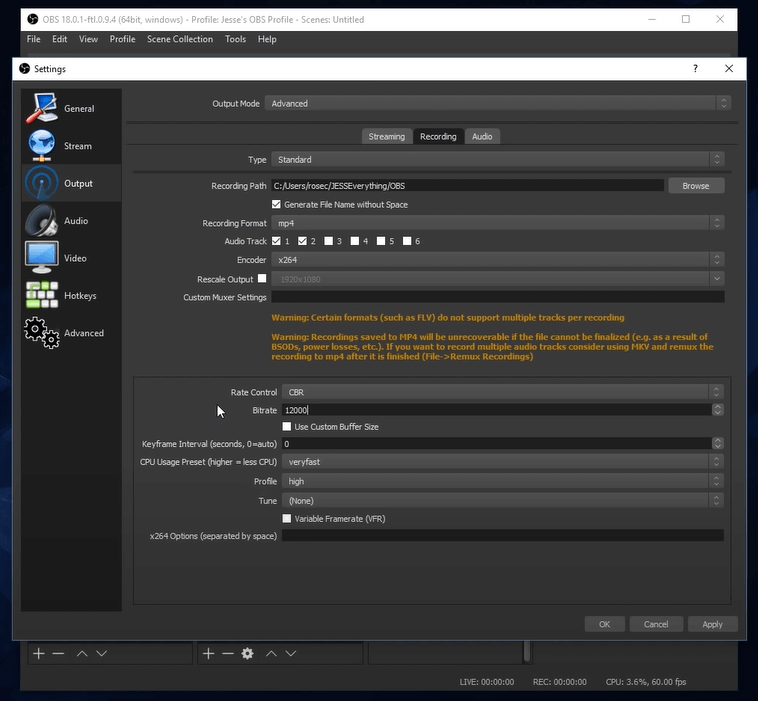
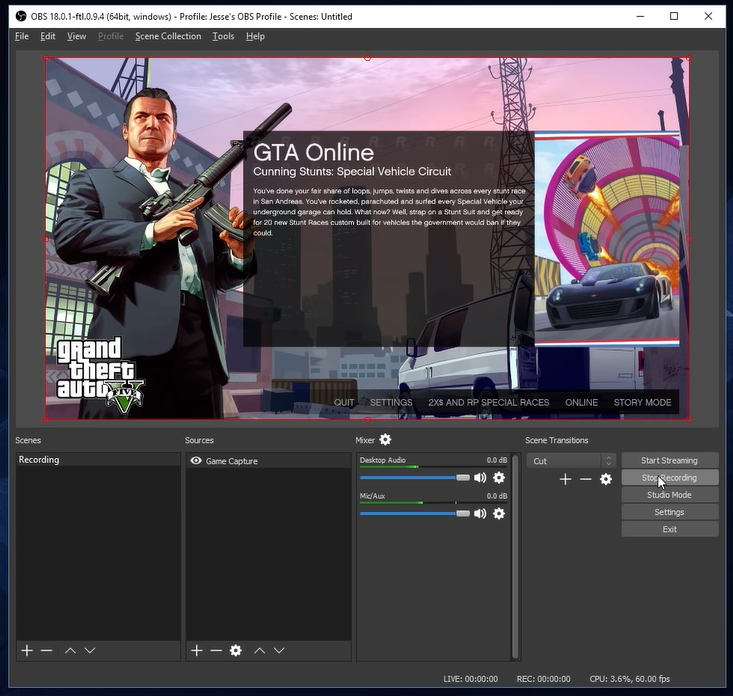
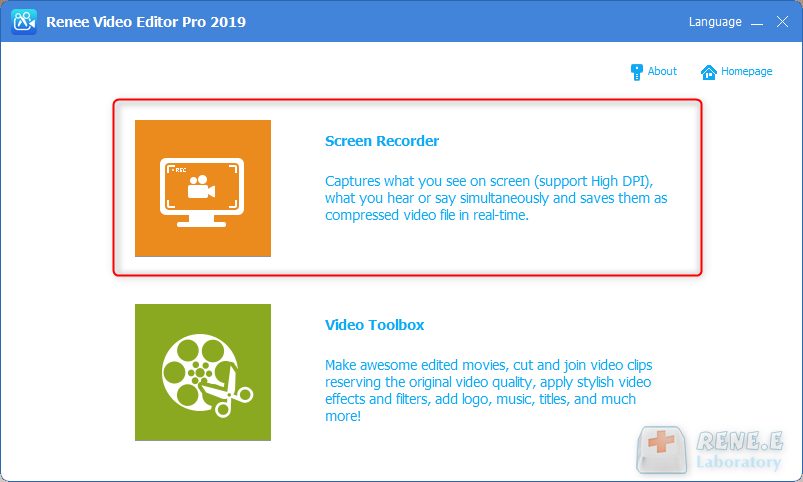
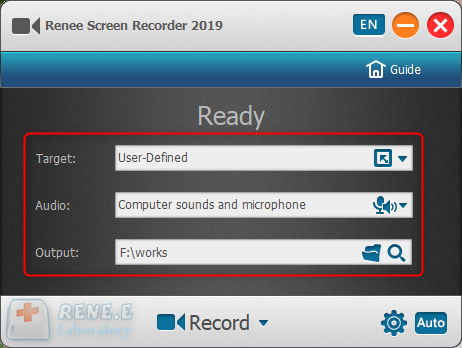
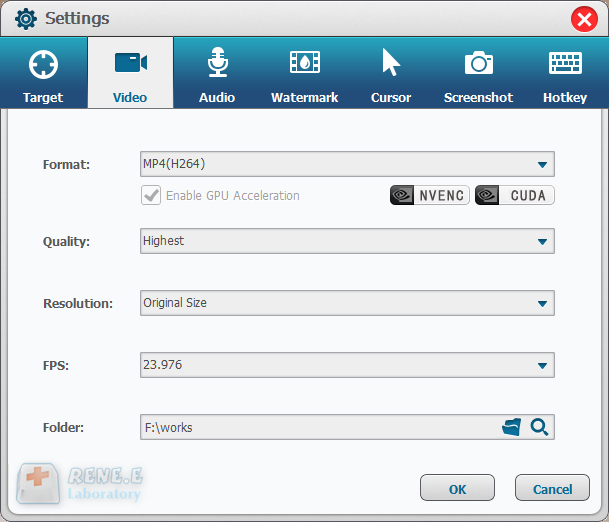
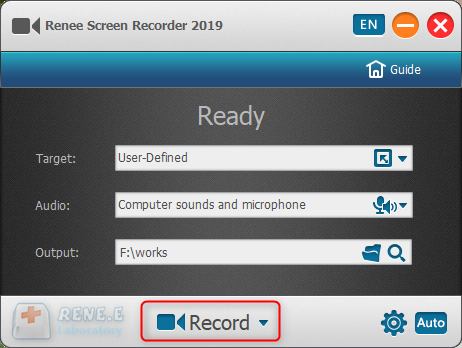
Video game live streaming is becoming hotter and hotter. Now, this industry attracts many new comers. But they are confused about how to get the best OBS settings for clear and fluent live streaming. They don’t know how to record video game, either. In this essay, we will talk about how to improve live streaming through OBS settings and use Renee Video Editor Pro to record screen.

Screen RecordingRecord screen and webcam in Windows computer.
Cut Videos & AudiosUsers are free to cut videos and audios clips with setting start and end time.
Multiple Edit ToolsMerge, crop, rotate, cut and transform video easily. Change and add background music, subtitles and remove watermark from video.
Format ConversionSupport to convert videos and audios into different formats.
Screen Recording Record screen and webcam in Windows computer.
Multiple Edit ToolsCut Videos & Audios Users are free to cut videos and audios clips with setting start and end time.
Multiple Edit ToolsMerge, crop, rotate, cut and transform video easily. Change and add background music, subtitles and remove watermark from video.
Format ConversionSupport to convert videos and audios into different formats.
Relate Links :
Discover the Best Live Streaming Sites and Methods
09-11-2026
Amanda J. Brook : Compare internet live streaming with traditional TV broadcasts and discover top live broadcast websites in this article.
How to Capture Live Streaming Videos?
09-11-2026
Amanda J. Brook : Usually, we watch streaming videos online. What is streaming video? How about live streaming video? Where can we...
How to Record Streaming Audio or Live Stream to Learn English?
09-11-2026
Amanda J. Brook : Now the streaming audio, streaming video and live stream are popular on the Internet. You can directly listen...


User Comments
Leave a Comment