
How to Edit MKV Video?

Summary
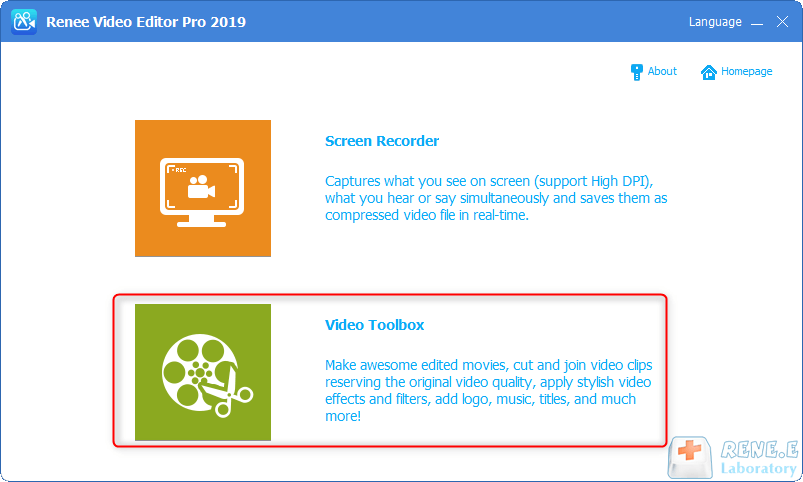
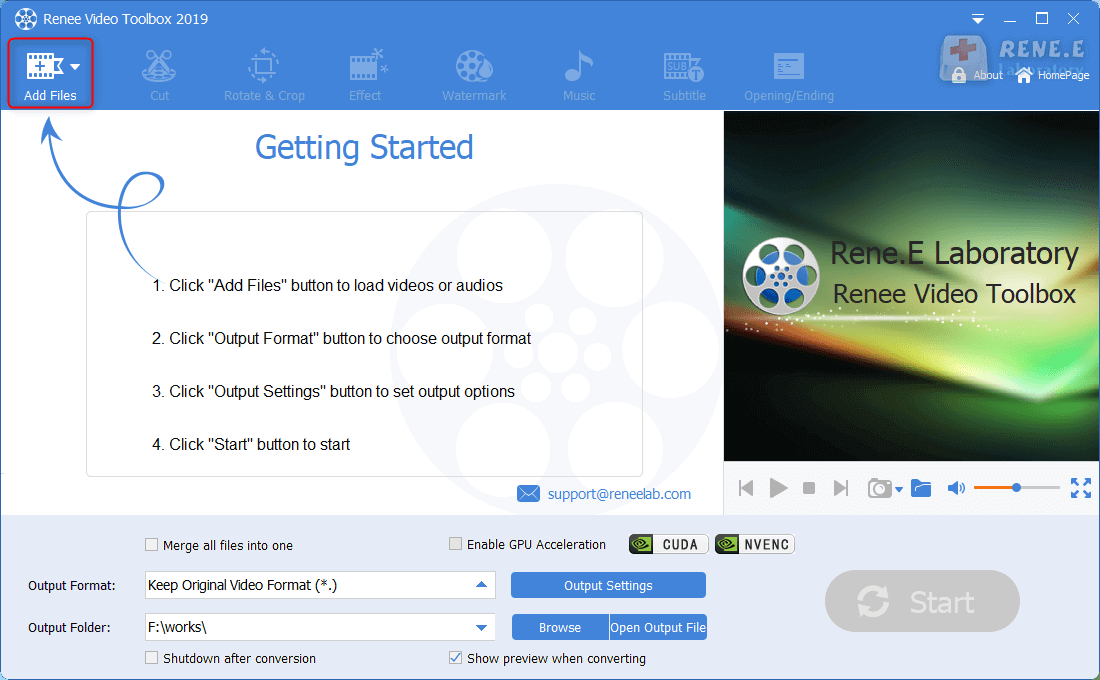
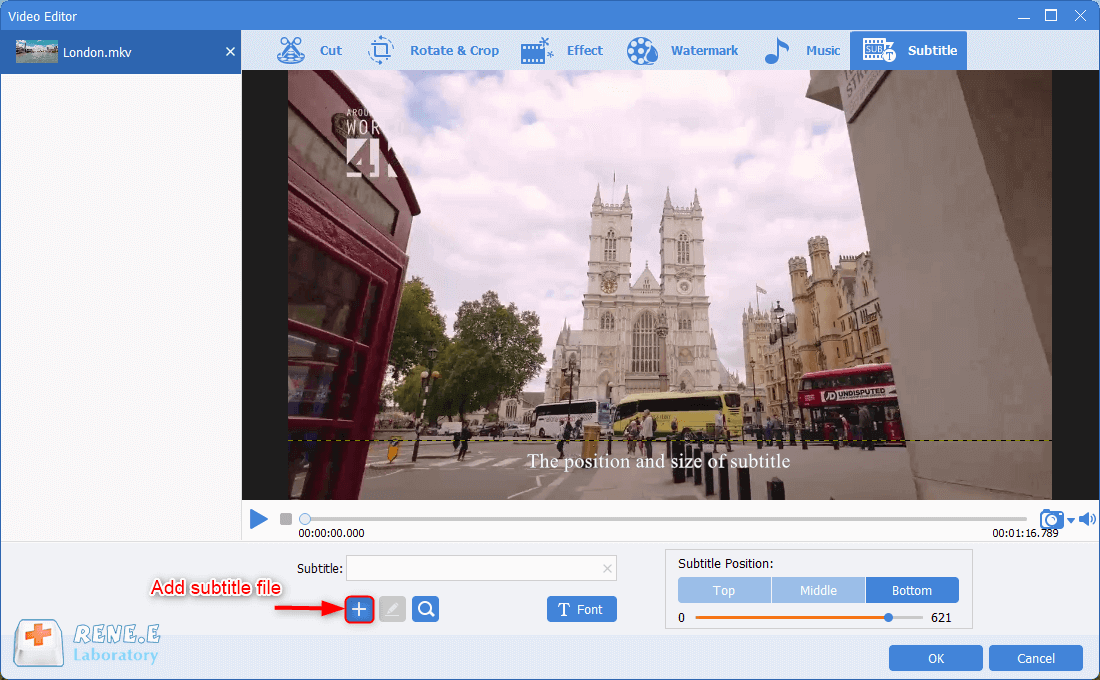
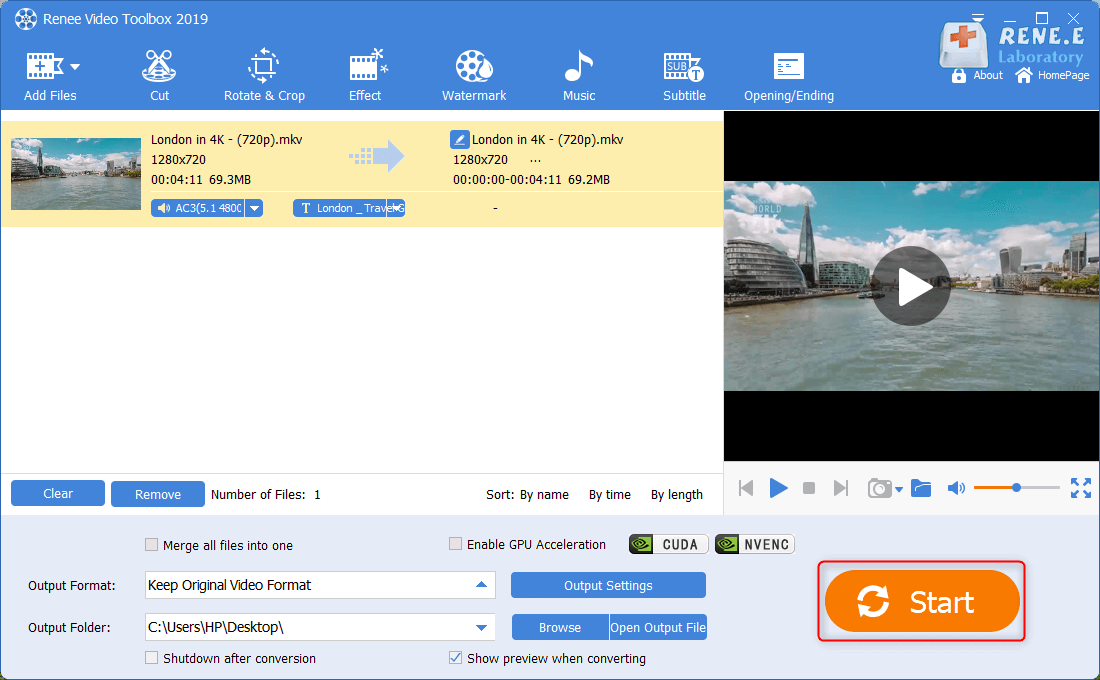
Some people think that creating a video is not easy. In fact, an easy-to-use video editor can help you a lot. In this article, we will talk about how to edit MKV videos with the professional tool. Even though you are a beginner, you can easily create your own video.

Screen RecordingRecord screen and webcam in Windows computer.
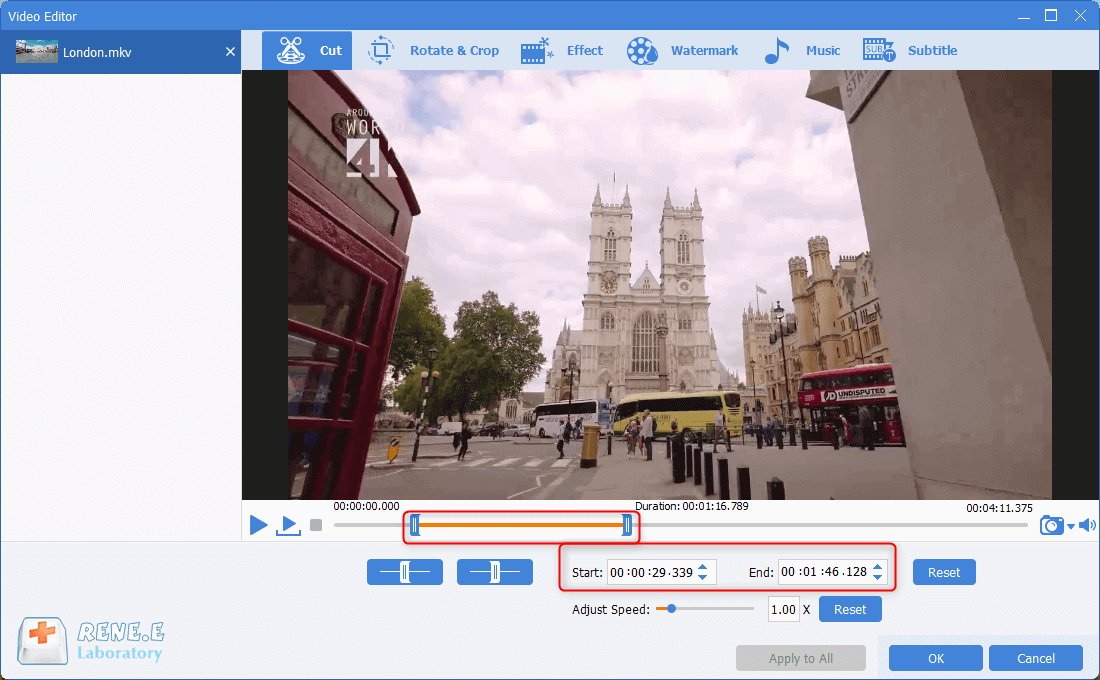
Cut Videos & AudiosUsers are free to cut videos and audios clips with setting start and end time.
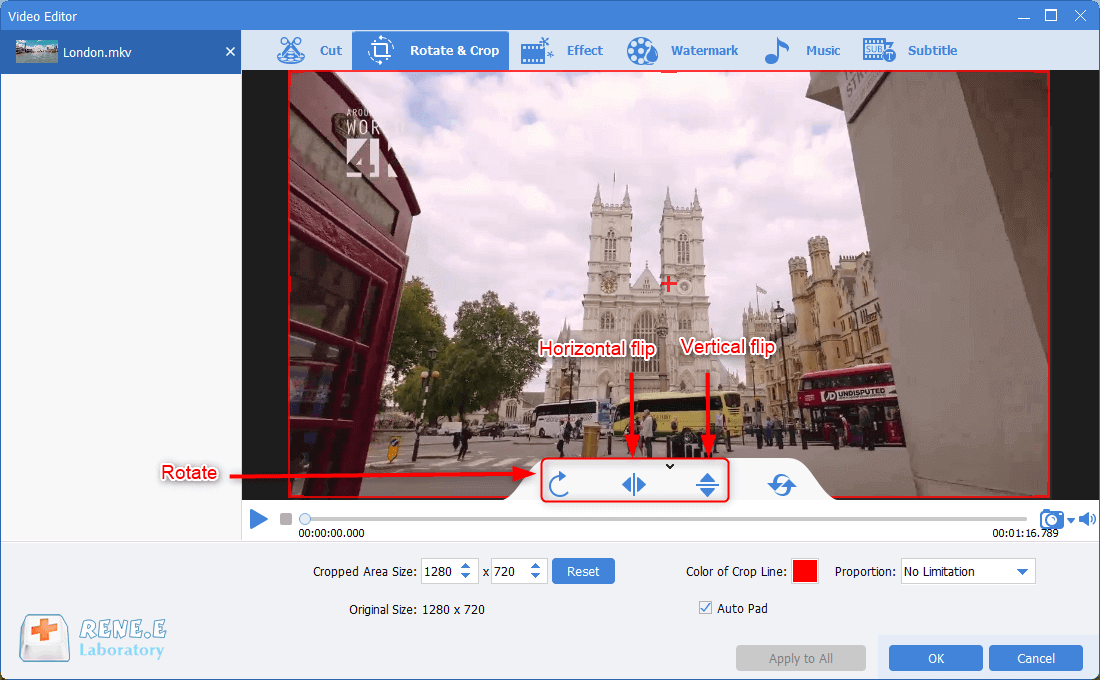
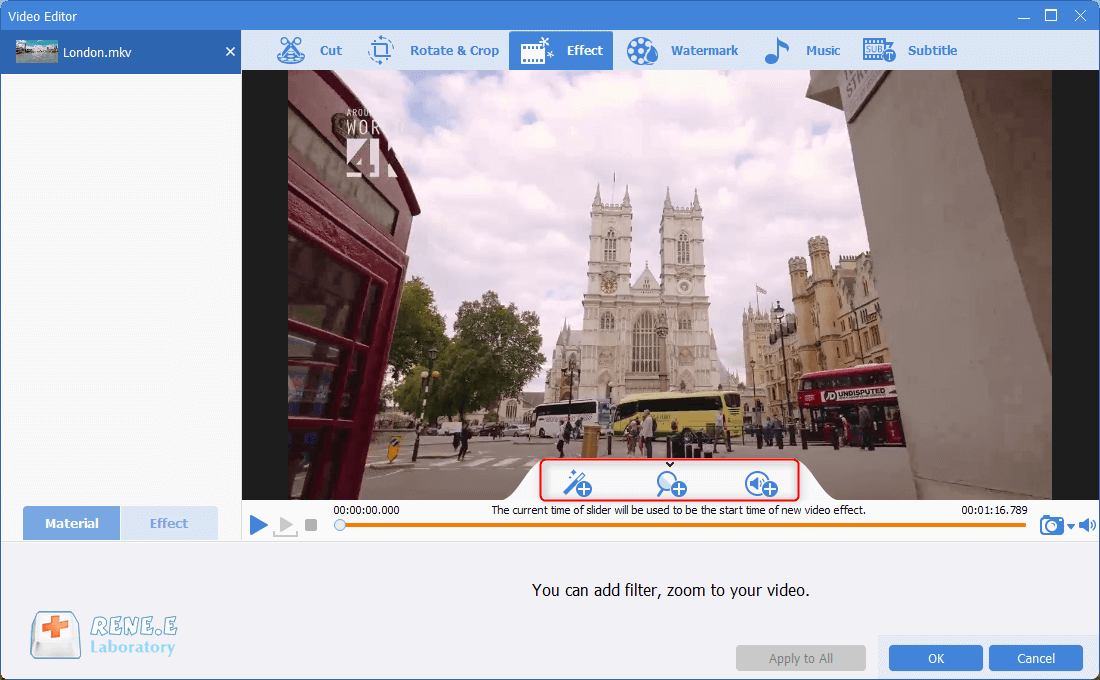
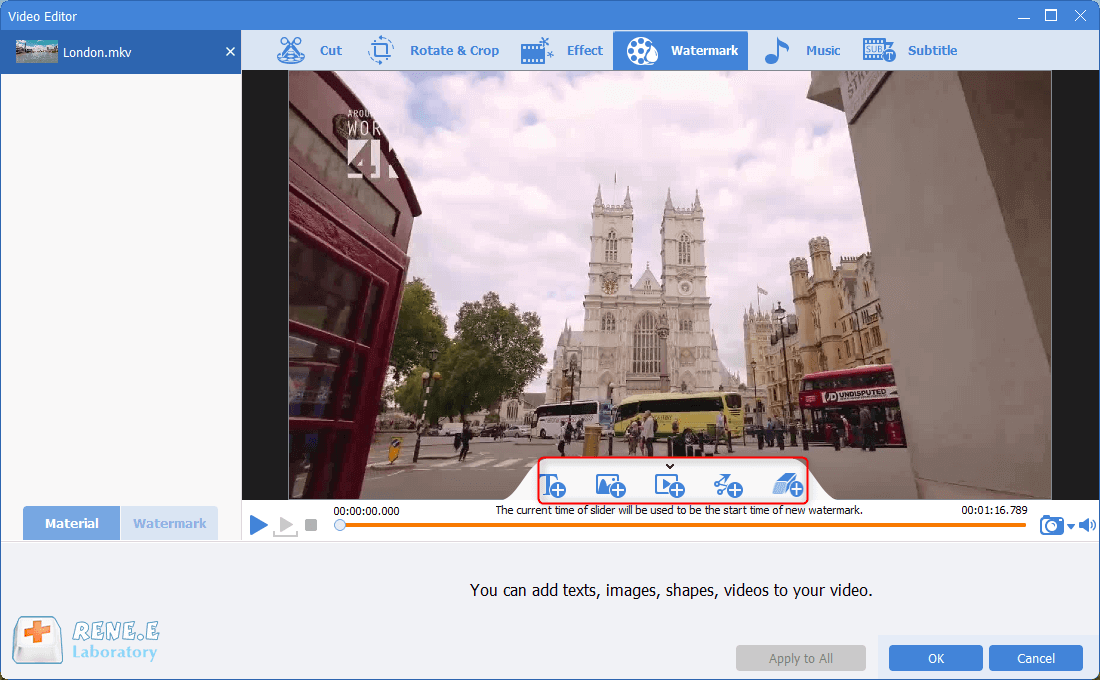
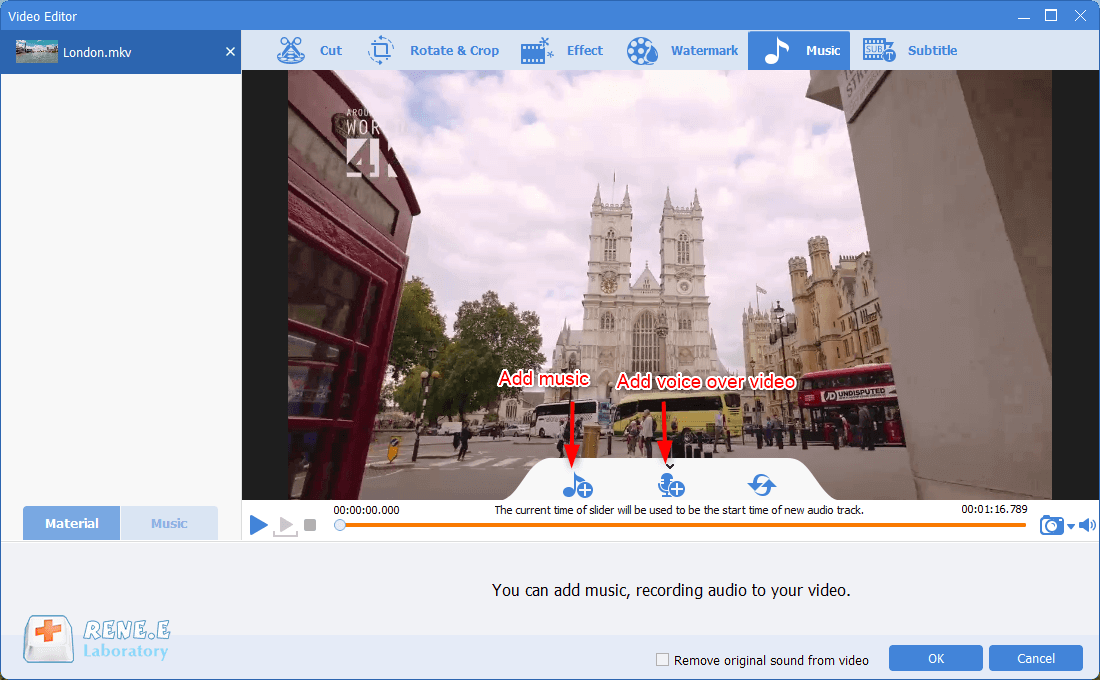
Multiple Edit ToolsMerge, crop, rotate, cut and transform video easily. Change and add background music, subtitles and remove watermark from video.
Format ConversionSupport to convert videos and audios into different formats.
Screen Recording Record screen and webcam in Windows computer.
Multiple Edit ToolsCut Videos & Audios Users are free to cut videos and audios clips with setting start and end time.
Multiple Edit ToolsMerge, crop, rotate, cut and transform video easily. Change and add background music, subtitles and remove watermark from video.
Format ConversionSupport to convert videos and audios into different formats.
Relate Links :
Master Video Editing on Windows: A Complete Guide
09-11-2026
Amanda J. Brook : Discover four practical video editing software options for Windows, helping you choose the right tool to smoothly edit...
Edit MP4 Video with Windows Movie mMaker - The Ultimate Guide
09-11-2026
Amanda J. Brook : Learn how to edit mp4 video with windows movie maker by converting them to a compatible format or...
Expert Tips to Edit FLV Video and Enhance Your Videos
09-11-2026
Amanda J. Brook : Learn how to edit FLV video format without losing quality. Discover the method in this article, ideal for...


User Comments
Leave a Comment