
Rotate Your Videos with Ease: A Powerful Software for Windows & Mac

Summary
Discover the best video editing software for Windows/Mac that fulfills all your needs, including video rotation and more. Explore our recommendations in this informative article.

MXF, AVI, MKV, MP4, MOV, M2TS, M4V, AAC, AC3, and more. The software is compatible with Windows systems.

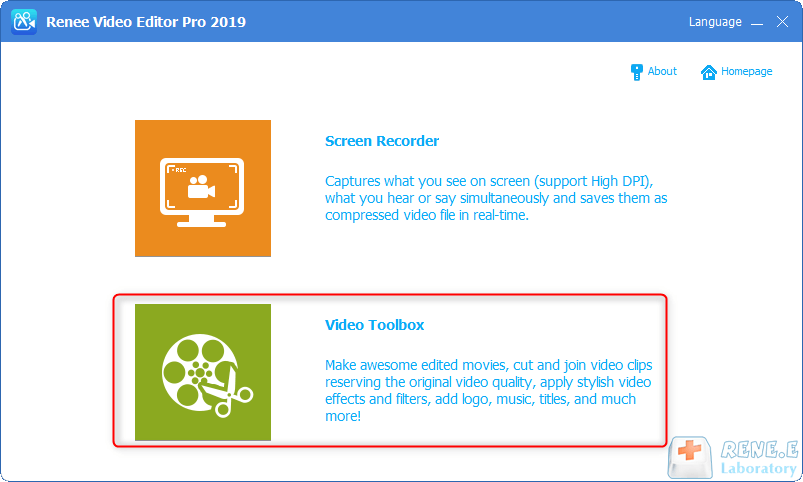
Screen RecordingRecord screen and webcam in Windows computer.
Cut Videos & AudiosUsers are free to cut videos and audios clips with setting start and end time.
Multiple Edit ToolsMerge, crop, rotate, cut and transform video easily. Change and add background music, subtitles and remove watermark from video.
Format ConversionSupport to convert videos and audios into different formats.
Screen Recording Record screen and webcam in Windows computer.
Multiple Edit ToolsCut Videos & Audios Users are free to cut videos and audios clips with setting start and end time.
Multiple Edit ToolsMerge, crop, rotate, cut and transform video easily. Change and add background music, subtitles and remove watermark from video.
Format ConversionSupport to convert videos and audios into different formats.
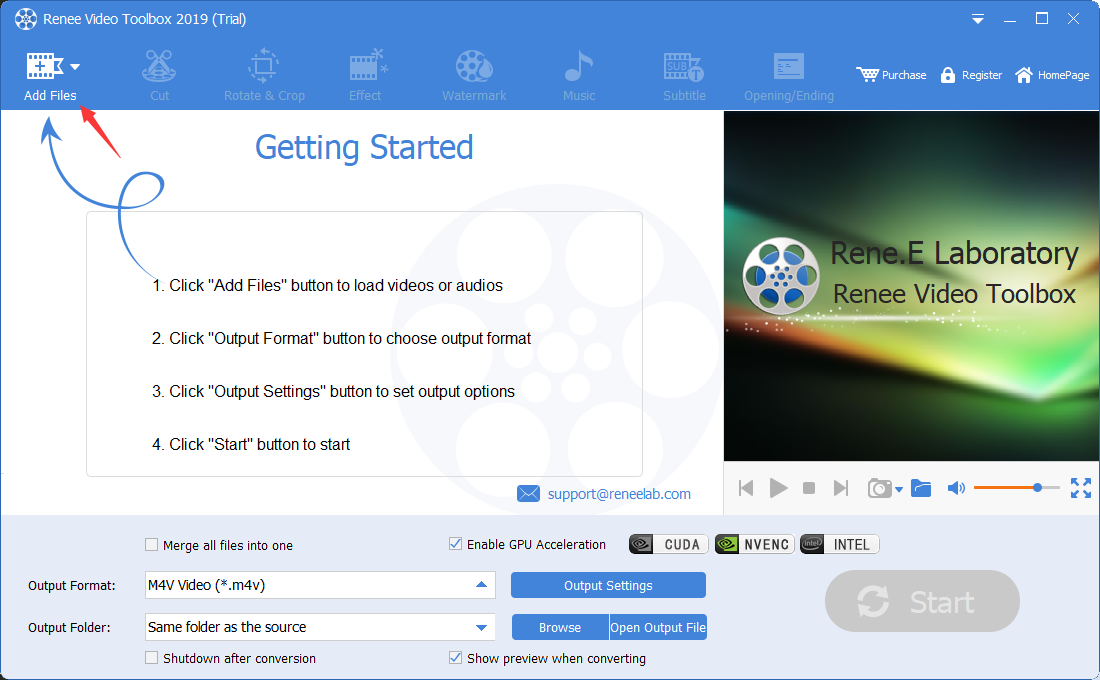
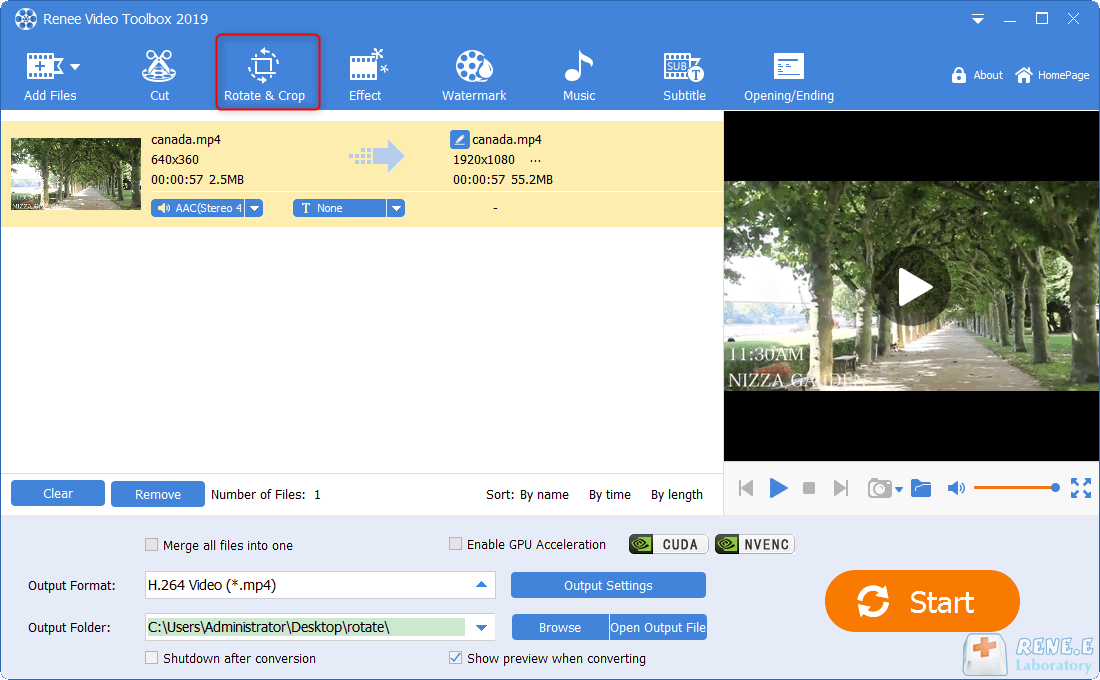
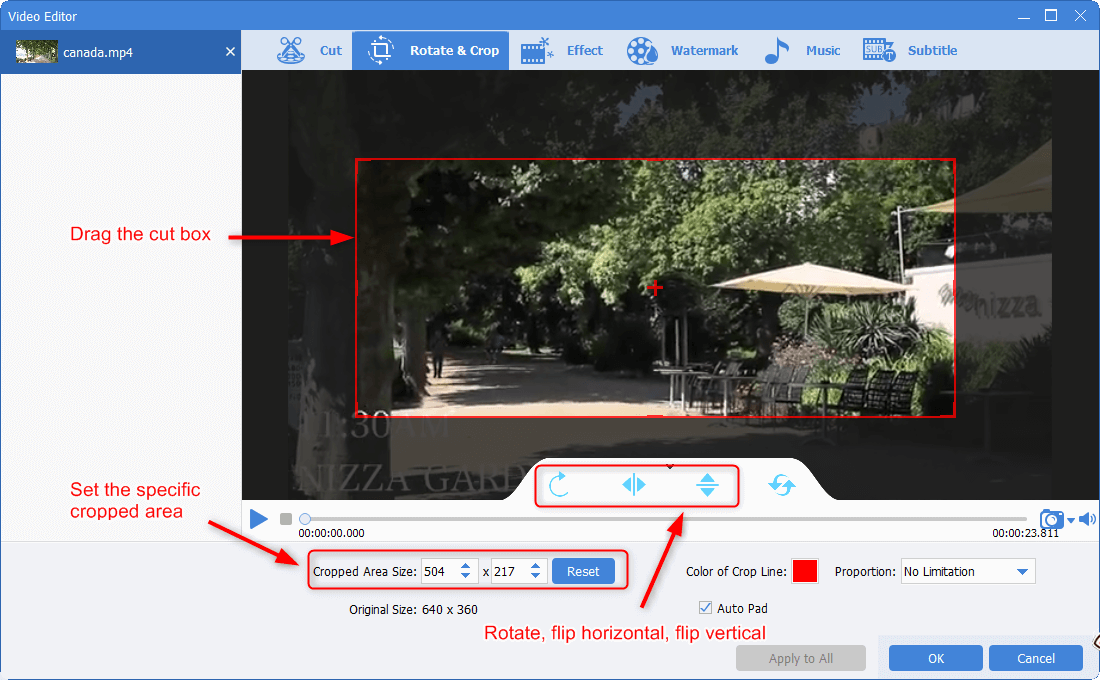
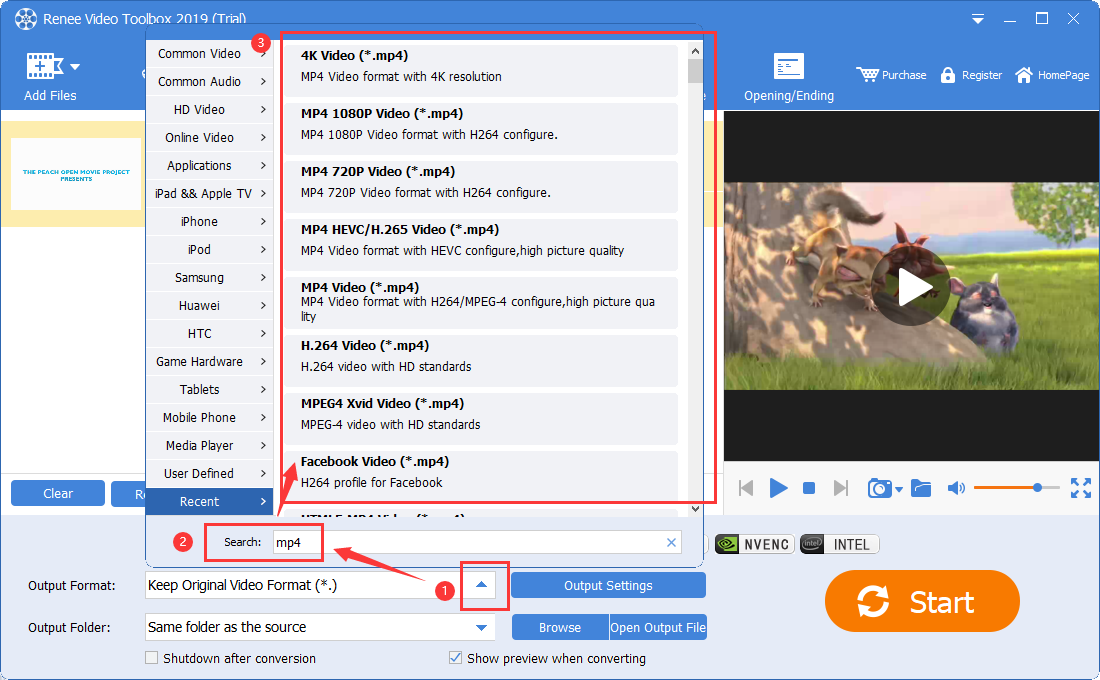
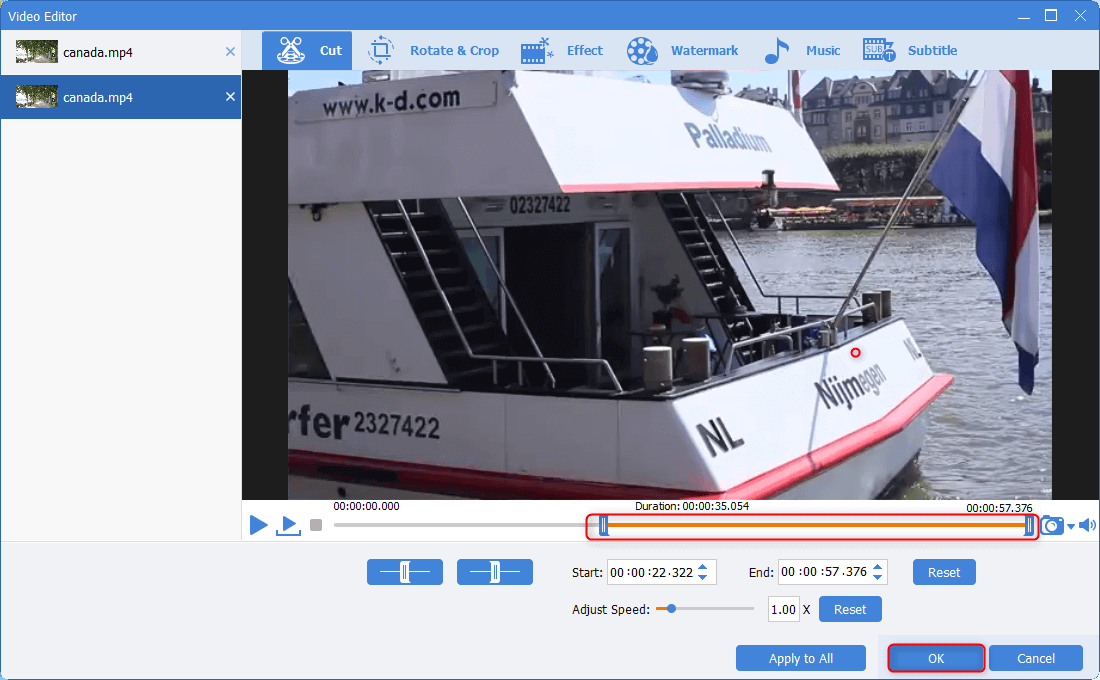
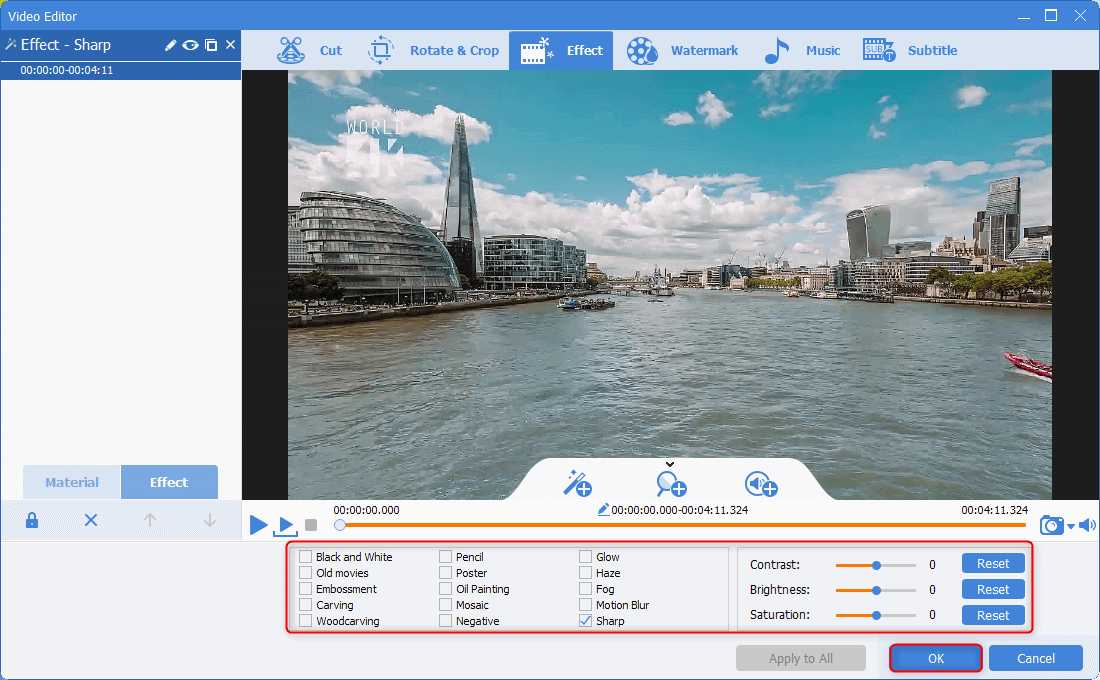
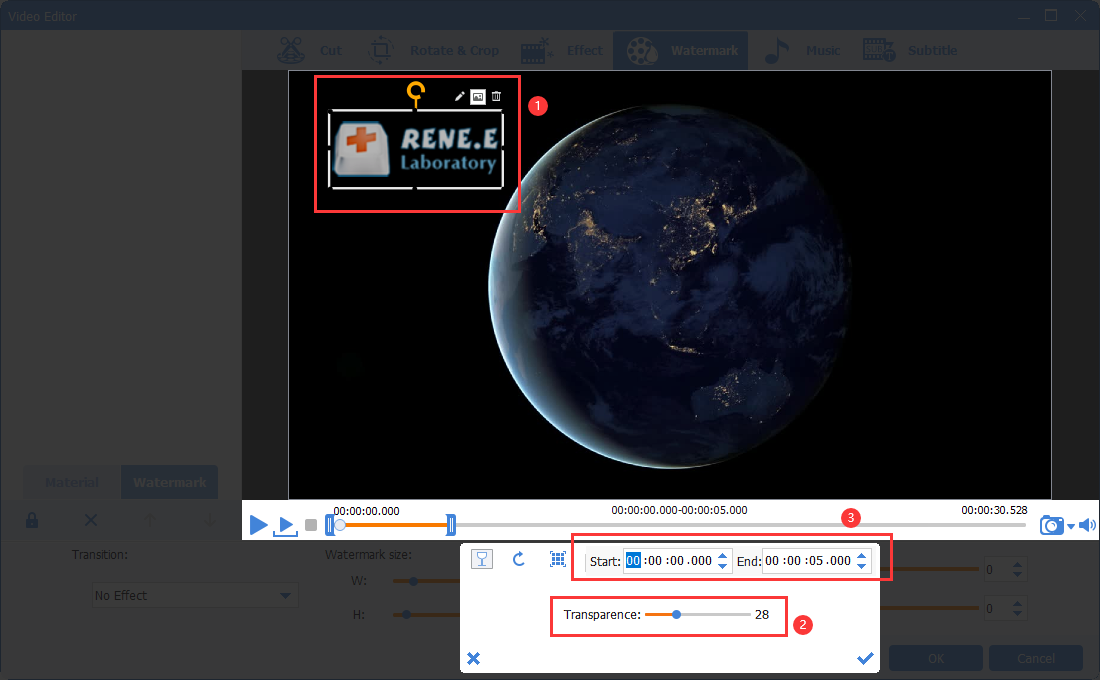
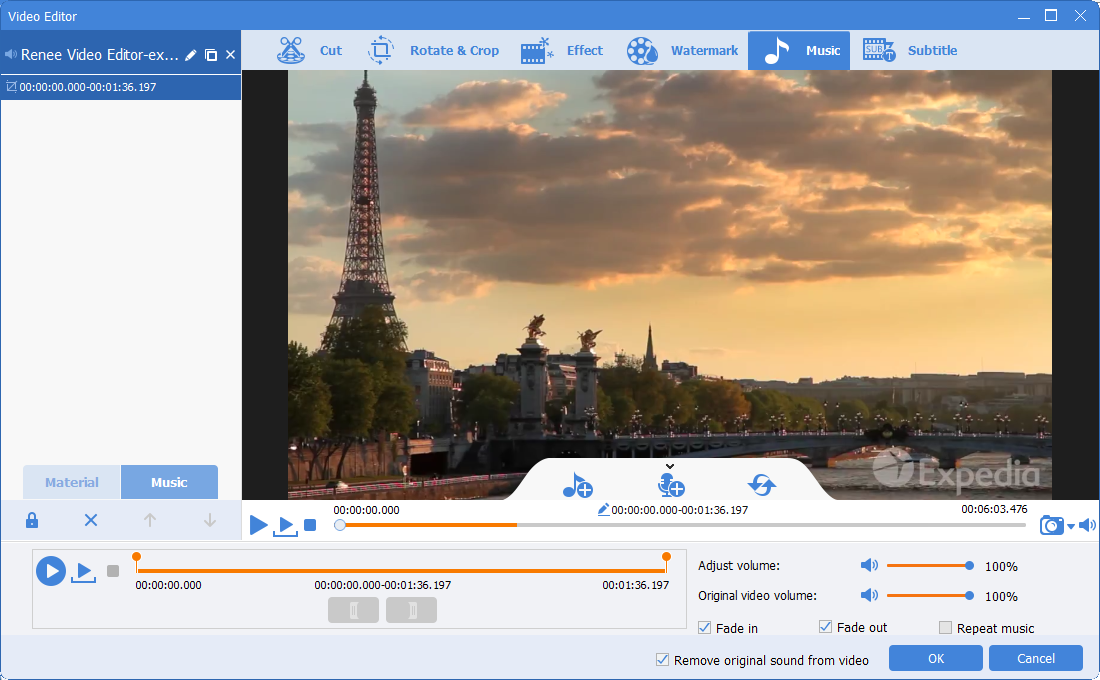
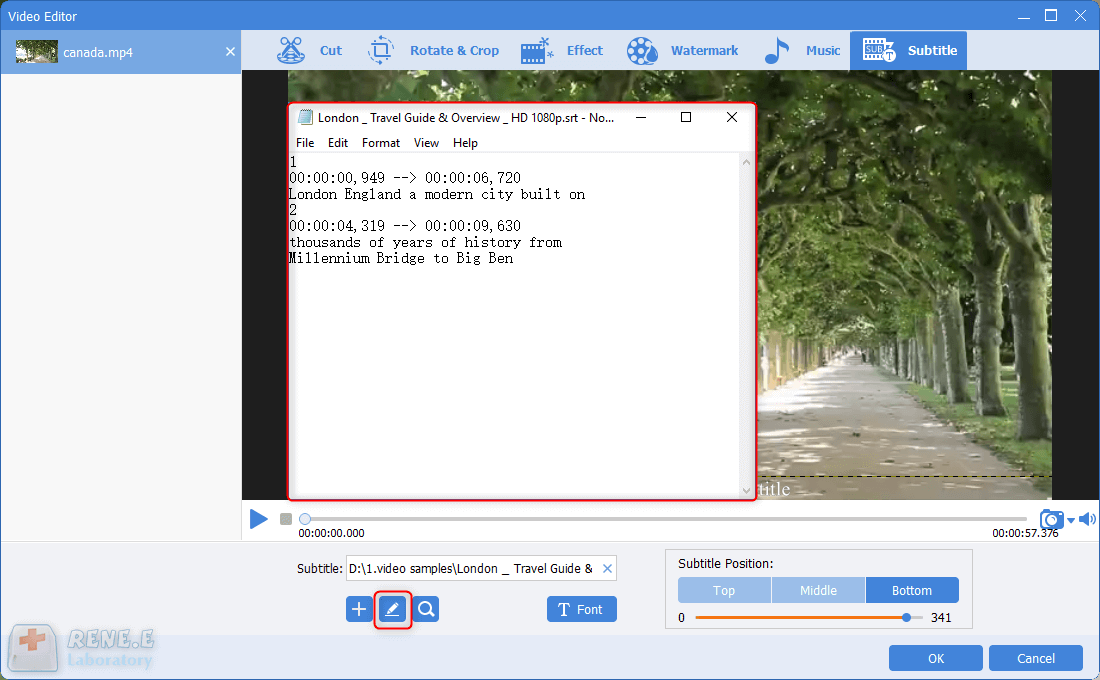
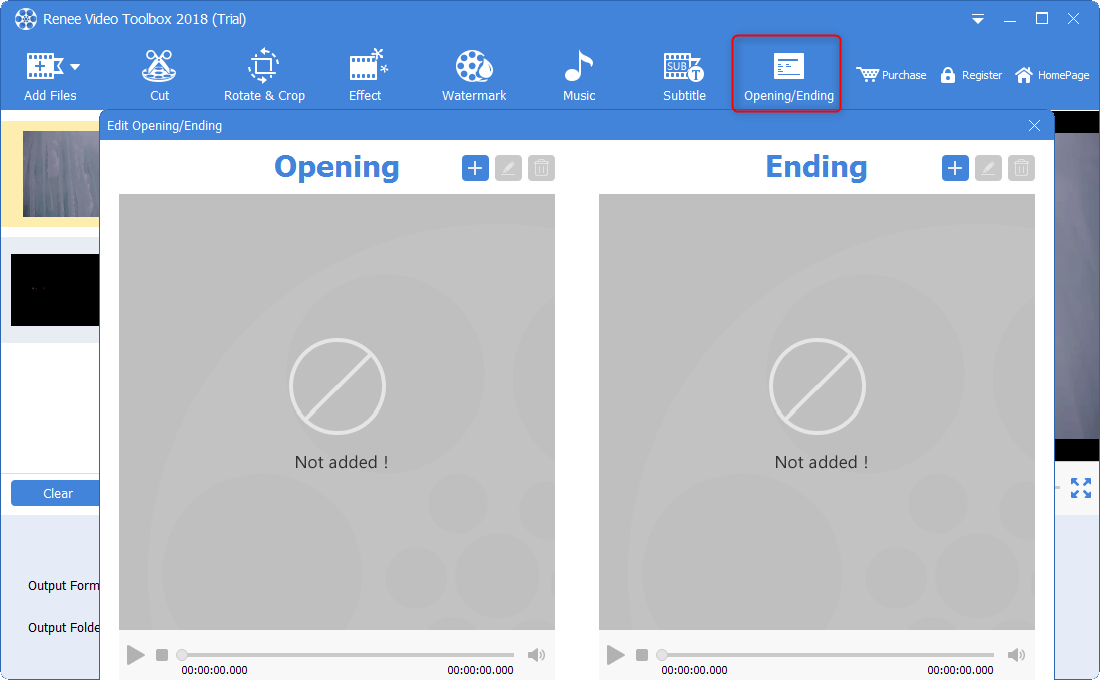
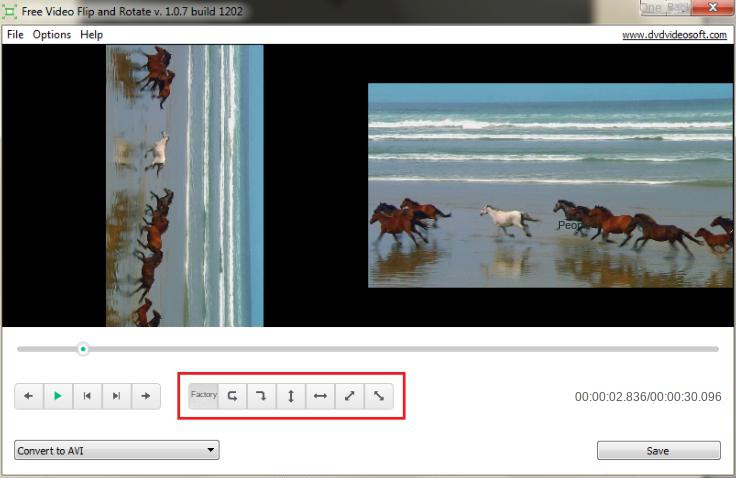
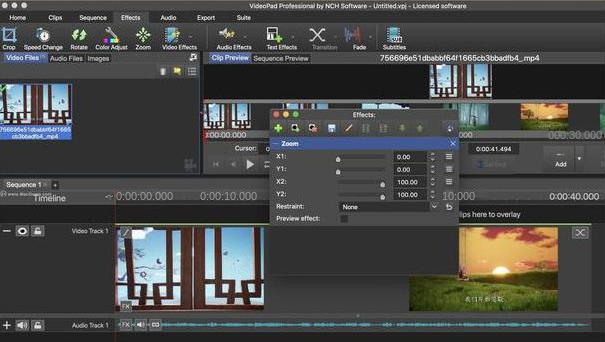
In general, the above three software are good video rotation software. When choosing to use video rotation software, you can choose according to your personal needs and usage habits.
Relate Links :
How to easily create a great movie opening

09-11-2026
Amanda J. Brook : In this age of content creation-focused video, whether it's commercials, movies, or online videos, the key to reducing...
Free & Easy: Top Online Video Editor

09-11-2026
Jennifer Thatcher : Discover a range of efficient online video editors and offline software for editing videos effortlessly. Learn essential video...
How to Effortlessly Convert MP4 to WEBM in Windows?
09-11-2026
Amanda J. Brook : Learn how to convert MP4 files into WEBM files in Windows and explore the benefits of using the...


User Comments
Leave a Comment