
How to Zoom Video on VLC Media Player?

Summary
Learn how to zoom video using VLC Media Player and discover a simpler and more effective method for scaling and adjusting video files in video editing.

Furthermore, users can enhance its capabilities through various plugins and extensions, such as the YouTube playback plugin, live streaming plugin, and stream recording plugin. With advanced features like a media library and video zoom tool, VLC Media Player makes it easy to zoom in on videos and enjoy a seamless viewing experience.
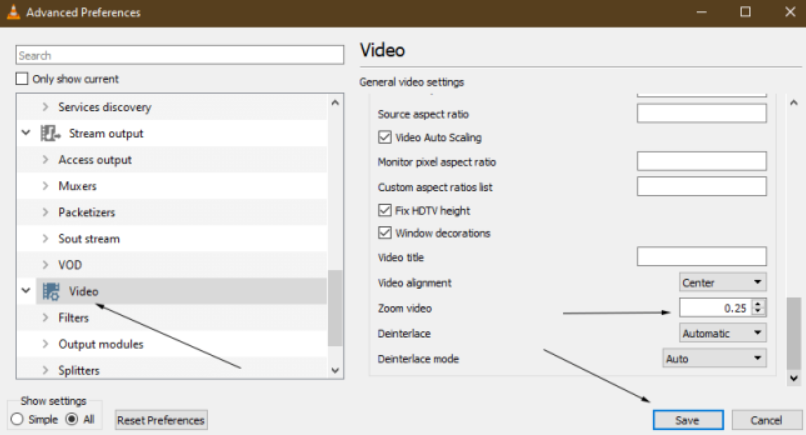
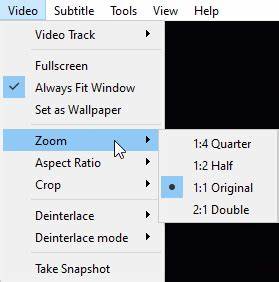
For instance, you can navigate to the top menu bar and select (Video), then choose the desired zoom ratio from the (Zoom) menu. It’s important to note that in order for the zoom setting to be applied, you must first disable the (Always fit window) option.
This software not only enhances and optimizes video content during post-production, but also offers a range of features such as video editing, merging, cropping, rotating, flipping, scaling, and adding opening/ending animations, transitions, and special effects. With the ability to switch between different filter styles, dub videos, add or remove music and sound effects, and import or create subtitles, this software provides a comprehensive video editing experience. And once the editing is complete, you can easily convert the video to any desired format, as this software supports a wide range of video and audio formats including MXF, AVI, MKV, MP4, MOV, M2TS, M4V, AAC, AC3, and more, with the added convenience of free conversion between formats.

Screen RecordingRecord screen and webcam in Windows computer.
Cut Videos & AudiosUsers are free to cut videos and audios clips with setting start and end time.
Multiple Edit ToolsMerge, crop, rotate, cut and transform video easily. Change and add background music, subtitles and remove watermark from video.
Format ConversionSupport to convert videos and audios into different formats.
Screen Recording Record screen and webcam in Windows computer.
Multiple Edit ToolsCut Videos & Audios Users are free to cut videos and audios clips with setting start and end time.
Multiple Edit ToolsMerge, crop, rotate, cut and transform video easily. Change and add background music, subtitles and remove watermark from video.
Format ConversionSupport to convert videos and audios into different formats.
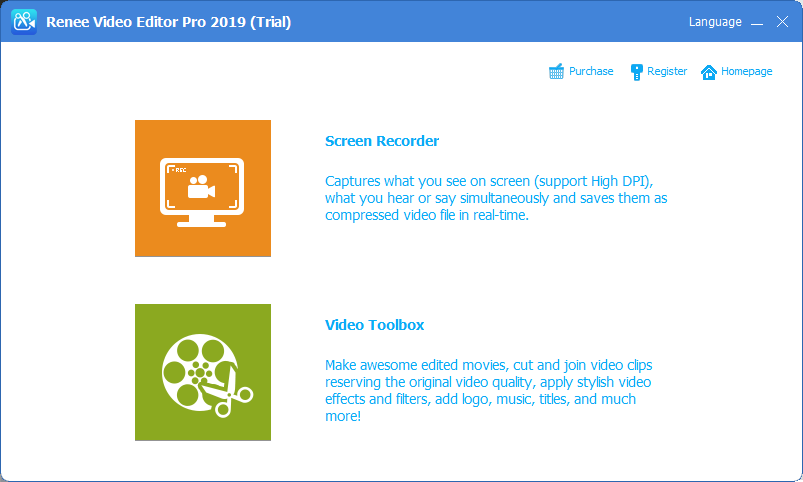
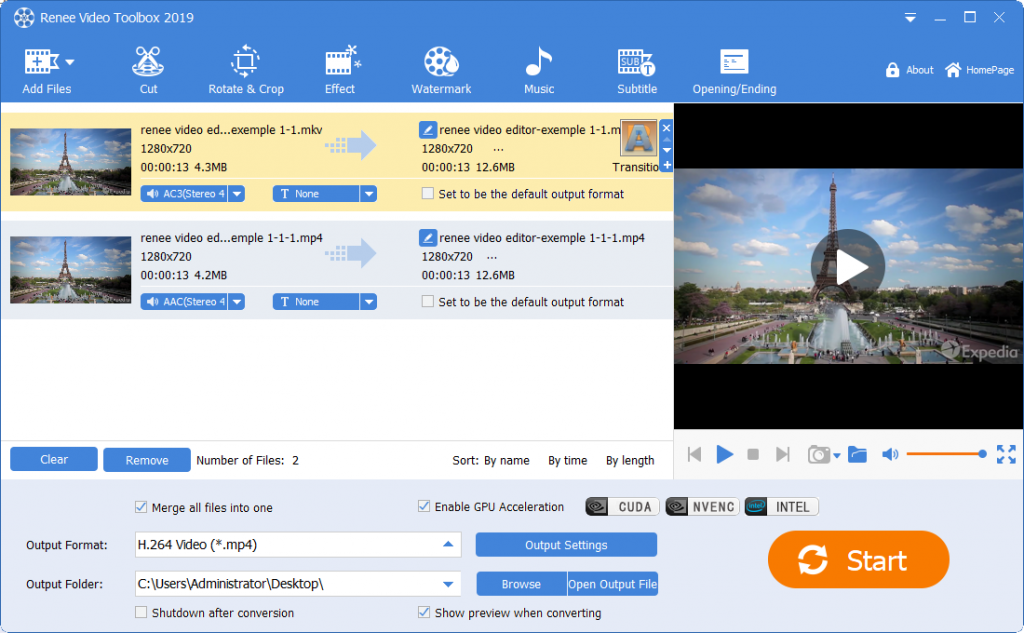
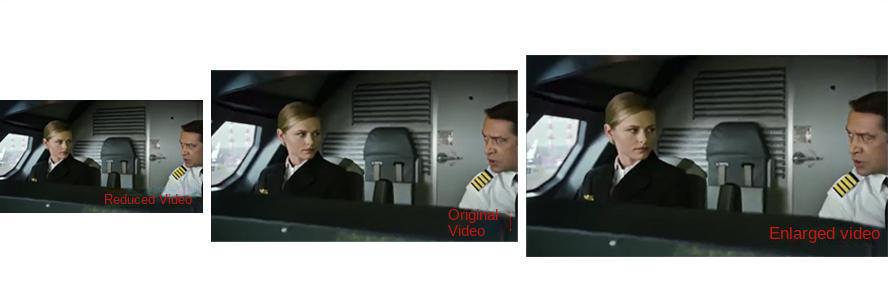
Scaling videos is just one of its many features; the software also allows users to clip, add special effects, and transcode videos. However, the level of difficulty in using these two tools also differs. Renee Video Editor Pro is a user-friendly tool that is easy for beginners to learn, while VLC Media Player requires more time and practice to master all its functions.
In conclusion, the choice of which method to use for scaling video files is dependent on individual preferences. Ultimately, the goal is to select the most appropriate tool to easily accomplish the task of scaling videos.
Relate Links :
How to play VOB files with a VOB player?

09-11-2026
Amanda J. Brook : Learn how to play VOB video files, a DVD video format, and fix playback issues. Discover essential information...


User Comments
Leave a Comment