
How to Save Windows Movie Maker as MP4?

Summary
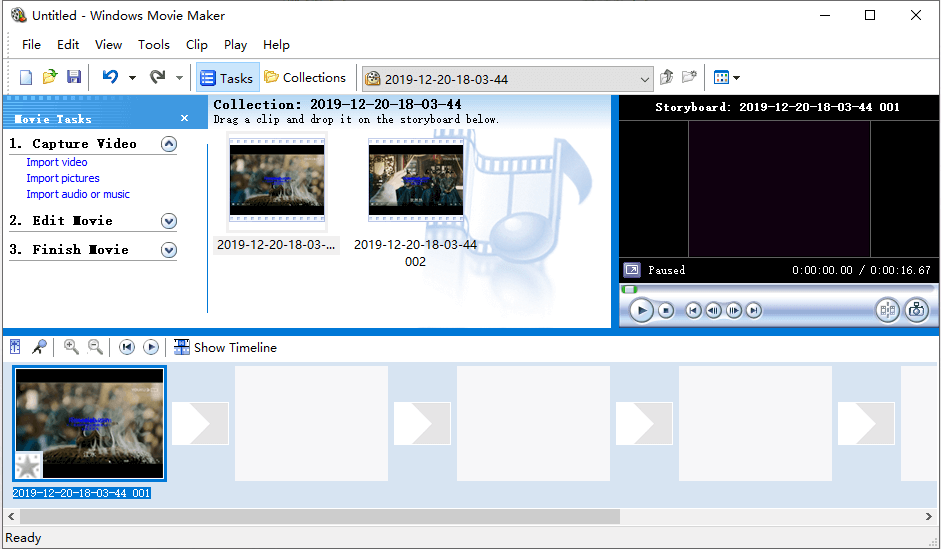
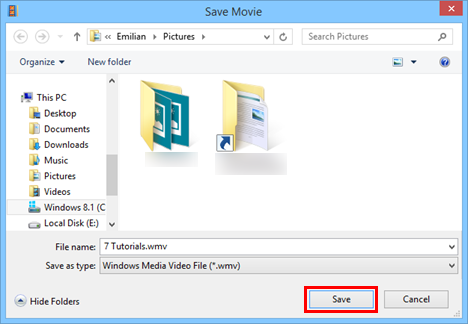
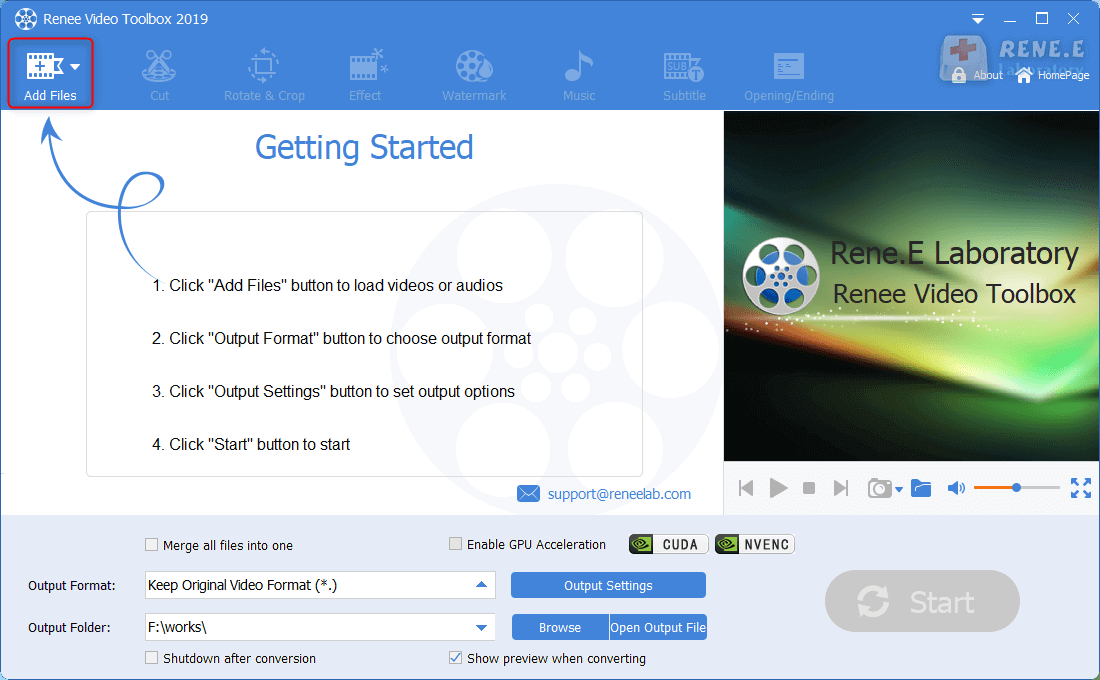
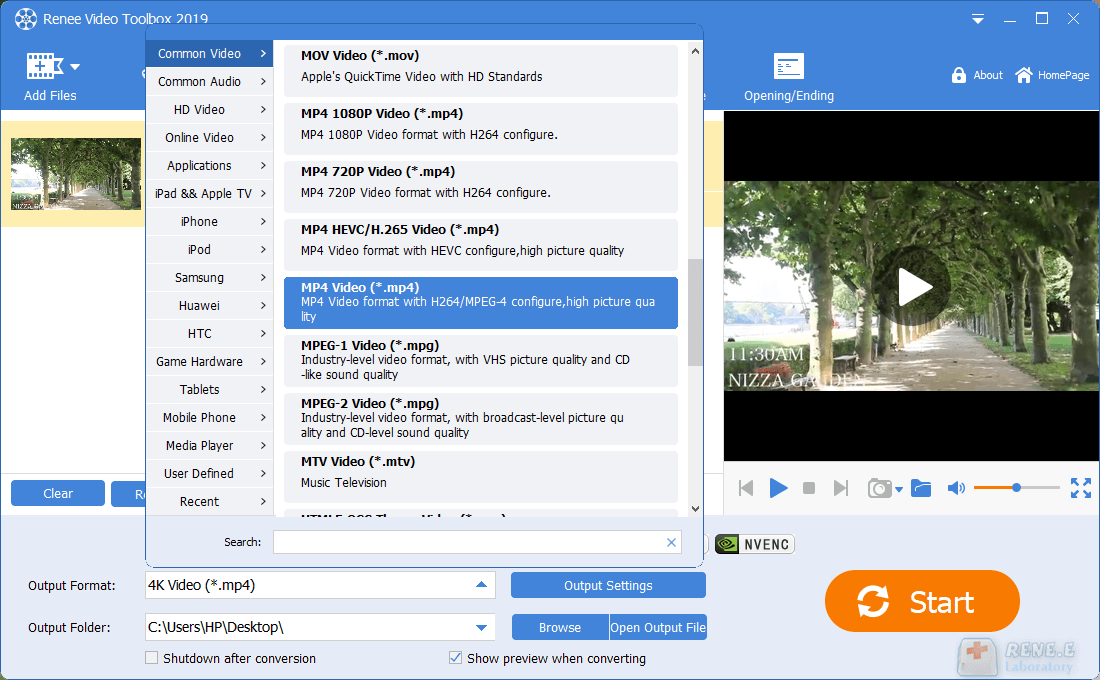
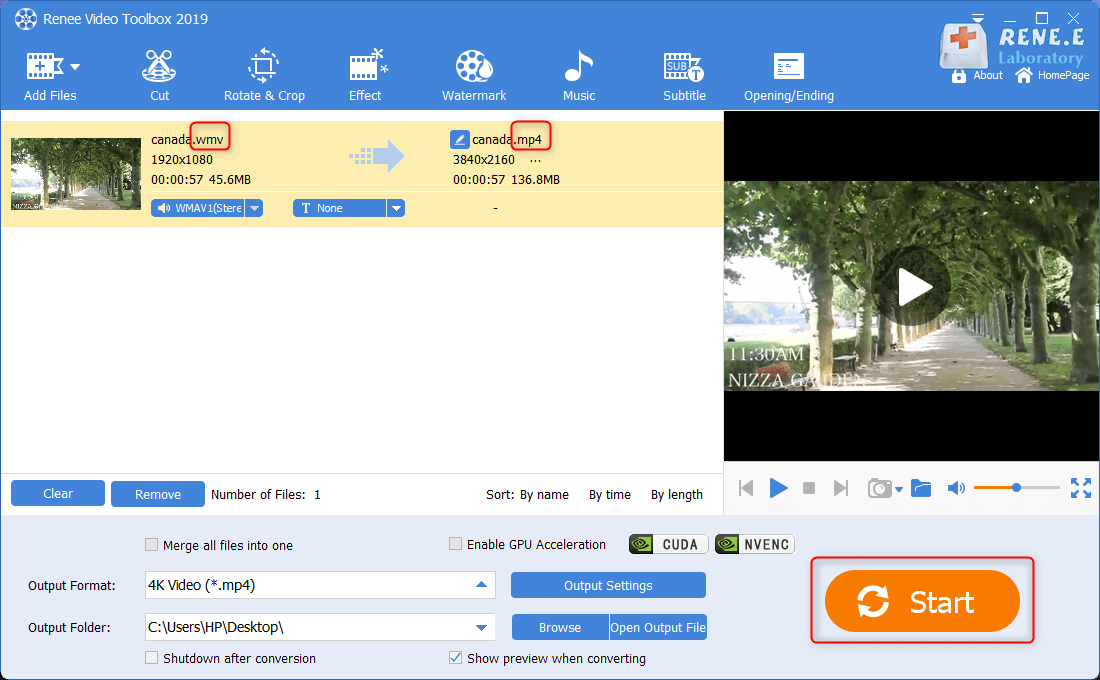
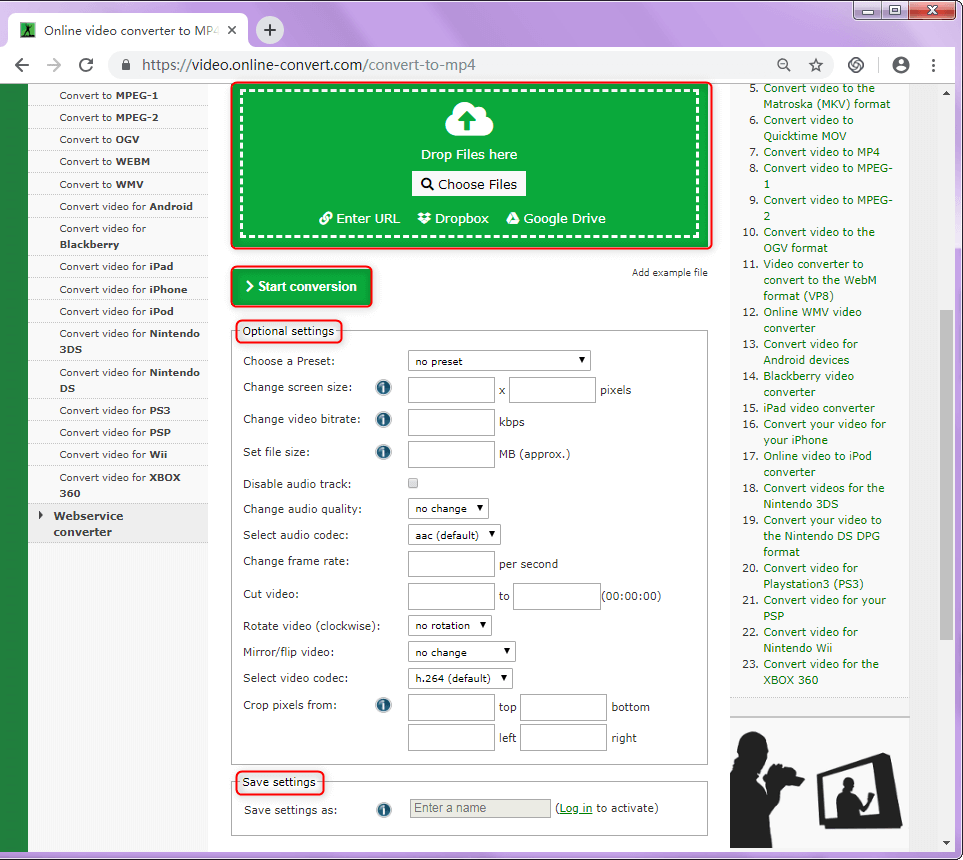
As we all know, Windows Movie Maker merely supports to export the MSWMM/WLMP project file and save as “.wmv”. But these files cannot be uploaded to the video websites like YouTube or be played by phone. Therefore, some people want to convert the files to the common video formats, such as MP4. In this article, we show you how to save a Windows Movie Maker project as MP4 with the format converters.
asf, avi, wmv, mpeg, mpg, m1v, mp2, asf, wm, wma, wmv, etc.

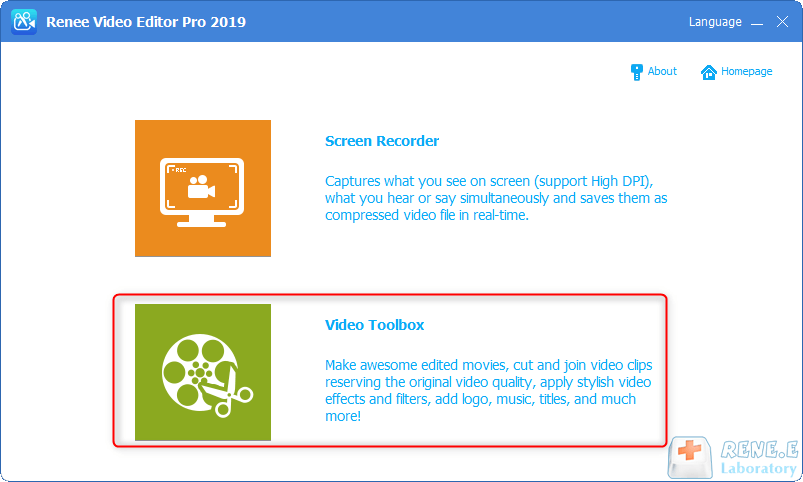
Screen RecordingRecord screen and webcam in Windows computer.
Cut Videos & AudiosUsers are free to cut videos and audios clips with setting start and end time.
Multiple Edit ToolsMerge, crop, rotate, cut and transform video easily. Change and add background music, subtitles and remove watermark from video.
Format ConversionSupport to convert videos and audios into different formats.
Screen Recording Record screen and webcam in Windows computer.
Multiple Edit ToolsCut Videos & Audios Users are free to cut videos and audios clips with setting start and end time.
Multiple Edit ToolsMerge, crop, rotate, cut and transform video easily. Change and add background music, subtitles and remove watermark from video.
Format ConversionSupport to convert videos and audios into different formats.

Relate Links :
How to Convert & Play MXF File?

09-11-2026
Amanda J. Brook : MXF is the video format for professional digital cameras, such as Panasonic, Sony and Canon. But this format...


User Comments
Leave a Comment