
Must-Have YouTube Downloaders for Easy Video Access

Summary
Discover the top 5 YouTube downloaders to easily save and watch your favorite videos offline. Gain access to a wide range of content with these simple and practical tools.
Table of contents
1. 5 very practical YouTube downloader recommendations
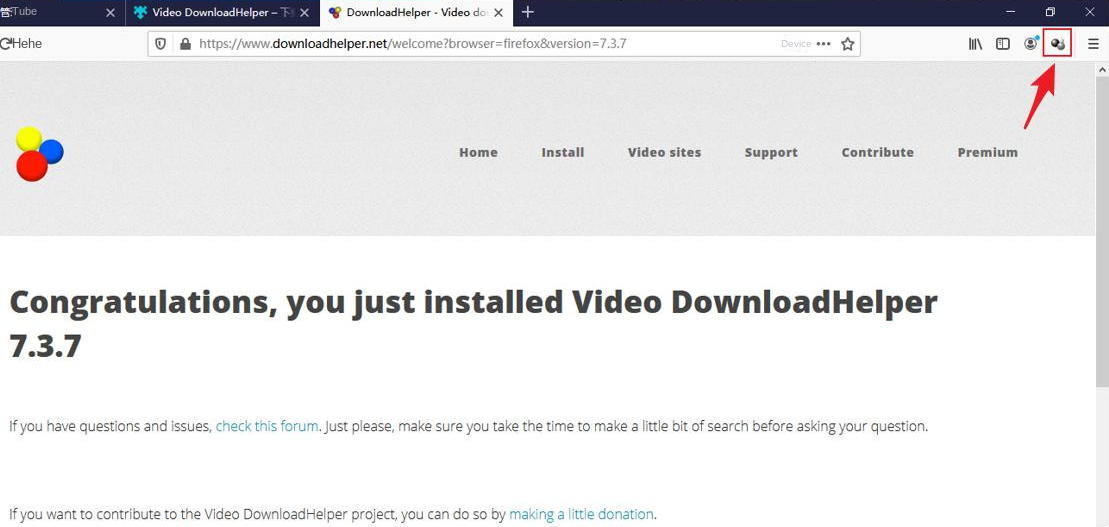
- 1. Use the Firefox browser plug-in Video DownloadHelper to download videos on YouTube
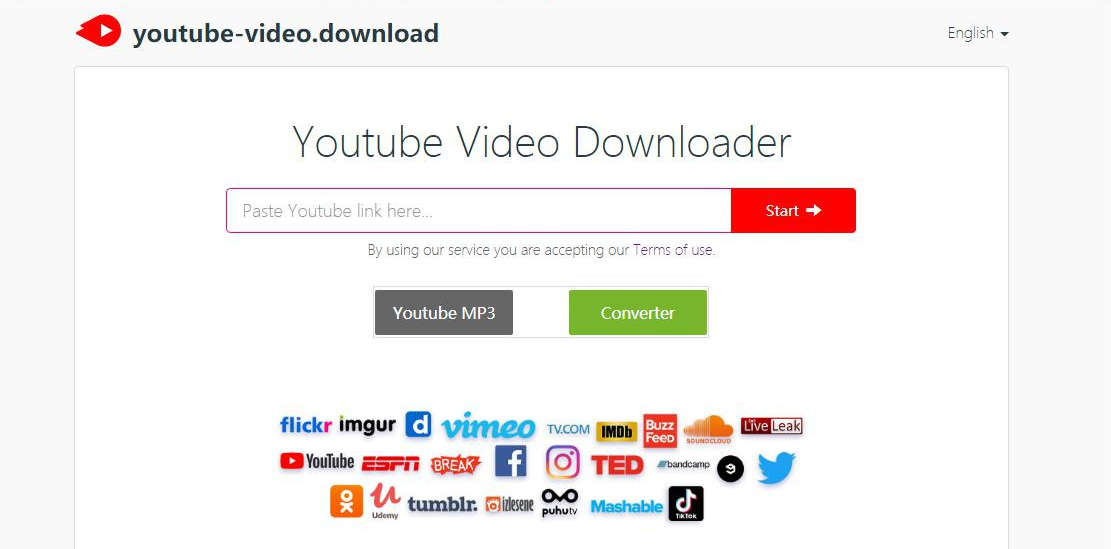
- 2. Use YouTube-video.download online video downloader to download YouTube videos
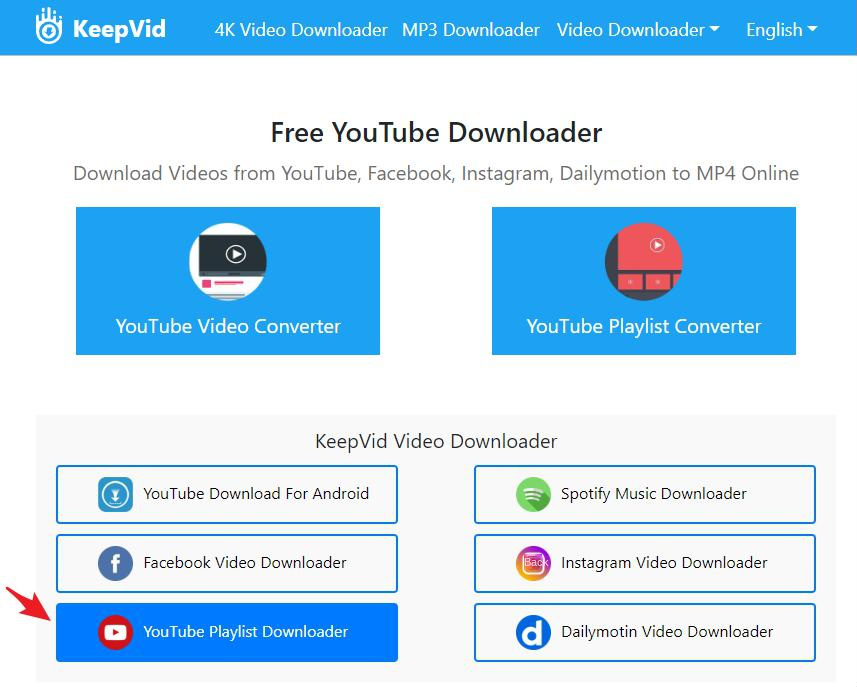
- 3. Use KeepVid online video download tool to download YouTube videos
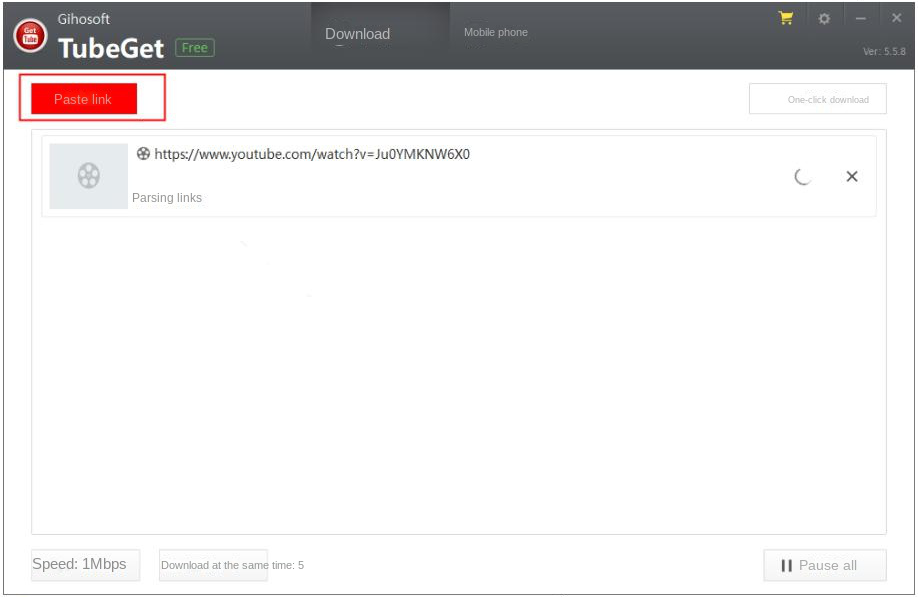
- 4. Use Gihosoft TubeGet downloader to download videos on YouTube
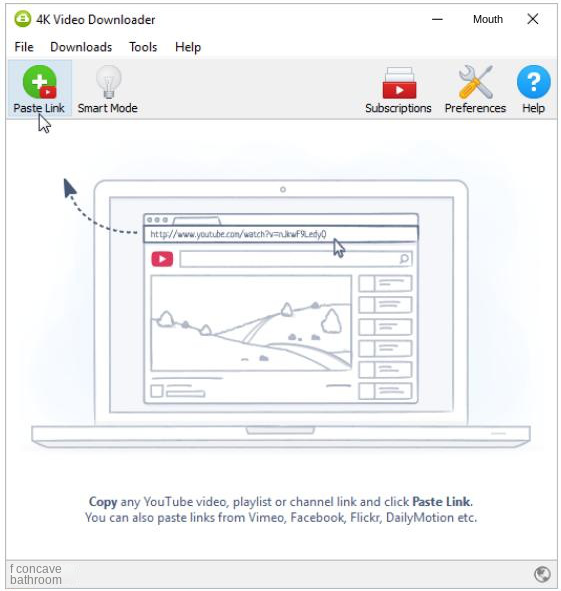
- 5. Use 4K Video Downloader to download videos on YouTube
2. How to use Renee Video Editor Pro to solve the problem that the video cannot be downloaded?
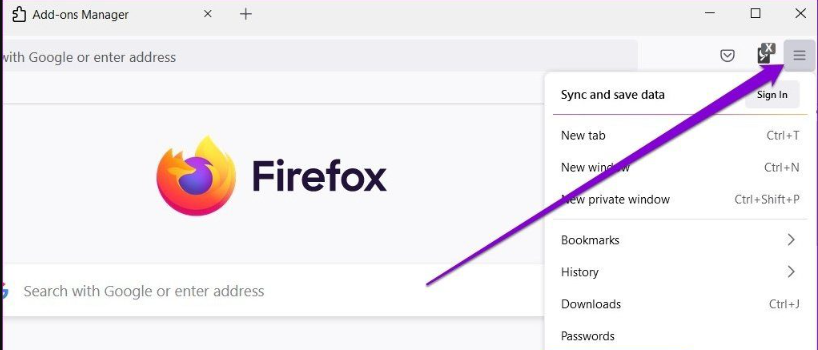
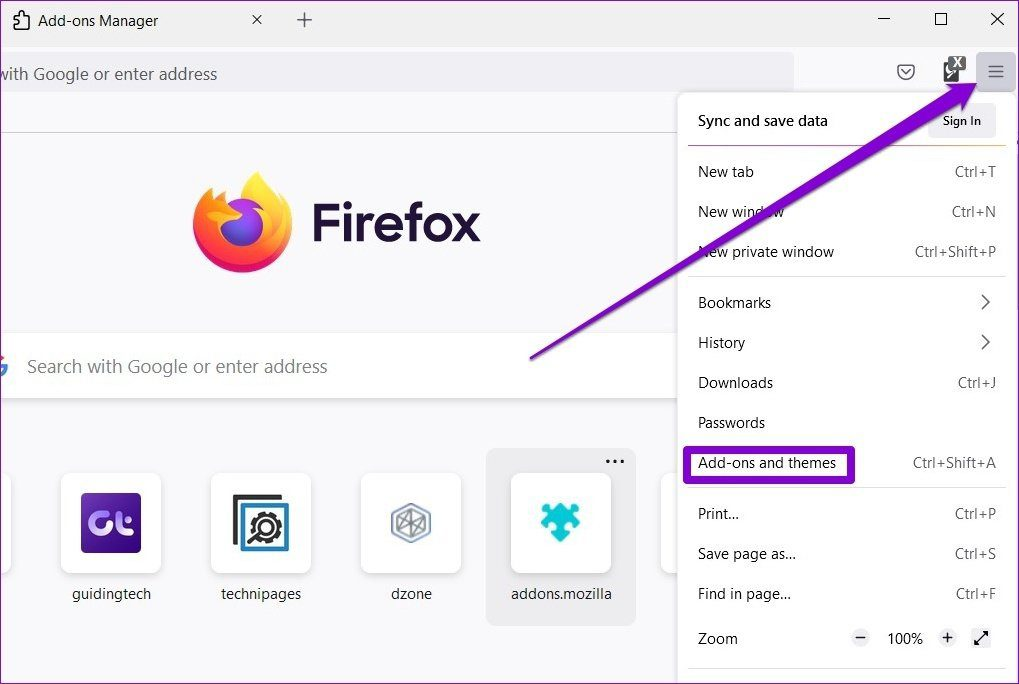
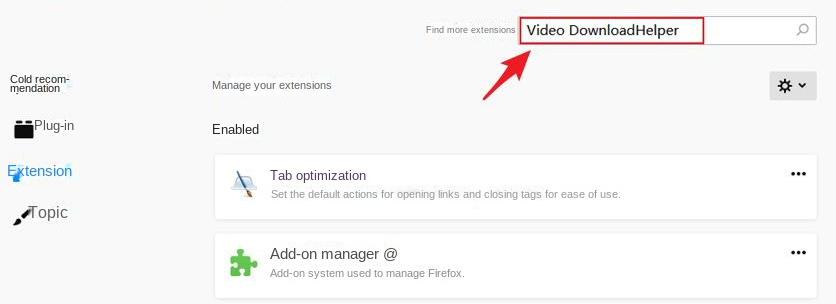
https://youtube-video.download/ in your browser, paste the YouTube video URL into the download box, and click Start to initiate the download process.

Screen RecordingRecord screen and webcam in Windows computer.
Cut Videos & AudiosUsers are free to cut videos and audios clips with setting start and end time.
Multiple Edit ToolsMerge, crop, rotate, cut and transform video easily. Change and add background music, subtitles and remove watermark from video.
Format ConversionSupport to convert videos and audios into different formats.
Screen Recording Record screen and webcam in Windows computer.
Multiple Edit ToolsCut Videos & Audios Users are free to cut videos and audios clips with setting start and end time.
Multiple Edit ToolsMerge, crop, rotate, cut and transform video easily. Change and add background music, subtitles and remove watermark from video.
Format ConversionSupport to convert videos and audios into different formats.
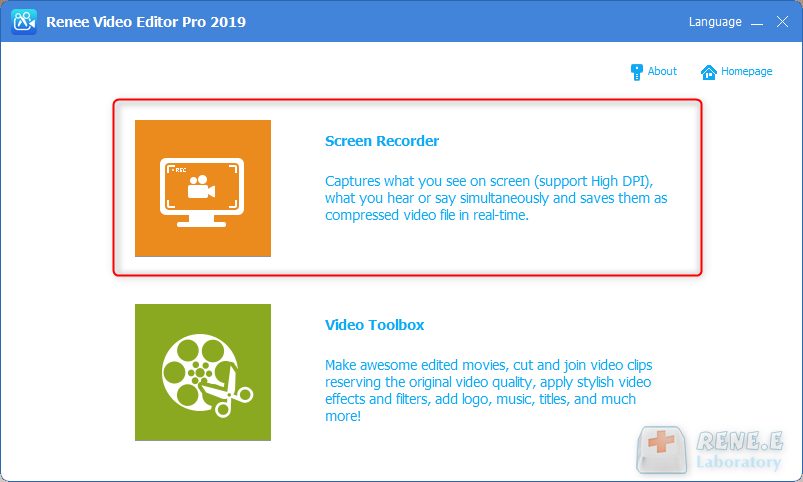
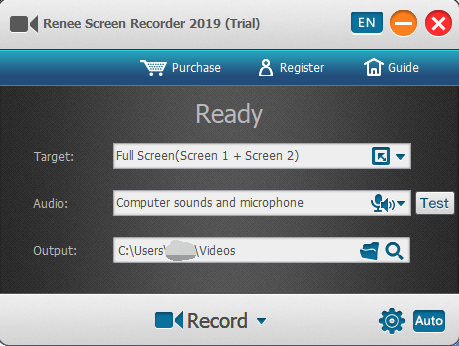
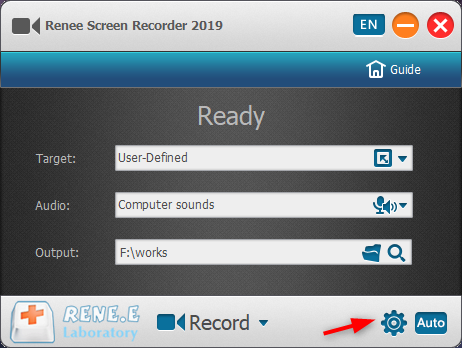
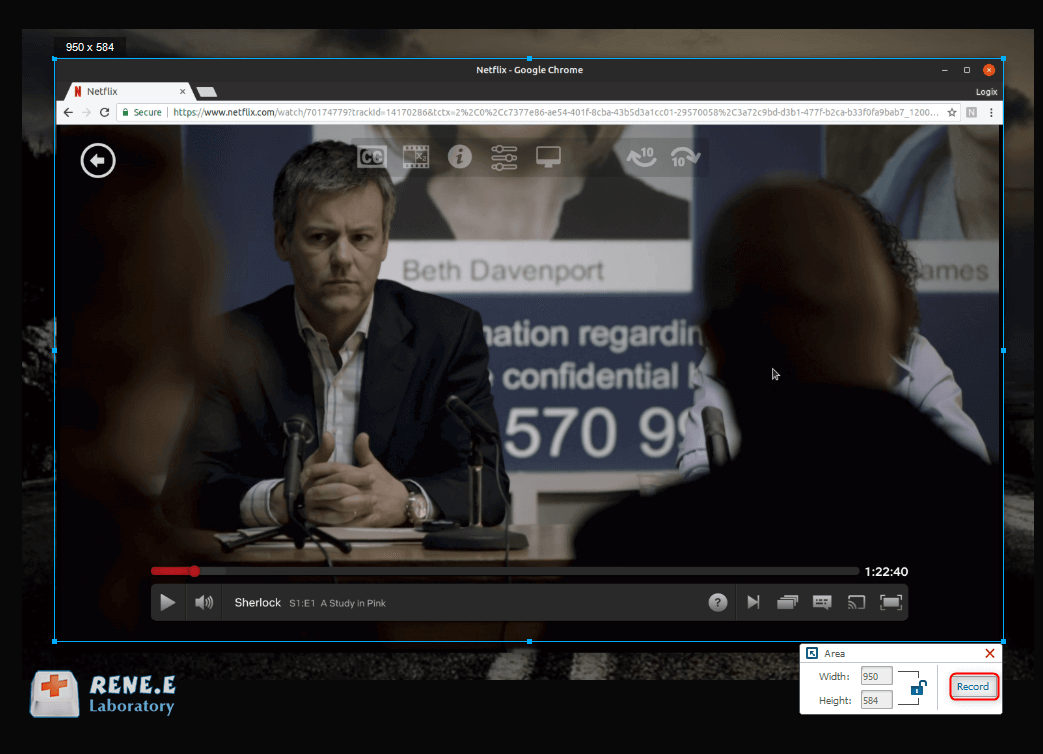

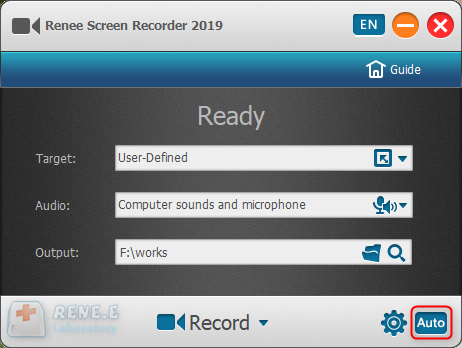
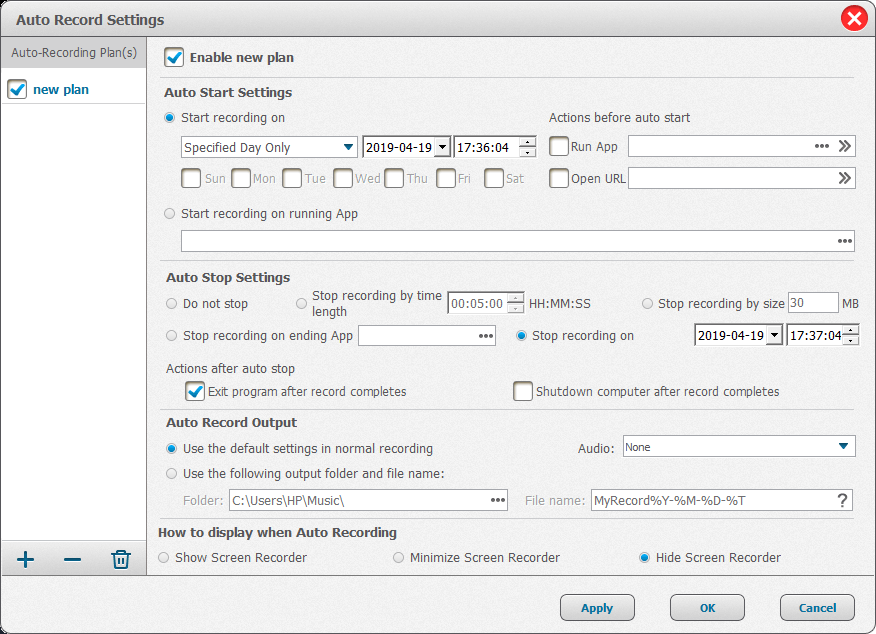
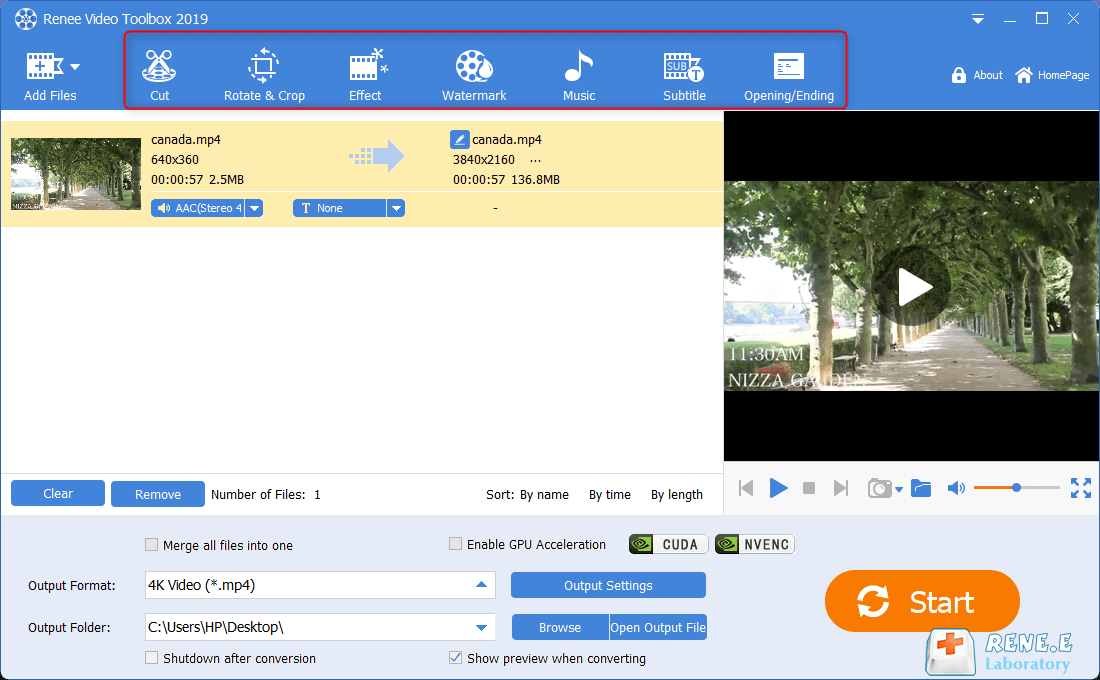
After the YouTube video content is recorded, you can return to the homepage of Renee Video Editor Pro, and use the (Video Editing Tool) function to perform a series of editing operations on the recorded video content, such as (cutting), (rotating and cropping), (Special Effects), (Watermark), (Music), (Subtitles), (Opening and Ending), etc., very convenient.
Relate Links :
Get the Best Free YouTube Downloader for Mac: Expert Recommendation

09-11-2026
Jennifer Thatcher : Discover a curated list of free and user-friendly Mac YouTube video downloaders. Effortlessly download YouTube videos on your...
How to Download Embedded Video Online?

09-11-2026
John Weaver : Some people want to save the video embedded in a web page. But they cannot get the download...
How to Download Vimeo Video and Save as MP4 from Chrome/Firefox?

09-11-2026
Ashley S. Miller : There are many HD watermark-free videos on Vimeo. Many people prefer to download videos from Vimeo. If you...

