
Effortlessly Transform ISO Files to MP4 in Simple Steps

Summary
Discover the seamless process of transforming your ISO files into versatile MP4s, alongside expert tips for editing your videos to enhance quality, reduce file size, and achieve crystal-clear definition.
Table of contents


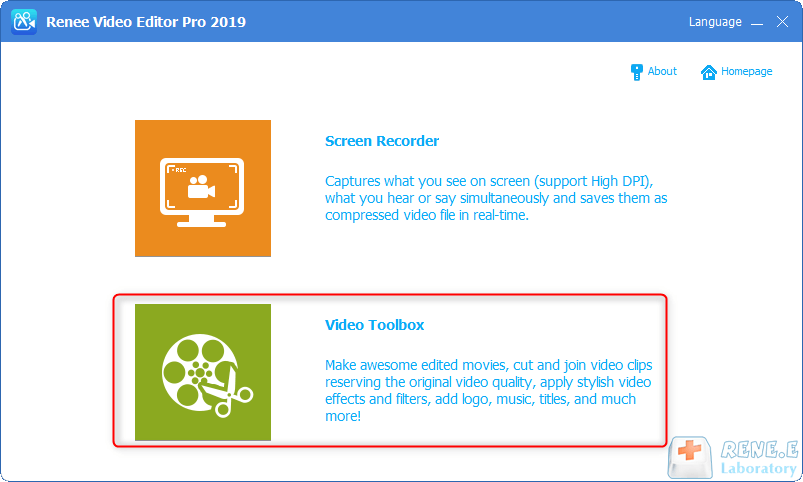
Screen RecordingRecord screen and webcam in Windows computer.
Cut Videos & AudiosUsers are free to cut videos and audios clips with setting start and end time.
Multiple Edit ToolsMerge, crop, rotate, cut and transform video easily. Change and add background music, subtitles and remove watermark from video.
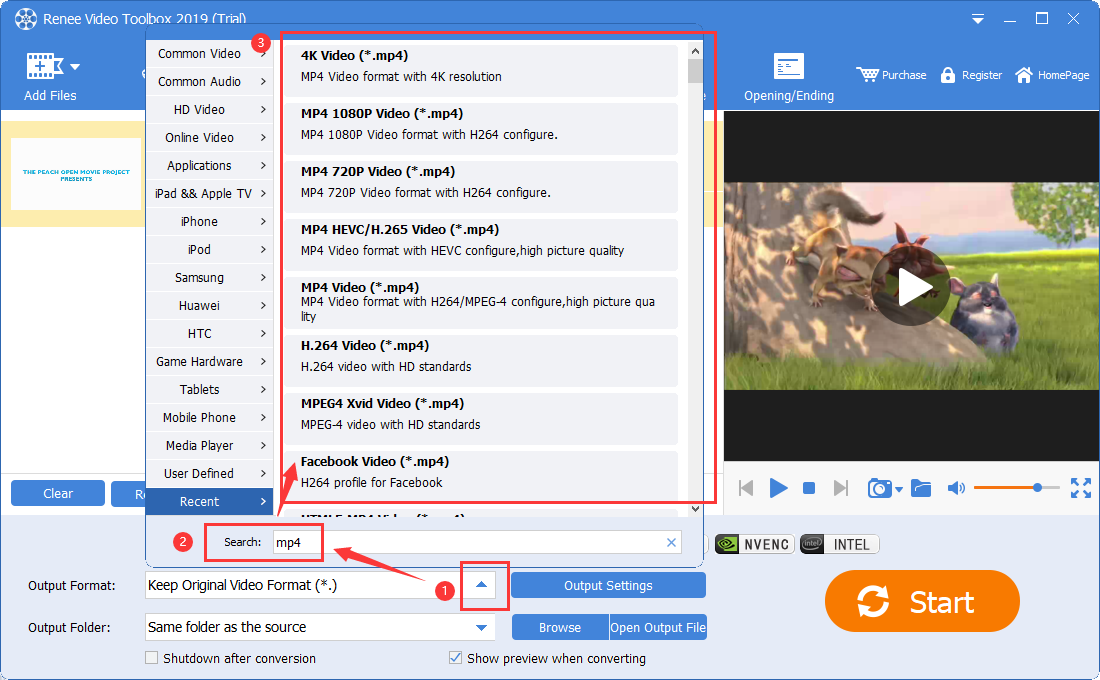
Format ConversionSupport to convert videos and audios into different formats.
Screen Recording Record screen and webcam in Windows computer.
Multiple Edit ToolsCut Videos & Audios Users are free to cut videos and audios clips with setting start and end time.
Multiple Edit ToolsMerge, crop, rotate, cut and transform video easily. Change and add background music, subtitles and remove watermark from video.
Format ConversionSupport to convert videos and audios into different formats.
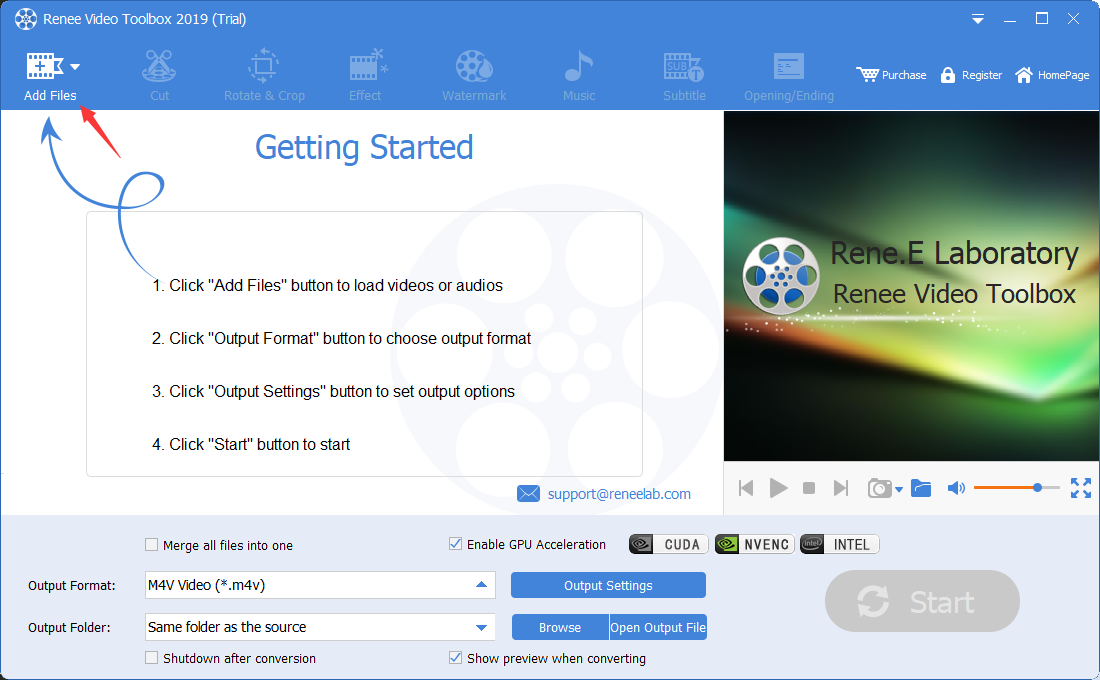
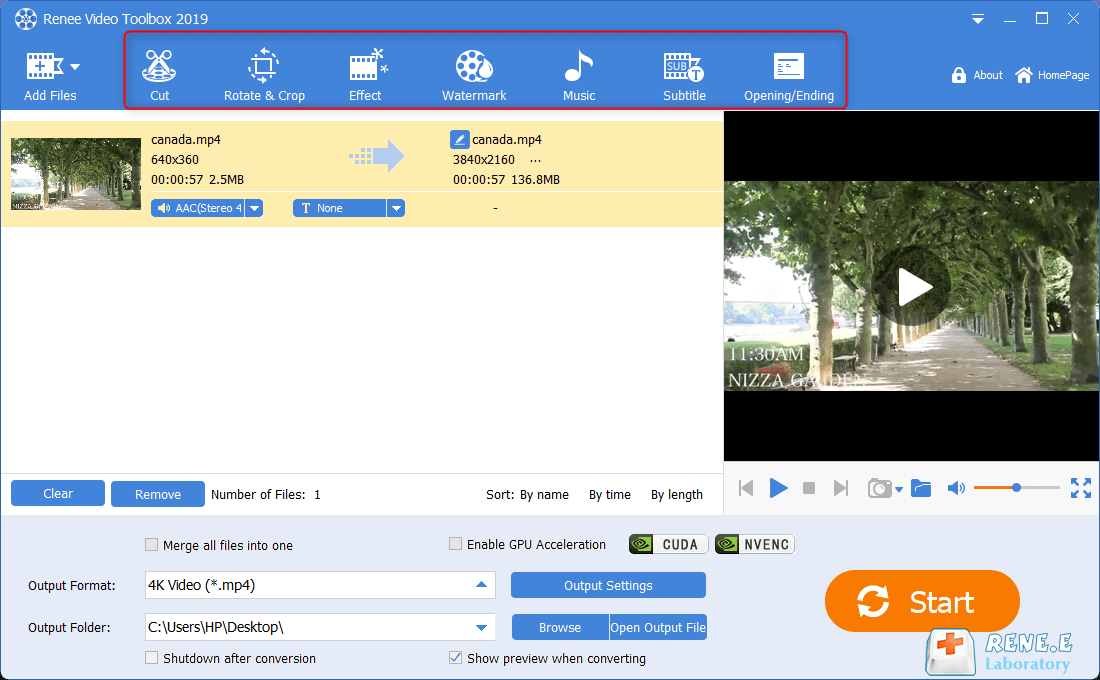
cut: Trim video clips; adjust playback speed.
Rotate and crop: Rotate the video 90/180/270 degrees clockwise, flip the video horizontally or vertically; crop the size of the video screen.
special effects: Add filter effects, zoom effects or volume effects to your video.
watermark: Add text, pictures, video or graphic watermarks to video files; you can also remove watermarks from videos.
music: You can import audio files into the video, or directly record the sound of the computer or microphone and import it into the video; it can also remove the original audio of the video.
subtitle: Import or create subtitles into the movie, and customize the position, font and size of subtitles.
Opening/Ending: You can add pictures or videos as titles or trailers, set the duration and transition effects of titles and trailers, add text to titles and trailers, and support adjusting the color and font size of text, etc.
Relate Links :
How to Effortlessly Convert MP4 to WEBM in Windows?

09-11-2026
Amanda J. Brook : Learn how to convert MP4 files into WEBM files in Windows and explore the benefits of using the...
Create Stunning Time-Lapse Videos Effortlessly

09-11-2026
Ashley S. Miller : Master how to make a time lapse video with our comprehensive guide. Learn to capture more content in...
Convert WMA to MP4 & Import MP4 Videos Effortlessly!
09-11-2026
Amanda J. Brook : Use a professional tool for lossless WMA to MP4 conversion; we recommend one that also supports adding WMA...
Effortlessly Convert 3GP/3GPP Video to MP3 - Expert Guide
09-11-2026
John Weaver : Unlock the simple steps to transform your 3GP files into MP3s and free up valuable storage on your...


User Comments
Leave a Comment