
How to Convert MKV to MP4 on Mac?

Summary
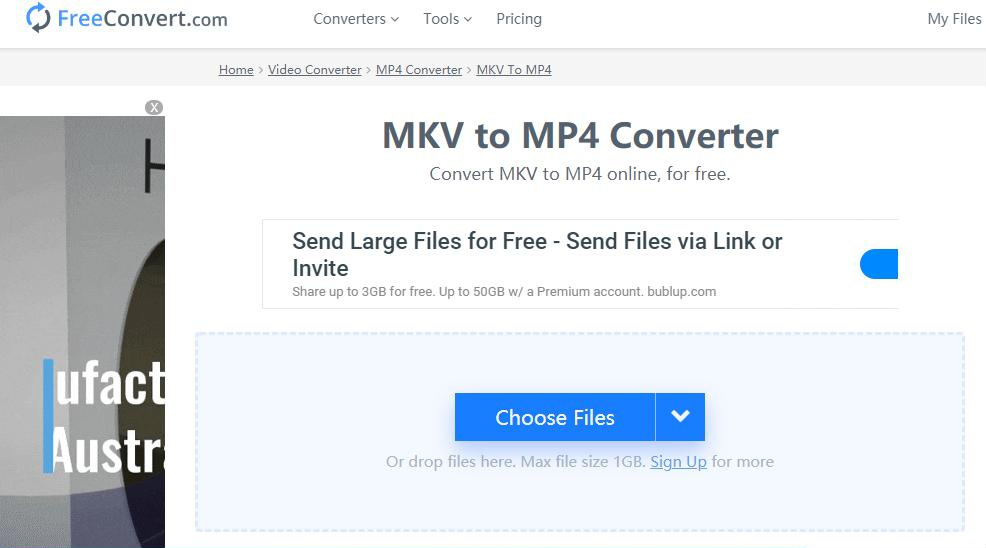
Learn how to effortlessly convert MKV to MP4 on Mac, reducing file size without compromising on video quality.
Table of contents


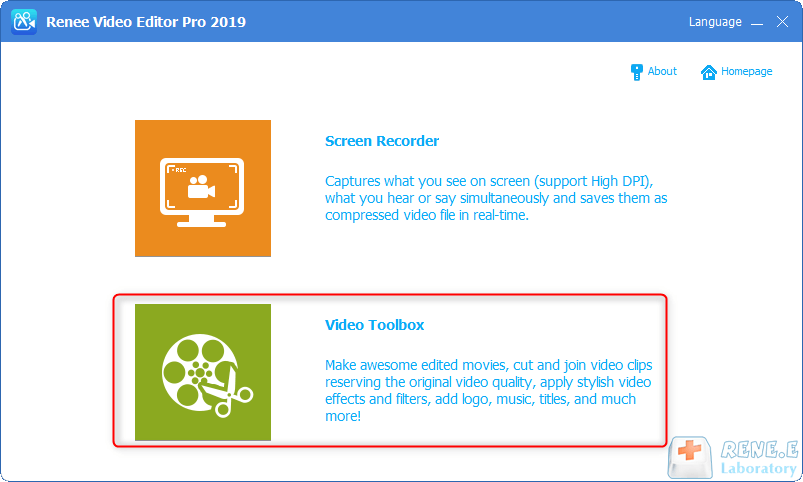
Screen RecordingRecord screen and webcam in Windows computer.
Cut Videos & AudiosUsers are free to cut videos and audios clips with setting start and end time.
Multiple Edit ToolsMerge, crop, rotate, cut and transform video easily. Change and add background music, subtitles and remove watermark from video.
Format ConversionSupport to convert videos and audios into different formats.
Screen Recording Record screen and webcam in Windows computer.
Multiple Edit ToolsCut Videos & Audios Users are free to cut videos and audios clips with setting start and end time.
Multiple Edit ToolsMerge, crop, rotate, cut and transform video easily. Change and add background music, subtitles and remove watermark from video.
Format ConversionSupport to convert videos and audios into different formats.
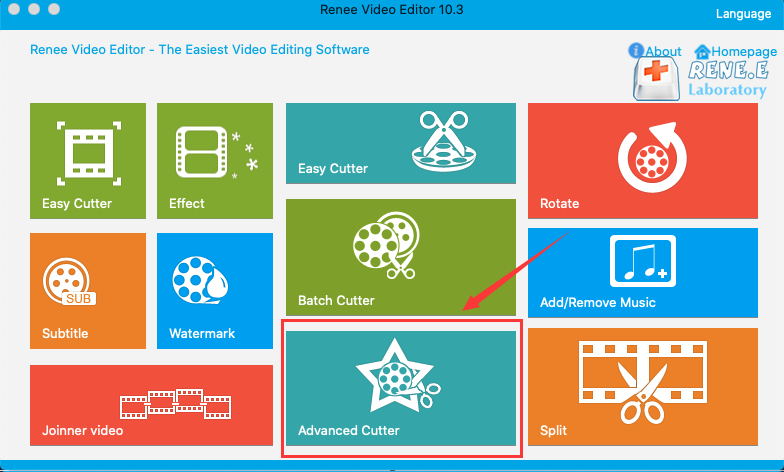
- Joiner: Merge multiple video/audio files into one complete file
- Rotate: Rotate the video 90°/180°/270° clockwise, counterclockwise, or turn the video upside down or mirror.
- Add/Remove music: Adjust volume, select audio tracks, score videos, or delete original audio.
- Split: Divide the movie into multiple small clips according to duration, number of segments, or file size.
- Watermark: Add text, pictures, videos or GIF pictures to the video as a watermark.
- Effects: Adjust brightness, contrast, saturation, and add various special effects.
- Subtitle: Add subtitles/text to videos.
- Advanced Cutter: Edit video, crop video, add watermark, subtitles, filter effects, and soundtrack.
- Easy Cutter: Quickly cut video clips.
- Batch Cutter: Batch clip video/audio.
Screen RecordingRecord screen and webcam in Windows computer.
Cut Videos & AudiosUsers are free to cut videos and audios clips with setting start and end time.
Multiple Edit ToolsMerge, crop, rotate, cut and transform video easily. Change and add background music, subtitles and remove watermark from video.
Format ConversionSupport to convert videos and audios into different formats.
Screen Recording Record screen and webcam in Windows computer.
Multiple Edit ToolsCut Videos & Audios Users are free to cut videos and audios clips with setting start and end time.
Multiple Edit ToolsMerge, crop, rotate, cut and transform video easily. Change and add background music, subtitles and remove watermark from video.
Format ConversionSupport to convert videos and audios into different formats.
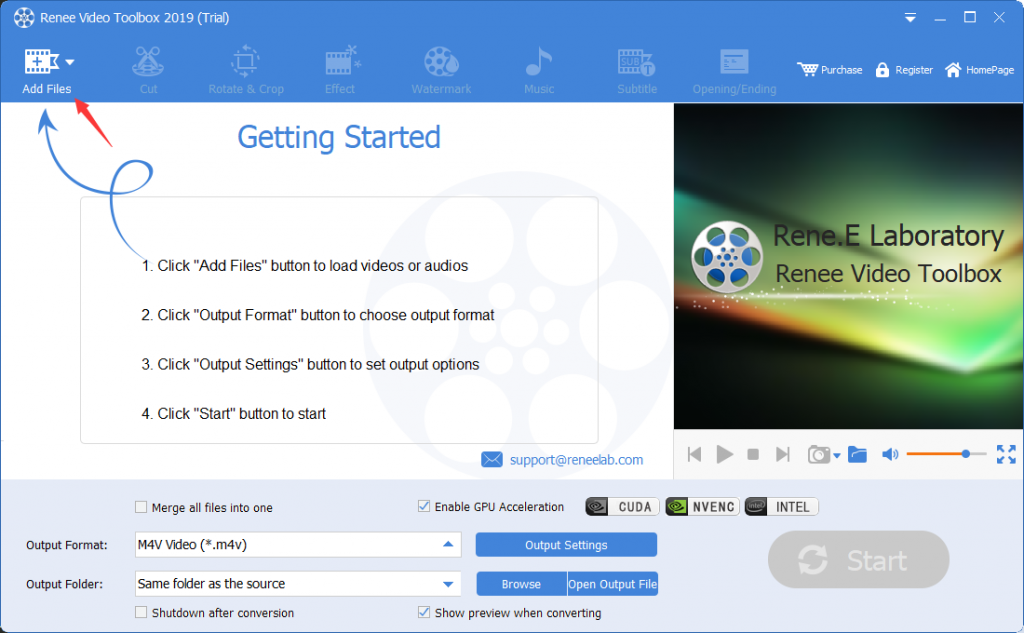
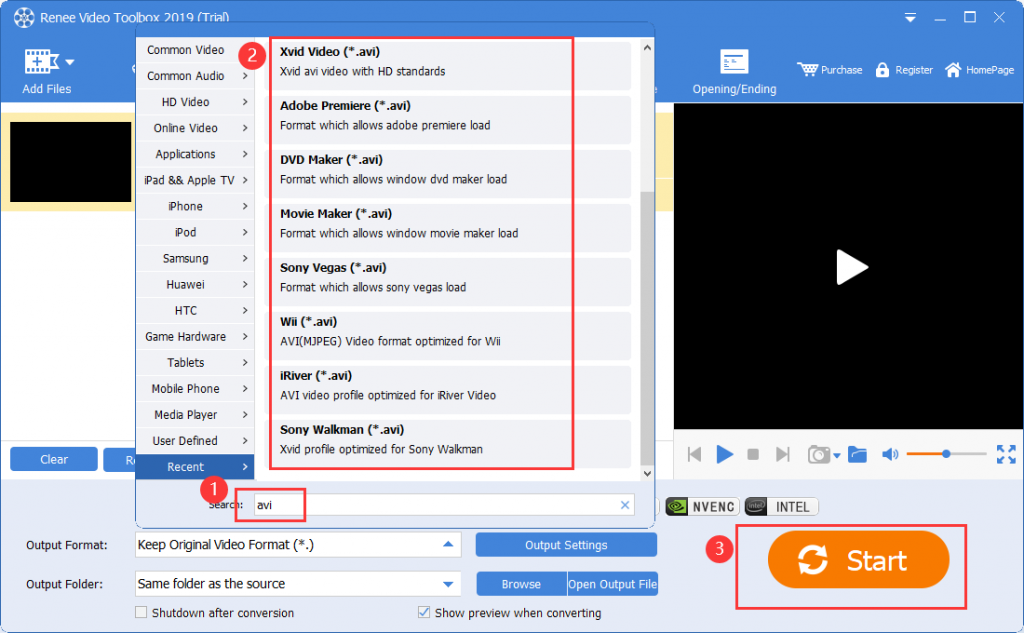
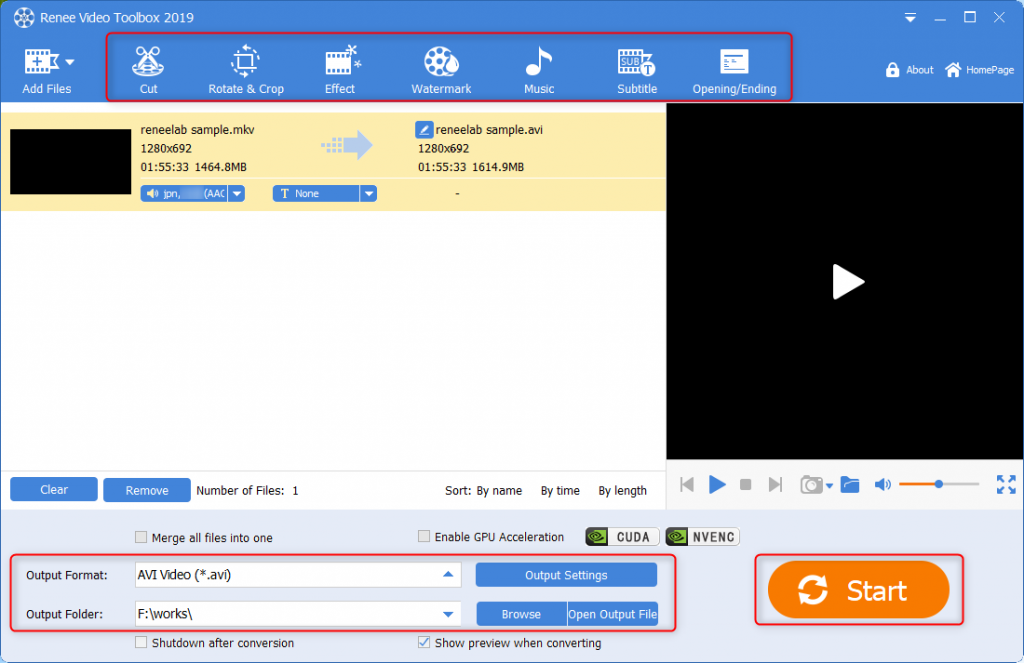
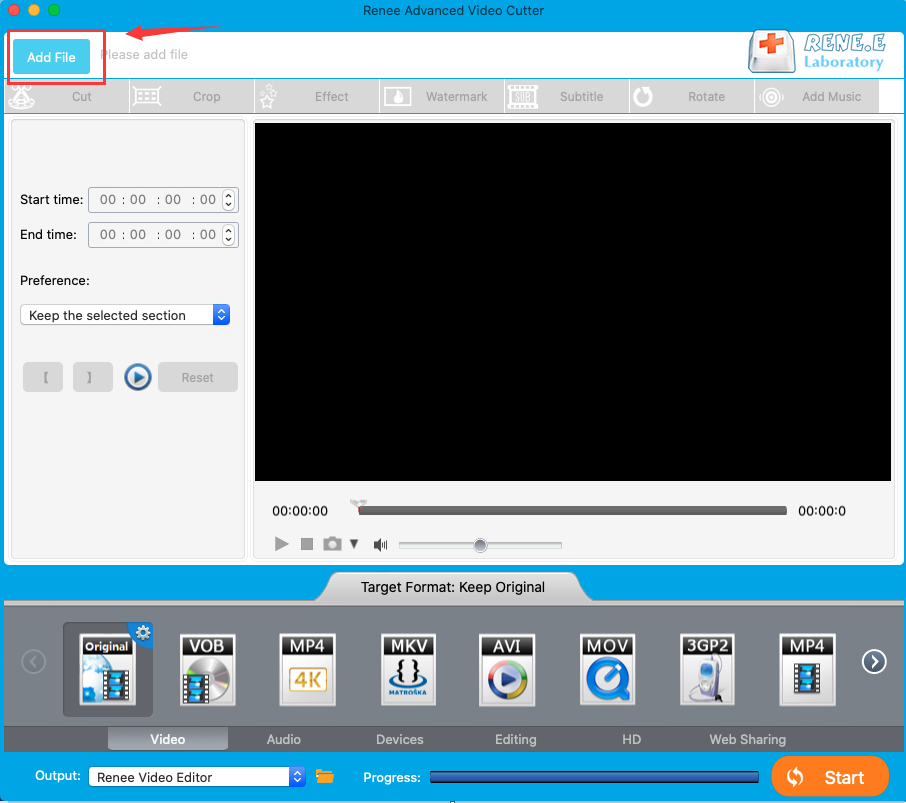
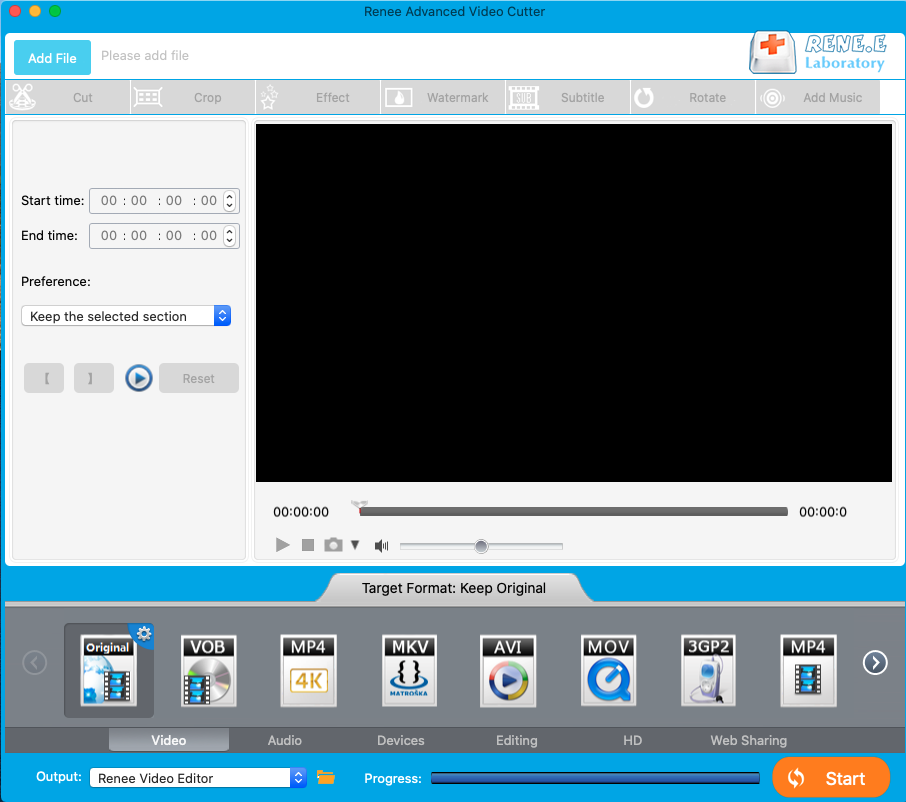
- Cut: Trim video clips and adjust the playback speed.
- Rotate and Crop: Rotate the video 90/180/270 degrees clockwise, flip it horizontally or vertically, and crop the video screen.
- Effects: Add filter, zoom, or volume effects to your video.
- Watermark: Add or remove text, pictures, video, or graphic watermarks.
- Music: Import audio files or record computer/microphone sound; remove original audio.
- Subtitle: Import or create subtitles, customize position, font, and size.
- Opening/Ending: Add pictures or videos as titles or trailers, set duration, and transition effects, add text, and adjust color and font size.
Relate Links :
Get the Best Free YouTube Downloader for Mac: Expert Recommendation
09-11-2026
Jennifer Thatcher : Discover a curated list of free and user-friendly Mac YouTube video downloaders. Effortlessly download YouTube videos on your...


User Comments
Leave a Comment