
How to Get a Picture from a Video?

Summary
When watching a video, we usually intend to save the excellent clips. Generally, we can make screenshots for the video. In this essay, we will talk about different ways and show you how to get a picture from a video step by step.



Screen RecordingRecord screen and webcam in Windows computer.
Cut Videos & AudiosUsers are free to cut videos and audios clips with setting start and end time.
Multiple Edit ToolsMerge, crop, rotate, cut and transform video easily. Change and add background music, subtitles and remove watermark from video.
Format ConversionSupport to convert videos and audios into different formats.
Screen Recording Record screen and webcam in Windows computer.
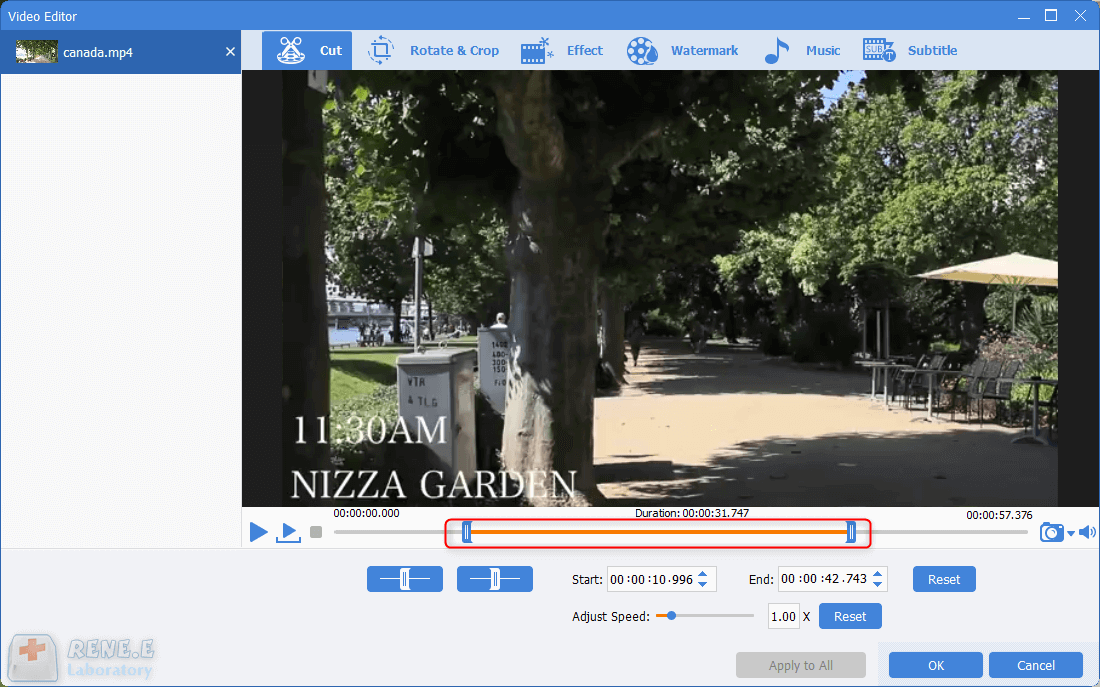
Multiple Edit ToolsCut Videos & Audios Users are free to cut videos and audios clips with setting start and end time.
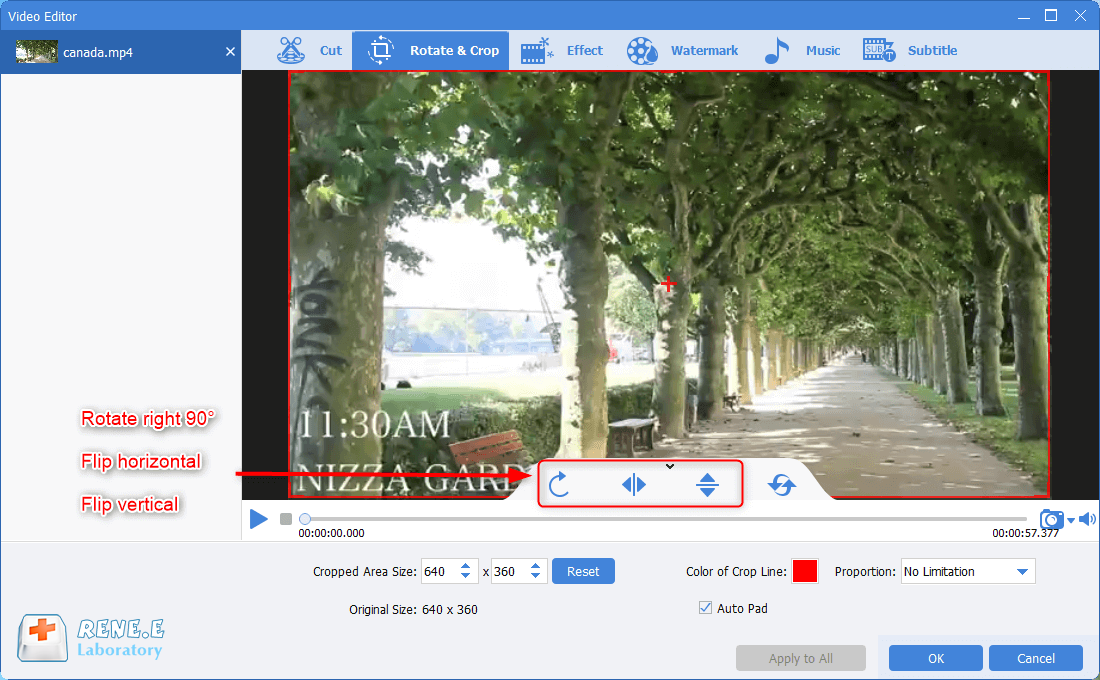
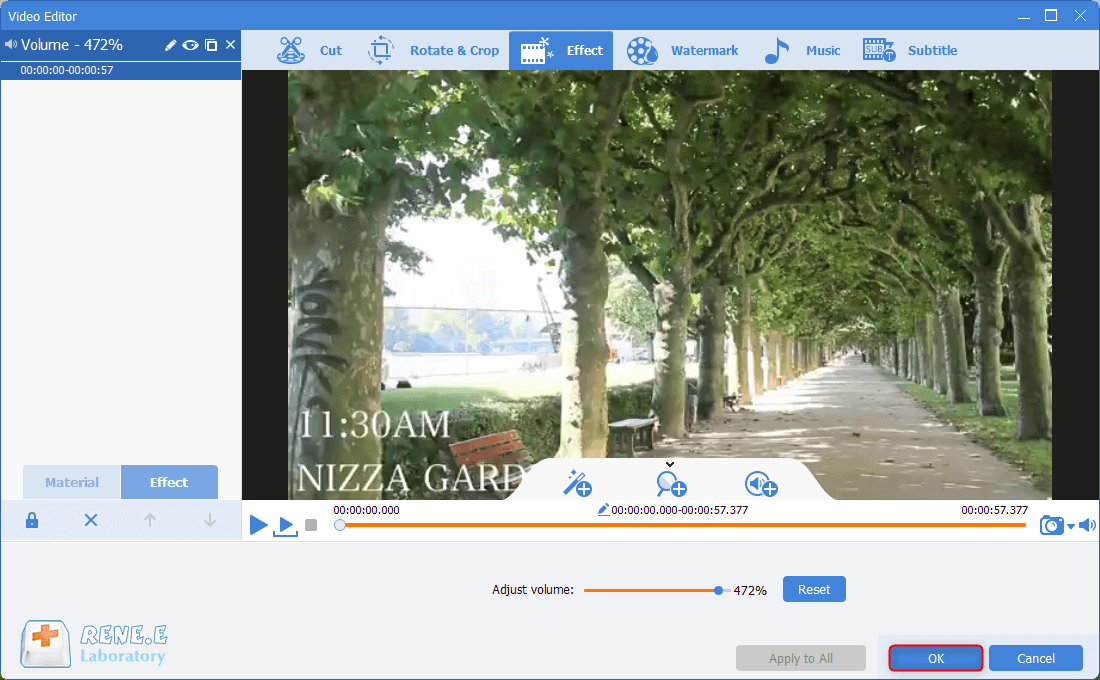
Multiple Edit ToolsMerge, crop, rotate, cut and transform video easily. Change and add background music, subtitles and remove watermark from video.
Format ConversionSupport to convert videos and audios into different formats.
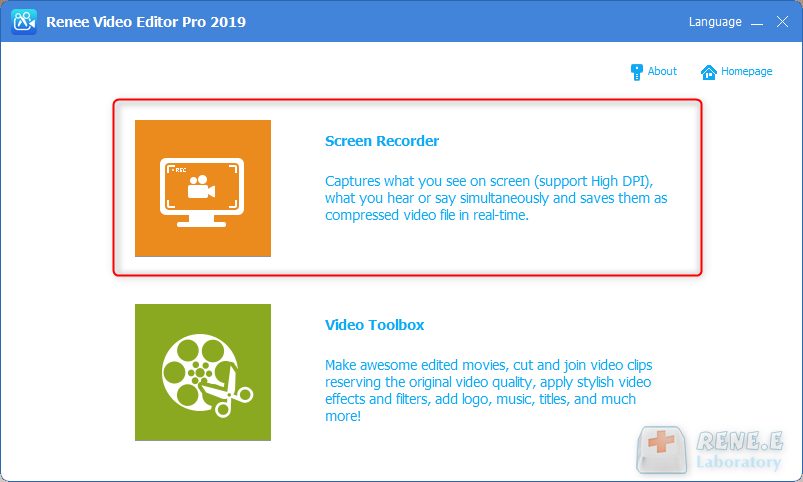
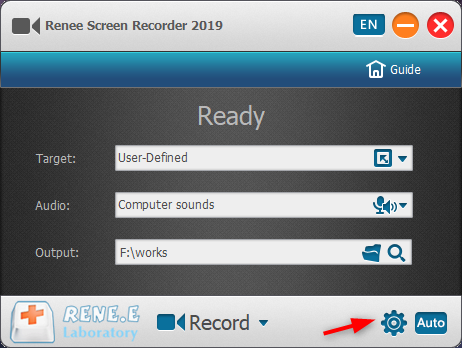
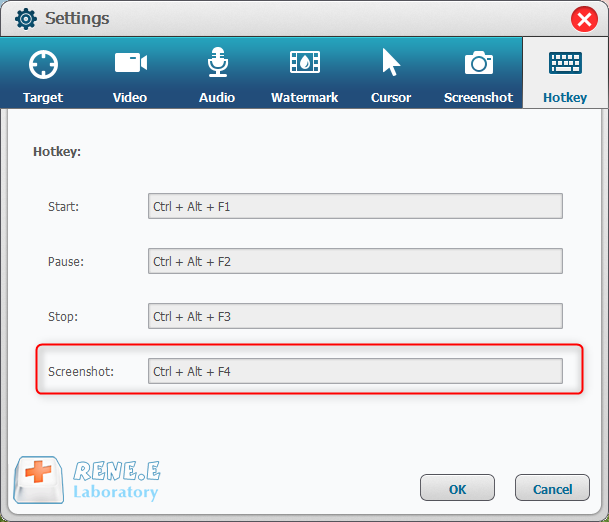
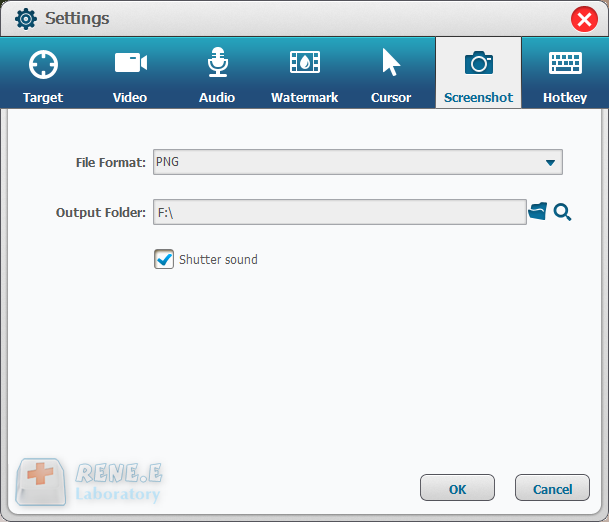
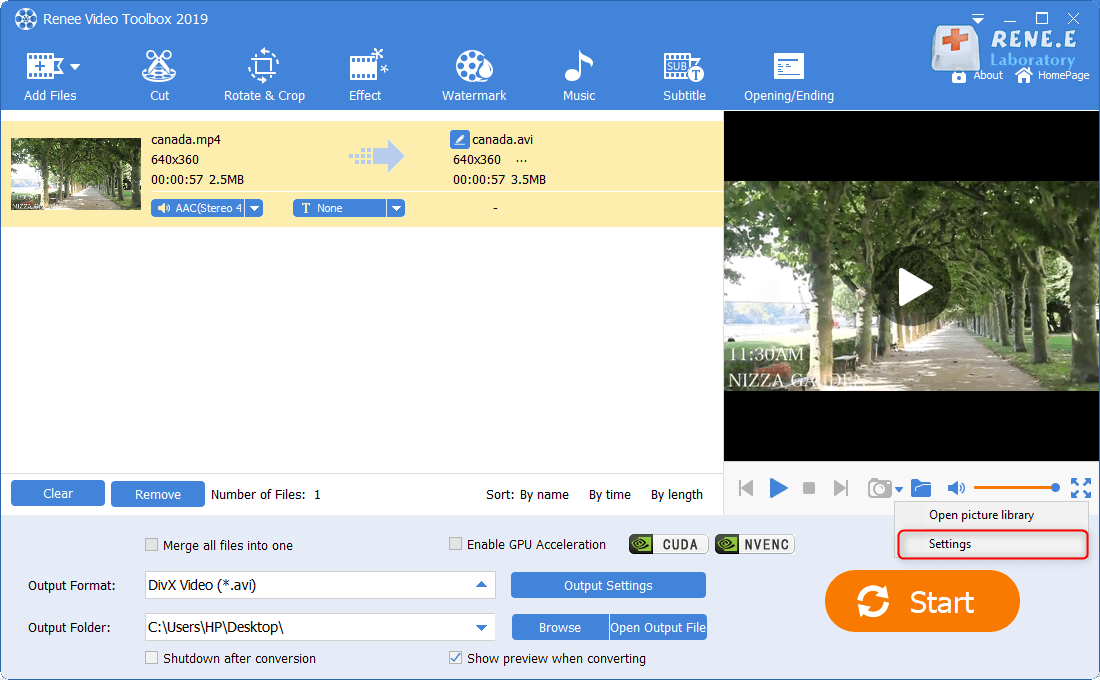
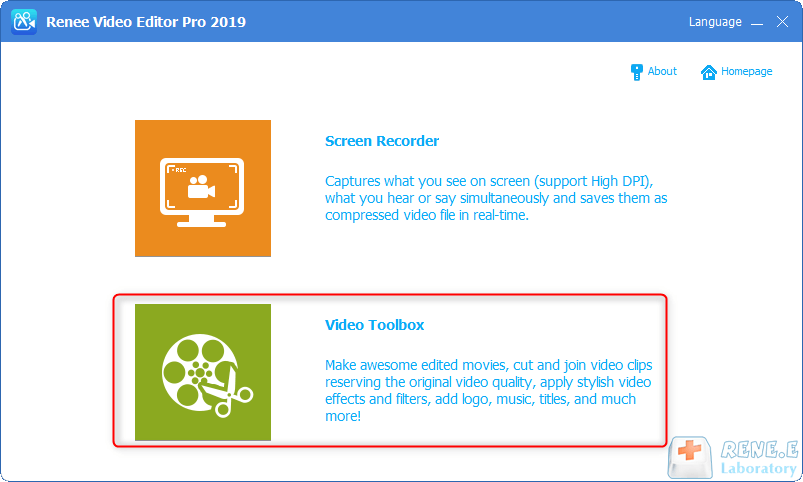
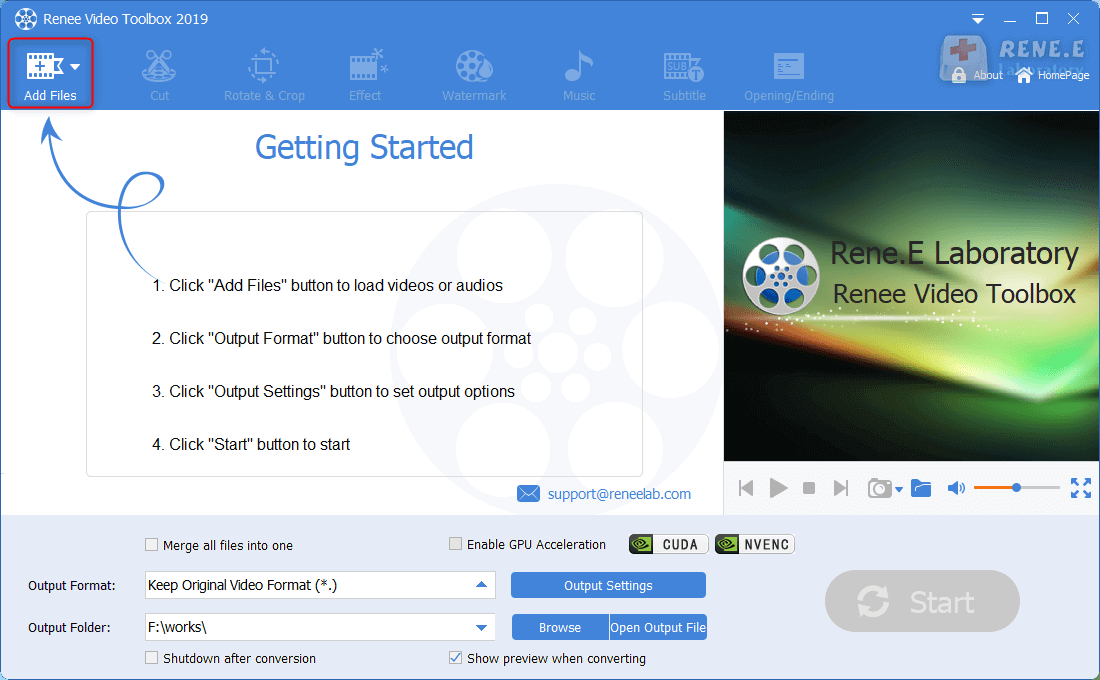
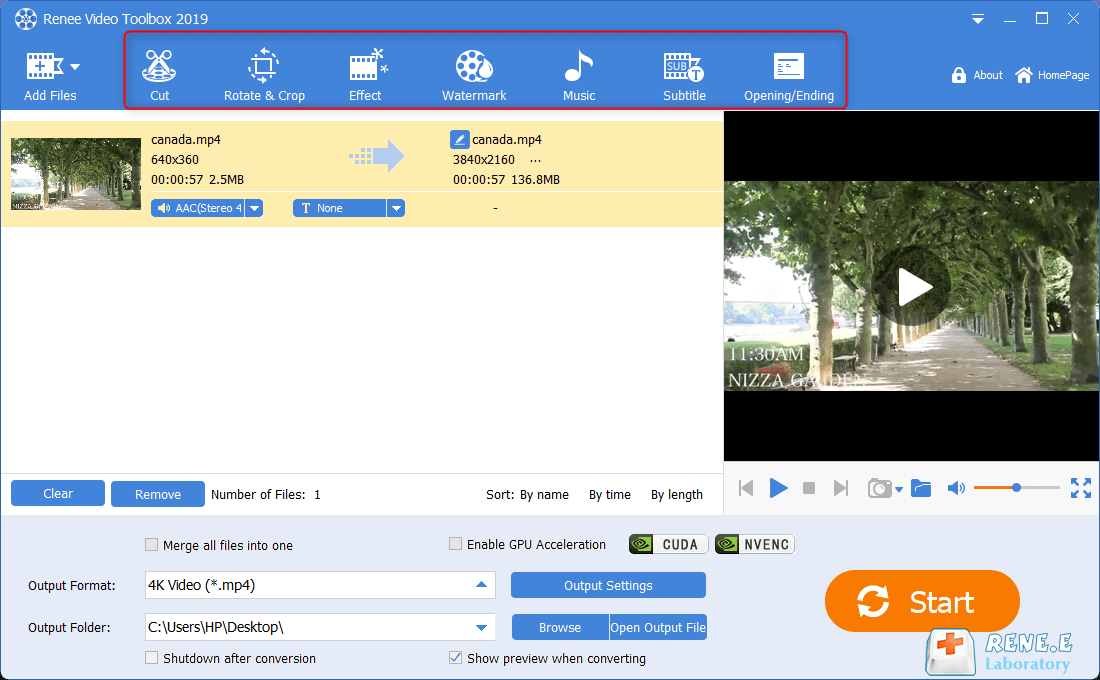
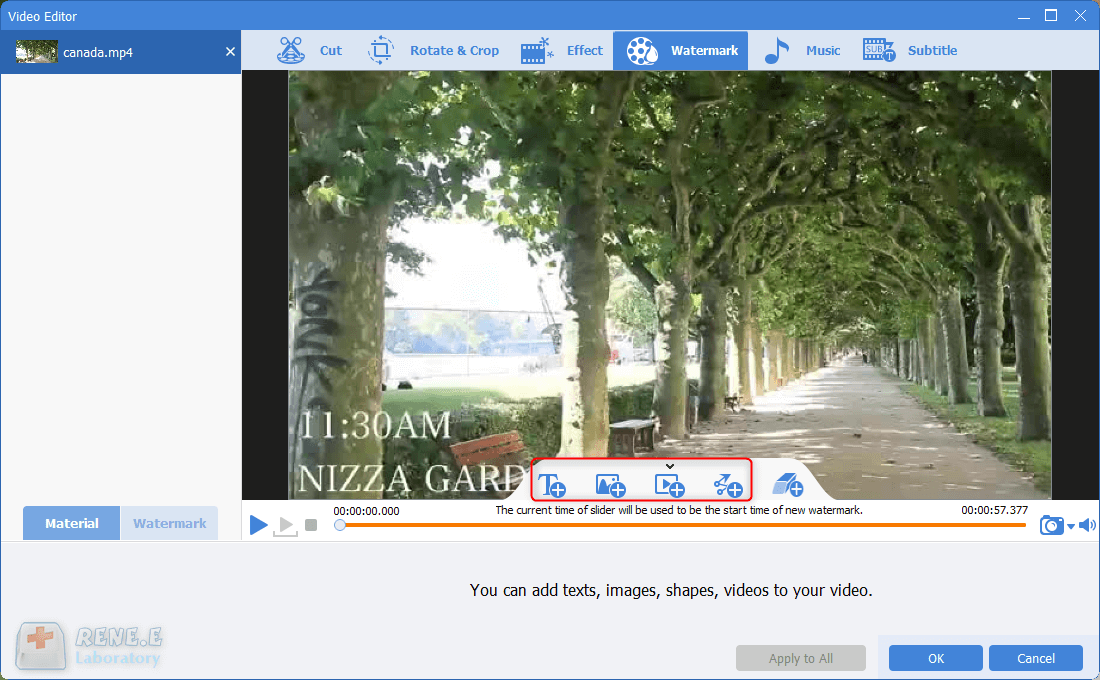
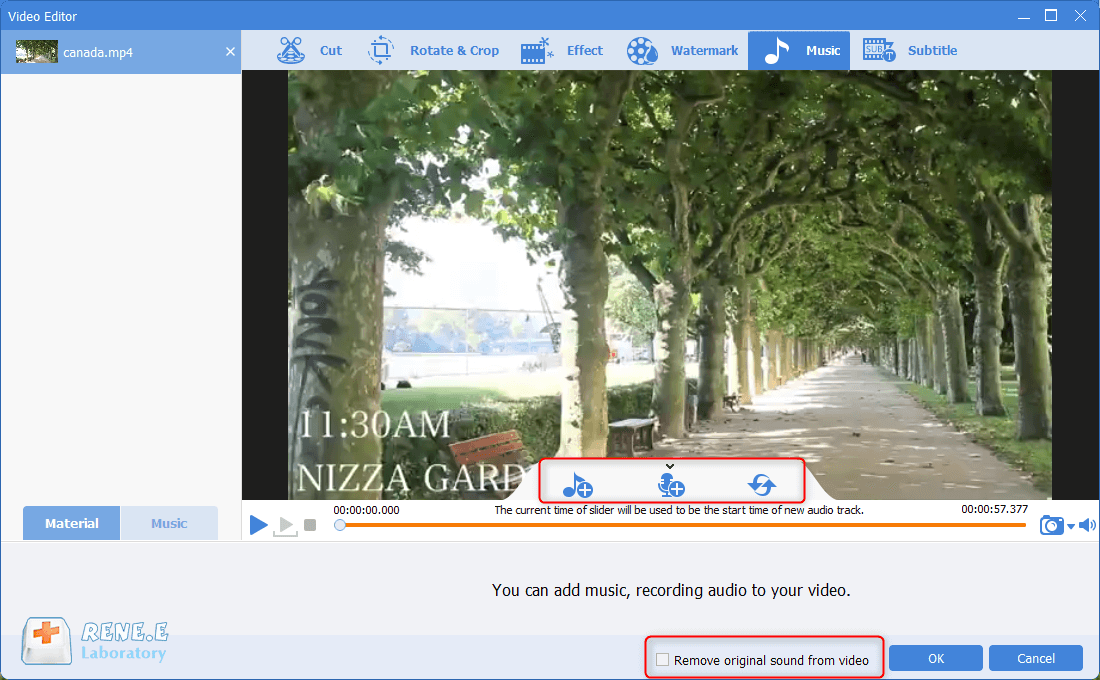
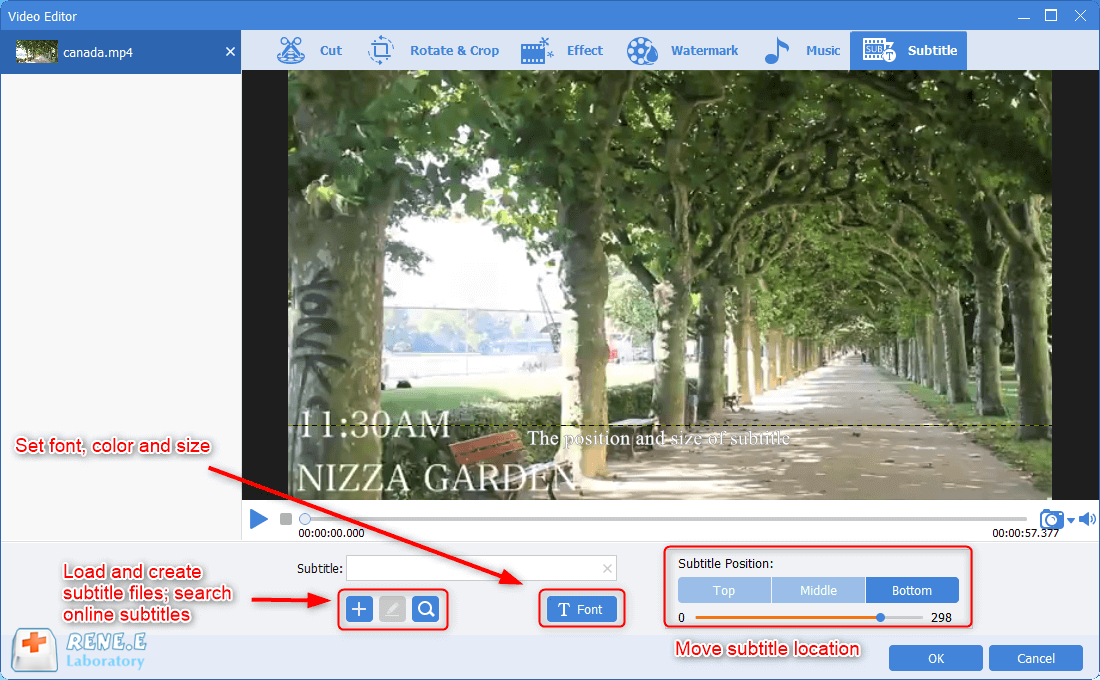
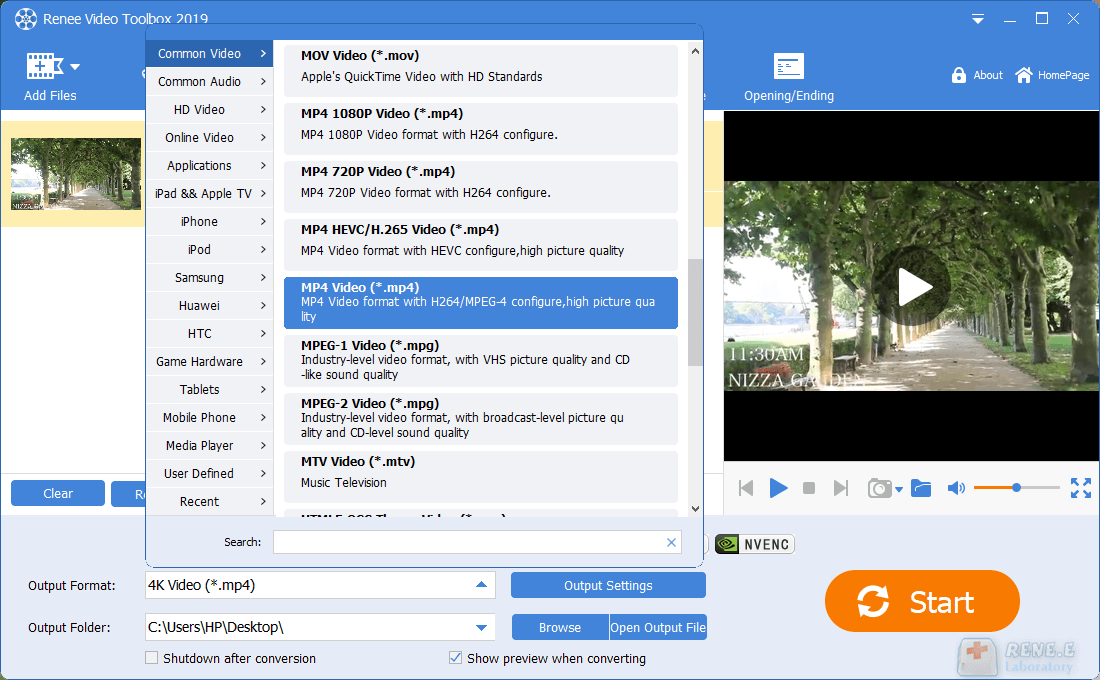
When you are editing video with Renee Video Editor, you can make screenshots, too. Just go to [Video Toolbox] and then click on [Add Files] to select the target video. Then, go to the preview window at the right side. Click at the drop-down arrow next to the camera icon. Next, set the format and the storage destination of the screenshots. When playing the video, click at the camera icon to make screenshots. The images will be automatically saved in the designated folder.
Relate Links :
09-11-2026
Jennifer Thatcher : Sometimes, we see some symbols, icons and the other images on videos. In this essay, we will talk...
How to Add a Video/Picture to a Video?

09-11-2026
John Weaver : In this article, we will mainly show you how to add a video/picture to a video and how...
09-11-2026
John Weaver : Nowadays, the progressive development of mobile Internet changes our habits of accessing the Internet terminals. When transferring files...


User Comments
Leave a Comment