
How to Add a Video/Picture to a Video?

Summary
In this article, we will mainly show you how to add a video/picture to a video and how to create the overlay video. By the way, some useful tricks will be shown.
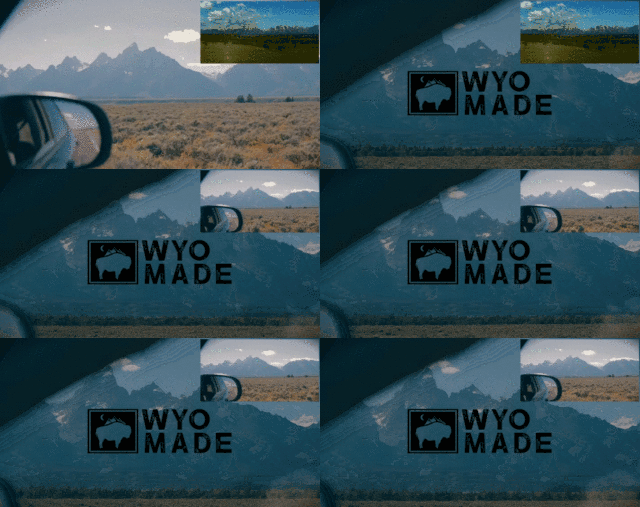

In order to realize this effect, we should draw support from the professional video editing software. Next, we will show you how to quickly add a picture/video or more to a video with Renee Video Editor Pro.

Screen RecordingRecord screen and webcam in Windows computer.
Cut Videos & AudiosUsers are free to cut videos and audios clips with setting start and end time.
Multiple Edit ToolsMerge, crop, rotate, cut and transform video easily. Change and add background music, subtitles and remove watermark from video.
Format ConversionSupport to convert videos and audios into different formats.
Screen Recording Record screen and webcam in Windows computer.
Multiple Edit ToolsCut Videos & Audios Users are free to cut videos and audios clips with setting start and end time.
Multiple Edit ToolsMerge, crop, rotate, cut and transform video easily. Change and add background music, subtitles and remove watermark from video.
Format ConversionSupport to convert videos and audios into different formats.
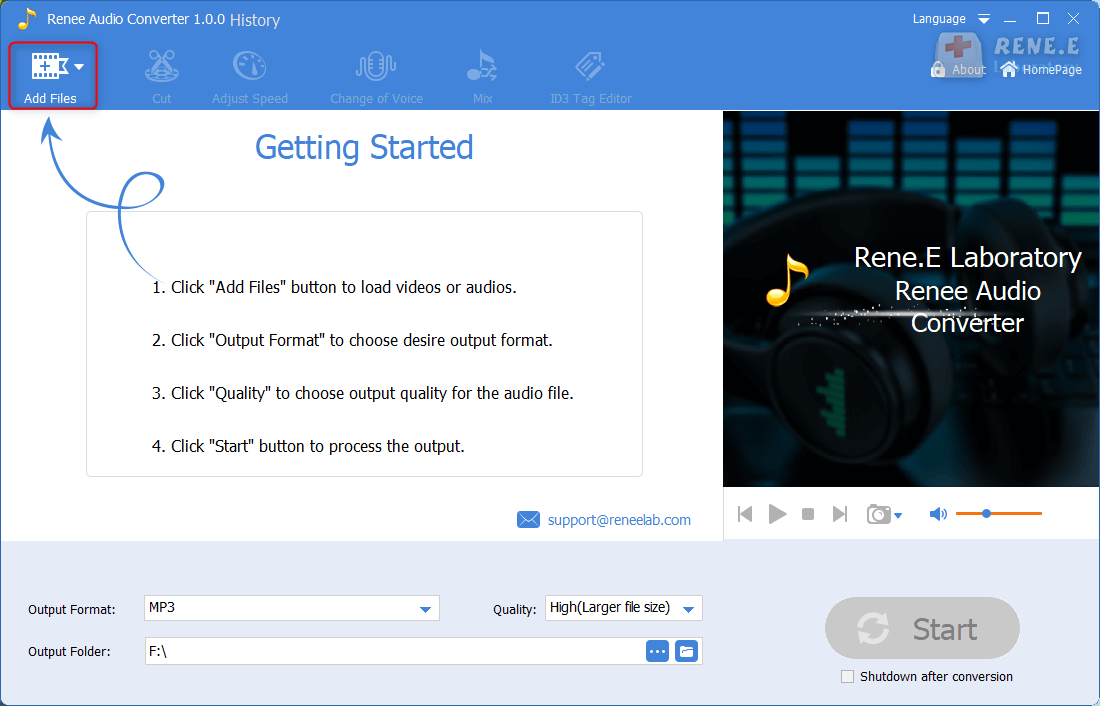
① Install and open Renee Video Editor Pro. Click on [Video Toolbox] > [Add Files].
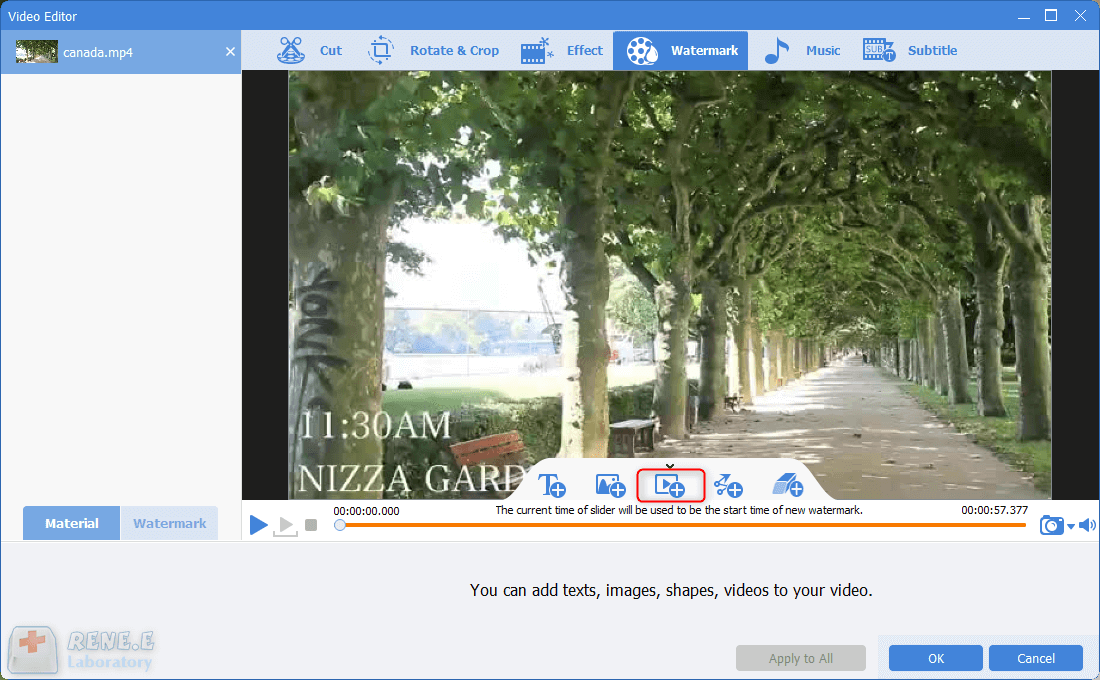
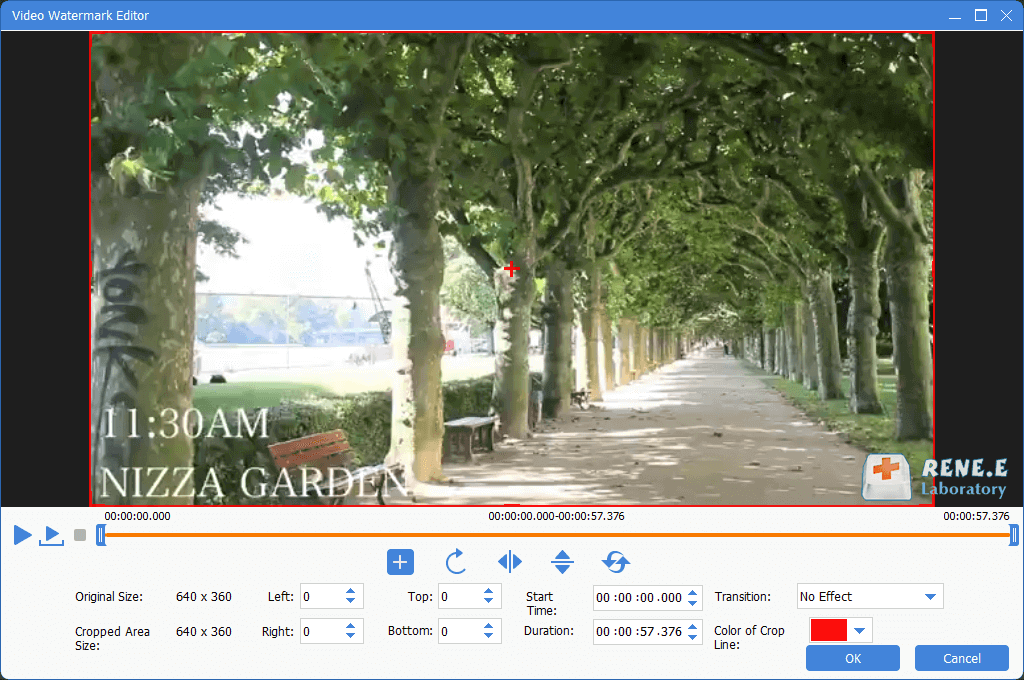
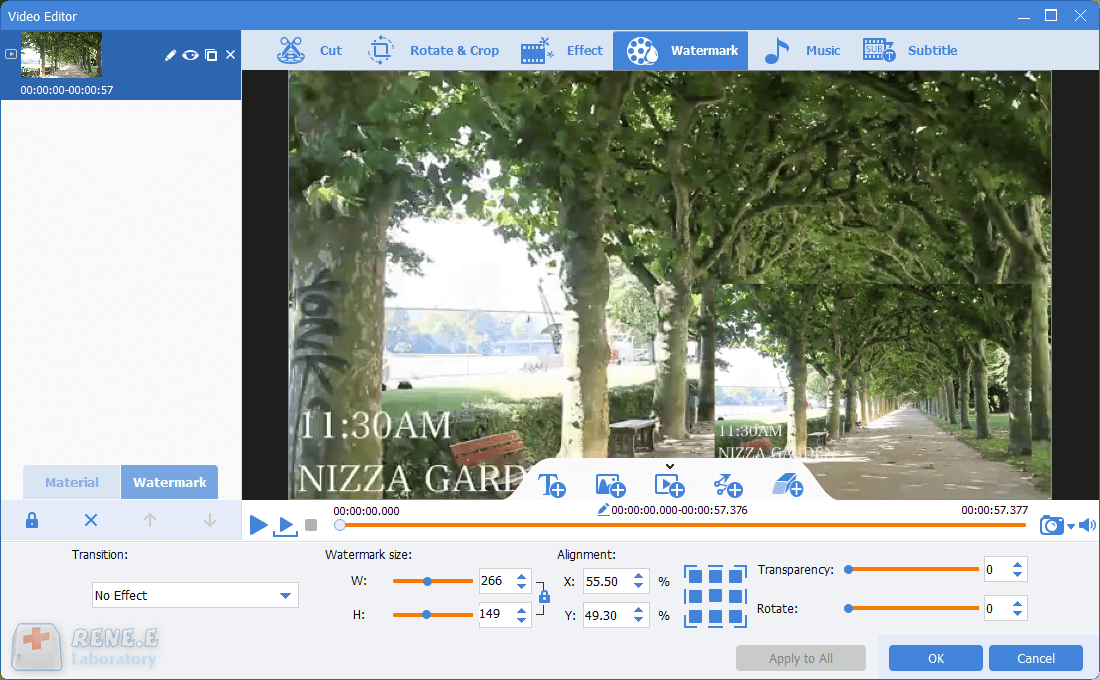
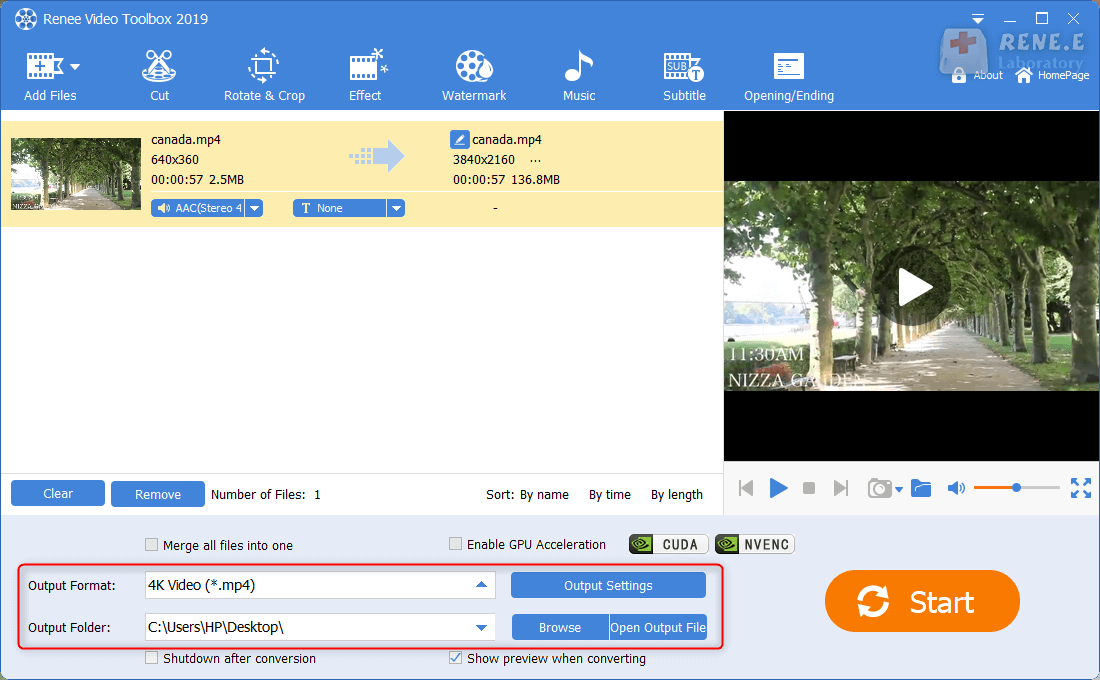
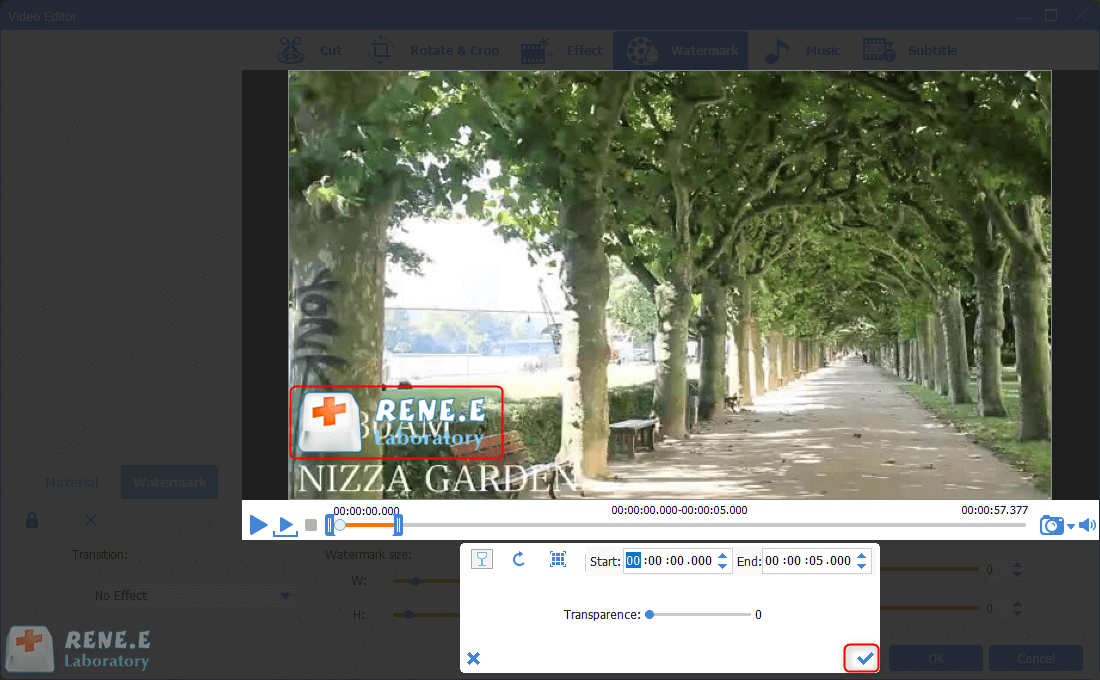
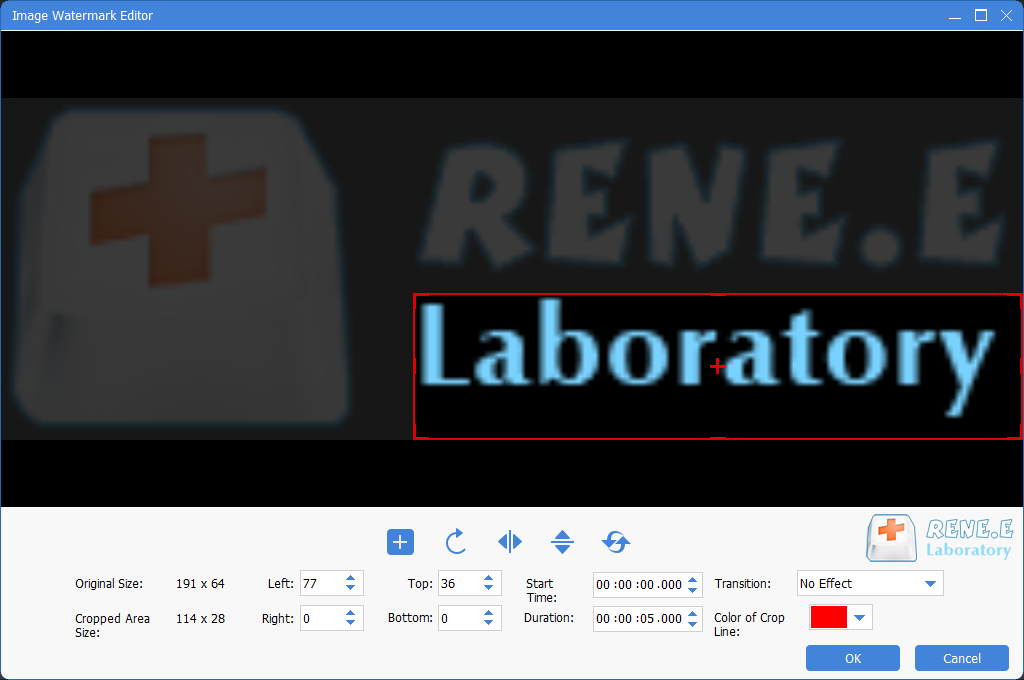
① Click on [Watermark] > [Image Watermark] > select the target image.
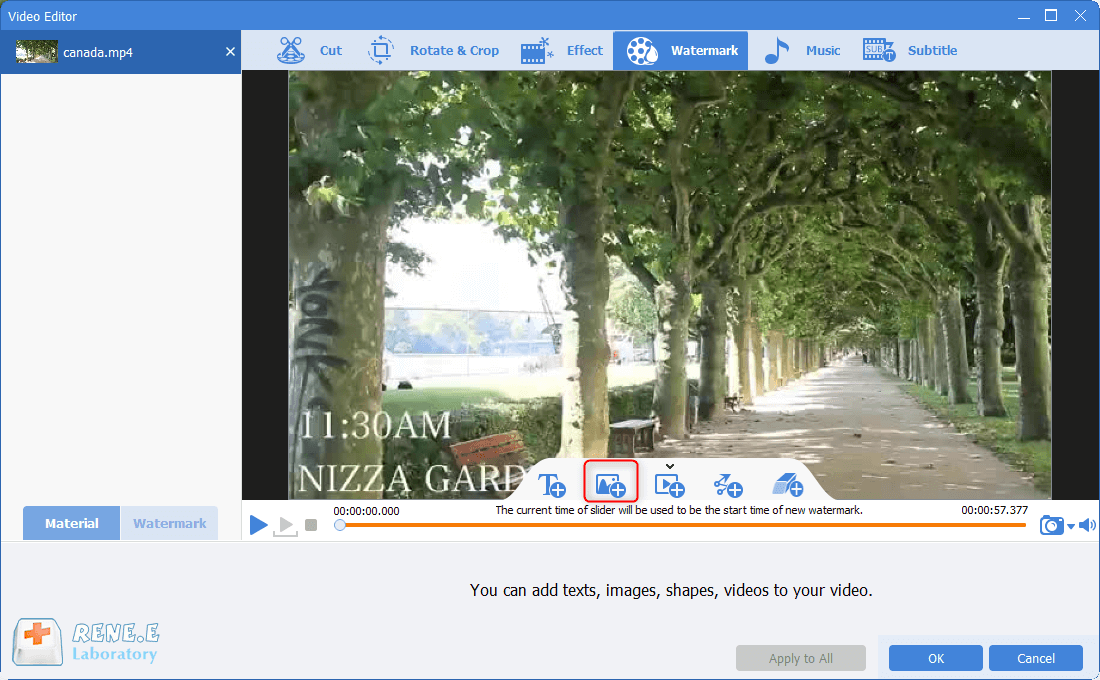
Introduction of the common editing functions:
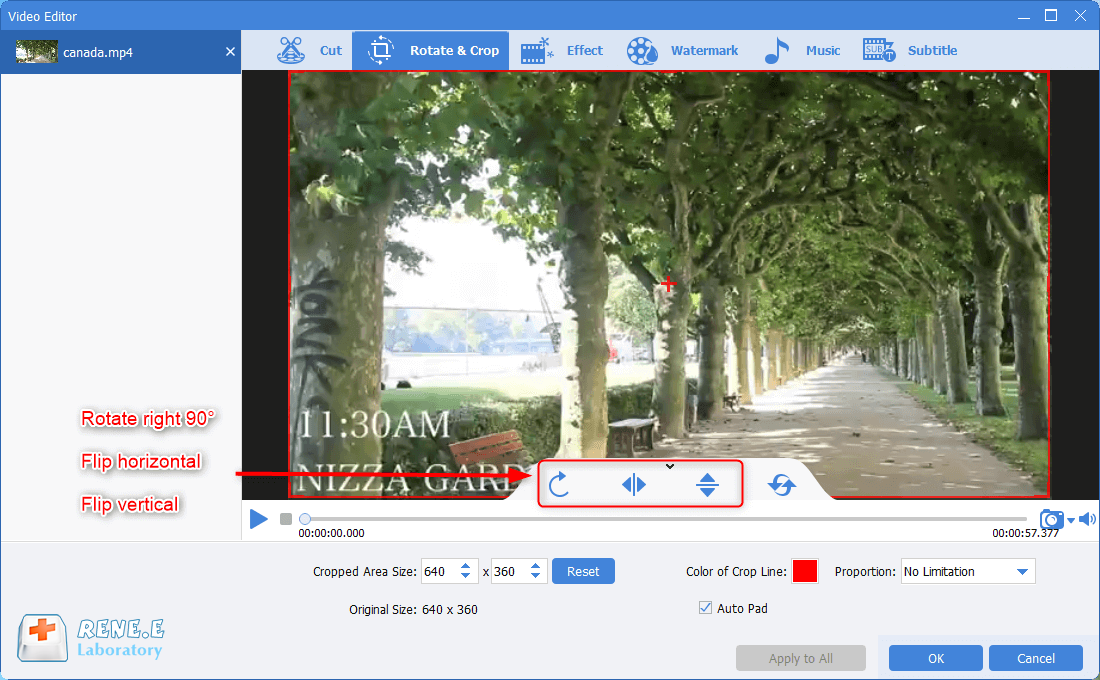
① Rotate & Crop
Change the video screen or select the wanted area of the screen. You can move the select box or set the specific values to crop the wanted part out of the screen. If the video screen is upside down, you can rotate it to the correct position before viewing.
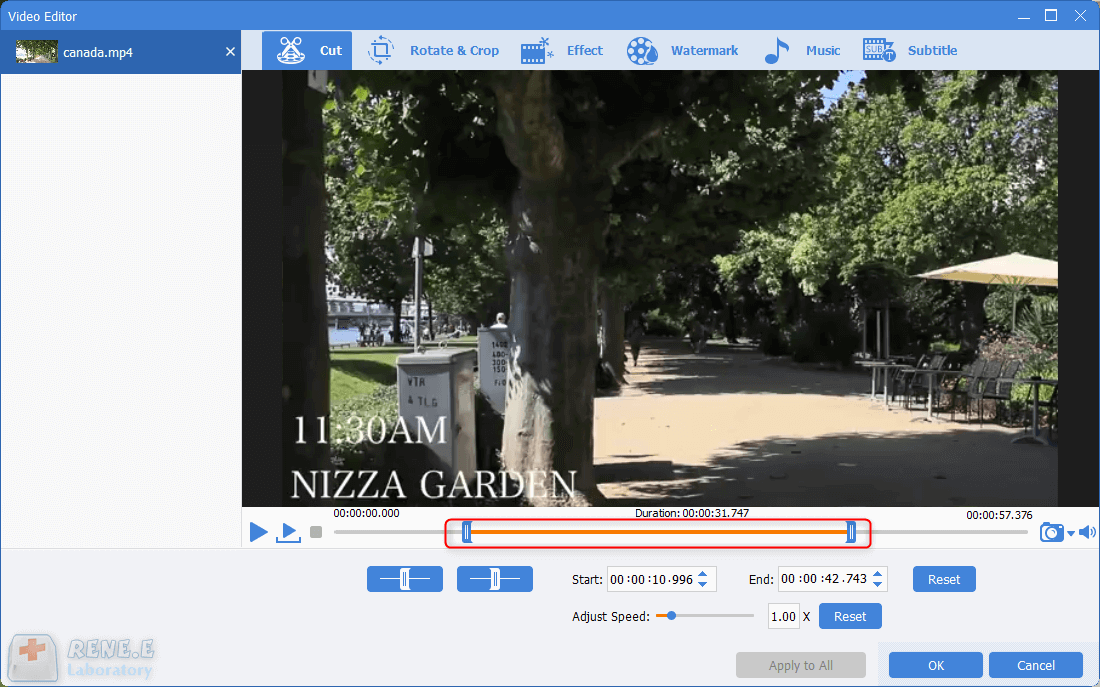
Move the sliders to set the start and end time for a video; adjust the playback speed.
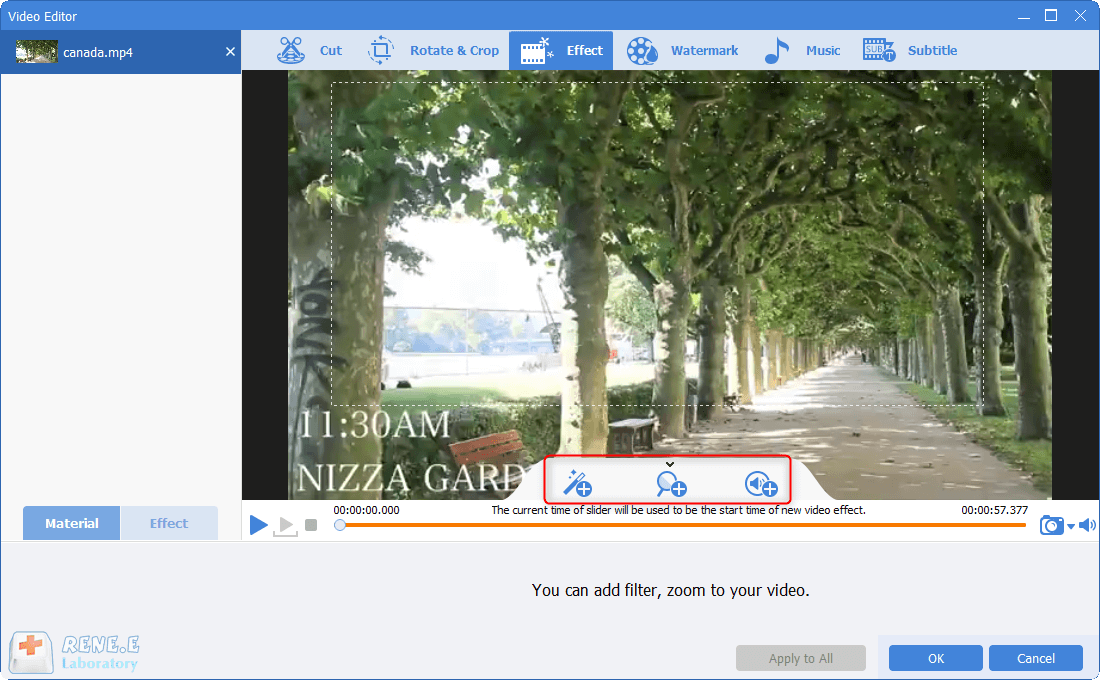
Select to add filter, zoom in/out and add audio effects.
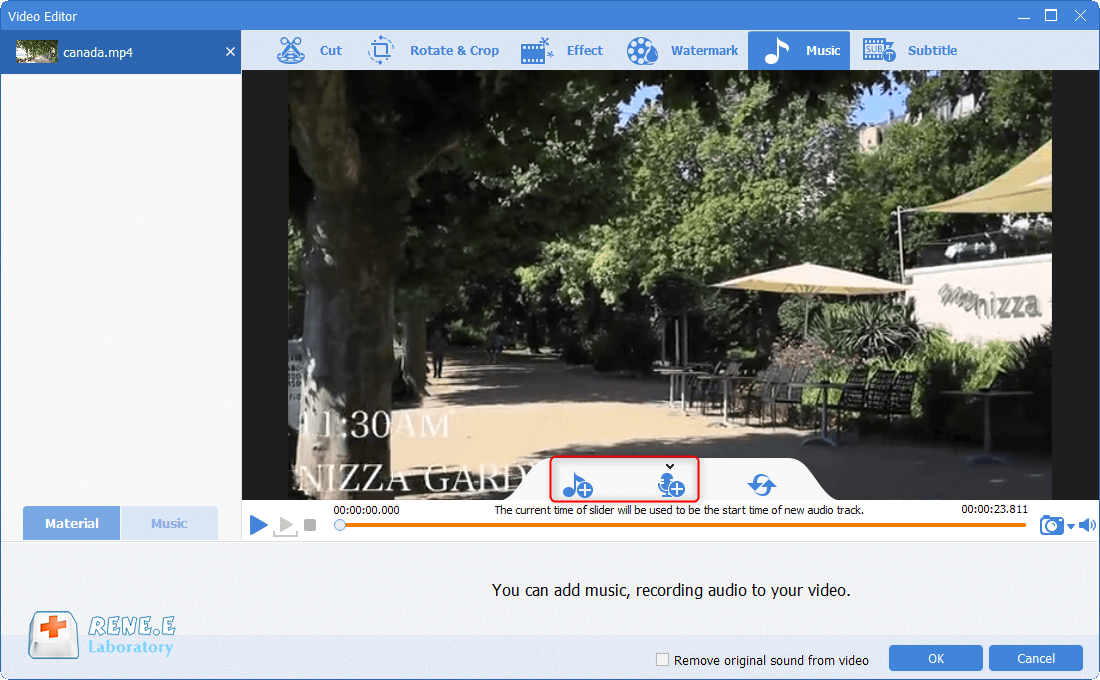
Add the background music or add voice over the video, in order to improve and enrich your video contents; allow to adjust volume of the background music and the original video;set fade-in/out effect.
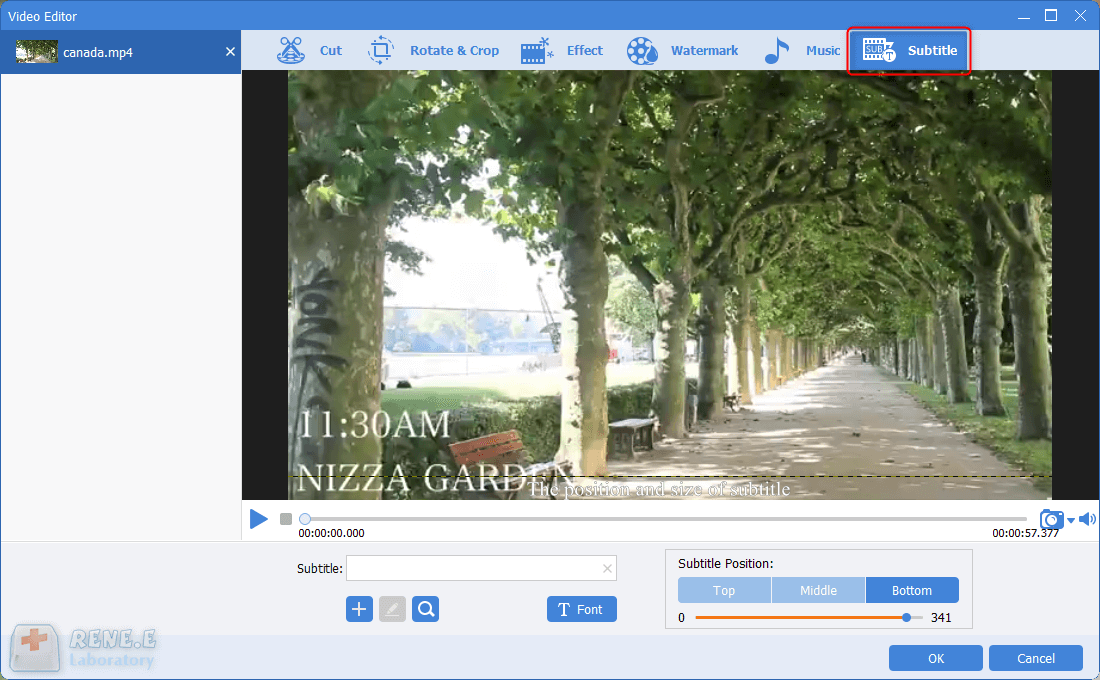
Add some subtitles and texts onto the video; allow to adjust the subtitle position and set font style.
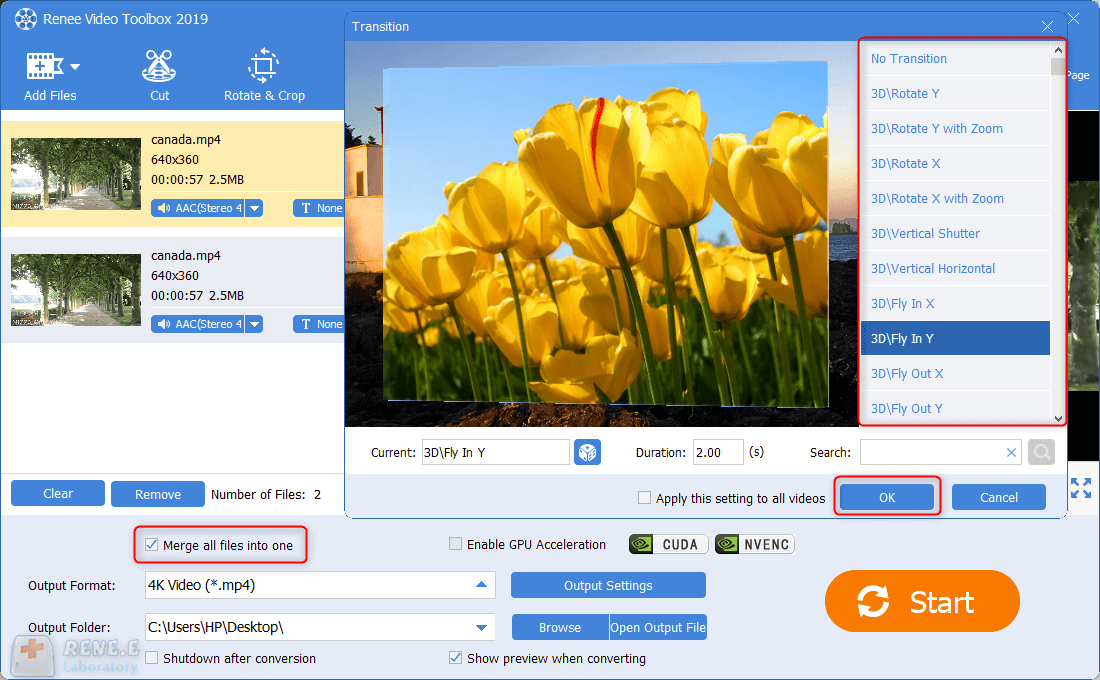
Before adding the transition effect, you should check the option [Merge all files into one] to combine the video files together. Then, click on the button [No Transition] to select one from hundreds of transition styles. Then, set the duration time of the effect.
Relate Links :
How to Get a Picture from a Video?

09-11-2026
Jennifer Thatcher : When watching a video, we usually intend to save the excellent clips. Generally, we can make screenshots for...
How to easily create a great movie opening

09-11-2026
Amanda J. Brook : In this age of content creation-focused video, whether it's commercials, movies, or online videos, the key to reducing...
Fix Screen Tearing and Boost Game Performance with Vertical Sync
09-11-2026
Amanda J. Brook : Learn how to optimize your game performance and solve screen tearing issues by enabling vertical synchronization. Discover other...


User Comments
Leave a Comment