
How to Edit a Video Online?

Summary
Discover 5 top online video editing tools to effortlessly complete basic editing tasks without the need for software installations. Explore your options here.
Table of contents
1. Recommendations of 5 useful online video editing tools and the steps to edit videos online
- 1. kapwing online video editing tool
- 2. Canva online video editing tool
- 3. Biteable online video editing tool
- 4. PicsArt online video editing tool
- 5. Apowersoft online video editing tool
2. A more stable and secure video editing tool – Renee Video Editor Pro
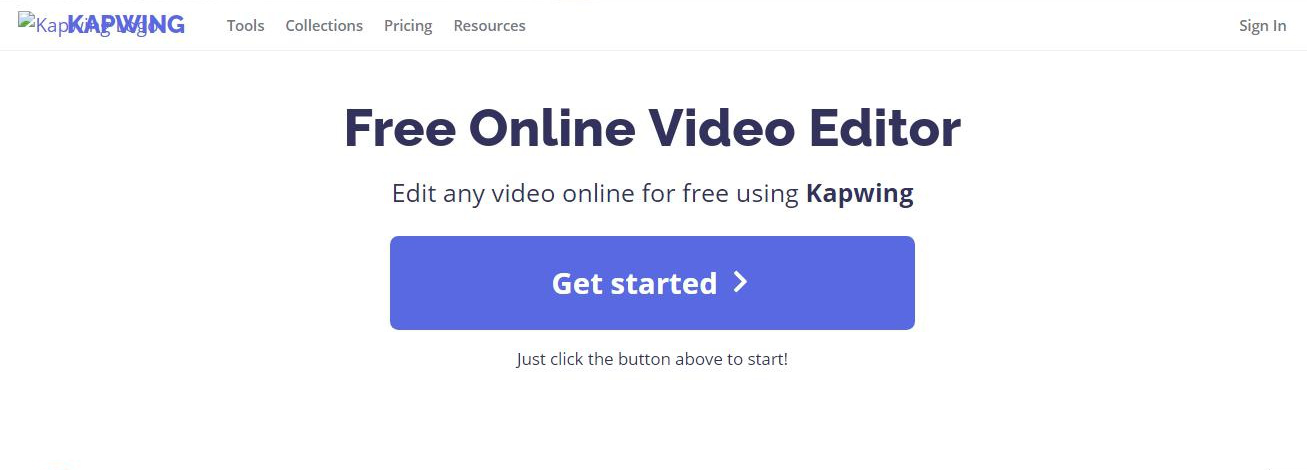
https://www.kapwing.com/tools/free-video-editor, and then import the video file to be edited into the web server through the (Get started) button, and then you can choose the desired function to edit the video, including editing video, cropping screen, adding music and adjusting video parameters and other functions. After the video editing is complete, click the (Export Video) button, and after the page has been processed for a period of time, you can click the (Download) button to save the file locally; or use the share button in (SHARE) Share the video to social platforms such as Facebook and Twitter.
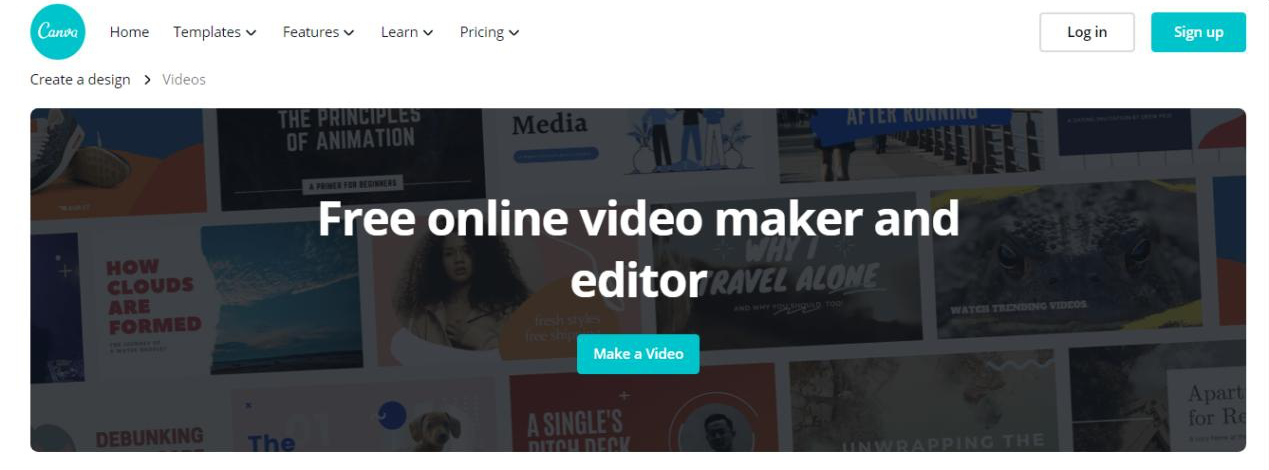
https://www.canva.com/create/videos/ , and then import the video file to be edited into the web server where the editor is located through the (Make a Video) button. After that, you can choose the corresponding video template to edit directly; or use other video editing functions provided by Canva, such as cropping, adding music or filters, inserting text, etc. to personalize the video. After editing and setting, you can save the video file to a local folder or share it to social platforms through the (Download) button.
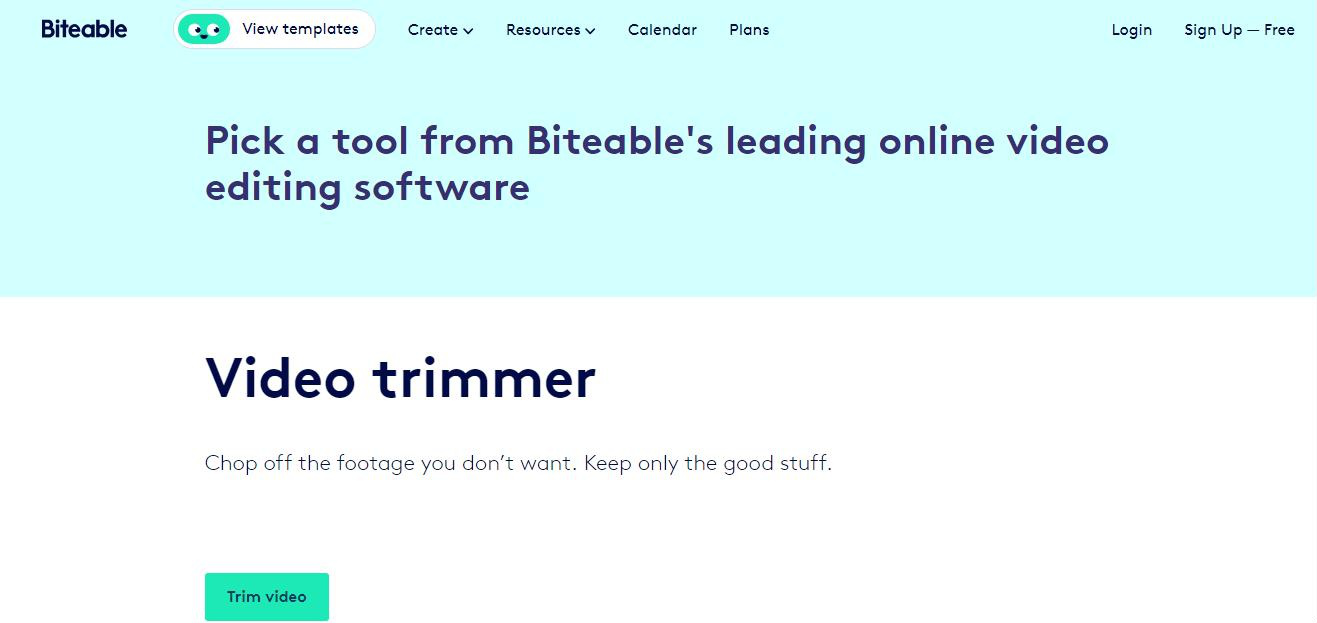
https://biteable.com/tools/ , select the desired editing function, a registration and login page will pop up, after registration or login, upload the video file to be edited to the web server. Then follow the function prompts on the page to operate, which is very fast. But if you need to use multiple functions at the same time to complete a relatively complete video work, you can give priority to the other online editing tools introduced in this article.
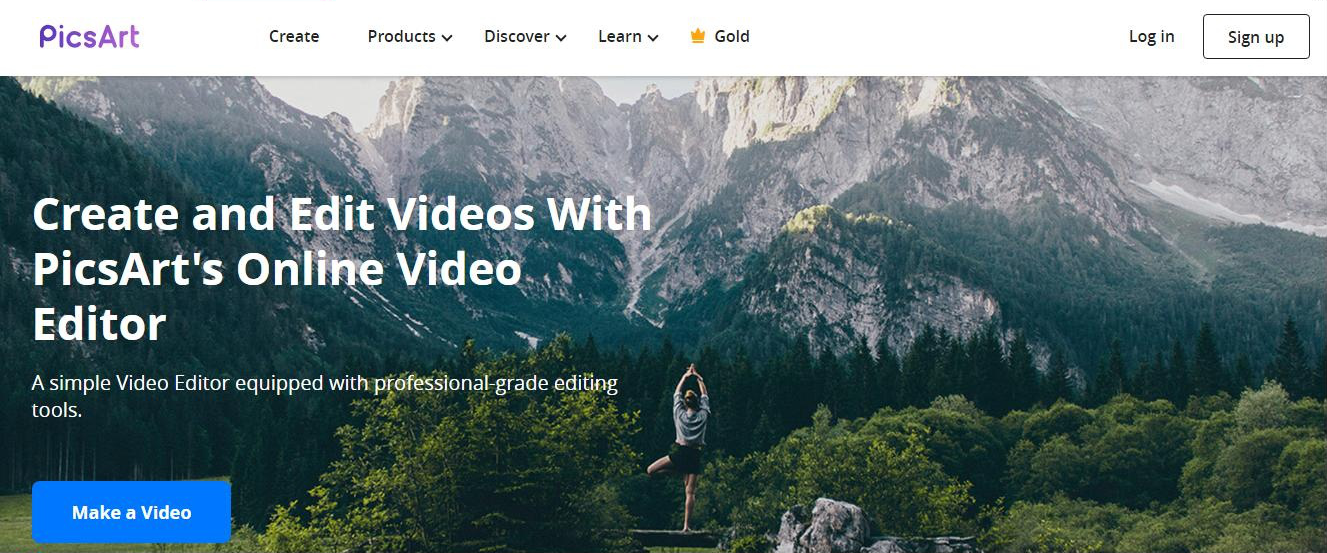
https://picsart.com/video-editor , and then use the various editing functions provided on the page to edit and produce the video. After the video editing is completed, you can directly share the edited video to various social media platforms, such as Facebook, YouTube, Instagram, etc., or save the video to the local computer, which is very convenient.
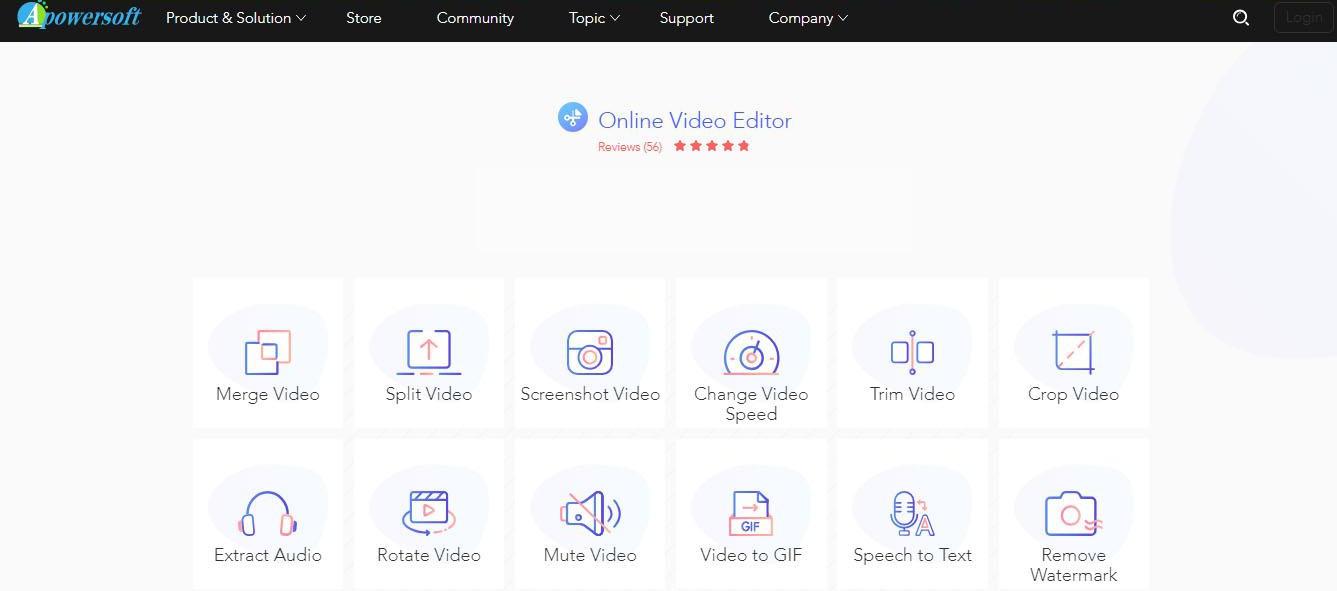
https://www.apowersoft.cn/online-video-editor , and then select the editing function you want to use in the editing interface, such as cropping the screen, adding music, etc. Next, click the (Upload) button to import the video file to be edited into the web server for editing. After the operation is complete, save the edited video to the preset location.
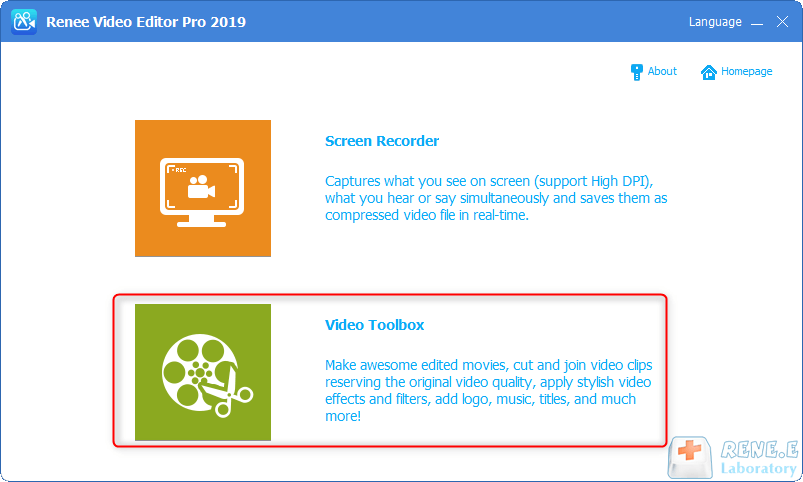
MXF, AVI, MKV, MP4, MOV, M2TS, M4V, AAC, AC3, with support for free video and audio format conversion.

Screen RecordingRecord screen and webcam in Windows computer.
Cut Videos & AudiosUsers are free to cut videos and audios clips with setting start and end time.
Multiple Edit ToolsMerge, crop, rotate, cut and transform video easily. Change and add background music, subtitles and remove watermark from video.
Format ConversionSupport to convert videos and audios into different formats.
Screen Recording Record screen and webcam in Windows computer.
Multiple Edit ToolsCut Videos & Audios Users are free to cut videos and audios clips with setting start and end time.
Multiple Edit ToolsMerge, crop, rotate, cut and transform video easily. Change and add background music, subtitles and remove watermark from video.
Format ConversionSupport to convert videos and audios into different formats.
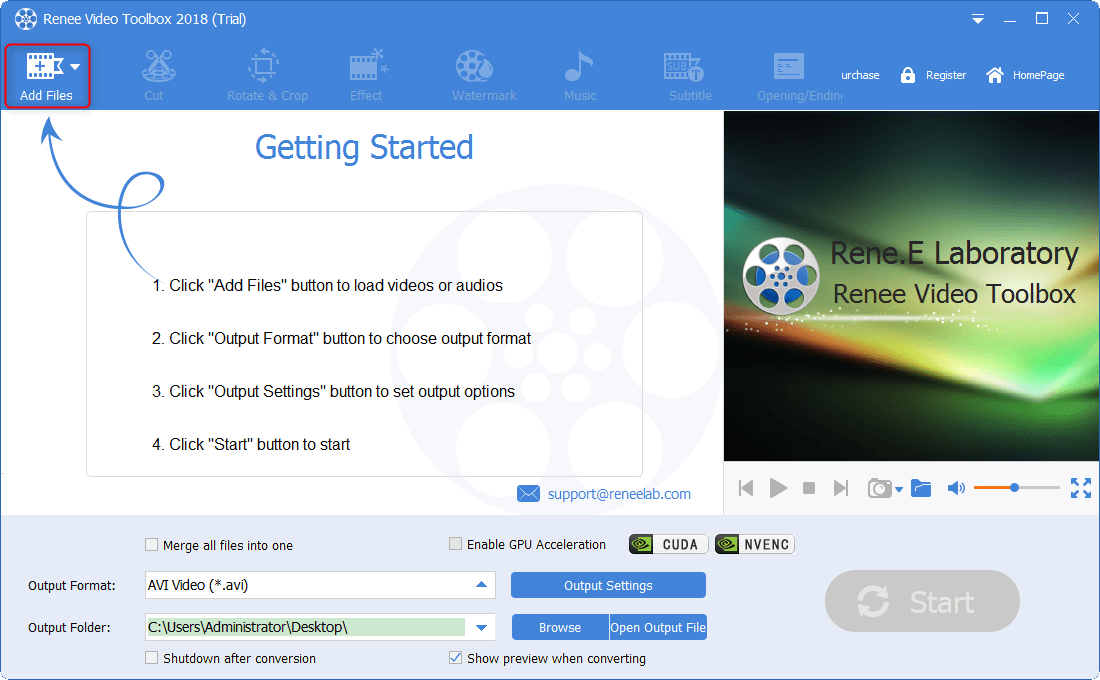
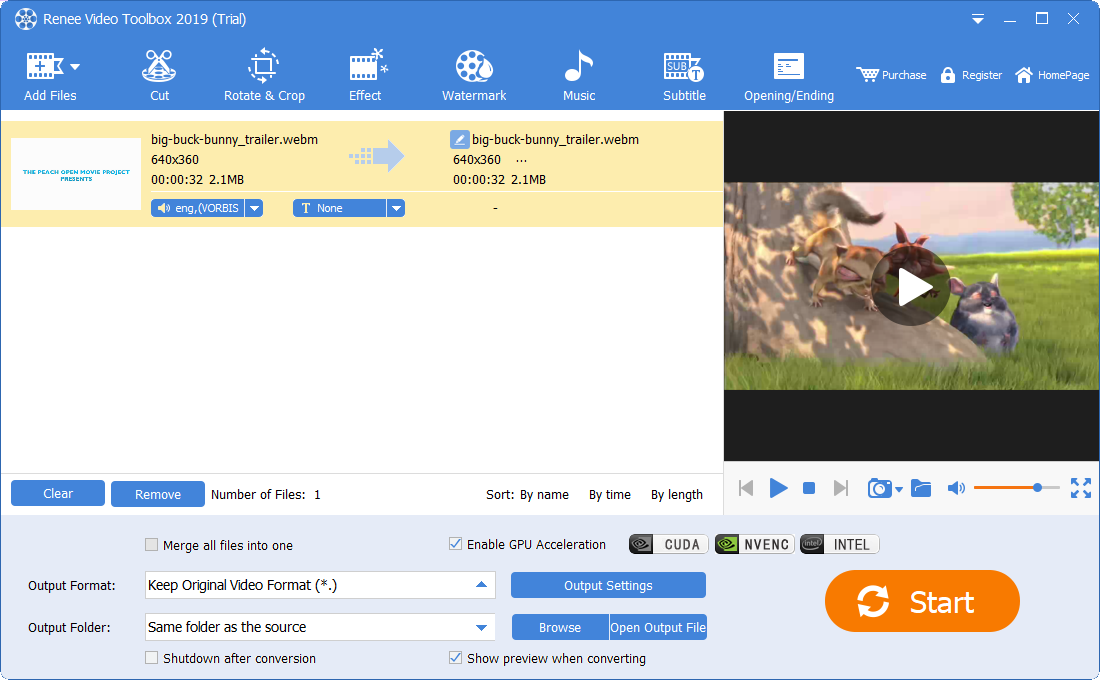
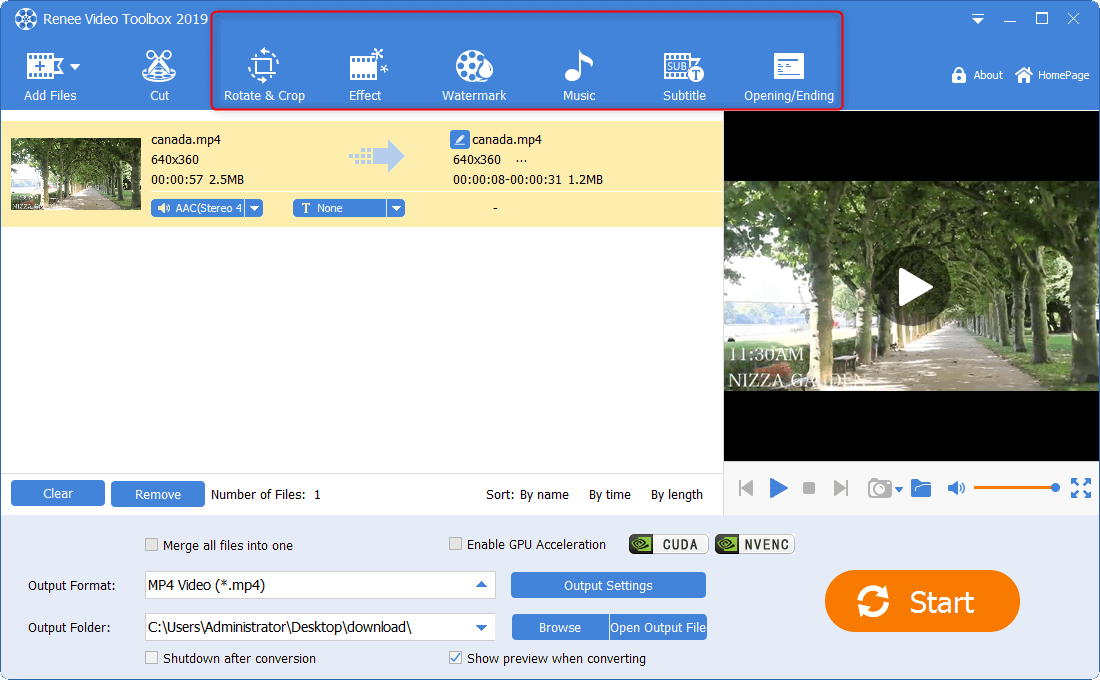
(Start) to quickly and conveniently save the edited video file to the designated location.
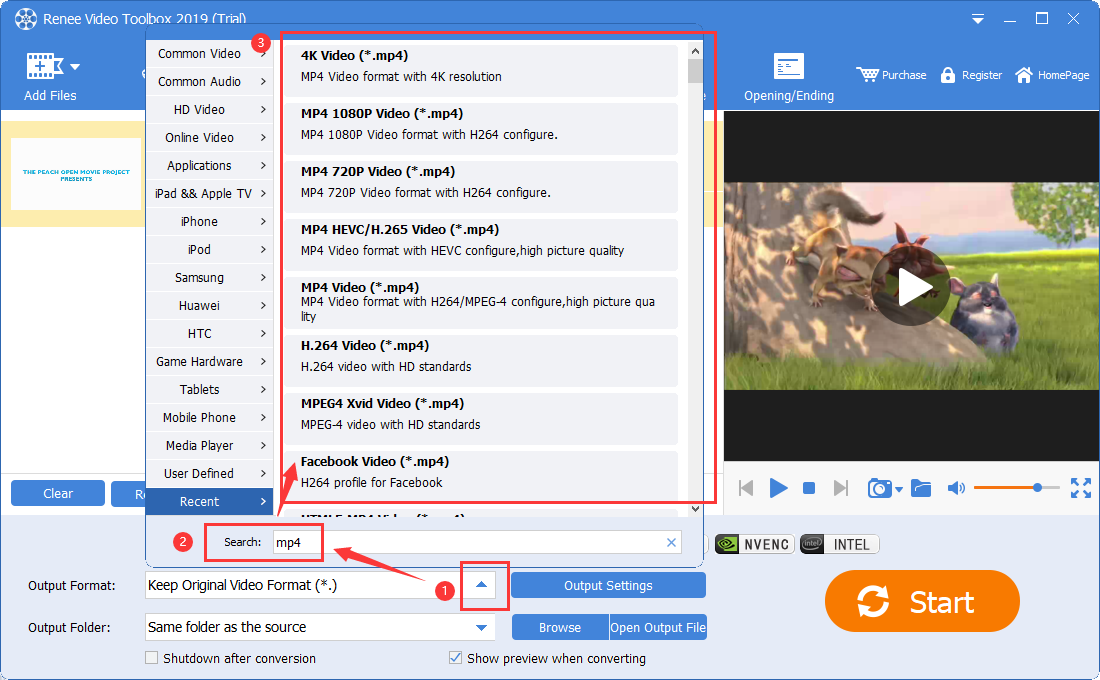
Relate Links :
Rotate Videos Online: The Ultimate Guide
09-11-2026
Amanda J. Brook : Learn how to rotate videos using online video editing tools, overcoming limitations in the shooting process and ensuring...
Flip Videos Online: The Ultimate Guide
09-11-2026
Amanda J. Brook : Learn how to flip videos online quickly for improved picture quality by utilizing professional video editing tools available...
Merge Videos Fast with Online Video Mergers
09-11-2026
Amanda J. Brook : Want to merge videos quickly? In this article, you will master how to merge multiple video formats easily...


User Comments
Leave a Comment