
How to Use Screen Recorder to Record PC Desktop

Summary
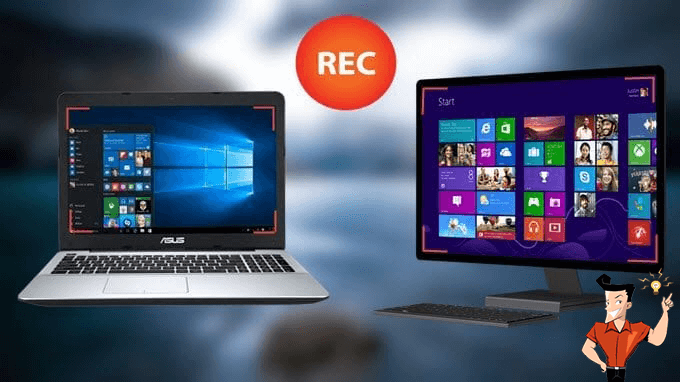
Sometimes, we want to record some interesting contents and the course of playing games when using PC. But many users don’t know how to do. In this essay, we will introduce how to use a screen recorder to record PC desktop.

Screen RecordingRecord screen and webcam in Windows computer.
Cut Videos & AudiosUsers are free to cut videos and audios clips with setting start and end time.
Multiple Edit ToolsMerge, crop, rotate, cut and transform video easily. Change and add background music, subtitles and remove watermark from video.
Format ConversionSupport to convert videos and audios into different formats.
Screen Recording Record screen and webcam in Windows computer.
Multiple Edit ToolsCut Videos & Audios Users are free to cut videos and audios clips with setting start and end time.
Multiple Edit ToolsMerge, crop, rotate, cut and transform video easily. Change and add background music, subtitles and remove watermark from video.
Format ConversionSupport to convert videos and audios into different formats.
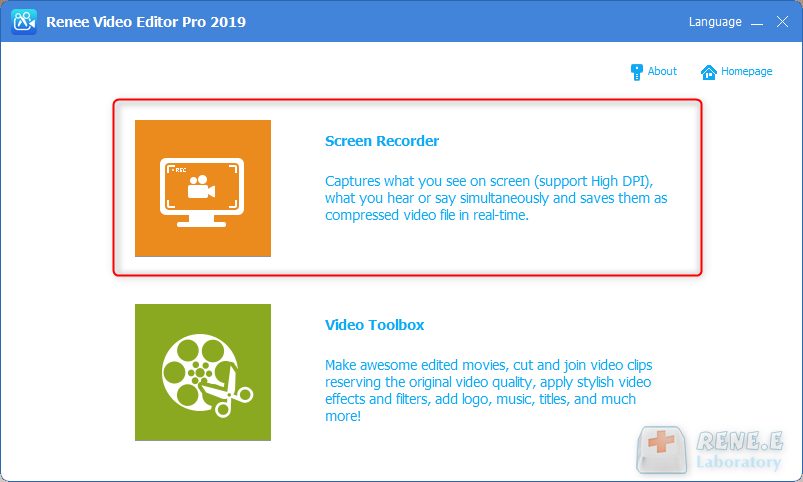
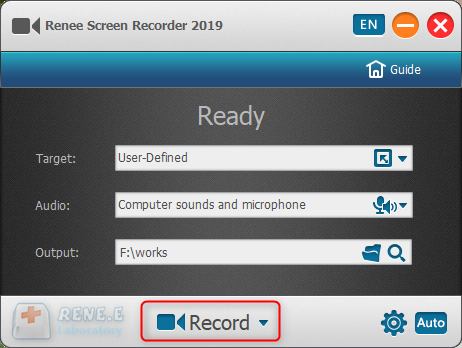
Step 1: Download and launch the software. Select [Screen Recorder].
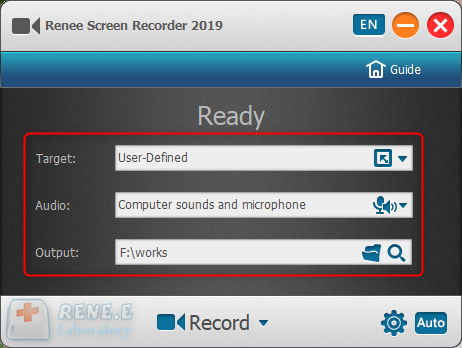
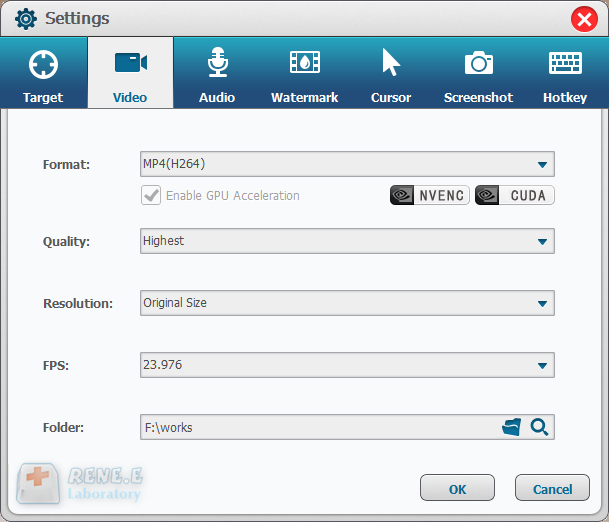
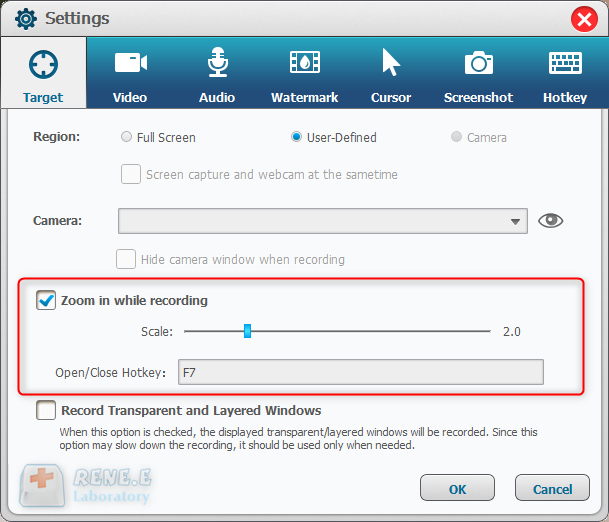
In this function, users can zoom in the record area around the mouse, enlarging 1.5x to 4x scale in proportion. It is used to emphasize the key point during desktop record. The default hotkey is F7.
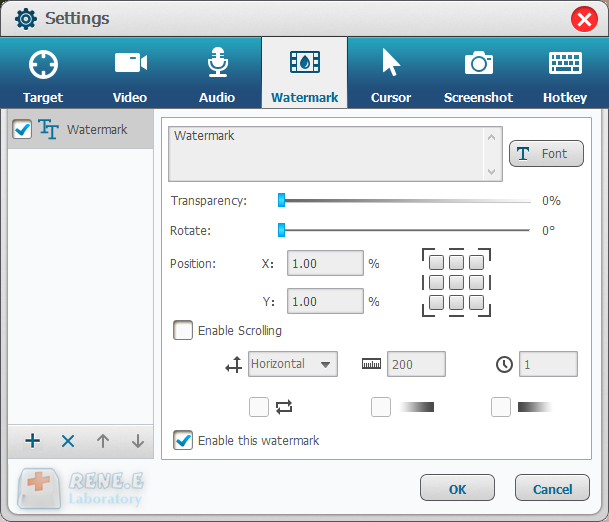
Users can add text and image to the records. Besides, transparency, rotation, position and animation can be adjusted for the watermark.
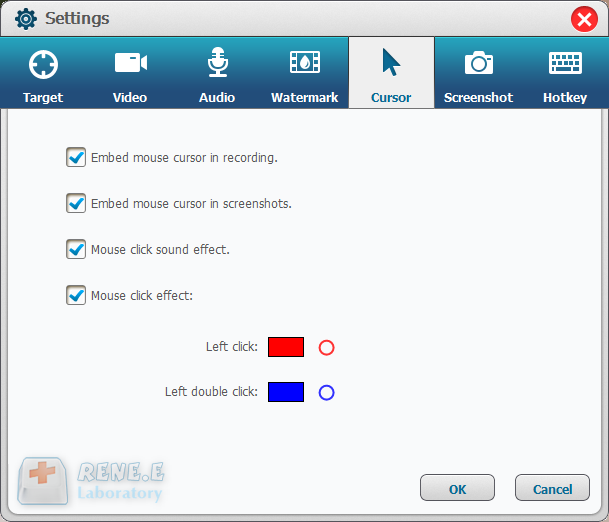
This is a useful function to monitor the mouse movement during desktop record. It provides different cursor effects and automatically generates the effects of single and double clicks. That can facilitate teaching videos and the other explanation videos.
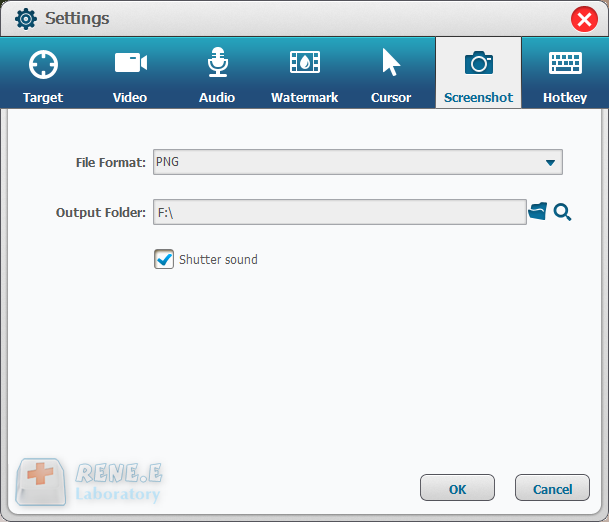
Renee Video Editor Pro supports to screenshot at any time even if you don’t have the PC desktop recorded. The default hotkey is CTRL+ALT+F4. The output format of the screenshots can be set.
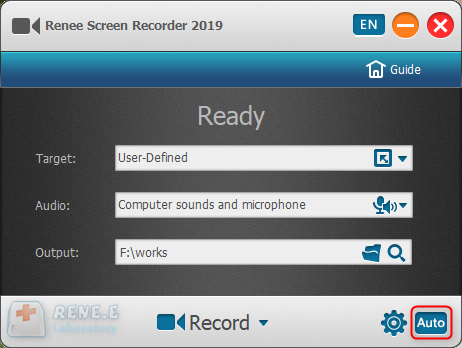
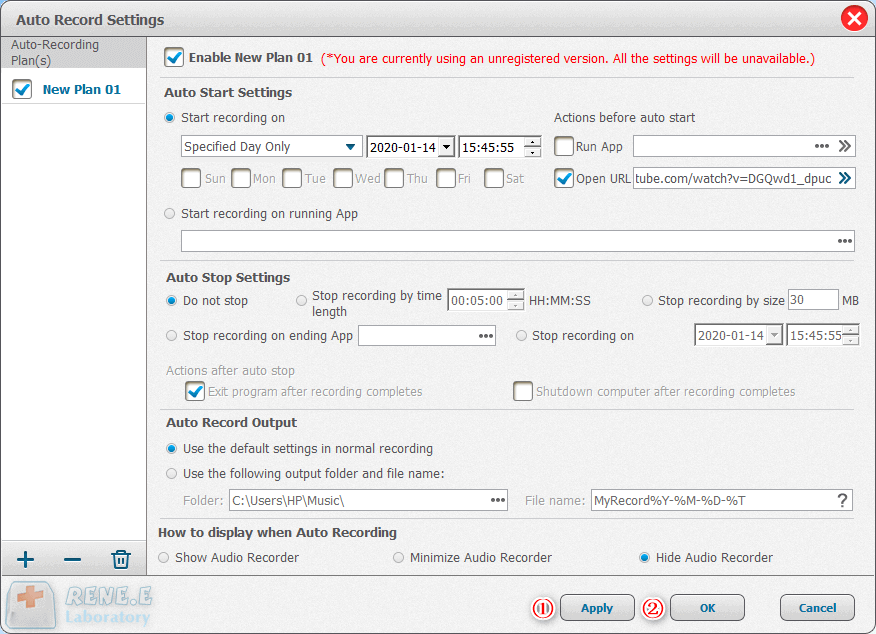
Given to the different needs of desktop record, Renee Screen Recorder allows users to set the auto recording schedule. The desktop record can automatically run at the specific time and the other conditions. It can be used to record the arranged online meetings and live shows. Go to try this function at the right corner of the main interface.
Relate Links :
Free Anime Websites: Ultimate Guide To Recording Videos

09-11-2026
Ashley S. Miller : Discover the top animation websites for all ages and learn video recording and editing techniques in this comprehensive...
How To Download or Record Video/TV Shows from RTBF?

09-11-2026
Amanda J. Brook : Learn how to download videos from Belgium's popular website RTBF for free. This article reveals the method to...
Record your Mac screen like a pro!
09-11-2026
Amanda J. Brook : Learn how to record screen mac with our user-friendly tool. Start capturing your screen effortlessly and boost your...


User Comments
Leave a Comment