
Free Anime Websites: Ultimate Guide To Recording Videos

Summary
Discover the top animation websites for all ages and learn video recording and editing techniques in this comprehensive article on the global phenomenon of anime.
Table of contents









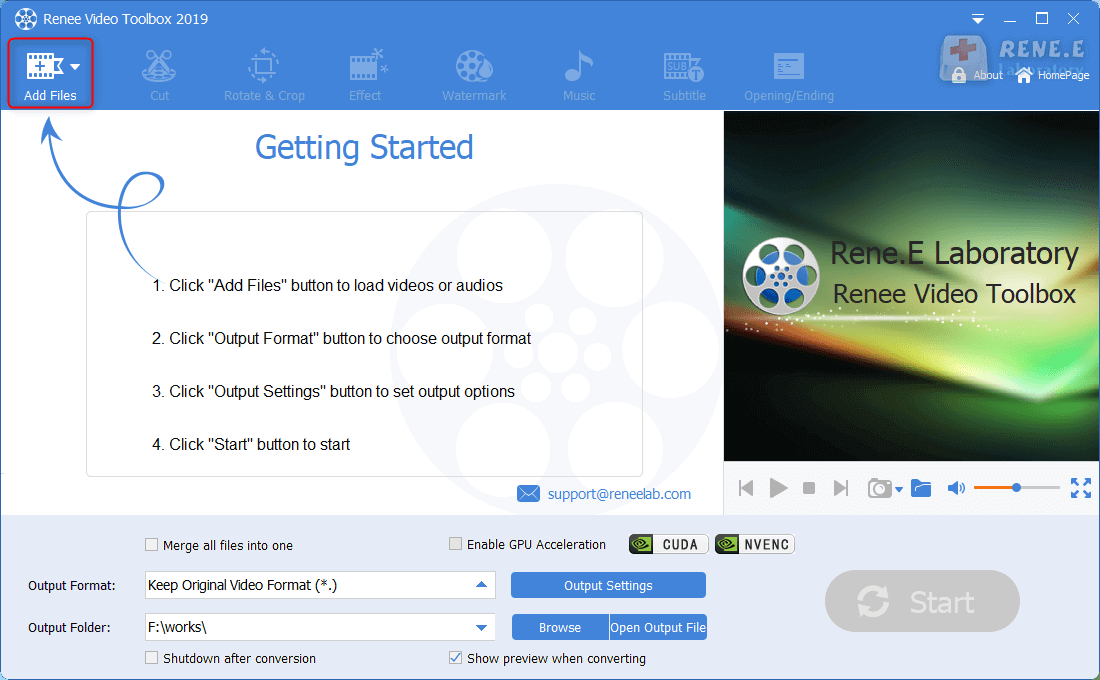
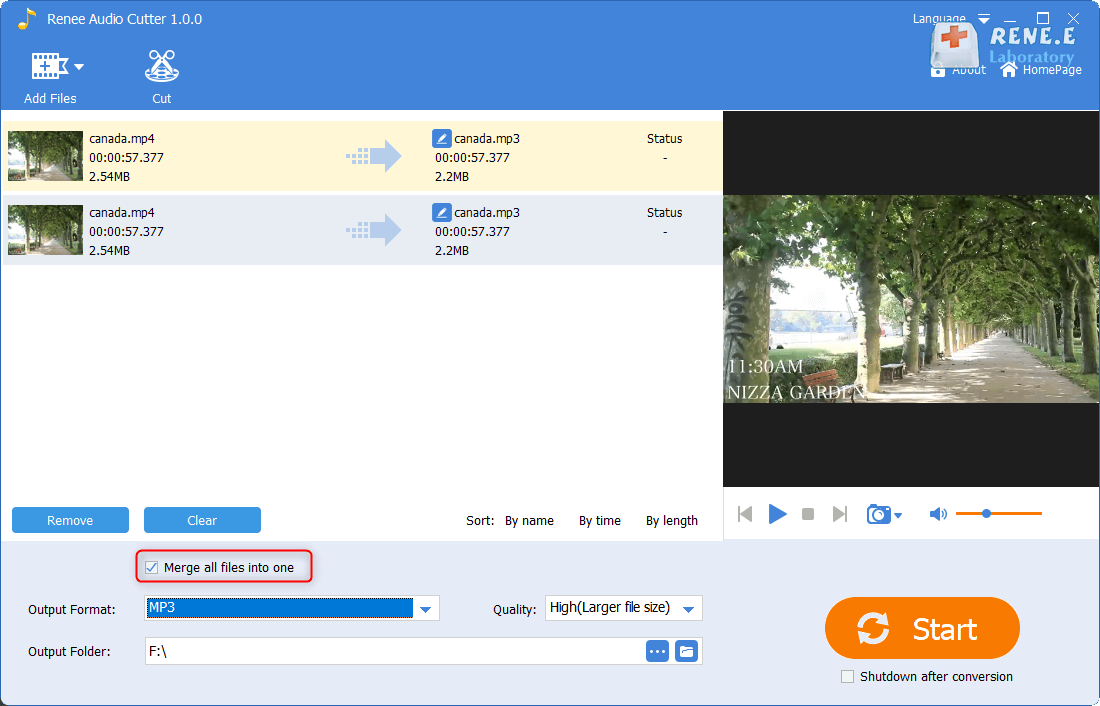
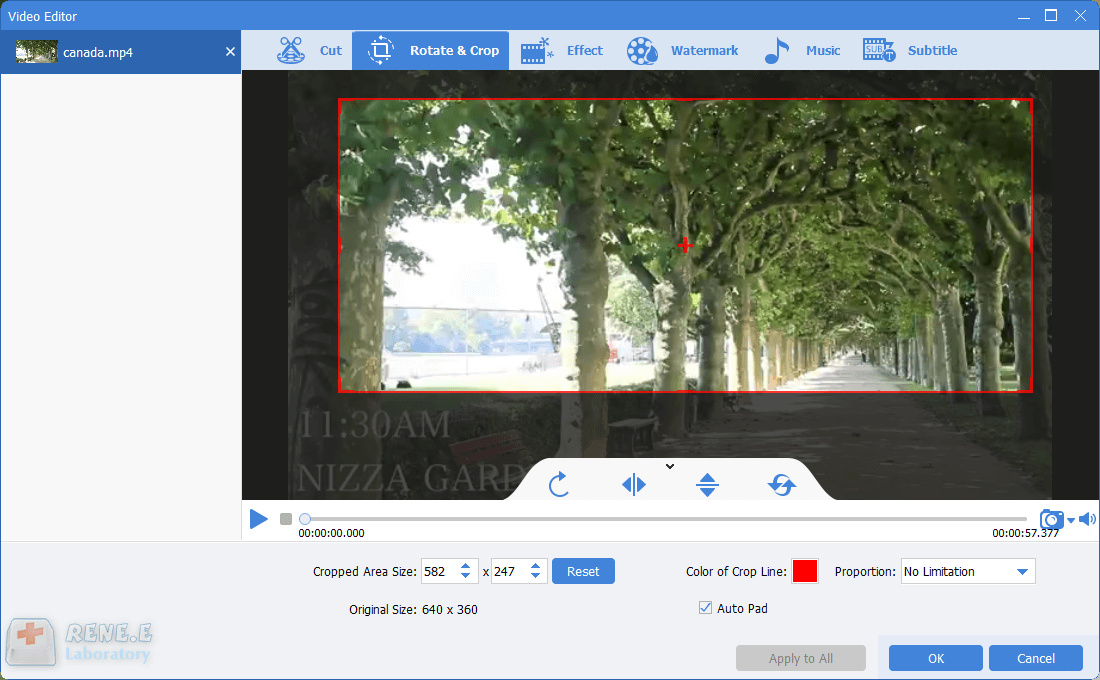
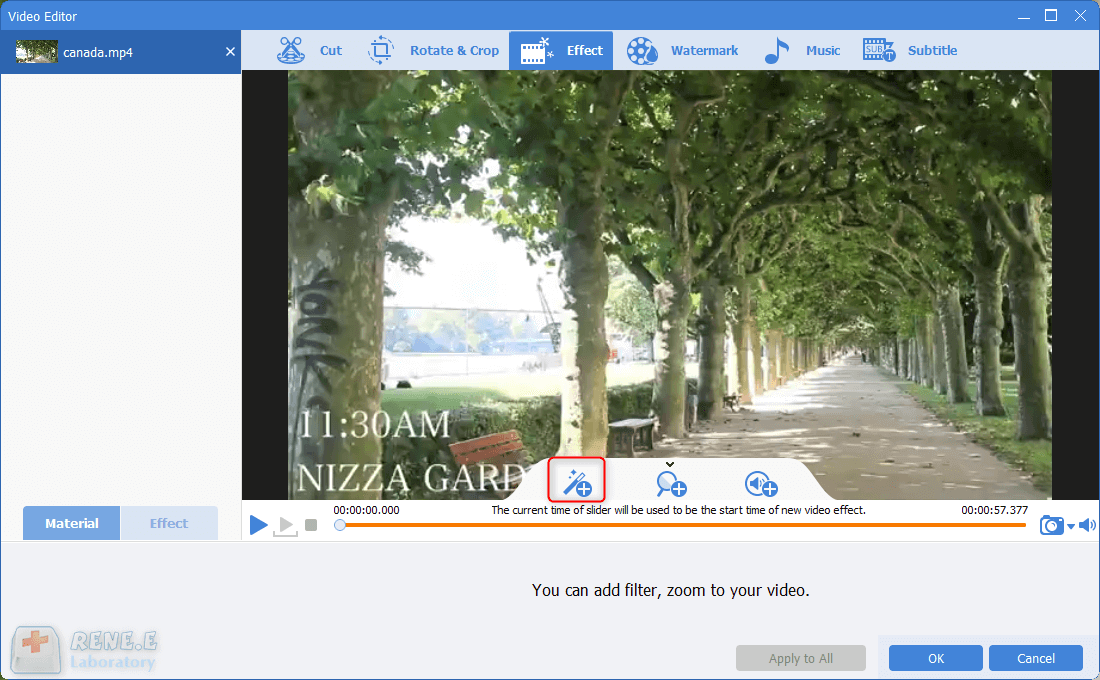
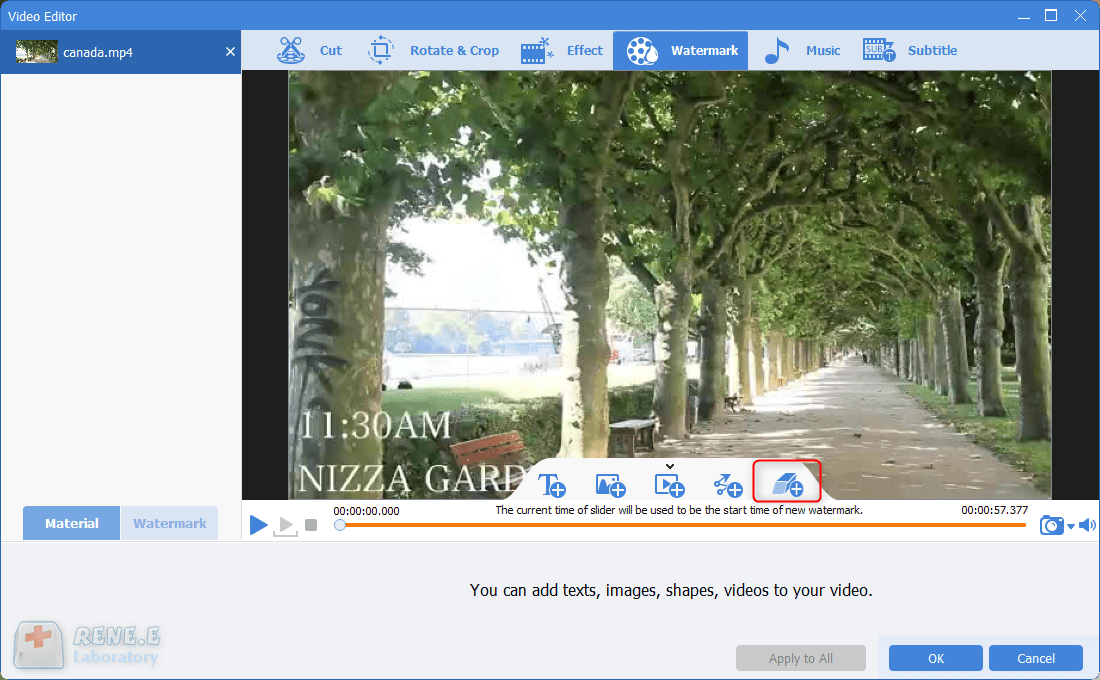
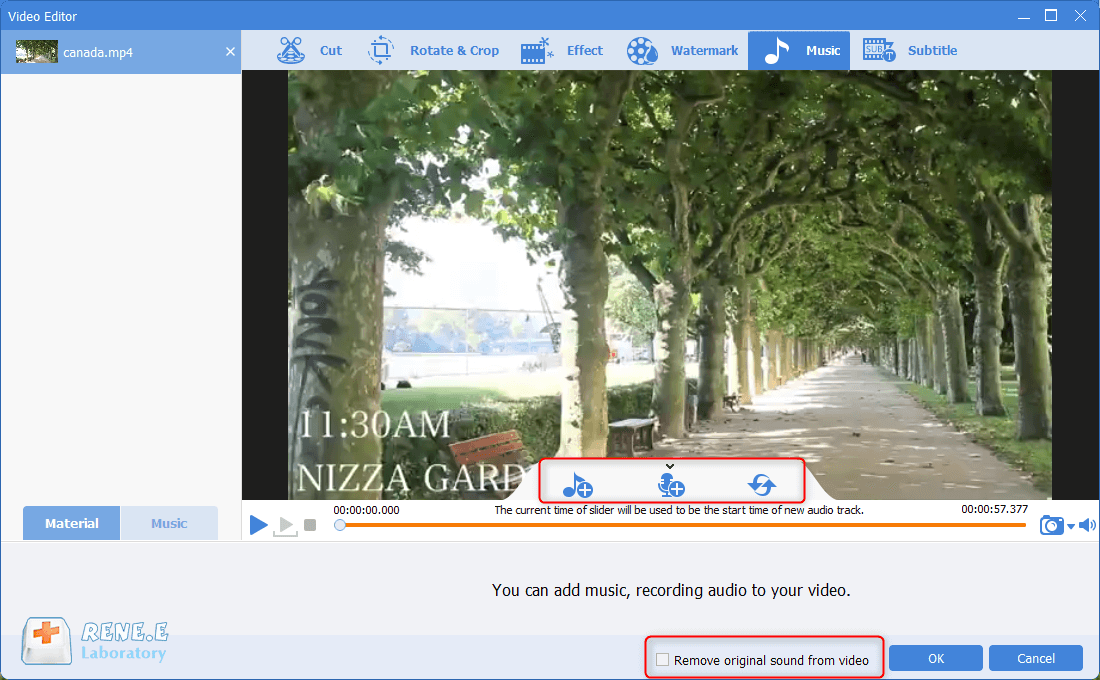
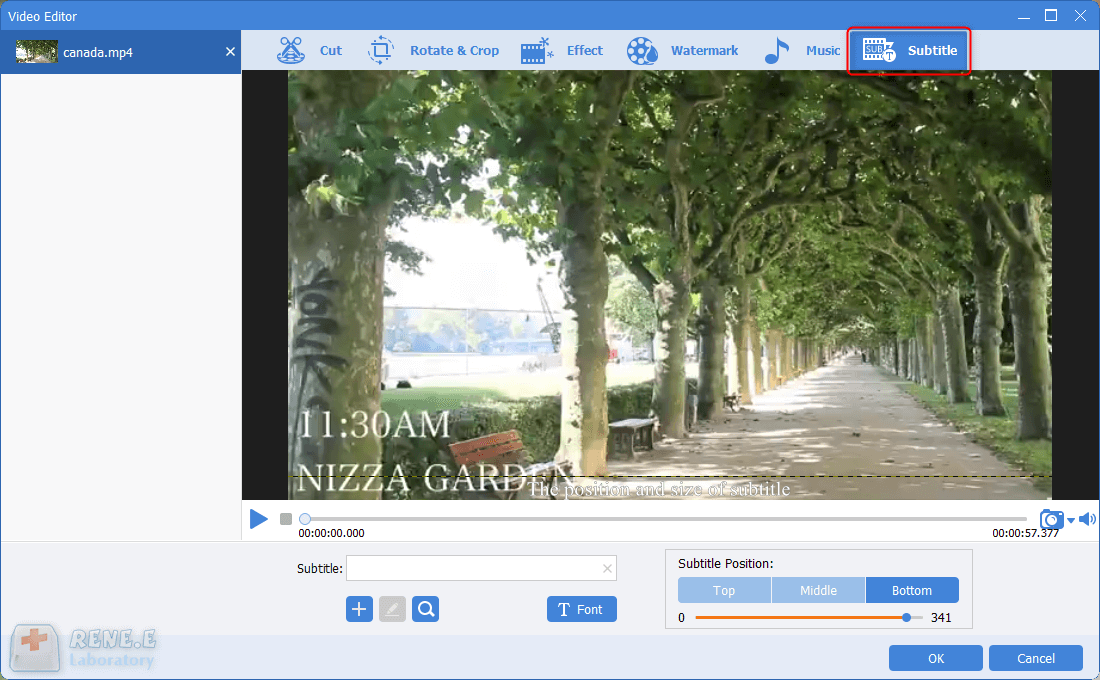
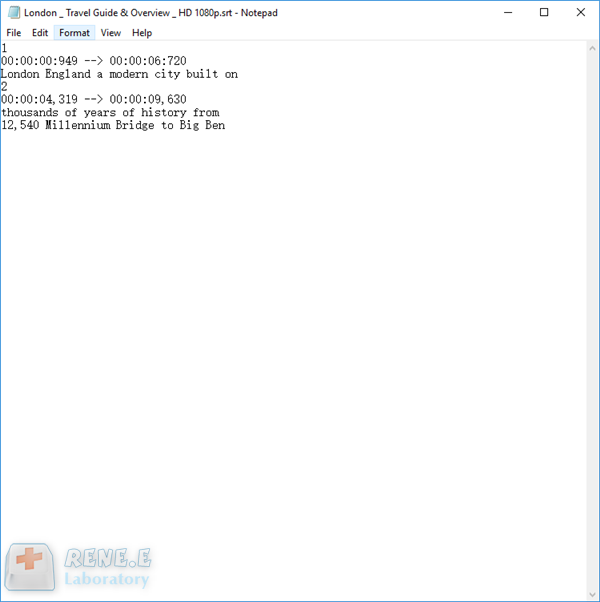
In addition, this software can further improve and optimize the video content during video post-production, such as editing or merging video clips, cropping video screens, rotating or flipping videos, adding various types of opening/ending animations, and transition effects. Switch between different filter styles, dub videos, add music or remove original sound effects, import or create exclusive subtitles, and more. After the video editing is complete, you can choose to convert the video to various formats you need. This software supports most video and audio formats, such as MXF, AVI, MKV, MP4, MOV, M2TS, M4V, AAC, AC3 and other formats, and supports free conversion between video and audio formats.

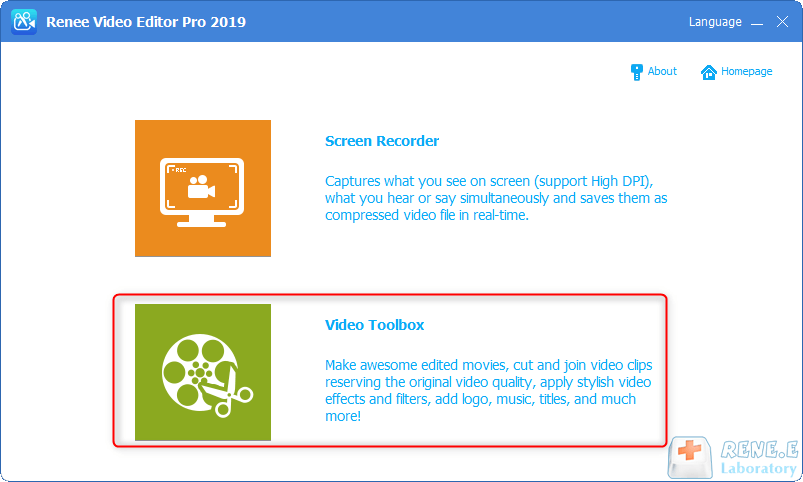
Screen RecordingRecord screen and webcam in Windows computer.
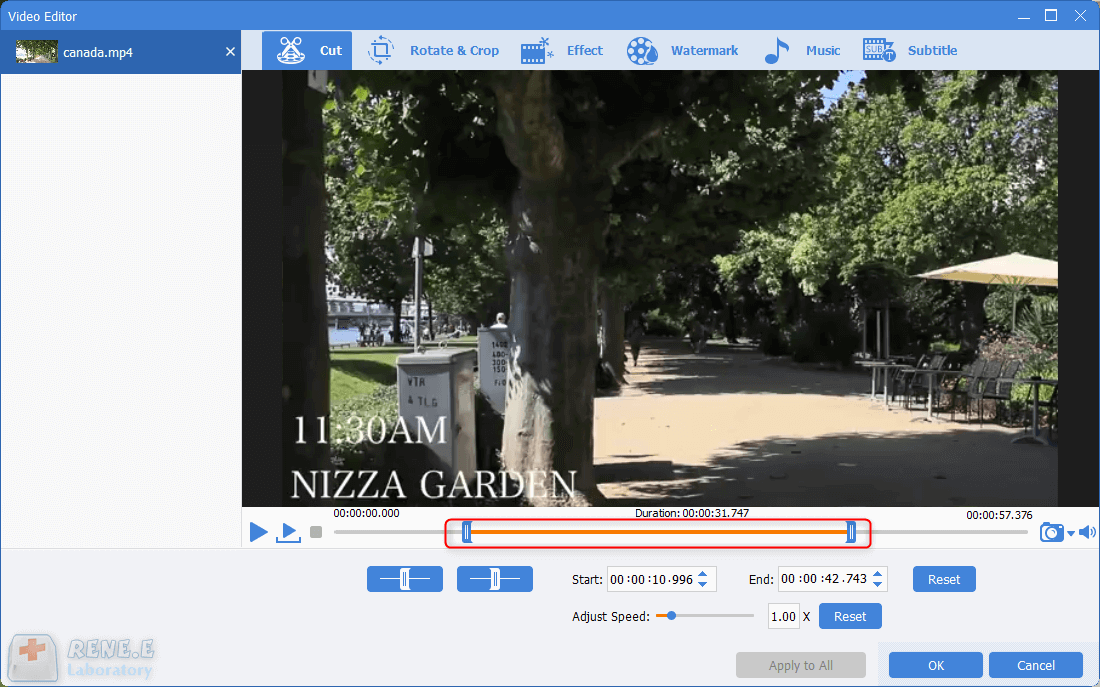
Cut Videos & AudiosUsers are free to cut videos and audios clips with setting start and end time.
Multiple Edit ToolsMerge, crop, rotate, cut and transform video easily. Change and add background music, subtitles and remove watermark from video.
Format ConversionSupport to convert videos and audios into different formats.
Screen Recording Record screen and webcam in Windows computer.
Multiple Edit ToolsCut Videos & Audios Users are free to cut videos and audios clips with setting start and end time.
Multiple Edit ToolsMerge, crop, rotate, cut and transform video easily. Change and add background music, subtitles and remove watermark from video.
Format ConversionSupport to convert videos and audios into different formats.
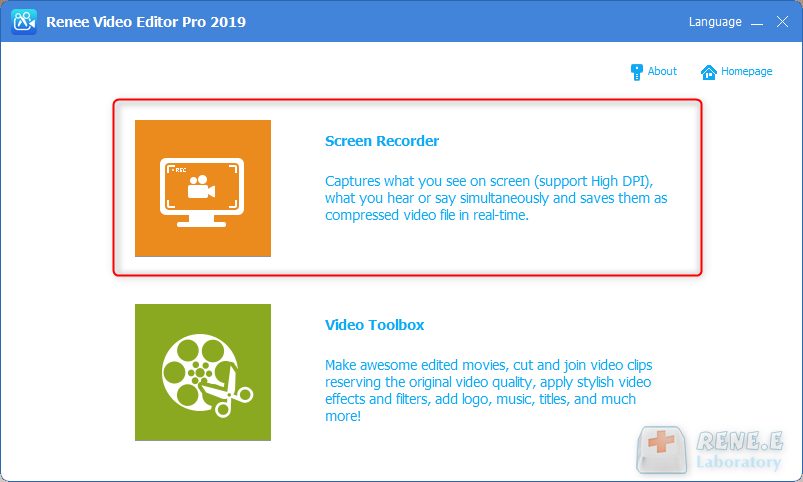
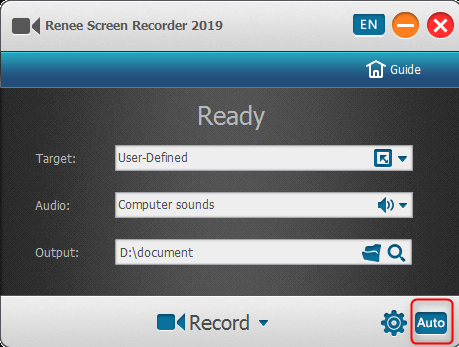
Target: Support recording full screen, custom area, and recording images captured by the camera.
Audio: Refer to the sound that needs to be recorded during the content recording process. It supports recording computer sound, microphone sound, and non-recording sound, etc.
Output: Select the storage location of the recorded files
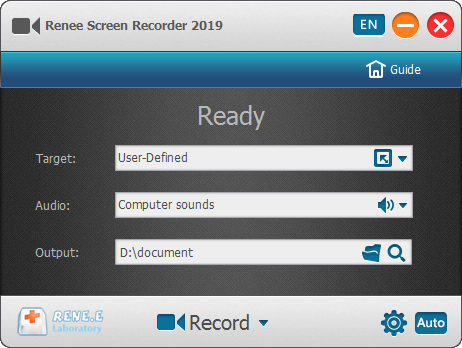
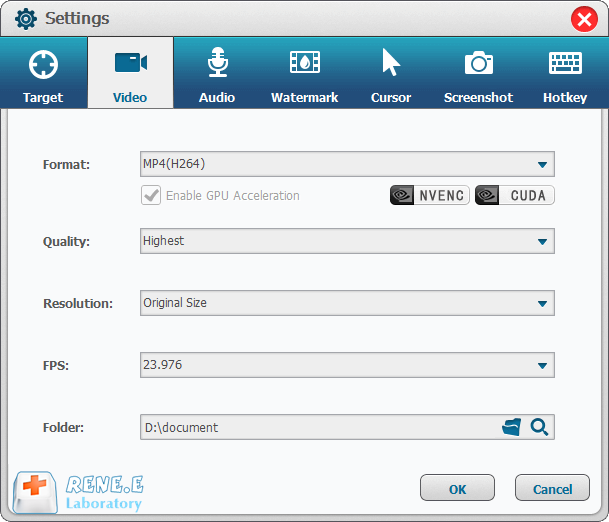
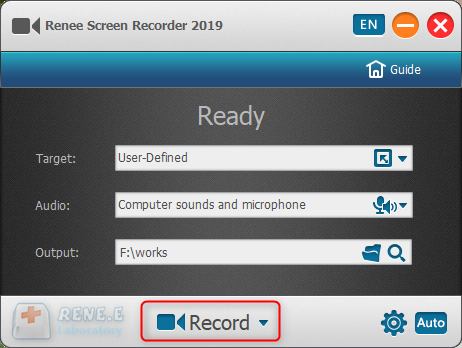
It should be noted that if you select do not stop in the “auto stop setting” and select hide software in “how to display the software when recording automatically”, then please use the software’s shortcut key to stop recording (the default is Ctrl+ Alt+F3) to end the recording, or find the Screen Recorder program in the background process of the task manager and end the task, and then you can find the recording file in the preset output folder.
Screen RecordingRecord screen and webcam in Windows computer.
Cut Videos & AudiosUsers are free to cut videos and audios clips with setting start and end time.
Multiple Edit ToolsMerge, crop, rotate, cut and transform video easily. Change and add background music, subtitles and remove watermark from video.
Format ConversionSupport to convert videos and audios into different formats.
Screen Recording Record screen and webcam in Windows computer.
Multiple Edit ToolsCut Videos & Audios Users are free to cut videos and audios clips with setting start and end time.
Multiple Edit ToolsMerge, crop, rotate, cut and transform video easily. Change and add background music, subtitles and remove watermark from video.
Format ConversionSupport to convert videos and audios into different formats.
Relate Links :
Master the Art of Recording Mouse Operation on Your Computer

09-11-2026
Jennifer Thatcher : Master mouse recorder operations for creating clear, effective software tutorials or online teaching videos. Follow our detailed guide!
Best Viber Call Recorders for Recording Viber Calls Like a Pro
09-11-2026
Ashley S. Miller : Learn the simple way to record your Viber calls with our streamlined recording method. Keep in touch seamlessly...
Introduction of a Free Online Screen Recording Tool

09-11-2026
Amanda J. Brook : Discover the convenience of online screen recording tools. Save time and effort with easy-to-use software. No downloads or...


User Comments
Leave a Comment