
How To Rapidly Rip Blu-ray Discs: The Ultimate Guide

Summary
Master how to rip blu ray for seamless mobile viewing with our expert guide on advanced tools and editing techniques
Table of contents


Ensure your computer has an optical drive or an external DVD/Blu-Ray drive. Make sure your computer has enough disk space as Blu-ray movies can take up 20-60GB.

Screen RecordingRecord screen and webcam in Windows computer.
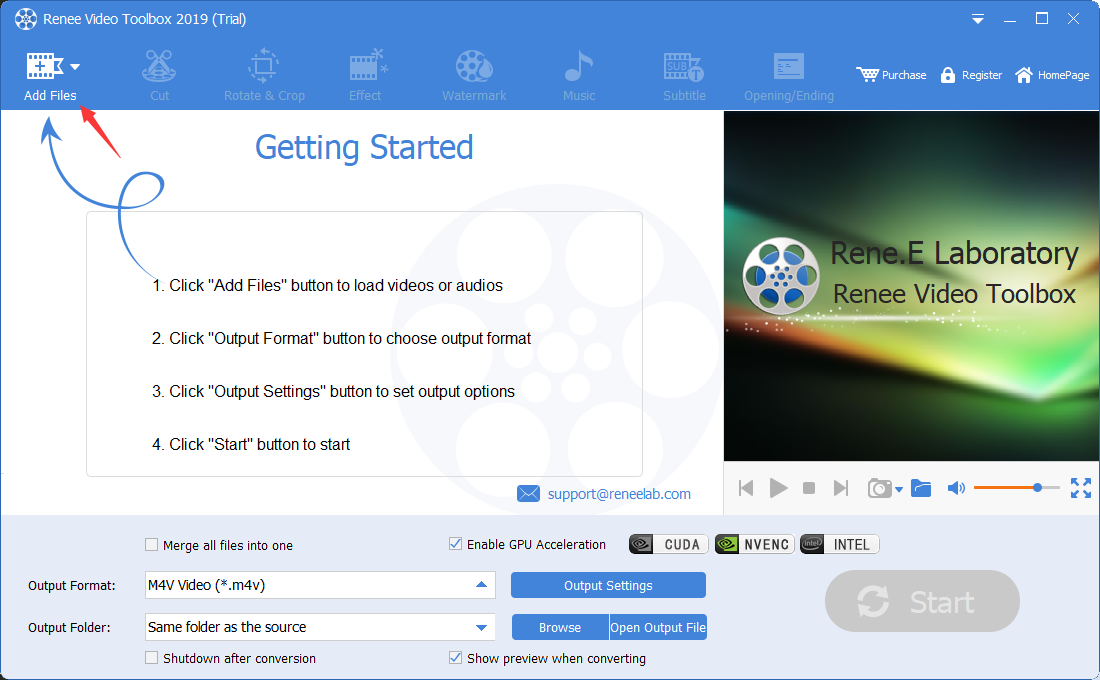
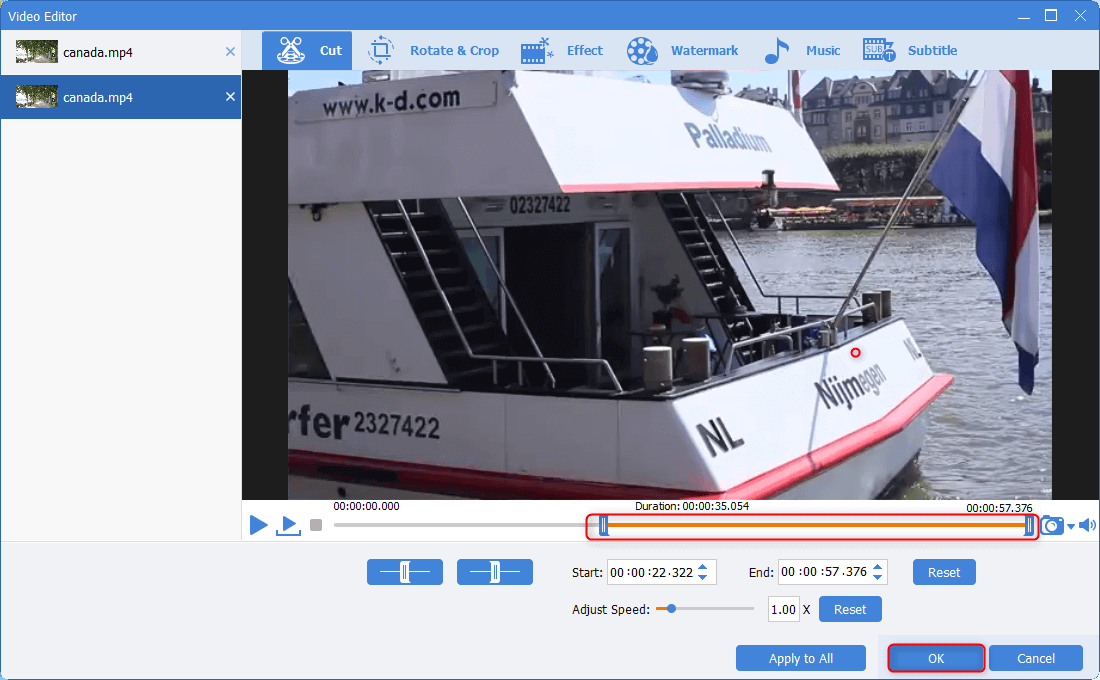
Cut Videos & AudiosUsers are free to cut videos and audios clips with setting start and end time.
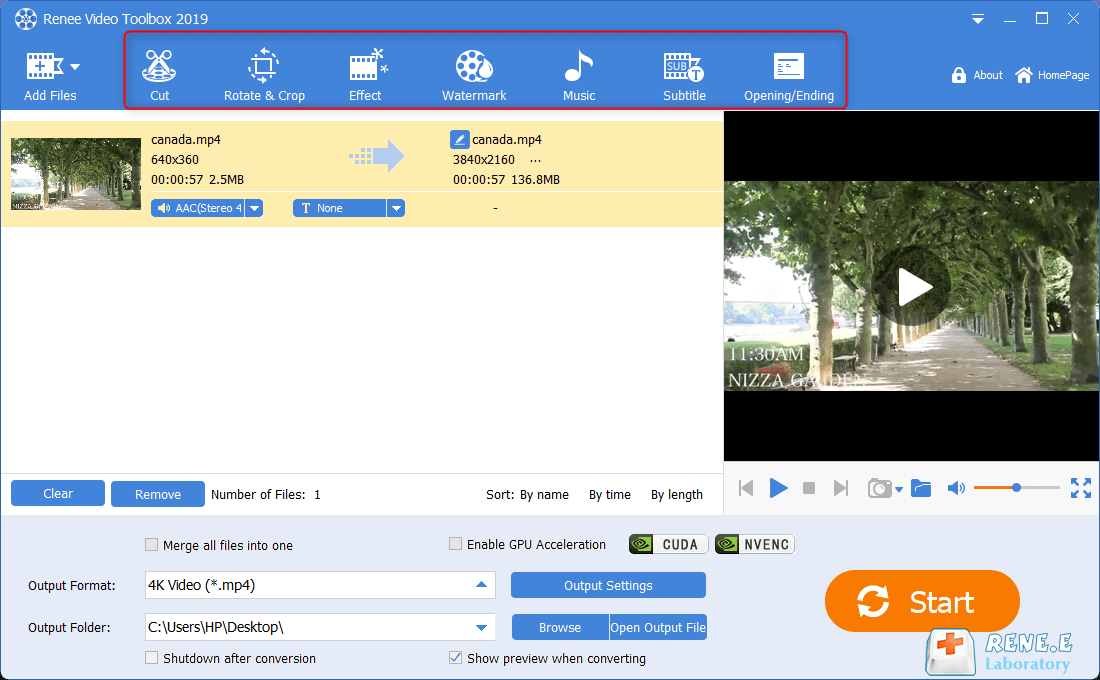
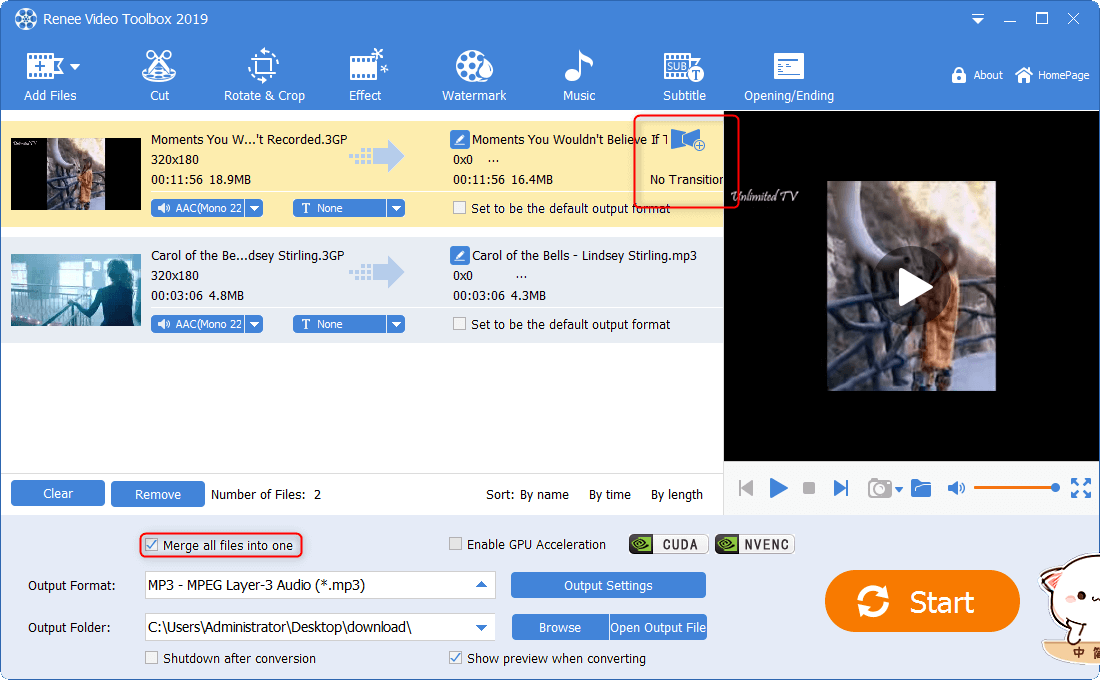
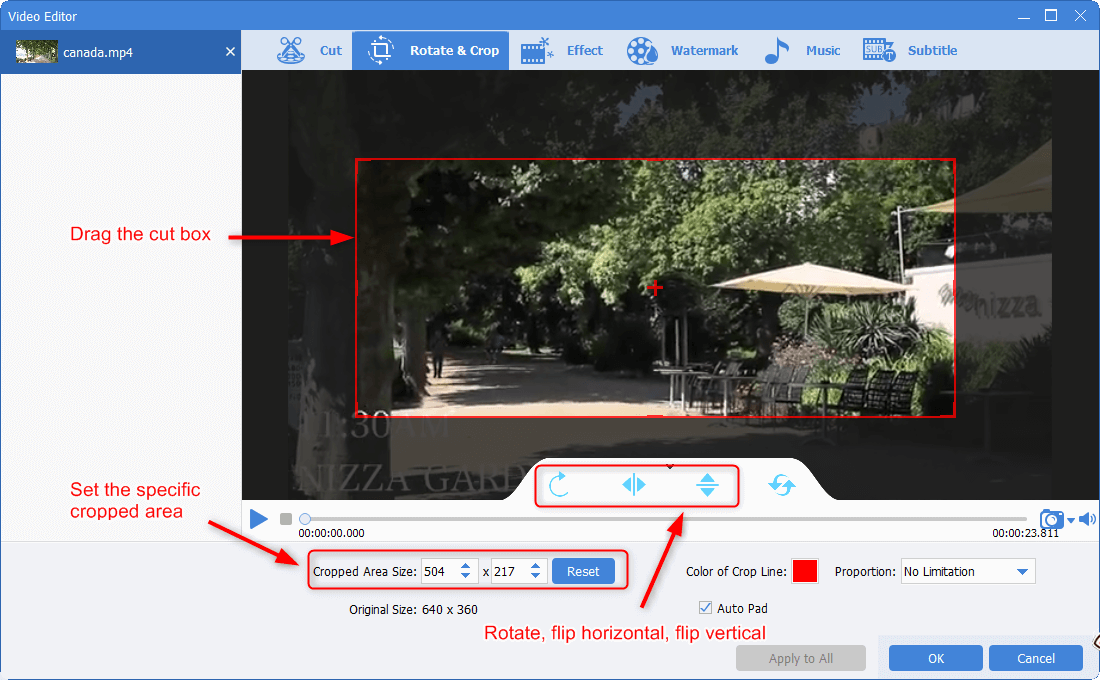
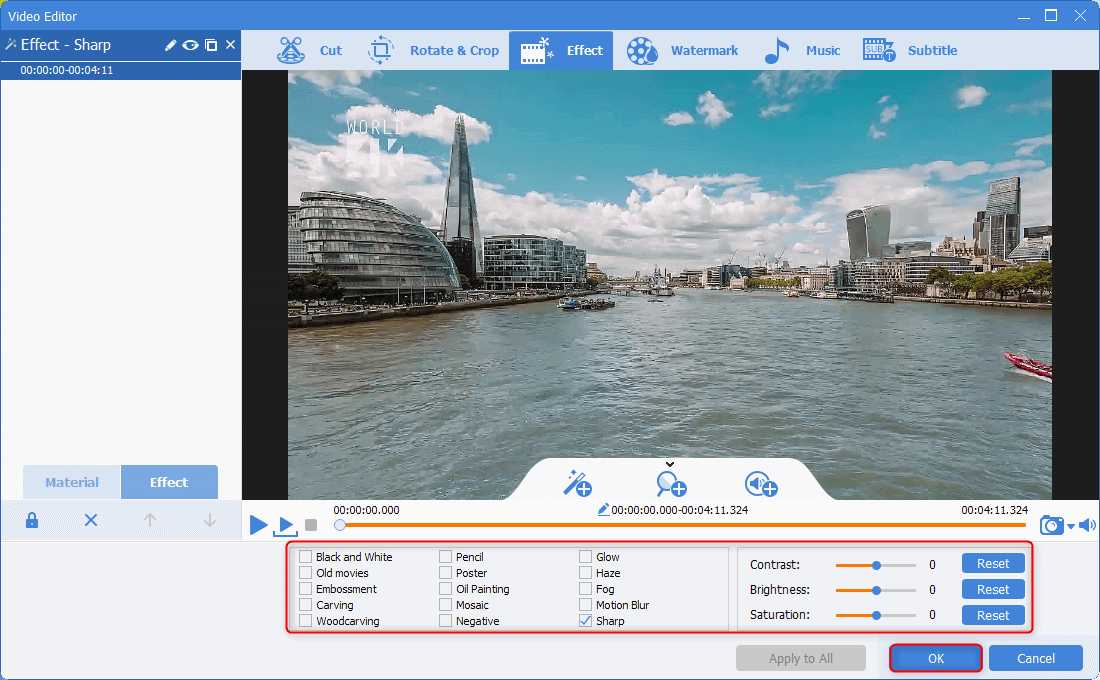
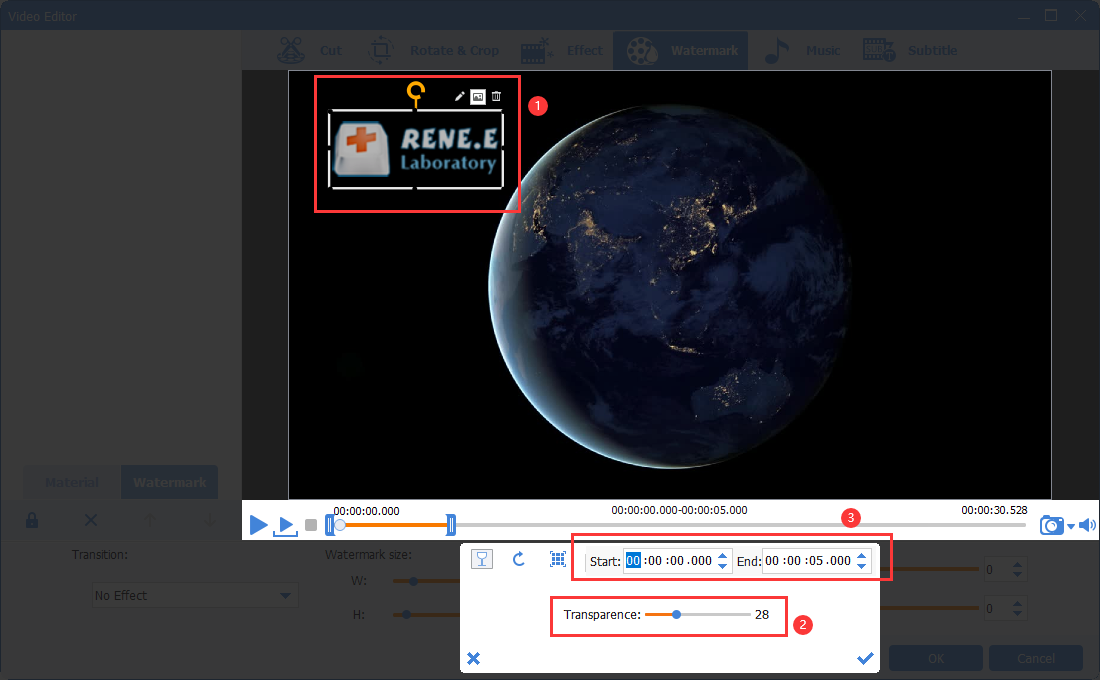
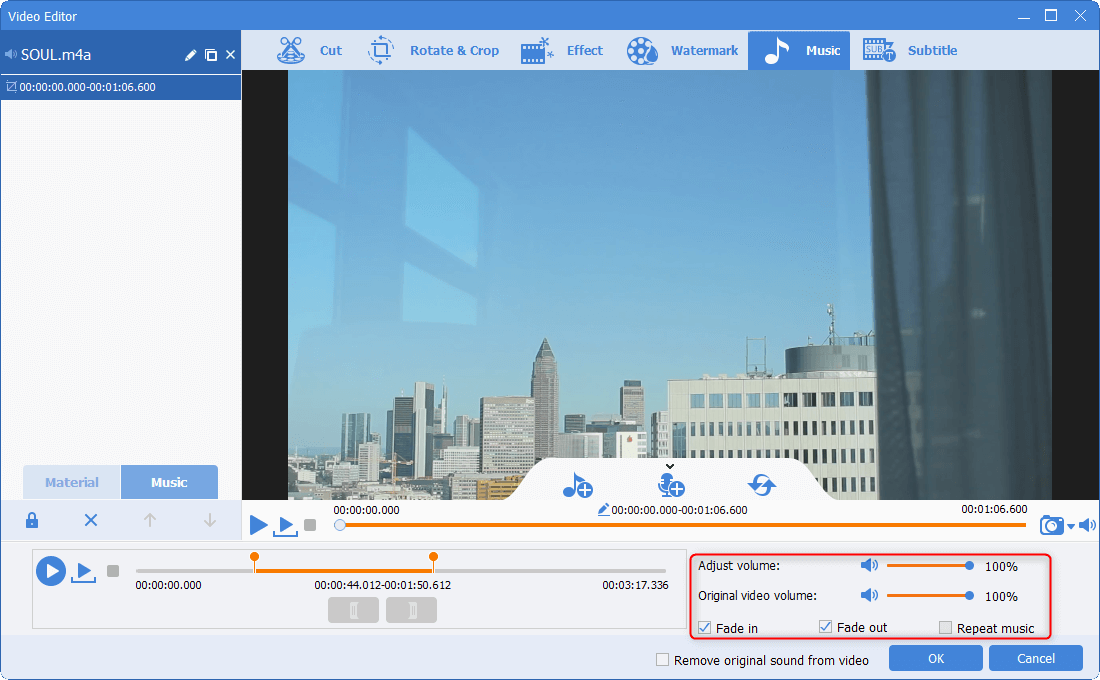
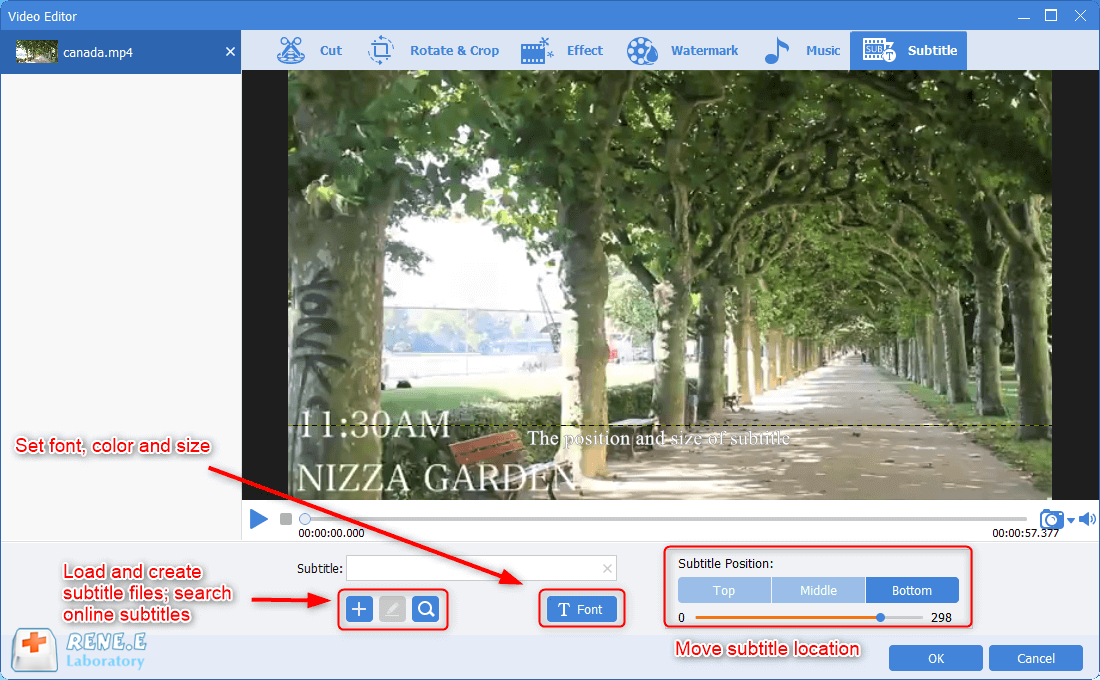
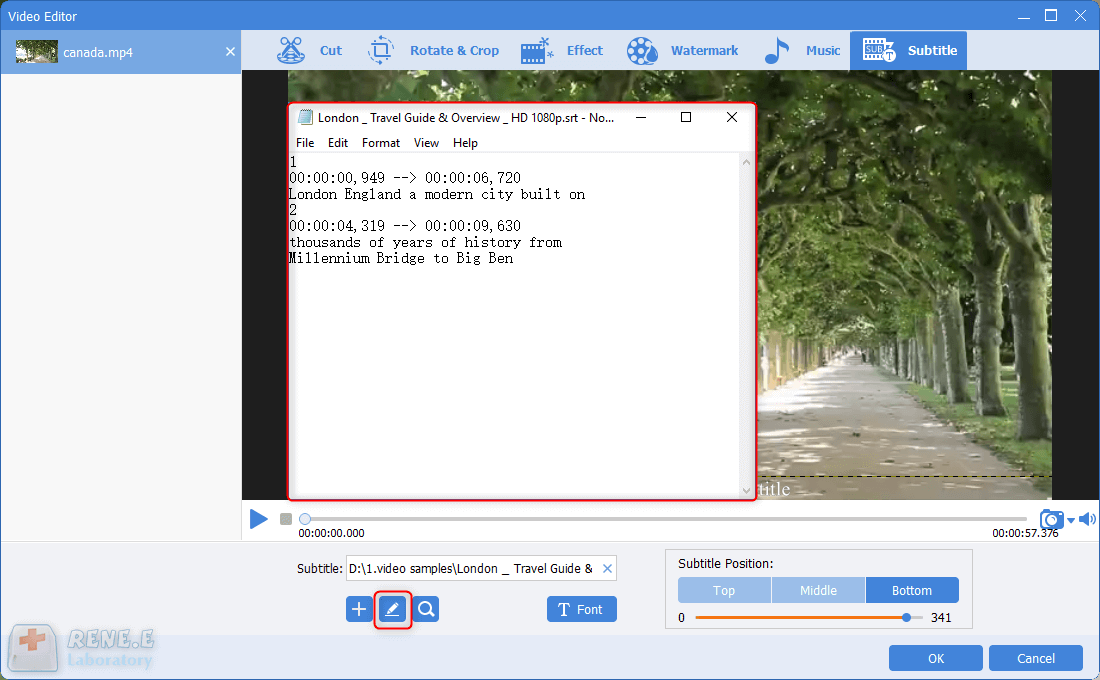
Multiple Edit ToolsMerge, crop, rotate, cut and transform video easily. Change and add background music, subtitles and remove watermark from video.
Format ConversionSupport to convert videos and audios into different formats.
Screen Recording Record screen and webcam in Windows computer.
Multiple Edit ToolsCut Videos & Audios Users are free to cut videos and audios clips with setting start and end time.
Multiple Edit ToolsMerge, crop, rotate, cut and transform video easily. Change and add background music, subtitles and remove watermark from video.
Format ConversionSupport to convert videos and audios into different formats.
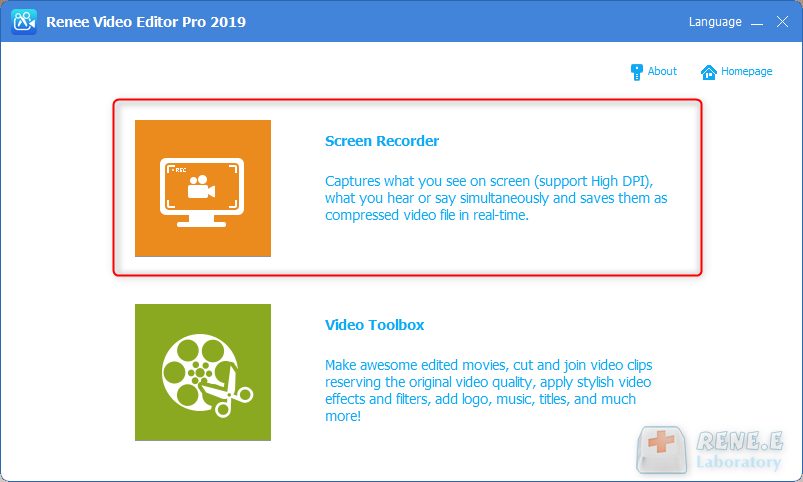
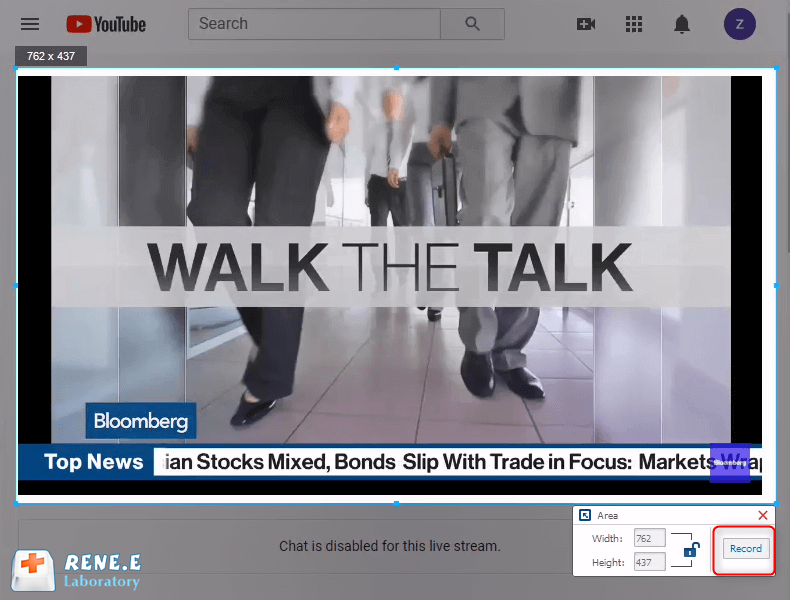
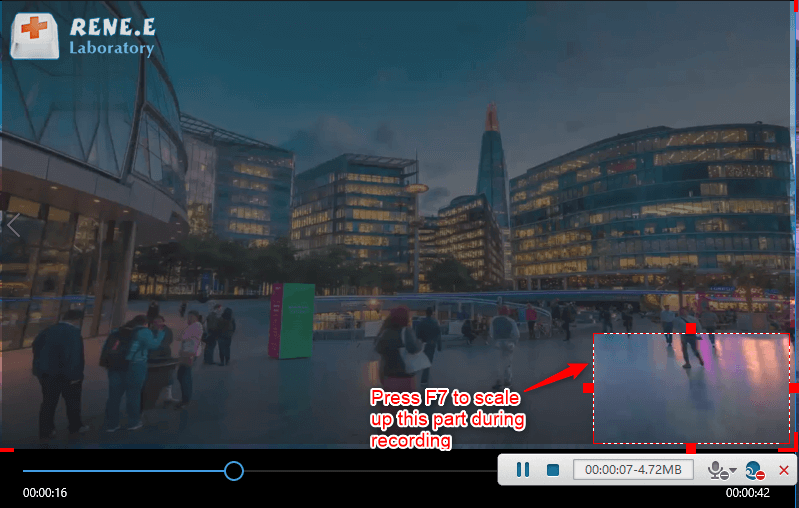
- Target: Supports recording full screen, custom area, and recording images captured by the camera.
- Audio: refers to the sound that needs to be recorded during the content recording process. It supports recording computer sound, microphone sound, and non-recording sound, etc.
- Output: select the storage location of the recorded files
Screen RecordingRecord screen and webcam in Windows computer.
Cut Videos & AudiosUsers are free to cut videos and audios clips with setting start and end time.
Multiple Edit ToolsMerge, crop, rotate, cut and transform video easily. Change and add background music, subtitles and remove watermark from video.
Format ConversionSupport to convert videos and audios into different formats.
Screen Recording Record screen and webcam in Windows computer.
Multiple Edit ToolsCut Videos & Audios Users are free to cut videos and audios clips with setting start and end time.
Multiple Edit ToolsMerge, crop, rotate, cut and transform video easily. Change and add background music, subtitles and remove watermark from video.
Format ConversionSupport to convert videos and audios into different formats.
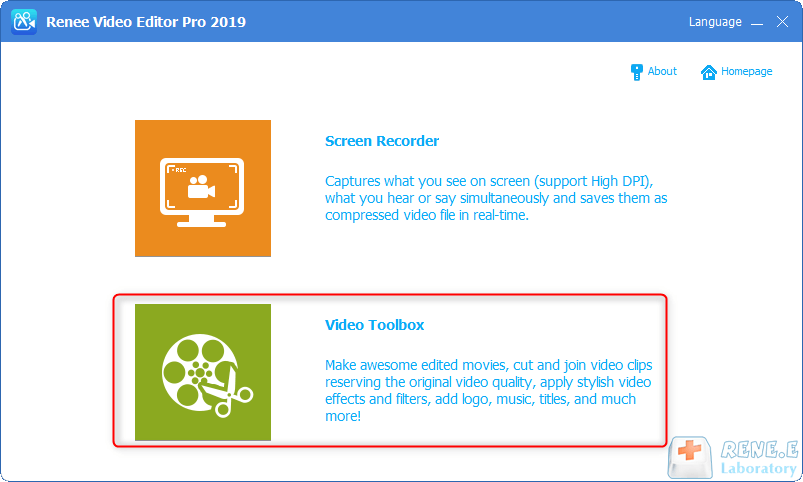
Screen RecordingRecord screen and webcam in Windows computer.
Cut Videos & AudiosUsers are free to cut videos and audios clips with setting start and end time.
Multiple Edit ToolsMerge, crop, rotate, cut and transform video easily. Change and add background music, subtitles and remove watermark from video.
Format ConversionSupport to convert videos and audios into different formats.
Screen Recording Record screen and webcam in Windows computer.
Multiple Edit ToolsCut Videos & Audios Users are free to cut videos and audios clips with setting start and end time.
Multiple Edit ToolsMerge, crop, rotate, cut and transform video easily. Change and add background music, subtitles and remove watermark from video.
Format ConversionSupport to convert videos and audios into different formats.


Relate Links :
Convert PPT to MP4: The Ultimate Guide

09-11-2026
Amanda J. Brook : Learn how to convert PPT to MP4 video format and edit it using Renee Video Editor Pro for...
Download Free Intros for a Video - Your Ultimate Guide
09-11-2026
Amanda J. Brook : Explore a curated selection of websites featuring an array of free title templates to enhance your videos. Dive...
Rotate Videos Online: The Ultimate Guide
09-11-2026
Amanda J. Brook : Learn how to rotate videos using online video editing tools, overcoming limitations in the shooting process and ensuring...
Flip Videos Online: The Ultimate Guide
09-11-2026
Amanda J. Brook : Learn how to flip videos online quickly for improved picture quality by utilizing professional video editing tools available...


User Comments
Leave a Comment