
Screen Mirroring: How to Connect iPhone to PC?

Summary
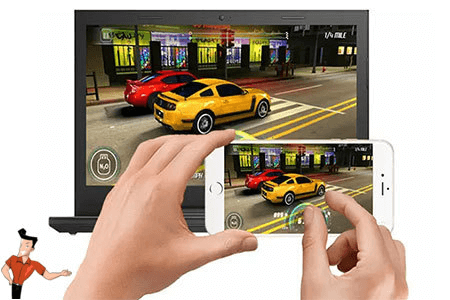
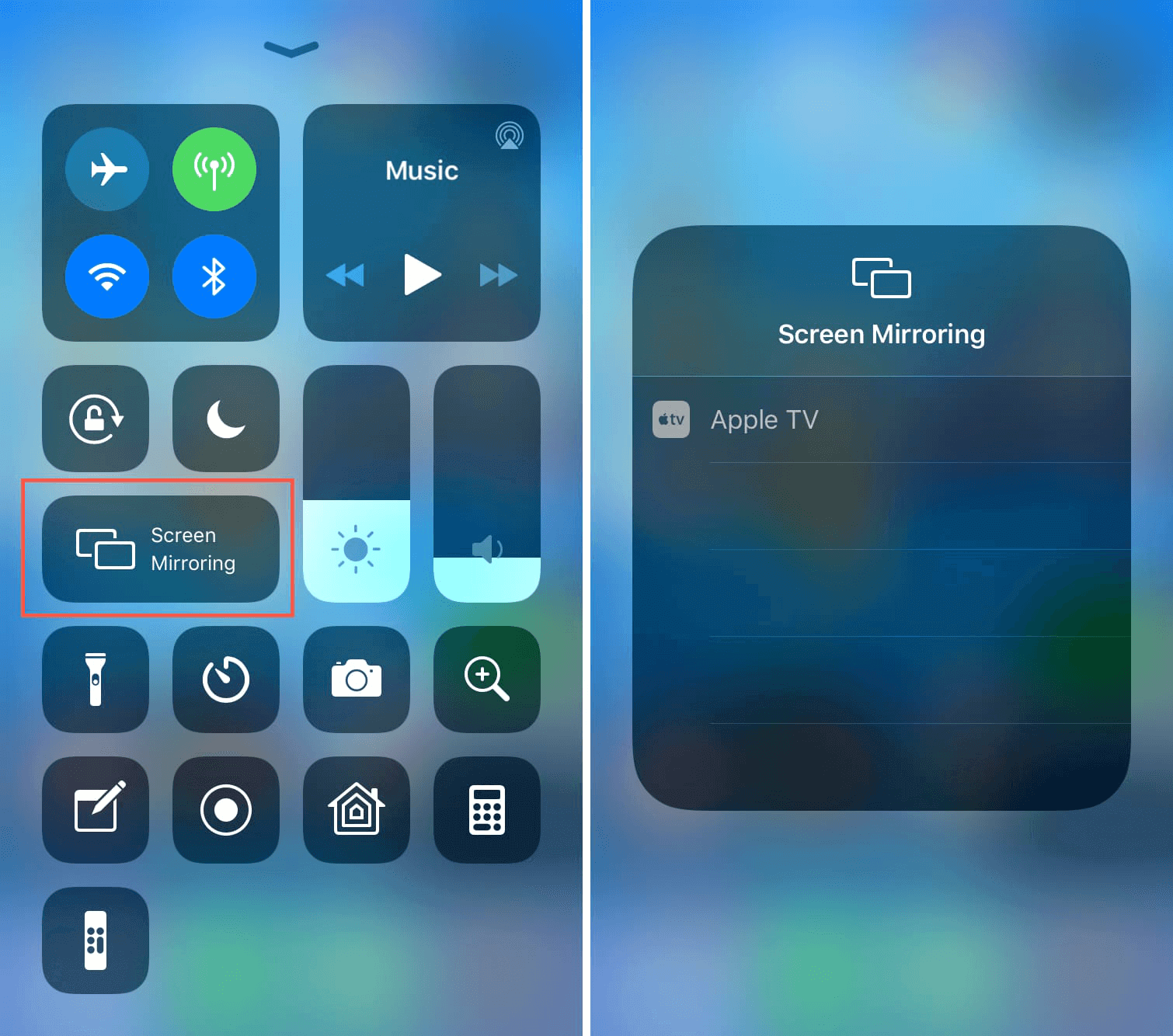
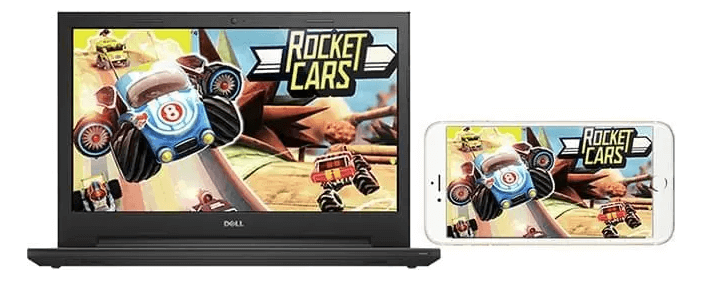
Although our smartphone’s screen is large now, it cannot fulfill the need for those who go for larger and larger screen. It is suggested that you connect iPhone to PC with screen mirroring. What is screen mirroring? How to use this function? Let’s read this article!

Screen RecordingRecord screen and webcam in Windows computer.
Cut Videos & AudiosUsers are free to cut videos and audios clips with setting start and end time.
Multiple Edit ToolsMerge, crop, rotate, cut and transform video easily. Change and add background music, subtitles and remove watermark from video.
Format ConversionSupport to convert videos and audios into different formats.
Screen Recording Record screen and webcam in Windows computer.
Multiple Edit ToolsCut Videos & Audios Users are free to cut videos and audios clips with setting start and end time.
Multiple Edit ToolsMerge, crop, rotate, cut and transform video easily. Change and add background music, subtitles and remove watermark from video.
Format ConversionSupport to convert videos and audios into different formats.
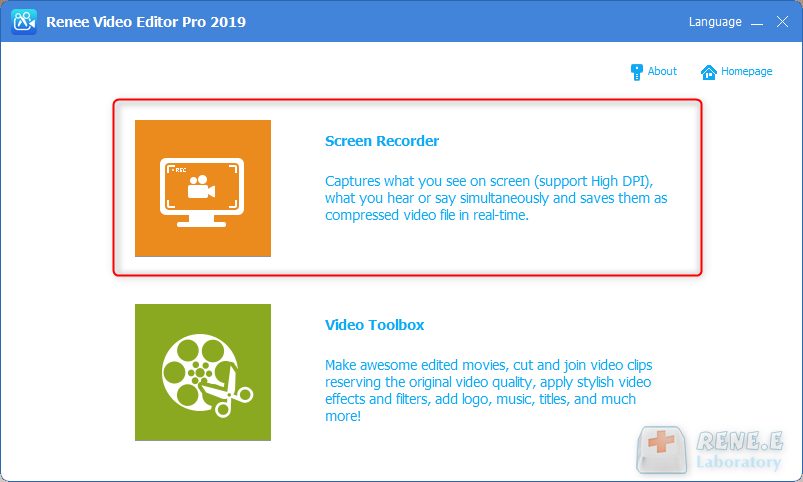
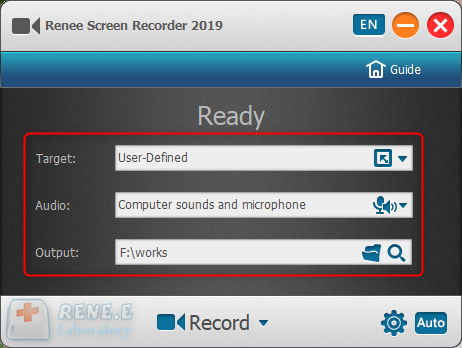
Step 1: Download and install Renee Video Editor Pro. Then, click on [Screen Recorder].

Relate Links :
How To Easily Change Video Formats: Practical Tutorial

09-11-2026
Amanda J. Brook : To change the video format safely, avoid directly altering the suffix name as it can damage the file...
09-11-2026
Amanda J. Brook : Windows Movie Maker, developed by Microsoft, is free video editing software loved by Windows users. It offers practical...
How To Rapidly Rip Blu-ray Discs: The Ultimate Guide
09-11-2026
Ashley S. Miller : Master how to rip blu ray for seamless mobile viewing with our expert guide on advanced tools and...


User Comments
Leave a Comment