
How to Convert PowerPoint to Video?

Summary
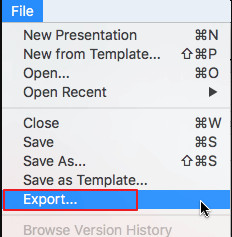
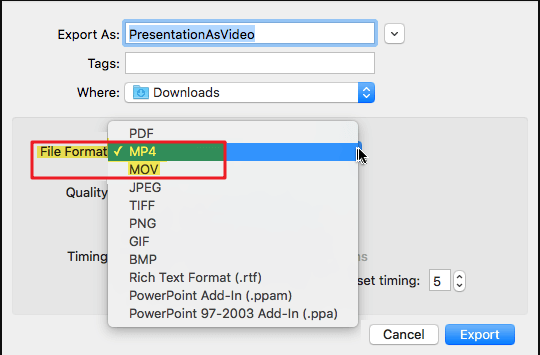
PPT, also known as Microsoft Office PowerPoint, is usually used in speech and presentation. In fact, PowerPoint can be converted to video. In this essay, we will show you how to convert PowerPoint to video on Windows and Mac OS.



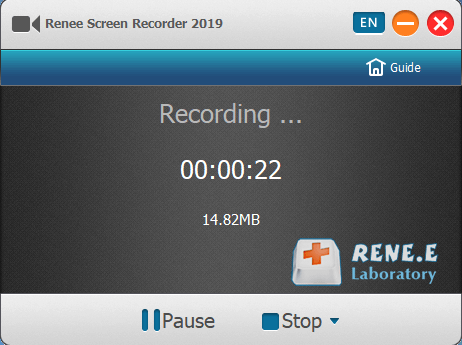
Screen RecordingRecord screen and webcam in Windows computer.
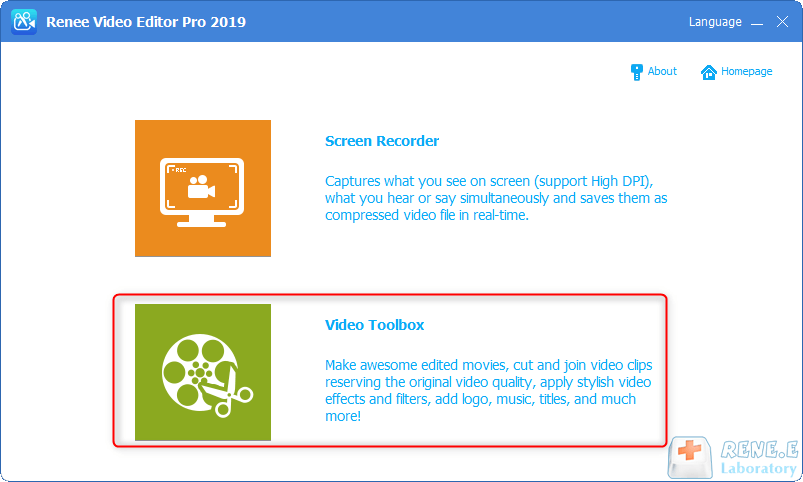
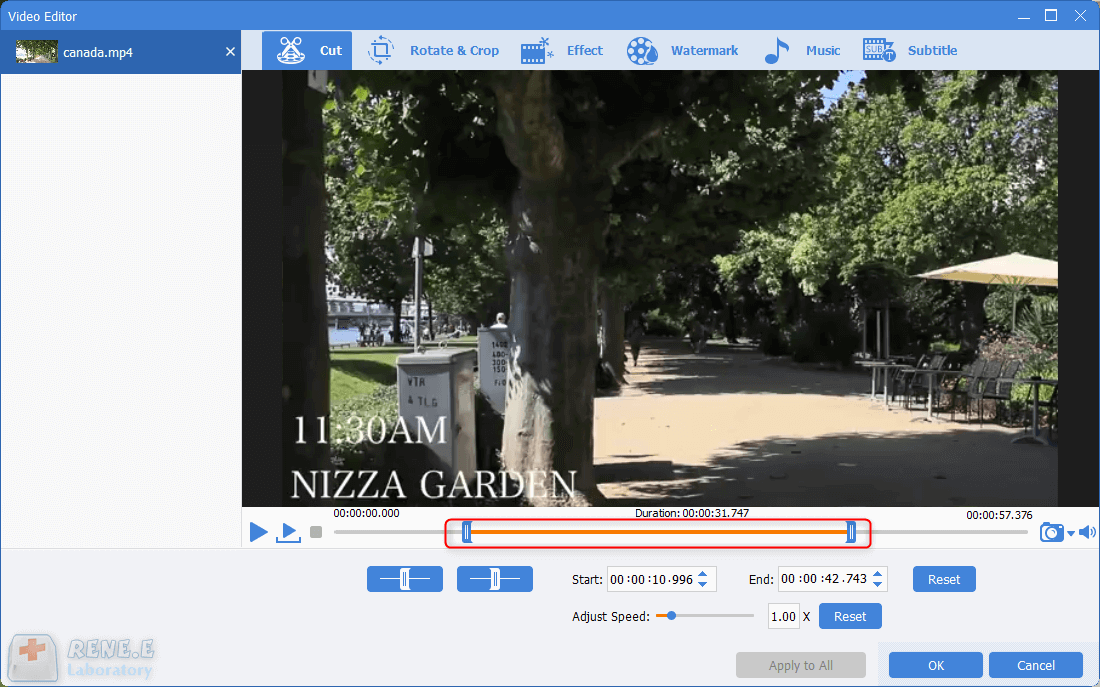
Cut Videos & AudiosUsers are free to cut videos and audios clips with setting start and end time.
Multiple Edit ToolsMerge, crop, rotate, cut and transform video easily. Change and add background music, subtitles and remove watermark from video.
Format ConversionSupport to convert videos and audios into different formats.
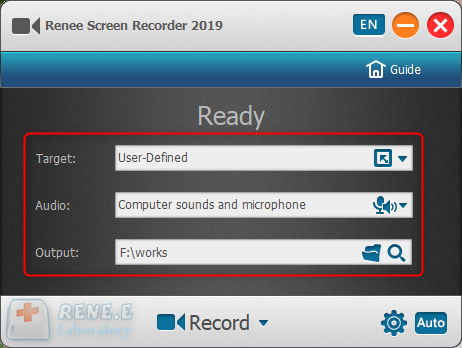
Screen Recording Record screen and webcam in Windows computer.
Multiple Edit ToolsCut Videos & Audios Users are free to cut videos and audios clips with setting start and end time.
Multiple Edit ToolsMerge, crop, rotate, cut and transform video easily. Change and add background music, subtitles and remove watermark from video.
Format ConversionSupport to convert videos and audios into different formats.
Relate Links :
How to Embed Video in PowerPoint?

09-11-2026
Amanda J. Brook : In this essay, we will talk about how to embed video to PowerPoint with two ways. You can...
Screen Mirroring: How to Connect iPhone to PC?

09-11-2026
Ashley S. Miller : Although our smartphone’s screen is large now, it cannot fulfill the need for those who go for larger...


User Comments
Leave a Comment