
How to Burn Netflix Movies to DVD?

Summary
Netflix members can watch their favorites TV play, movies and the Netflix original shows. In this article, we will talk about how to save Netflix movies and burn to DVD.
Part 1: About Netflix
In Netflix, movies and TV shows are provided by the video providers, distributors, producers and creators. Netflix gets the license agreements from these suppliers. Since these license agreements are not identical, some of them cannot be downloaded.
Part 2: How to Recor&Edit Netflix Movies
1. Record

Screen RecordingRecord screen and webcam in Windows computer.
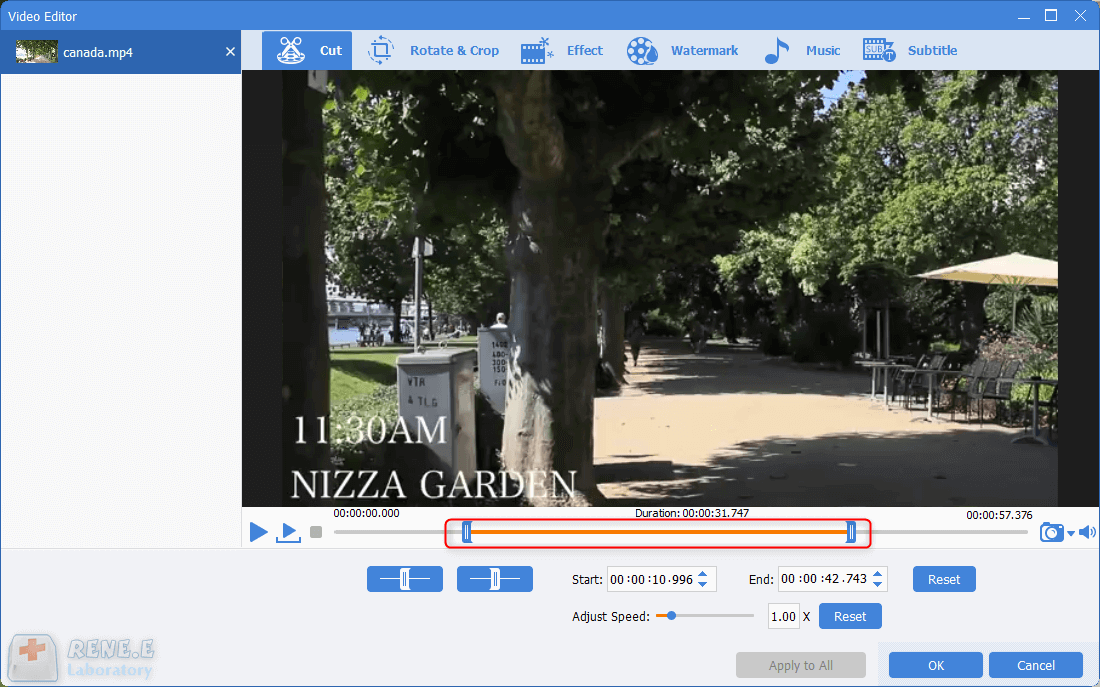
Cut Videos & AudiosUsers are free to cut videos and audios clips with setting start and end time.
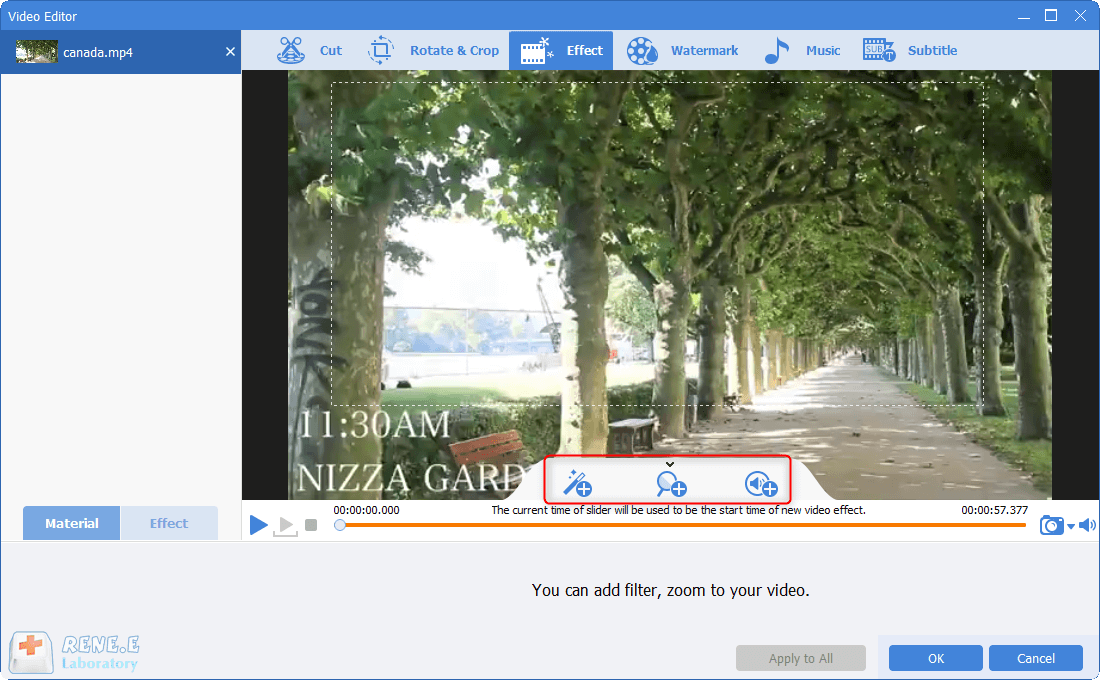
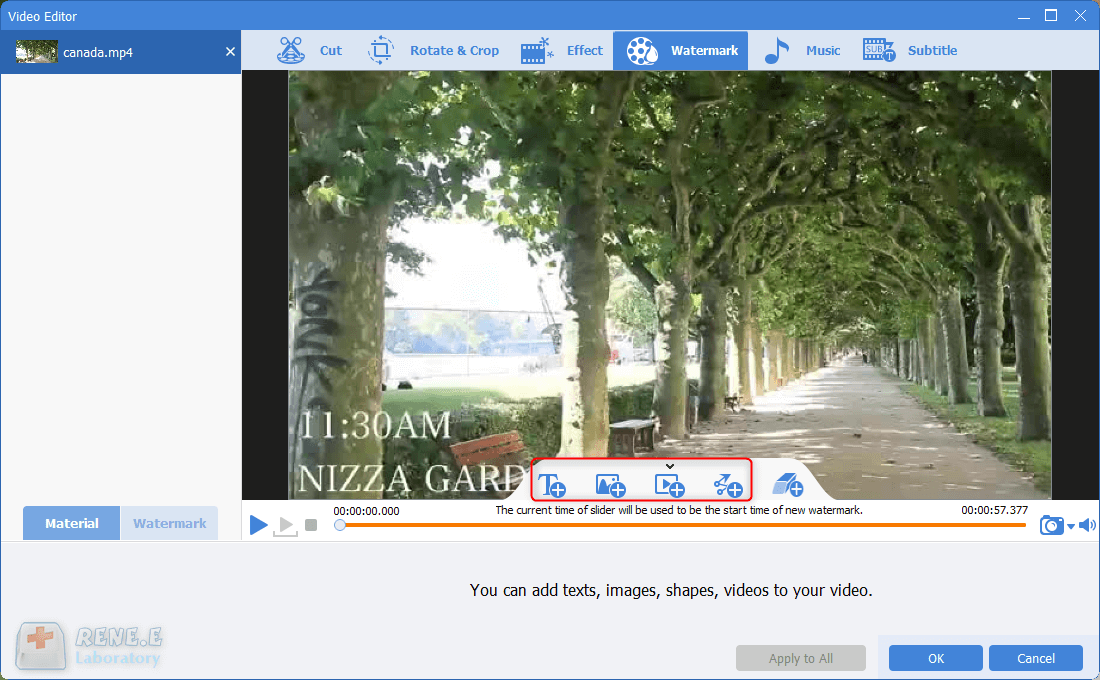
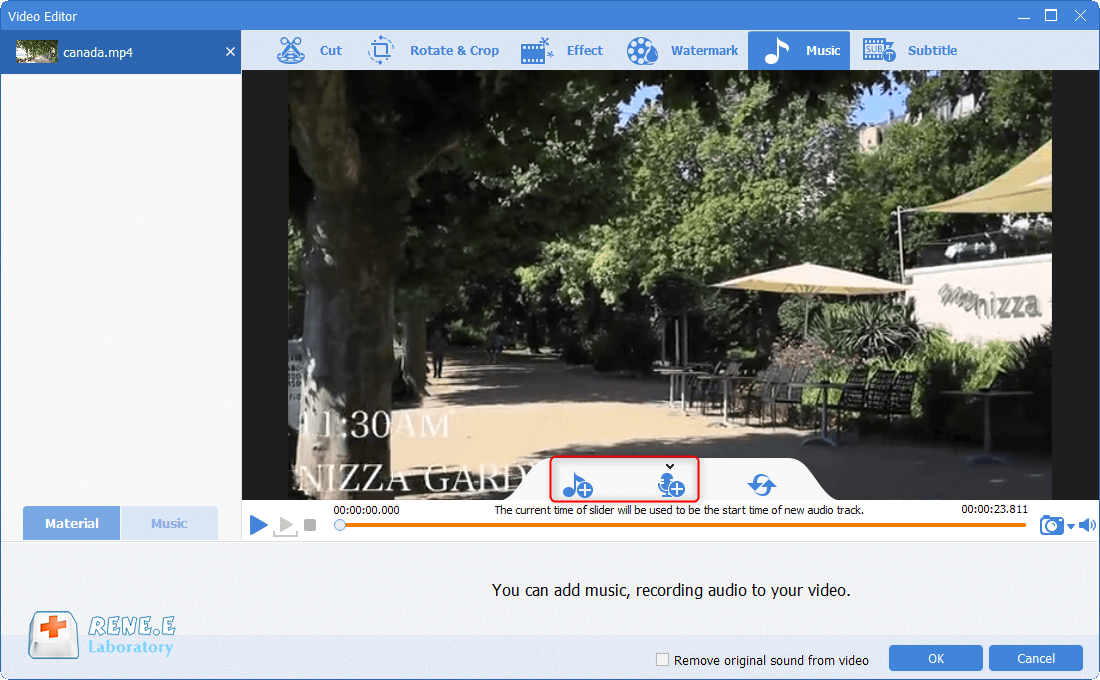
Multiple Edit ToolsMerge, crop, rotate, cut and transform video easily. Change and add background music, subtitles and remove watermark from video.
Format ConversionSupport to convert videos and audios into different formats.
Screen Recording Record screen and webcam in Windows computer.
Multiple Edit ToolsCut Videos & Audios Users are free to cut videos and audios clips with setting start and end time.
Multiple Edit ToolsMerge, crop, rotate, cut and transform video easily. Change and add background music, subtitles and remove watermark from video.
Format ConversionSupport to convert videos and audios into different formats.
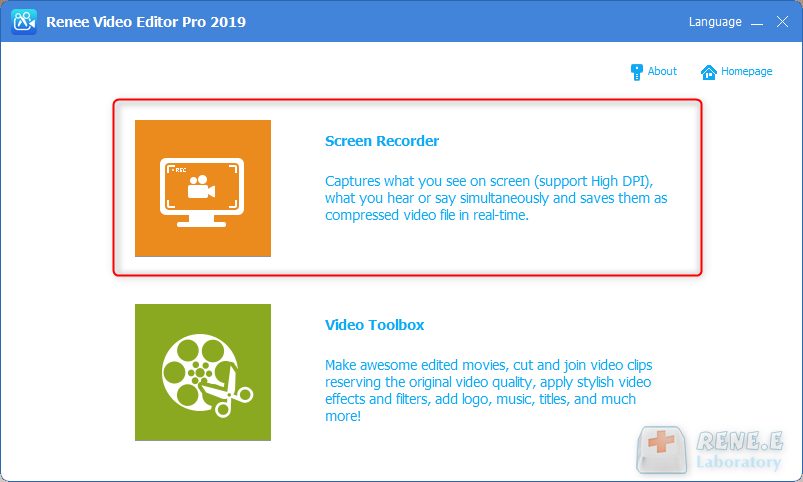
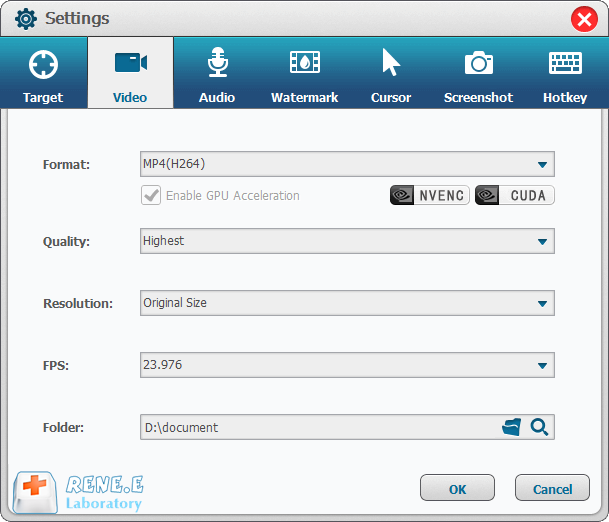
① Open Renee Video Editor Pro and select [Screen Recorder].
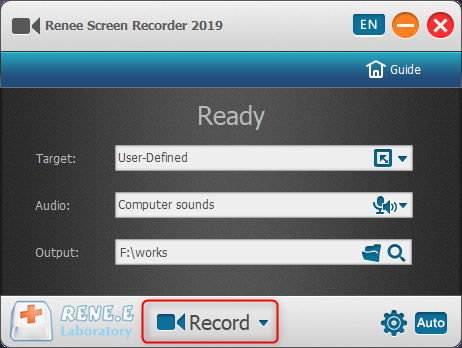
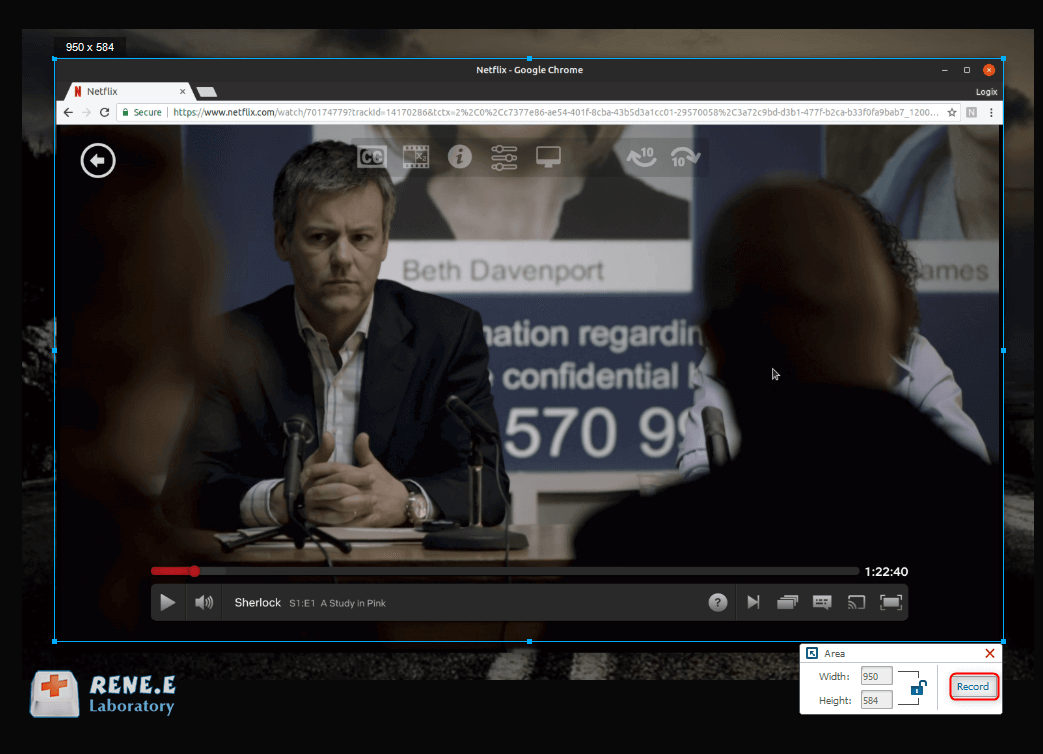
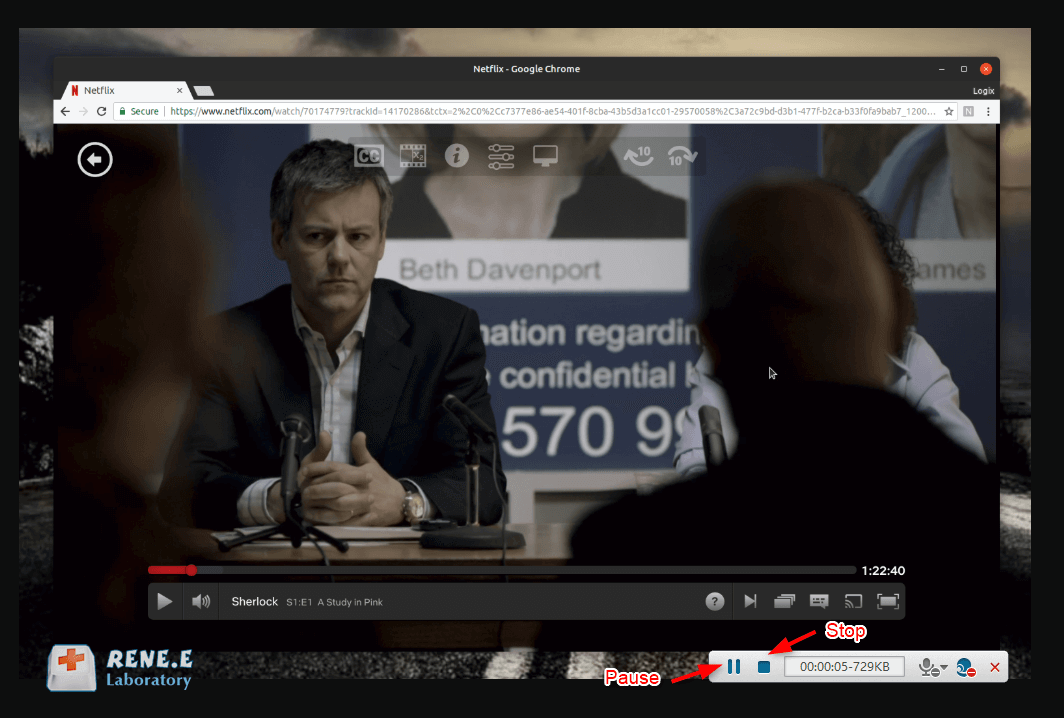
2. Edit
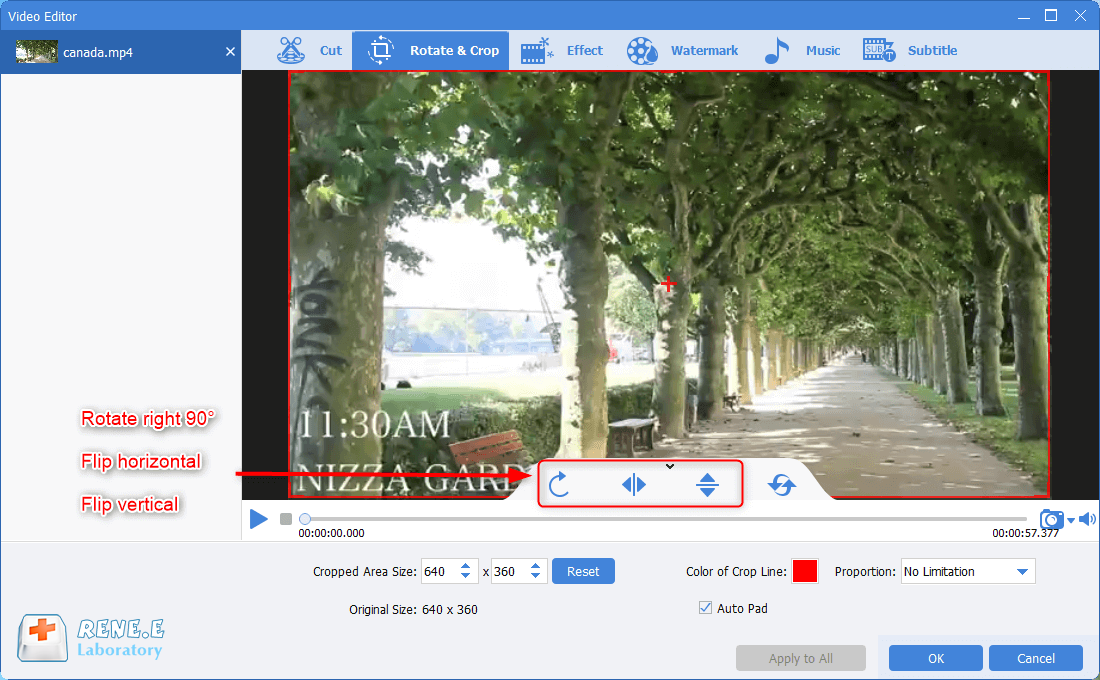
Steps:
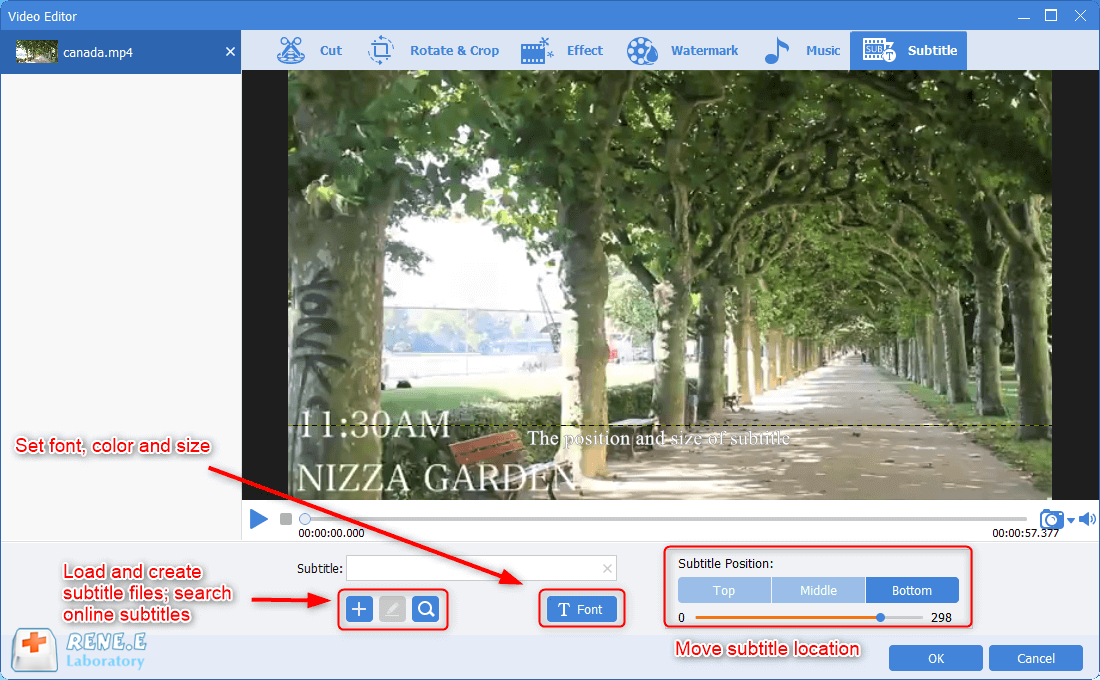
① Rotate and crop. We can crop a section of the screen by moving the box and set the specific area. If the video screen is upside down, we can use this function to rotate it to the normal position.
Part 3: How to Burn Netflix Movies to DVD
Steps:
① Inset a blank DVD into the CD slot.
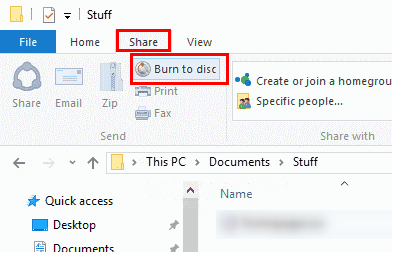
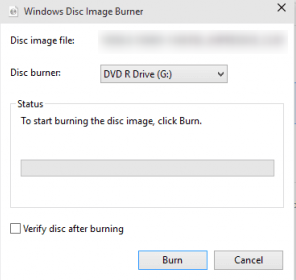
② Find out the recoded Netflix movie and click at it. Then, click [Share] > [Burn to disc] at the top menu.
Relate Links :
Download Netflix Movies and Add Subtitles: A Complete Guide

09-11-2026
John Weaver : Learn how to download Netflix movies for free and add subtitles to your downloads with this helpful article...
Must-Have YouTube Downloaders for Easy Video Access

09-11-2026
Amanda J. Brook : Discover the top 5 YouTube downloaders to easily save and watch your favorite videos offline. Gain access to...
Mastering Video Editing in 2024: Top 5 MP4 Editors
09-11-2026
Amanda J. Brook : Entdecken Sie einen vielseitigen und benutzerfreundlichen MP4-Videobearbeiter, der ideal für all Ihre Bearbeitungsbedürfnisse ist. Wir haben für Sie...


User Comments
Leave a Comment