
Slow Motion Video Maker: Video Editing Software

Summary
Learn how to achieve stunning slow motion effects in your videos with the help of top-notch video editing software. Discover useful tools and techniques in this article.


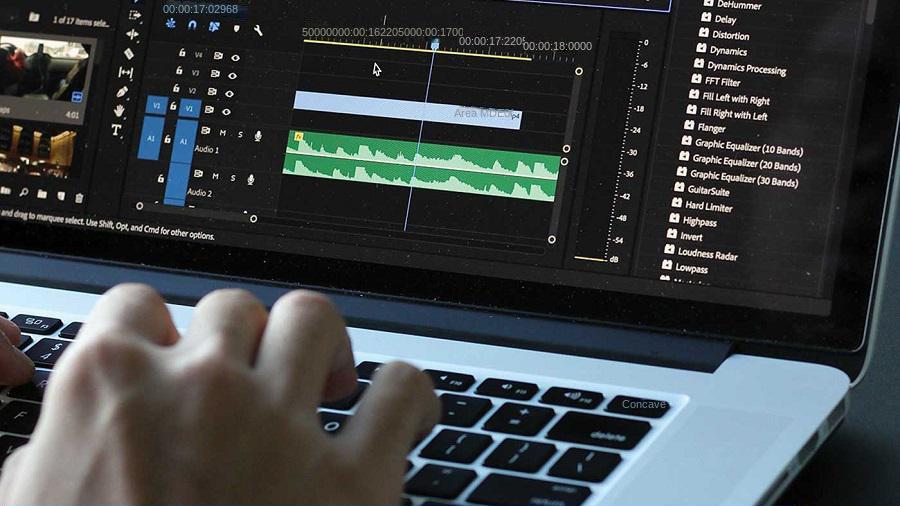
- When editing a video, in order to create a romantic, tense and other atmosphere.
- Recreate key moments in sports games and replay the scenes at that time.
- Show some natural phenomena, such as the moment when water drops fall.
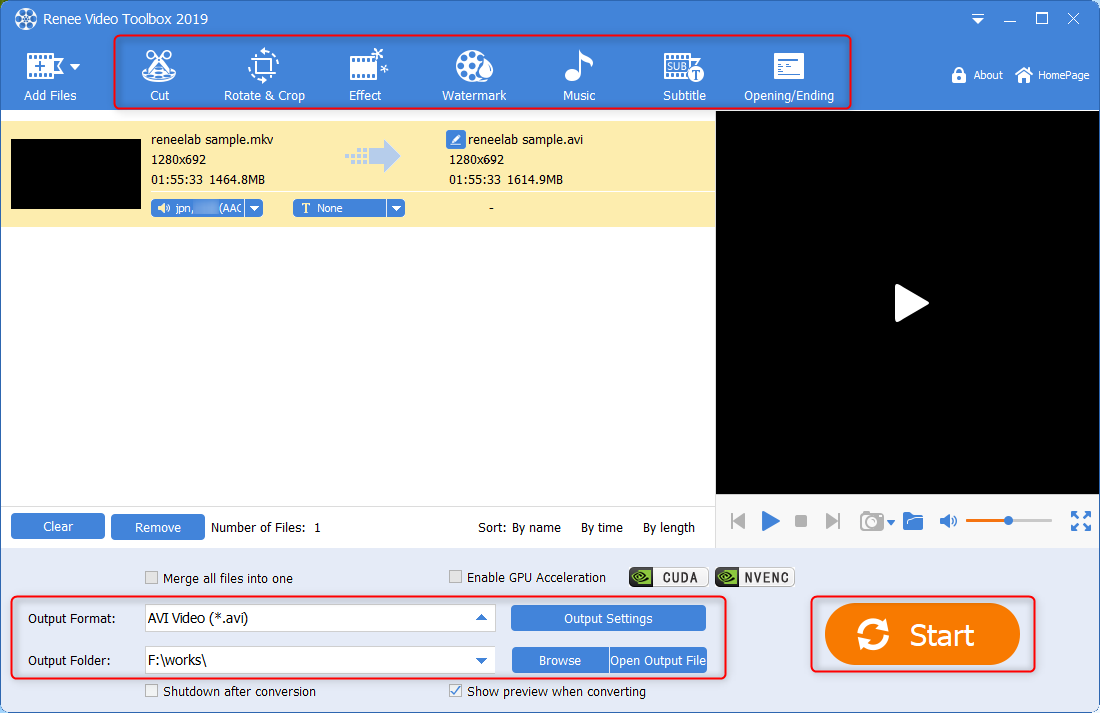
The software is adept at handling tasks like clip editing and merging, frame cropping, as well as video rotation and flipping. Enhance your videos further by adding animations and transition effects. Users have the flexibility to apply filters, dub videos, add or remove soundtracks, and craft engaging narratives with the ability to create or import custom subtitles.
Renee Video Editor Pro also boasts user-friendly controls for generating slow-motion effects, giving your videos that professional cinematic touch. For comprehensive instructions on utilizing these features, make sure to visit our guide.

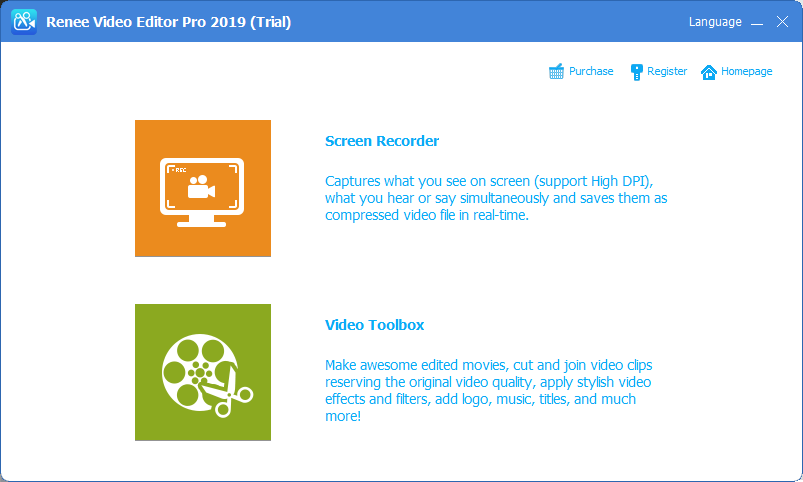
Screen RecordingRecord screen and webcam in Windows computer.
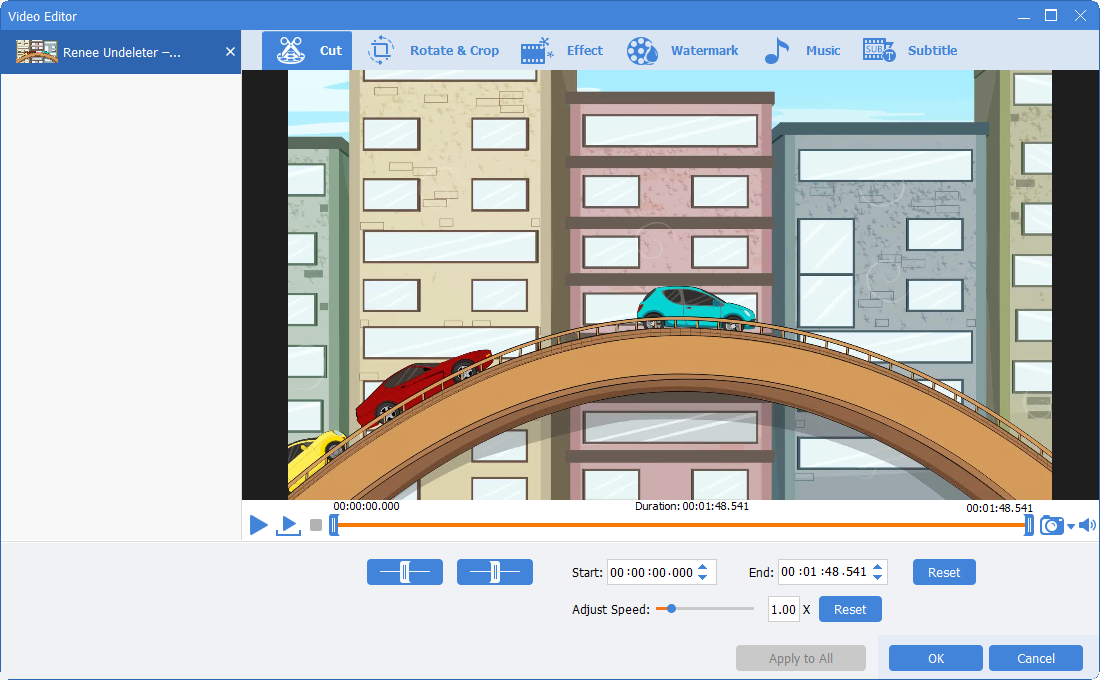
Cut Videos & AudiosUsers are free to cut videos and audios clips with setting start and end time.
Multiple Edit ToolsMerge, crop, rotate, cut and transform video easily. Change and add background music, subtitles and remove watermark from video.
Format ConversionSupport to convert videos and audios into different formats.
Screen Recording Record screen and webcam in Windows computer.
Multiple Edit ToolsCut Videos & Audios Users are free to cut videos and audios clips with setting start and end time.
Multiple Edit ToolsMerge, crop, rotate, cut and transform video easily. Change and add background music, subtitles and remove watermark from video.
Format ConversionSupport to convert videos and audios into different formats.
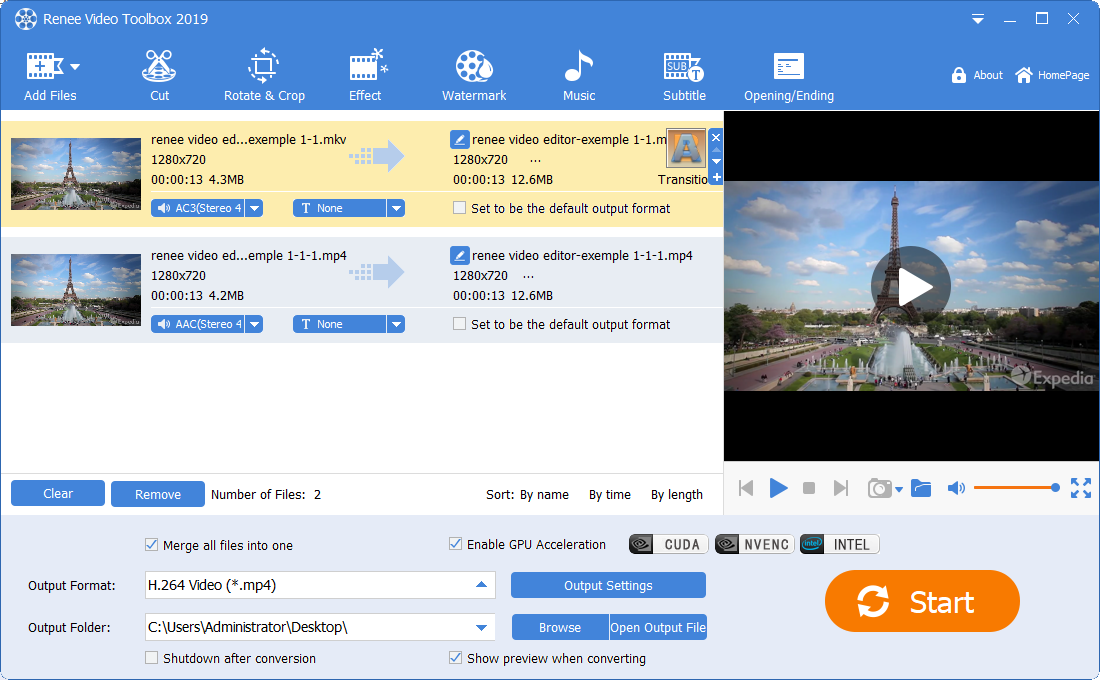
- Provides editing functions such as cutting, merging, video speed adjustment, filter, and subtitles.
- Record any content on any computer screen or camera.
- Supports importing and converting almost all popular video and audio formats.
- Various audio file formats can be edited.

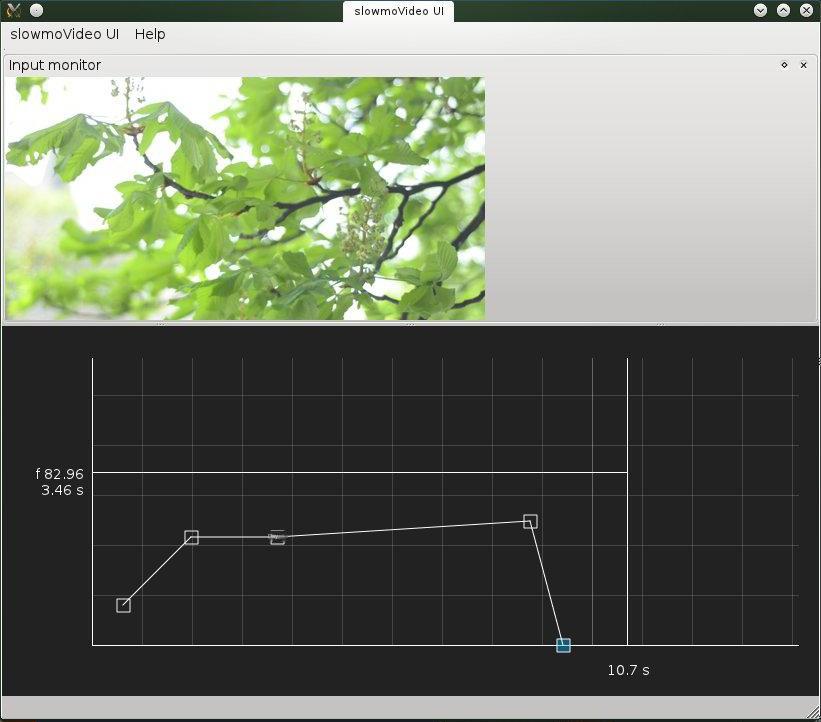
- Videos in any format supported by FFmpeg can be loaded, as can image sequences.
- Time-lapse videos with fewer frames or images can also be created with Slowmovideo.
- This video editing tool allows you to include an unlimited amount of motion blur effects in your video.
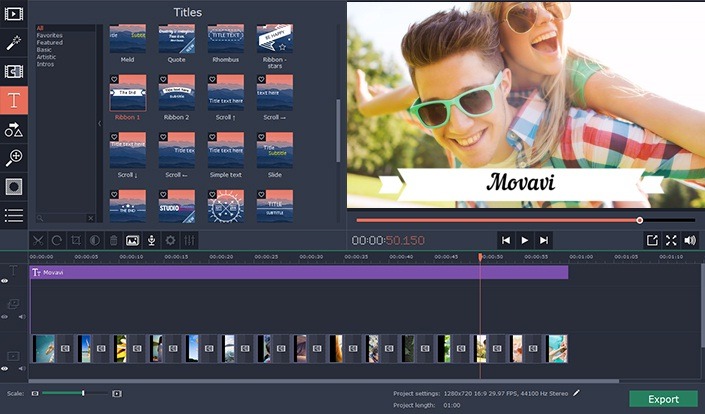
- Comprehensive video editing functions, such as rotate, crop, add music, add subtitles, merge or split videos.
- Provide a variety of professional video filter effects.
- Video stabilization feature that removes distortion without compromising video quality.
- Edit or create 3D videos.
- Create beautiful slideshows from pictures, or attach images with fades to the beginning or end of a video.
- Save edited videos to external devices, YouTube, or even burn them to DVD.
- Can record real-time video or audio.
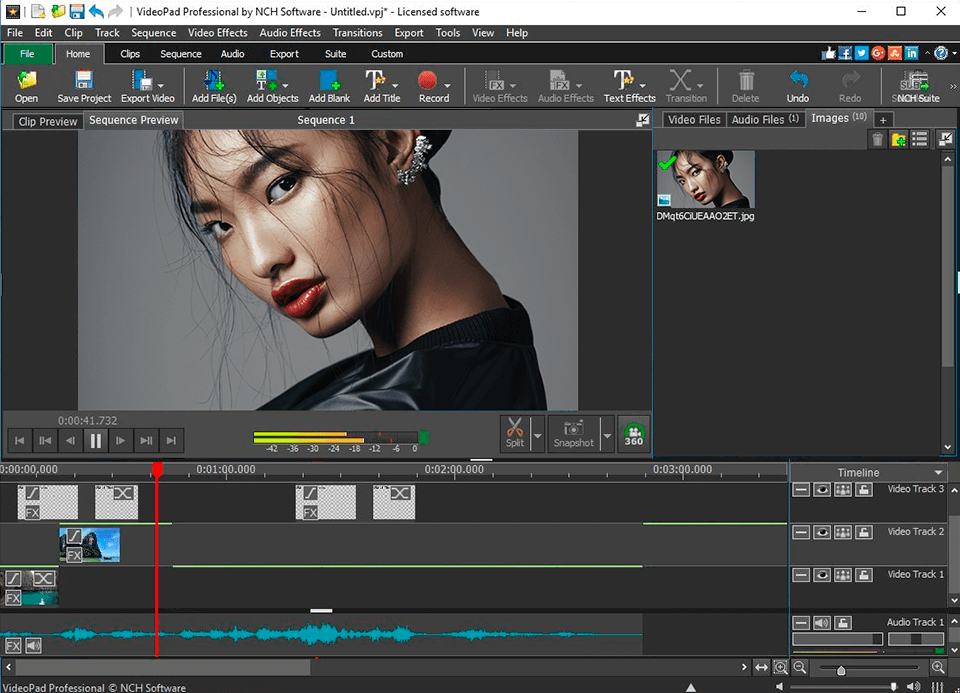
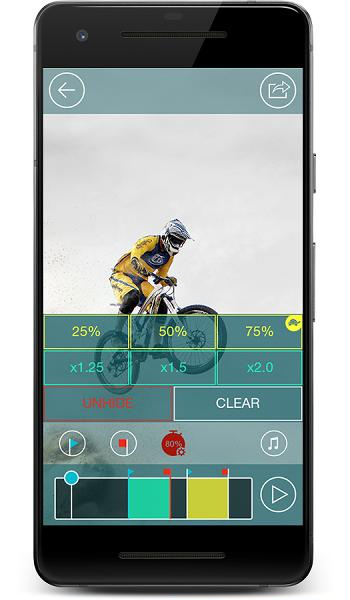
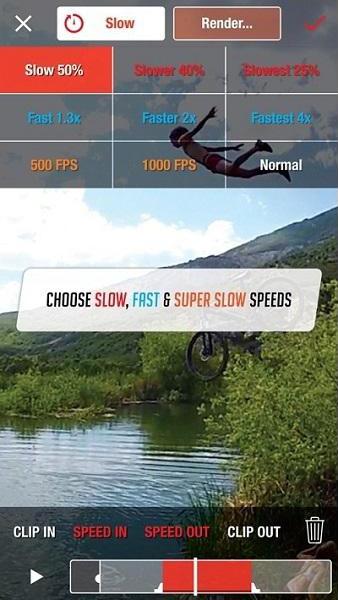
- Slow down or speed up video playback.
- Allows 3D video editing and 2D to 3D video conversion.
- Video stabilization to reduce camera shake for clear video.
- Various video transition effects, such as crossfade, fade to black, dissolve, etc.
- Edit audio and add audio effects like merge, echo, etc.
- Some common video editing functions, such as adding music, adding subtitles, adding filters, cropping, rotating, adding watermarks, etc.
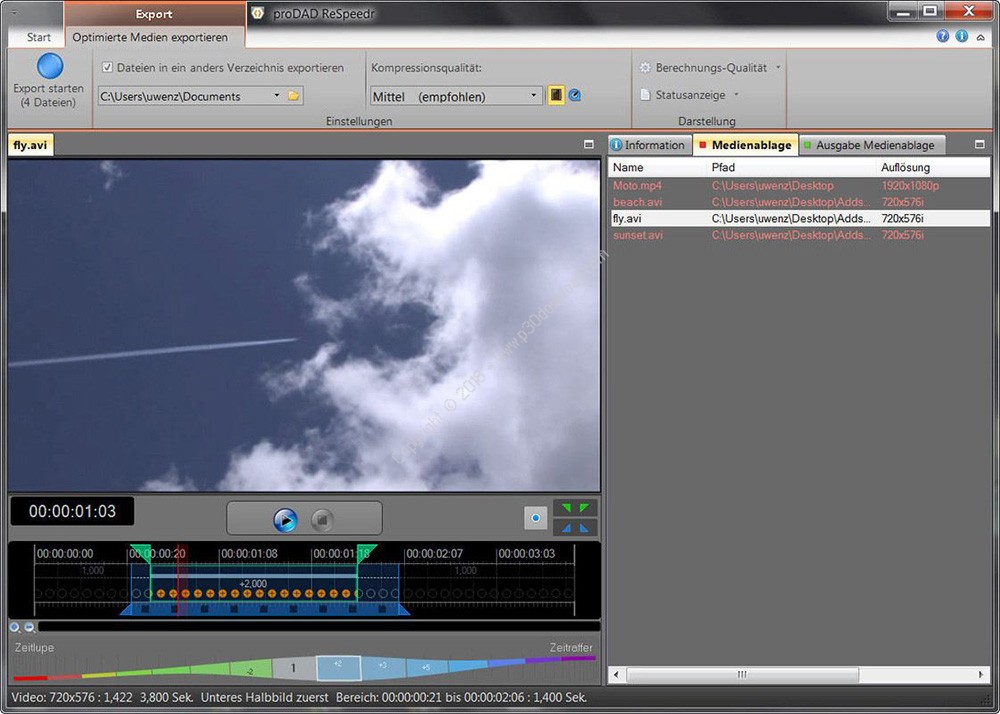
- Simple and effective tool to adjust video speed, add slow motion effect, and convert frame rate.
- Create high-quality slow-motion videos.
- Slow motion and time-lapse can also be used in combination with keyframe controls.
- ReSpeedr supports 2.7K, 4K, and higher video resolutions.
- Features real-time preview and ultra-fast rendering with CPU and GPU support.
- Simple and intuitive user interface.
Relate Links :
Recommended Video Maker Software: Create Stunning Videos for Free

09-11-2026
Amanda J. Brook : Entdecken Sie kostenlose Videoproduktionssoftware mit umfassenden Funktionen und bequemer Bedienung. Erforschen Sie unsere Top-Auswahl für die Erstellung hochwertiger...
Top Blu-ray Video Players Software
09-11-2026
Amanda J. Brook : Discover the top Blu-ray player software and learn how to convert and edit Blu-ray movies in this comprehensive...
Best Free Video Editing Software with No Watermark: Our Top Picks
09-11-2026
Amanda J. Brook : Discover the best free video editing software no watermark for Windows and Mac. Enhance your videos with professional...
Better Alternatives to Aviutl Video Editing Software
09-11-2026
Amanda J. Brook : Check out these alternative video editing software options if AviUtl is not suitable for your needs. Edit a...


User Comments
Leave a Comment