
Top Blu-ray Video Players Software

Summary
Discover the top Blu-ray player software and learn how to convert and edit Blu-ray movies in this comprehensive article.




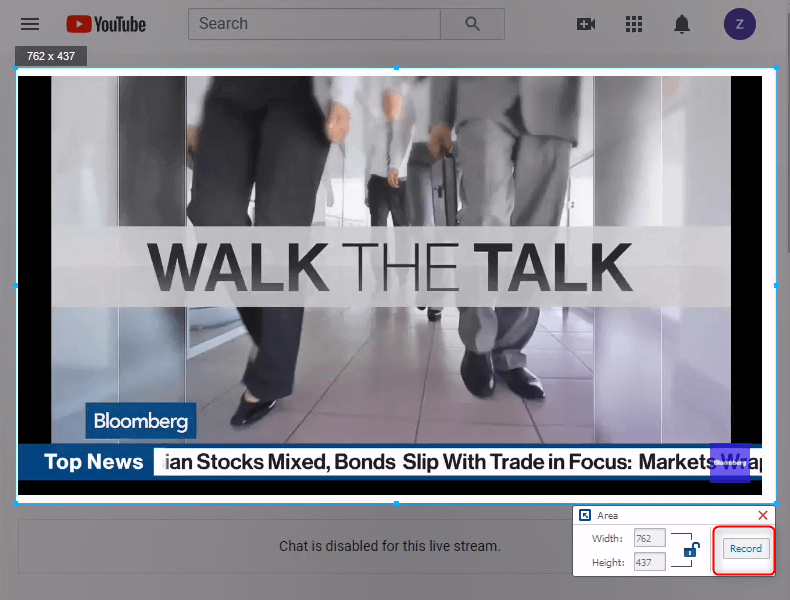
Screen RecordingRecord screen and webcam in Windows computer.
Cut Videos & AudiosUsers are free to cut videos and audios clips with setting start and end time.
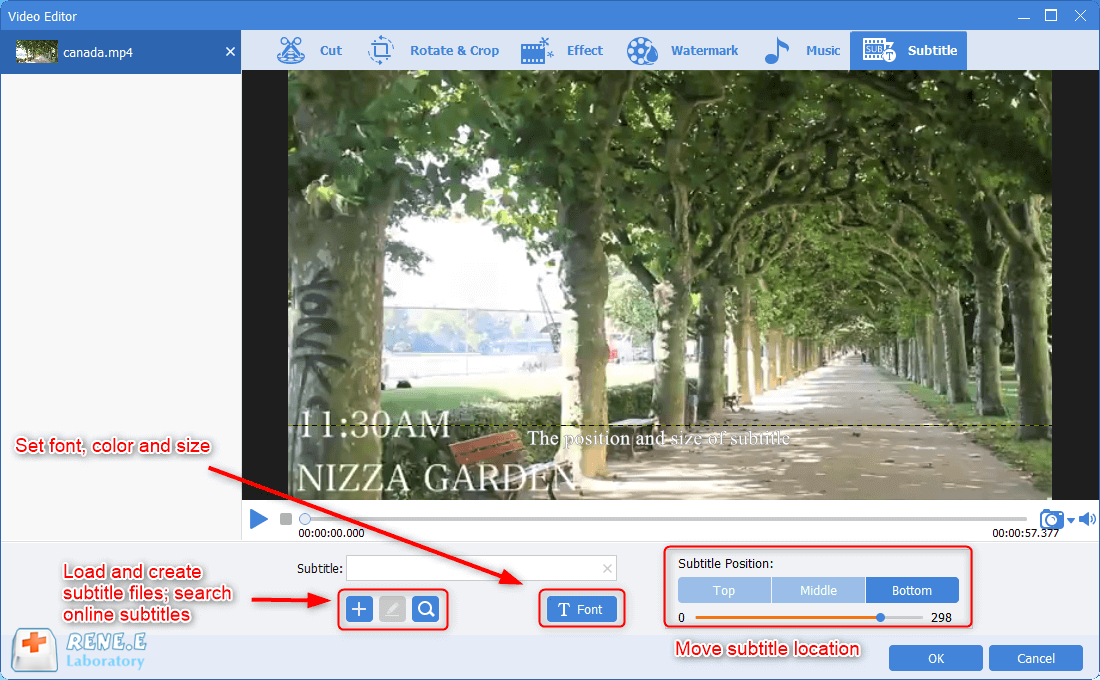
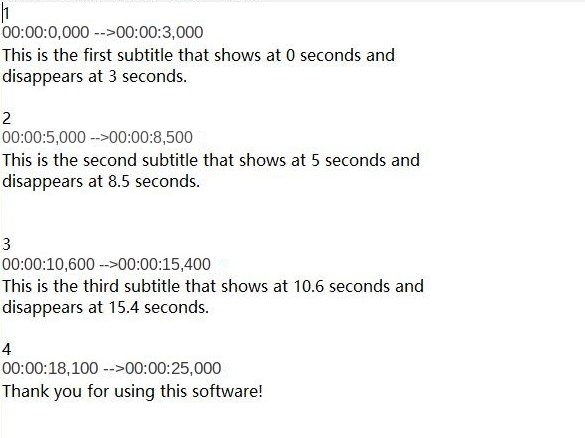
Multiple Edit ToolsMerge, crop, rotate, cut and transform video easily. Change and add background music, subtitles and remove watermark from video.
Format ConversionSupport to convert videos and audios into different formats.
Screen Recording Record screen and webcam in Windows computer.
Multiple Edit ToolsCut Videos & Audios Users are free to cut videos and audios clips with setting start and end time.
Multiple Edit ToolsMerge, crop, rotate, cut and transform video easily. Change and add background music, subtitles and remove watermark from video.
Format ConversionSupport to convert videos and audios into different formats.
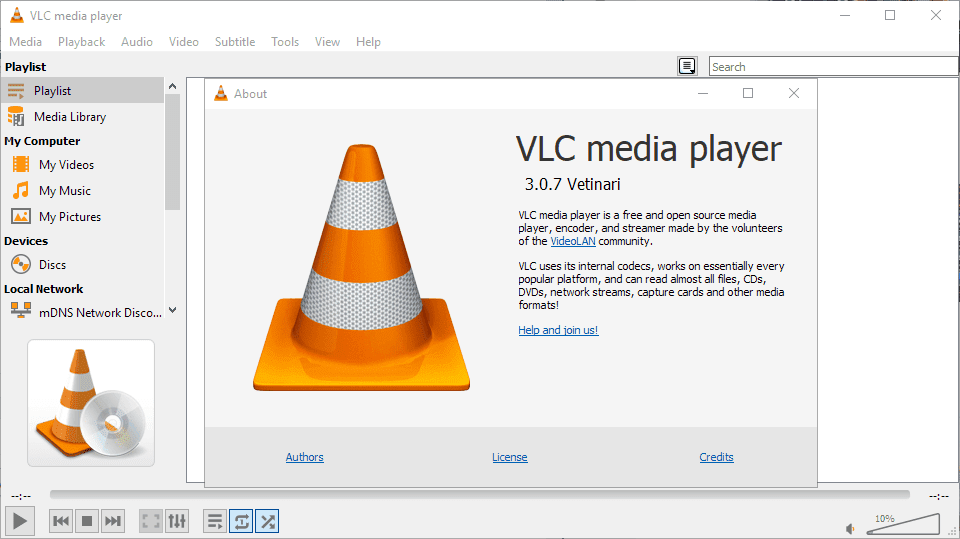
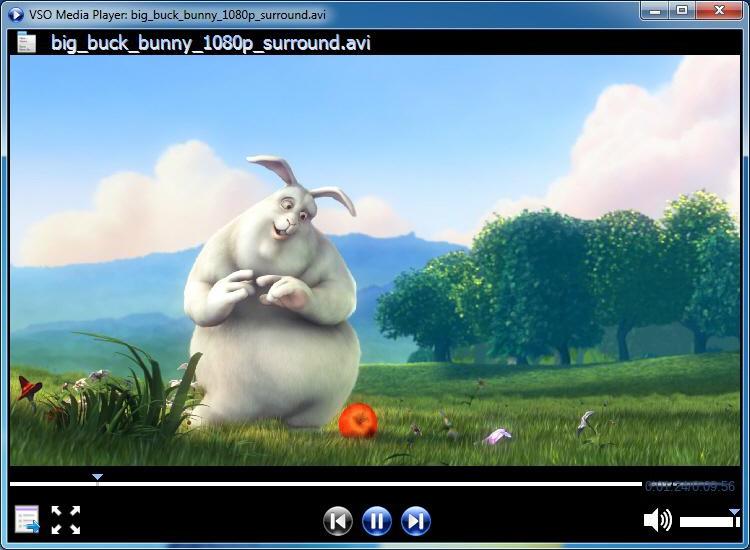
AVI, MPEG, WMV, MP4, FLV, RMVB, MOV, Xvid, 3GP, and high-definition videos like HD MP4, HD AVI, HD MOV, HD TS, TRP, and HD ASF.
Screen RecordingRecord screen and webcam in Windows computer.
Cut Videos & AudiosUsers are free to cut videos and audios clips with setting start and end time.
Multiple Edit ToolsMerge, crop, rotate, cut and transform video easily. Change and add background music, subtitles and remove watermark from video.
Format ConversionSupport to convert videos and audios into different formats.
Screen Recording Record screen and webcam in Windows computer.
Multiple Edit ToolsCut Videos & Audios Users are free to cut videos and audios clips with setting start and end time.
Multiple Edit ToolsMerge, crop, rotate, cut and transform video easily. Change and add background music, subtitles and remove watermark from video.
Format ConversionSupport to convert videos and audios into different formats.
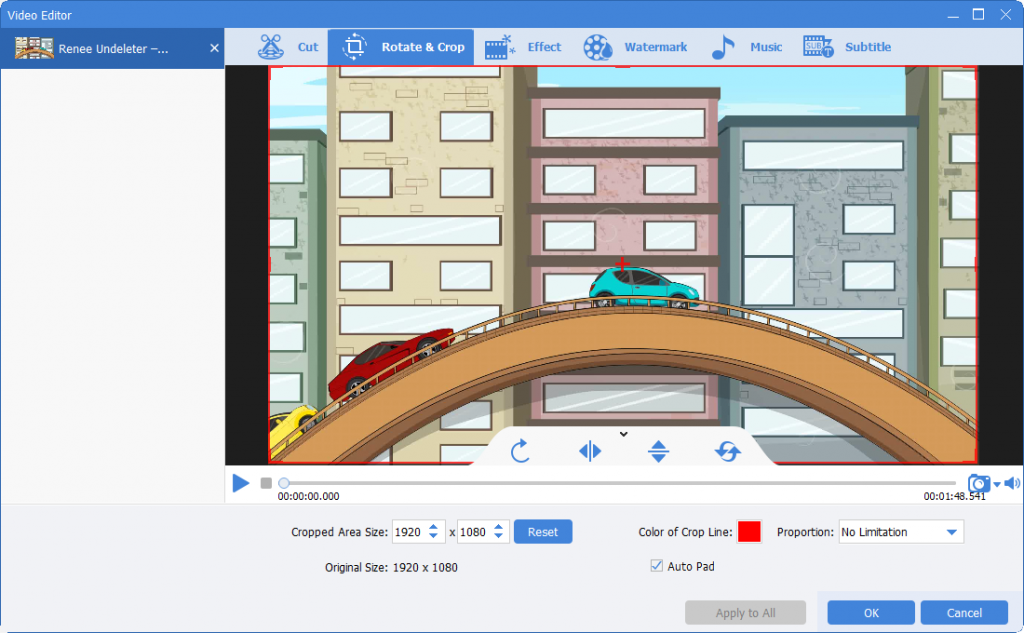
- Add filter effects
After entering the “Filter Effects” page, you can not only choose a single special effect or superimpose multiple special effects, but also manually adjust the contrast, brightness and saturation.
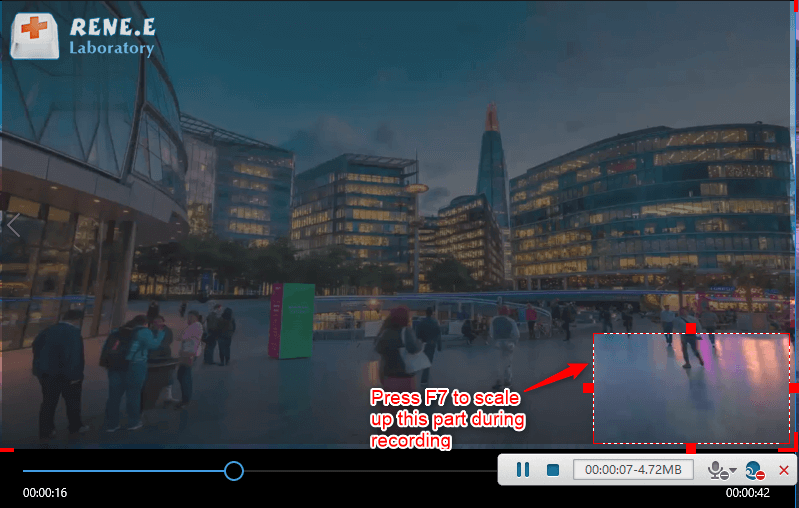
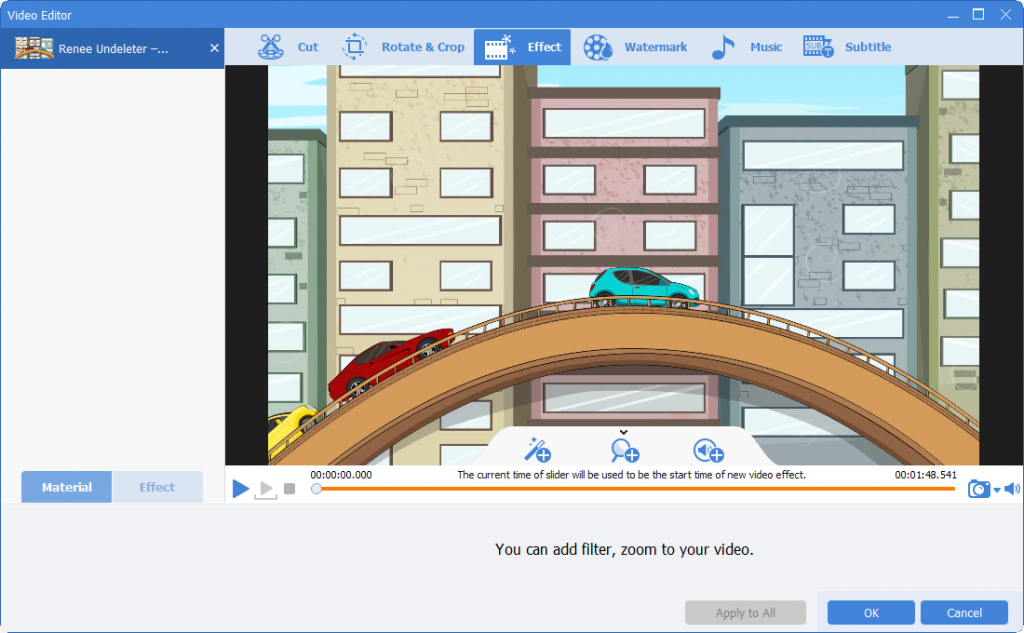
- Add zoom effect
Drag the border to select the range of partial zoom, and then drag the progress bar to specify the partial video zoom in a certain time period, or set the start and end time columns, and also set the zoom ratio.
- Add volume effects
If you want to increase or decrease the volume of a certain part of the video, you can click “Volume Effect” to modify it.
Relate Links :
Free Anime Websites: Ultimate Guide To Recording Videos

09-11-2026
Ashley S. Miller : Discover the top animation websites for all ages and learn video recording and editing techniques in this comprehensive...
How To Rapidly Rip Blu-ray Discs: The Ultimate Guide
09-11-2026
Ashley S. Miller : Master how to rip blu ray for seamless mobile viewing with our expert guide on advanced tools and...
Convert TS files to AVI format in a snap!

09-11-2026
Jennifer Thatcher : Read this article you will Learn how to convert TS to AVI format quickly and easily, and play...


User Comments
Leave a Comment